Visual design
Colour, type, spacing and hierarchy that look professional.
A practical, project-based course that takes you from first sketch to a portfolio-ready app design, with feedback from working designers.
★★★★★ 4.9 from 3,200+ students
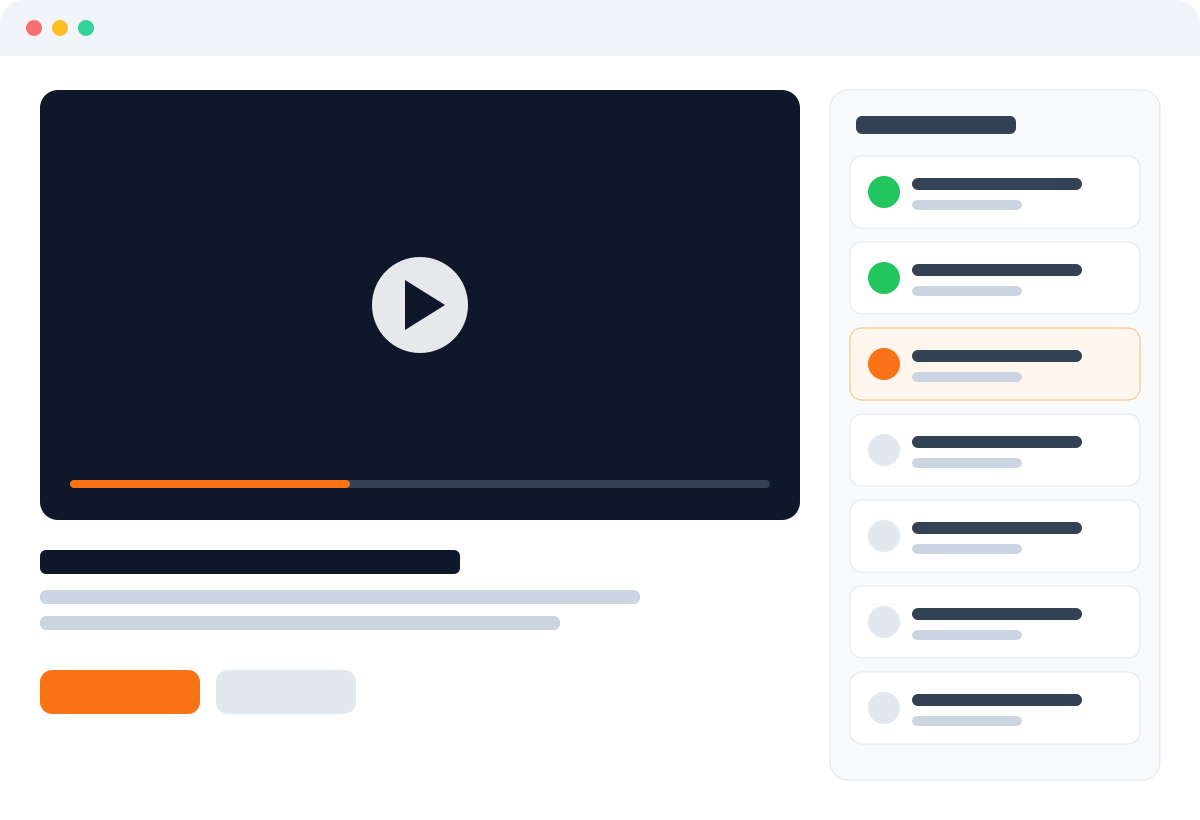
Course preview
Sit in on lesson one: how a good interface starts as a sketch, and what you will build in week one.
Every module ends with a real project for your portfolio.
Submit work every week and get notes from your tutor.
Lessons are short, with lifetime access to replay them.
Curriculum
Learn the principles that make interfaces feel clear and calm.
Plan, wireframe and design a complete mobile app with feedback at every step.
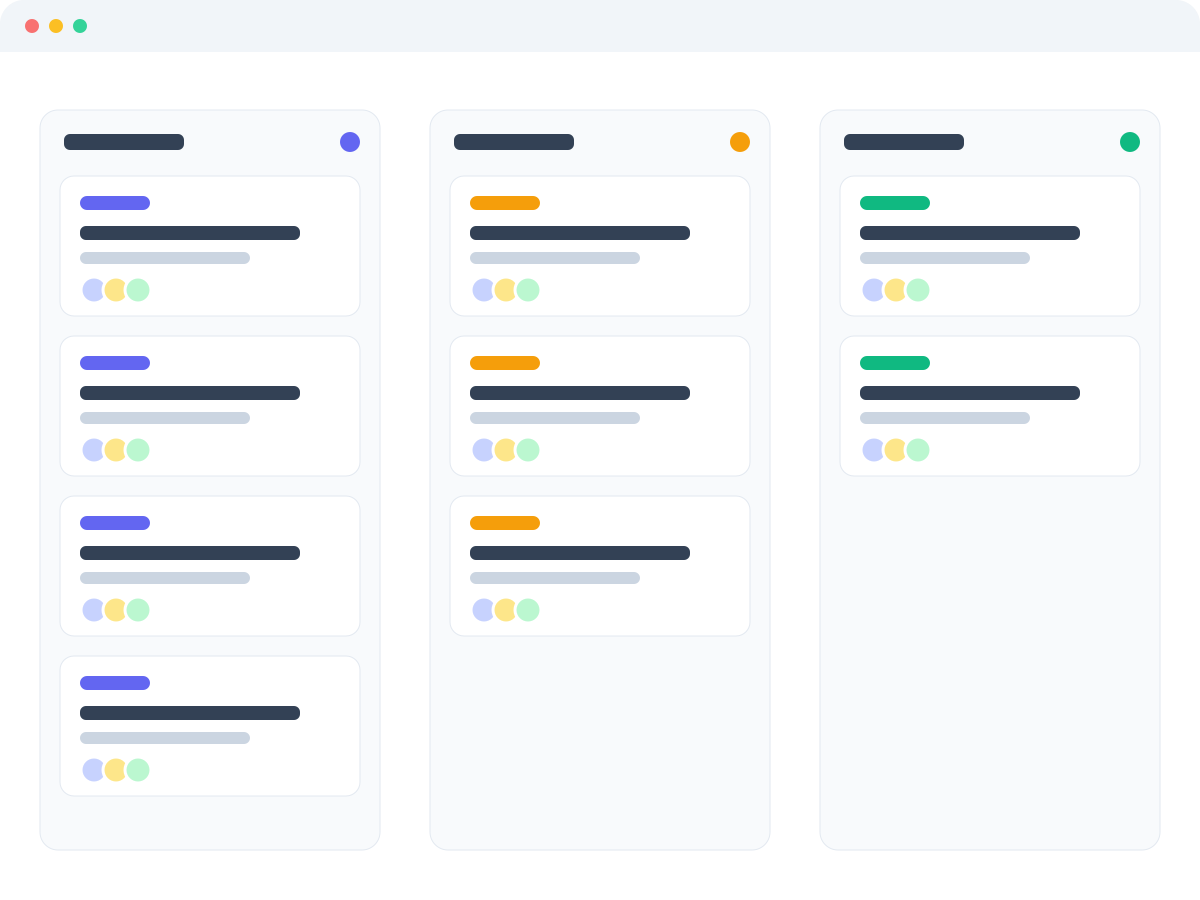
Turn your project into a case study and prepare for interviews.
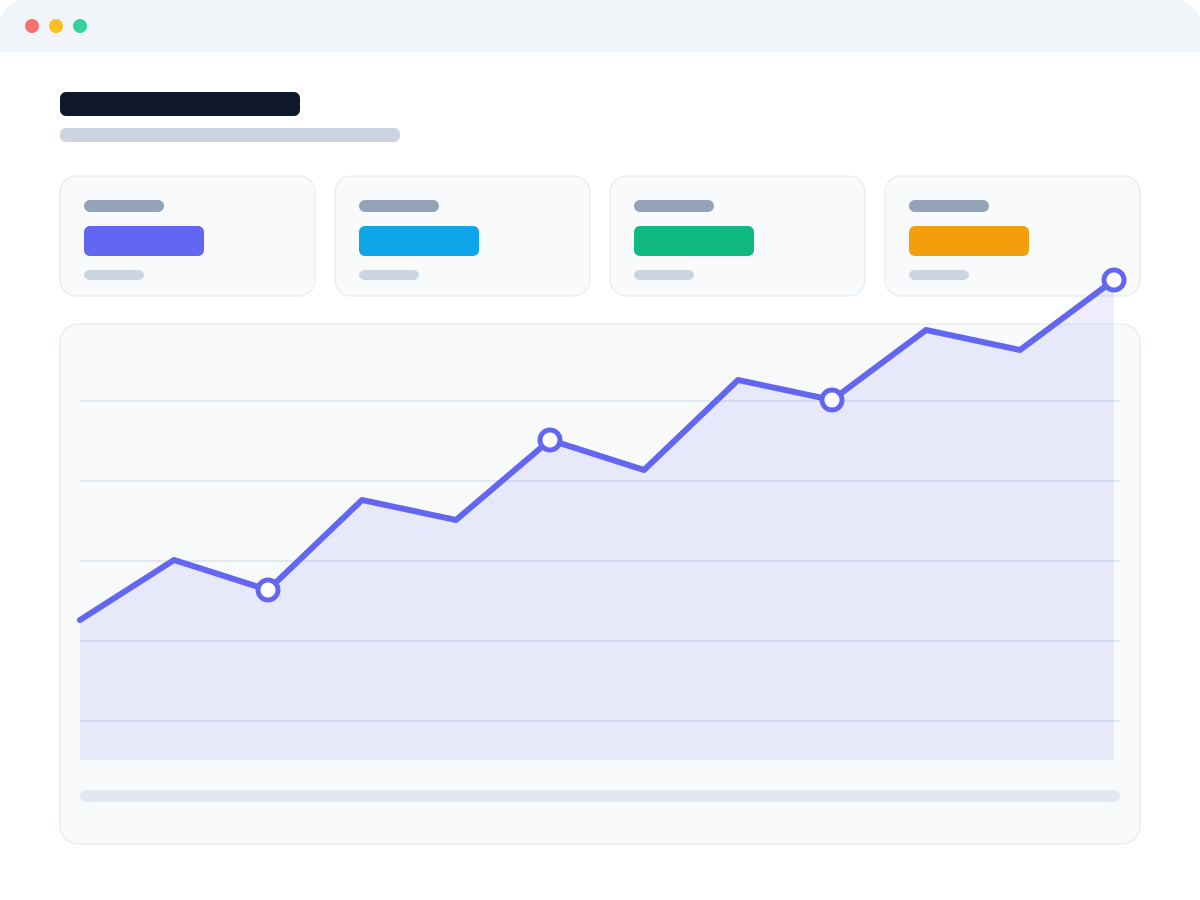
The syllabus
Keep scrolling to follow the course from your first layout to a finished portfolio project.
Week 1
Colour, type, spacing and hierarchy, practised on real screens from day one.
Week 2
Components, auto layout and variants, so your files stay tidy and fast.
Weeks 3 and 4
Navigation, forms, cards and dashboards that work for real users.
Week 5
Designs that hold up from the smallest phone to a wide desktop.
Week 6
Interviews and quick tests that turn opinions into decisions.
Weeks 7 and 8
Finish a case study, polish your portfolio and practise the interview.
COHORT 12
Three months after the course I landed my first design job. The feedback from mentors changed how I work.

Priya Raman
Product Designer, Orbit
Enrol
Lifetime access to all lessons, projects and community.
Next cohort: 4 November
$497one-time $397early-bird price
Enrol now30-day money-back guarantee
FAQ
Everything you need to know about plans, billing and getting started.
No. The course starts from the basics; all you need is a computer and the free version of Figma.
Around 6–8 hours a week for eight weeks. Lessons are recorded, so you can learn at your own pace.
You’re covered by a 30-day money-back guarantee, no questions asked.
Yes, a certificate of completion you can add to LinkedIn.
Still have a question? Talk to our team
Free lesson
Watch lesson one and see how we teach. No payment, no card.