 Blog
Blog
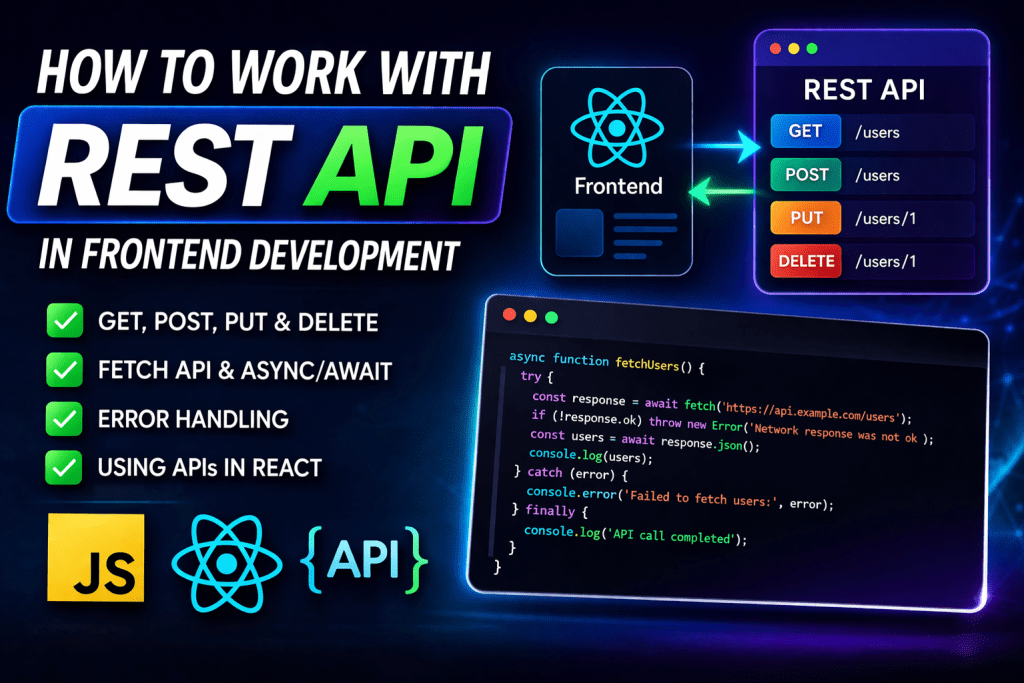
Introduction
Most modern websites rely on APIs to fetch and send data. Whether you're building a React app or a simple website, understanding how to work with REST APIs is essential.
In this guide, I’ll show you how to use REST APIs step by step in a simple and practical way.
🔹 What is a REST API?
A REST API allows your frontend to communicate with a server.
👉 Example:
- Get users data
- Submit a form
- Fetch products
It usually works with URLs like:
https://api.example.com/users
🔹 1. Basic API Request (GET)
To fetch data, you use a GET request.
Example using JavaScript (Fetch API):
fetch('https://jsonplaceholder.typicode.com/users')
  .then(response => response.json())
  .then(data => {
    console.log(data);
  })
  .catch(error => console.error(error));
👉 This will fetch user data from the API.
🔹 2. Using Async/Await (Better way)
async function getUsers() {
  try {
    const response = await fetch('https://jsonplaceholder.typicode.com/users');
    const data = await response.json();
    console.log(data);
  } catch (error) {
    console.error(error);
  }
}getUsers();
👉 Cleaner and easier to read.
🔹 3. Sending Data (POST Request)
Used when submitting forms or creating data.
async function createUser() {
  const response = await fetch('https://jsonplaceholder.typicode.com/users', {
    method: 'POST',
    headers: {
      'Content-Type': 'application/json'
    },
    body: JSON.stringify({
      name: 'Puneet',
      email: '[email protected]'
    })
  });  const data = await response.json();
  console.log(data);
}
🔹 4. Updating Data (PUT / PATCH)
fetch('https://jsonplaceholder.typicode.com/users/1', {
  method: 'PUT',
  body: JSON.stringify({
    name: 'Updated Name'
  }),
  headers: {
    'Content-Type': 'application/json'
  }
});
🔹 5. Deleting Data (DELETE)
fetch('https://jsonplaceholder.typicode.com/users/1', {
  method: 'DELETE'
});
🔹 6. Using APIs in React
import { useEffect, useState } from "react";function App() {
  const [users, setUsers] = useState([]);  useEffect(() => {
    fetch('https://jsonplaceholder.typicode.com/users')
      .then(res => res.json())
      .then(data => setUsers(data));
  }, []);  return (
    <div>
      {users.map(user => (
        <p key={user.id}>{user.name}</p>
      ))}
    </div>
  );
}
🔹 7. Common Mistakes to Avoid
❌ Not handling errors
❌ Not checking response status
❌ Hardcoding API URLs
❌ Ignoring loading states
🔹 8. Pro Tips (Important)
- Use async/await instead of
.then() - Show loading indicators
- Handle errors properly
- Use environment variables for API URLs
🚀 Final Thoughts
Working with REST APIs is a core skill for frontend developers. Once you understand how to fetch, send, update, and delete data, you can build dynamic and real-world applications.