New Post Link in Bio — Free Stories Social Post Template
Stories · v1.0.0 · Updated 2026-10-16 · Instagram, Facebook & X · HTML + CSS
What's included
Features
About this template
New Post Link in Bio — Free Instagram Story Template for New Content
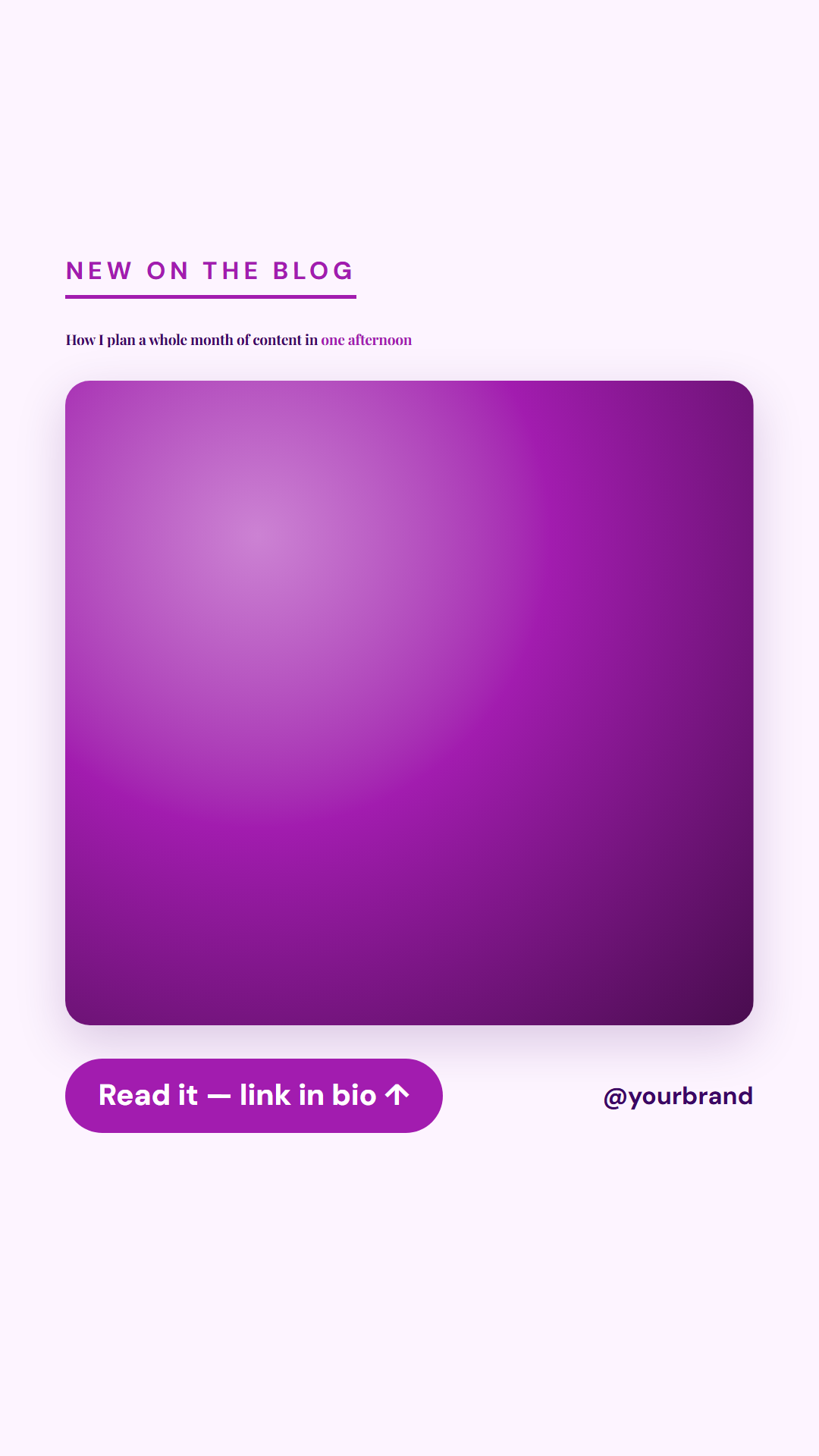
New Post Link in Bio is a free Story template for promoting new content: blog posts, YouTube videos, podcast episodes, newsletters and product drops. An editorial "New on the blog" label, a serif headline, a cover photo card and a bold "Read it, link in bio ↑" button point viewers to the link.
Editorial look
The headline is set in Playfair Display, a magazine-style serif, over a clean DM Sans label and button. The label has an accent underline, and the soft lilac background keeps the post feeling like content rather than an ad.
Room for the cover image
Upload your article's featured image, video thumbnail or episode art to the photo card. It fills the space between the headline and the button, with rounded corners and a soft shadow. The headline is capped at 40% of the height, so the image always has room.
Built around links
On Instagram, add a link sticker on top of the button area. For feed posts, the "link in bio" call to action tells followers where to go. The layout keeps text clear of the Story header and reply bar at 1080×1920.
Works beyond Stories
On the 16:9 landscape size the layout switches to two columns, with text on the left and the photo on the right, which suits X. On portrait and square sizes it works as a feed post announcing new content.
Promoting the same content in the feed? Use Big Quote for a quote from the article. Asking a question instead? Try This or That Poll.
Extend with AI
Take This Post Further With AI
Use an AI assistant to turn article titles into Story headlines, write calls to action for each content type, or batch-create Story promos for your latest posts.
Prompt to recreate it
Copy this into your AI assistant of choice to build the effect from scratch, or as a jumping-off point for your own variant:
Design a 1080×1920 Instagram Story promoting a new blog post, in HTML and CSS.

- Soft lilac background. Keep content out of the top 250 px and bottom 340 px.
- An uppercase label with an accent underline, then a serif headline (Playfair Display 700) limited to 40% of the height.
- A rounded cover photo card with a soft shadow filling the remaining space (background-size: cover).
- Footer: a magenta pill button "Read it, link in bio ↑" and a handle.
- At 1600×900, switch to two columns: text left, photo right. Use --u (1% of the shorter side).
Want to tighten it up first? Run this prompt through the AI Prompt Studio to score it across 8 quality dimensions, catch anti-patterns, and tune the wording for Claude, ChatGPT, or Gemini before you paste it in.
Why use it
Why Use the New Post Link in Bio Template
How it’s different
How It’s Different From Canva-Style Templates
Step by step
How to Use
- 1Pick the sizeChoose Portrait 4:5 (the Instagram feed default), Square, Story / Reel, Landscape 16:9 for X, a 1200×627 LinkedIn image or a 1000×1500 Pinterest pin. New Post Link in Bio opens at 1080×1920.
- 2Edit the textClick any text in the preview, or use the fields on the left (label, headline, call to action, handle and more). Wrap words in *asterisks* to colour them.
- 3Add your imagesClick a photo area in the preview or use Images to upload your cover photo and logo. Images stay in your browser.
- 4Match your brandApply your saved brand kit or one of 12 palettes, set exact colours, and choose heading and body fonts from any Google Font or your own uploaded font.
- 5Preview it in the feedSwitch the preview to Instagram, Story, X or LinkedIn to see the post with your name, handle and caption, and fix anything the quality checks flag.
- 6Download, save or bulk createDownload PNG, JPG or PDF, every size as a ZIP, or copy the HTML. Save it to My designs to reuse later, or turn a CSV into dozens of posts with Bulk create.
Real-world uses
Common Use Cases
Got questions?
Frequently Asked Questions
Open the template (it opens at 1080×1920), write the headline, upload the featured image, download the image, add it to your Story and place a link sticker over the button area.
Not in the image itself. Add Instagram's link sticker when you post the Story. In the feed, use "link in bio" and keep the link in your profile.
Use your article's featured image, video thumbnail or episode art. It's cropped to fill the card and centred.
Yes. Change the label to "New video", upload the thumbnail, and update the call to action.
Portrait post 1080×1350 (4:5): Instagram feed (recommended), Facebook and LinkedIn feeds, X portrait. Square post 1080×1080 (1:1): Instagram, Facebook, LinkedIn and X feeds. Story / Reel 1080×1920 (9:16): Instagram and Facebook Stories, Reel covers. Landscape post 1600×900 (16:9): X feed image, Facebook landscape. LinkedIn image 1200×627 (1.91:1): LinkedIn shared image and link posts, Facebook link images. Pinterest pin 1000×1500 (2:3): Pinterest standard pin (the recommended 2:3 ratio). Switch sizes in the editor and the layout adapts, or click "All sizes (ZIP)" to download every size at once.
Press Play in the editor to watch the animation for free. Downloading it as an animated MP4 (or WebM) for Reels, Stories and WhatsApp Status is for Patreon supporters, who enter the supporter passcode once. PNG, JPG, PDF and HTML exports are free.
Yes, for Patreon supporters. Choose Export, then "Bulk create from CSV", and paste rows from a spreadsheet or upload a CSV whose column names match the New Post Link in Bio fields. Every row becomes one post, and you download them all as a ZIP.
Yes. The preview switches between the plain design and mock-ups of an Instagram feed post, an Instagram Story, an X post and a LinkedIn post, using the name, handle and logo from your brand kit and the caption you type.
Yes. "Copy HTML" and "Download .html" give you one self-contained file: the markup, all the CSS and links to the Google Fonts it uses. "Fork to My Code" saves an editable copy in the UI Snippets editor. The file records the template name and version (v1.0.0).
Yes. It is free for personal and commercial posts, with no sign-up and no watermark. Everything runs in your browser and nothing you type or upload is sent to a server.