Free Website Builder & Templates
Pick one of 15 complete website templates with real content, or start from scratch. Edit everything in the browser, set your colours and fonts, preview desktop, tablet and mobile, then export clean HTML you can host anywhere. No sign-up.
Your pages
All Templates
15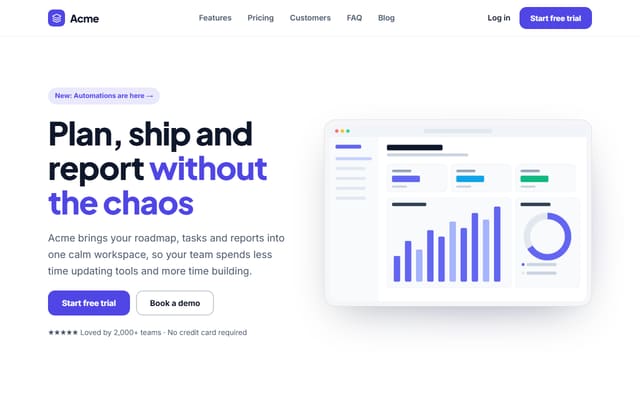
SaaS Landing Page
10 sections · Responsive · Export HTML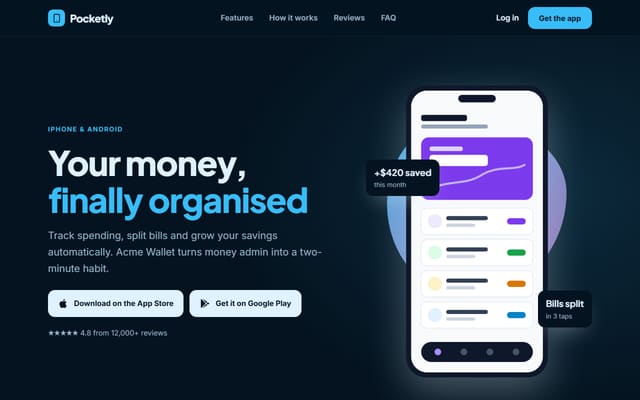
Mobile App Landing Page
8 sections · Responsive · Export HTML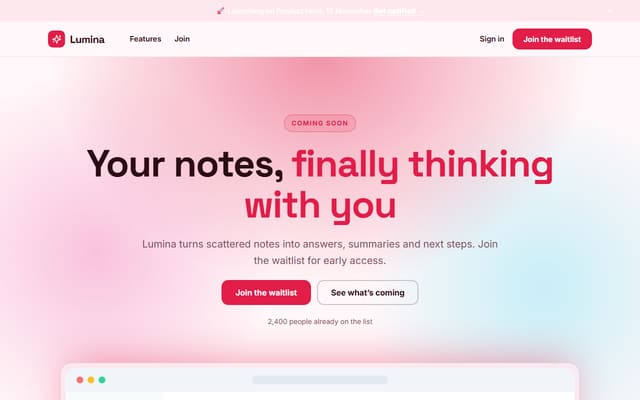
Startup Launch & Waitlist
5 sections · Responsive · Export HTML
Creative Agency Website
8 sections · Responsive · Export HTML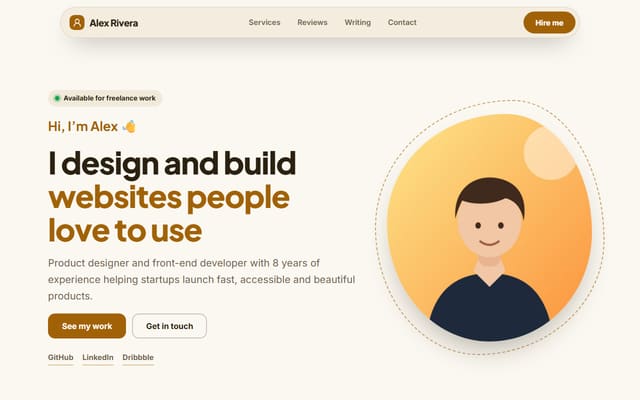
Personal Portfolio Website
7 sections · Responsive · Export HTML
Photographer Website
7 sections · Responsive · Export HTML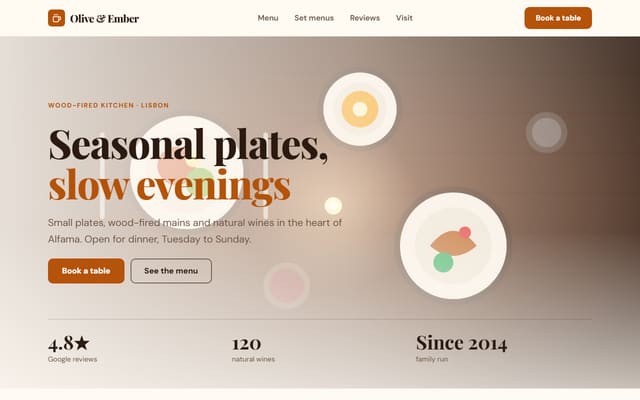
Restaurant Website
7 sections · Responsive · Export HTML
Real Estate Agency Website
10 sections · Responsive · Export HTML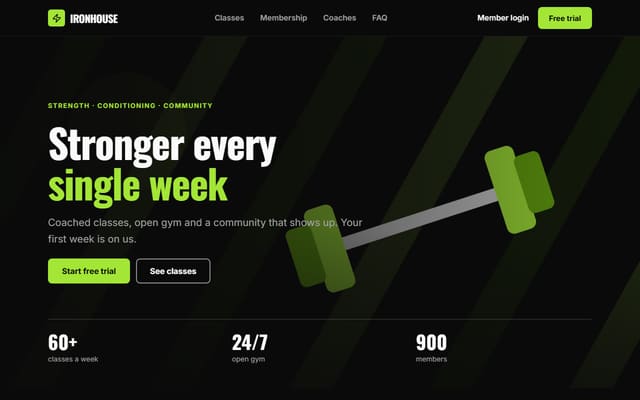
Gym & Fitness Website
9 sections · Responsive · Export HTML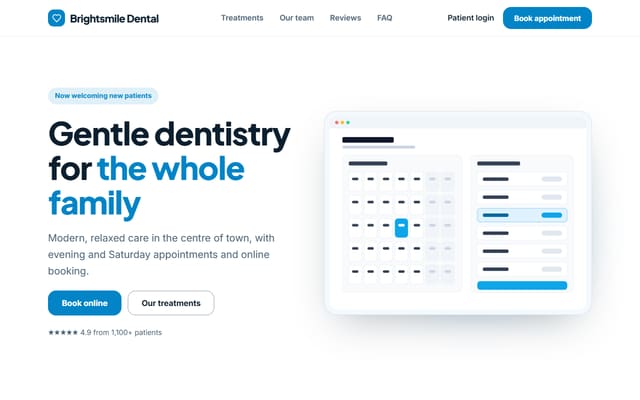
Dental Clinic Website
9 sections · Responsive · Export HTML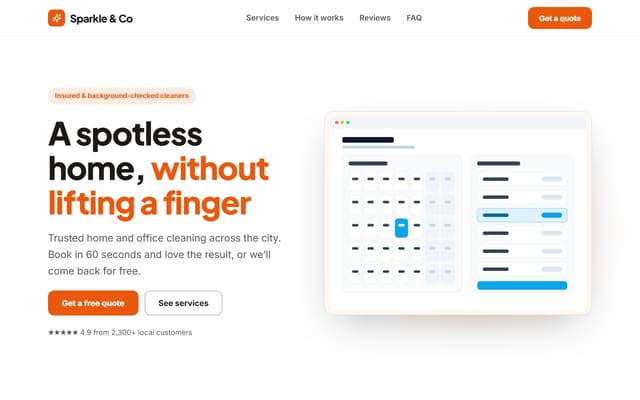
Local Service Business Website
9 sections · Responsive · Export HTML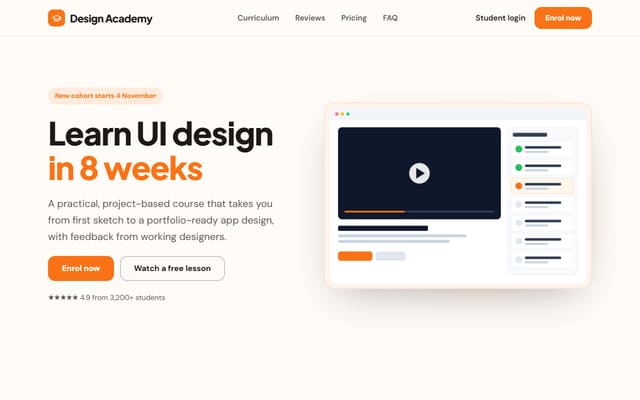
Online Course Website
8 sections · Responsive · Export HTML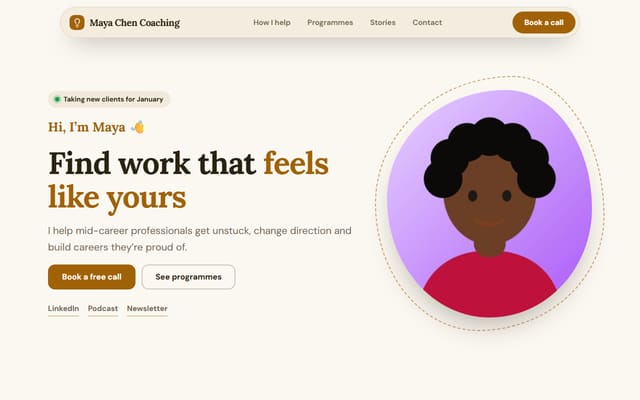
Coach & Consultant Website
8 sections · Responsive · Export HTML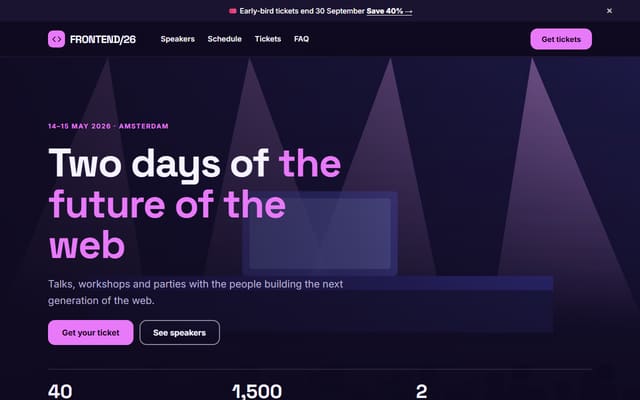
Event & Conference Website
8 sections · Responsive · Export HTML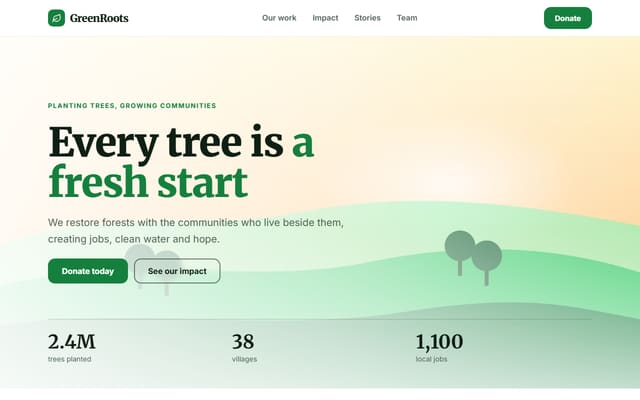
Nonprofit & Charity Website
9 sections · Responsive · Export HTML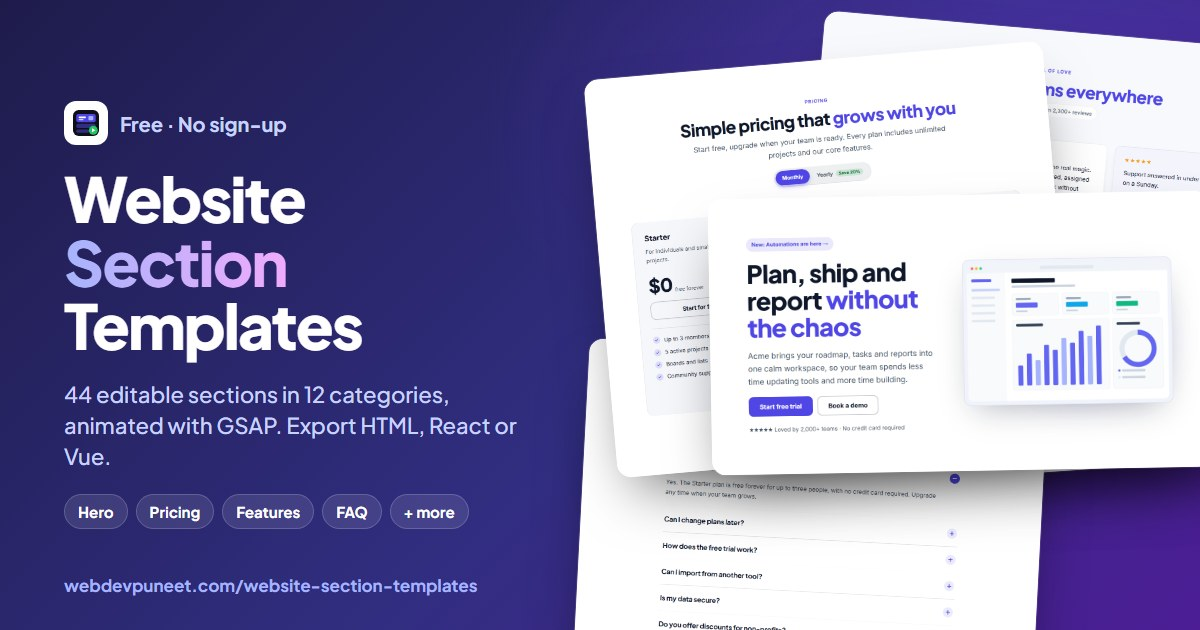
Free Website Builder & Templates — Build a Page, Export HTML
44 sections · 15 website templates · One theme · GSAP animation · Export HTML or ZIP
What's included
Features
About the builder
A Free Website Builder That Exports Real HTML
Most website builders keep your site on their platform. This one gives it to you. You build a page from professionally designed sections, set one theme for the whole page, and download clean HTML you can host anywhere: Netlify, Vercel, Cloudflare Pages, GitHub Pages or your own server.
Built from sections. Every page is a stack of sections from the Website Section Templates library: a navbar, a hero, features, pricing, testimonials, an FAQ, a call to action and a footer, plus stats and logos, team, contact and blog sections. Start from one of the free website templates or an empty page, add what you need and drag sections to reorder them.
One theme, one website. Colours, fonts, corner radius and content width are set once for the whole page as CSS custom properties, so any mix of sections looks like it was designed together. Apply your saved brand kit in one click, or choose any Google Font or your own uploaded font.
Animation that's built in, not bolted on. Every section is designed for GSAP: entrance animations as sections scroll into view, SplitText headline reveals, counting numbers, endless marquees, draggable carousels, magnetic buttons and smooth accordions. Content stays visible without JavaScript, and motion switches off for people who prefer reduced motion.
Interactions that work. Mobile menus with focus handling, pricing toggles, FAQ accordions, testimonial carousels and contact forms that send to Formspree or your own endpoint all work in the exported page, with no framework required.
Private by design. Your pages, uploaded images and fonts are stored in your own browser. Nothing is uploaded to our servers, and a one-file backup moves everything to another device.
About these templates
Website Templates You Can Actually Edit
Each template is a complete, one-page website for a real kind of business, written with real content, not lorem ipsum: a restaurant with set menus and opening hours, an estate agency with valuations and agents, a gym with memberships, a clinic with treatments and booking, a conference with speakers and tickets, and more.
Open any template in the builder and everything is editable without code: text, images, links, lists of cards, colours, fonts and animation. Add sections from the Website Section Templates library, reorder them by dragging, and export clean HTML you can host anywhere.
Every template is responsive, animated with GSAP (entrance effects, text reveals, counters and carousels), accessible, and free for commercial use.
Step by step
How to Build a Website
- 1Start a pagePick one of the website templates (restaurant, real estate, gym, SaaS, portfolio and more) or begin with an empty page.
- 2Add and arrange sectionsAdd a navbar, hero, features, pricing, testimonials, FAQ, CTA and footer, then reorder, duplicate or remove them.
- 3Edit the contentClick a section to change its text, links, images and lists of cards; upload your own images and logo.
- 4Set the themeChoose colours, fonts, corner radius, content width and animation once for the whole page, or apply your brand kit.
- 5Preview and exportCheck desktop, tablet and mobile, save the page, then download one HTML file or a ZIP and upload it to your host.
Why use it
Why Use This Website Builder
Got questions?
Frequently Asked Questions
Yes. Every feature is free: all 44 sections, the themes, GSAP animation, saving pages and exporting HTML. There is no account, no watermark and no limit on pages. Your work is saved in your own browser.
Start from one of the website templates (SaaS, app, agency, portfolio, restaurant, real estate, gym, clinic, event, nonprofit and more) or an empty page, then add sections such as a navbar, hero, features, pricing, testimonials, FAQ, call to action and footer. Click any section to edit its text, images and links, reorder or duplicate sections, and set colours, fonts and animation once for the whole page.
Click a template above to see the whole page, then click “Use this template”. It opens in the builder, where you change the text, images, colours and fonts, add or remove sections, and export the finished page. Or choose “Start from scratch” for an empty page.
Yes. Download the page as one HTML file with your images embedded, or as a ZIP with index.html and an assets folder holding every image. Upload it to any static host such as Netlify, Vercel, Cloudflare Pages, GitHub Pages or your own server; there is no lock-in.
Yes. It is semantic HTML with one style sheet built on CSS custom properties, responsive container queries and small, dependency-light scripts for interactive parts. Animations use GSAP from a CDN. FAQ and blog sections include structured data for search engines.
No. Everything is edited with forms in the side panel: text, links, images, lists of cards and toggles. Developers can still open the exported HTML and change anything.
The current page autosaves in your browser. Save named pages to My pages, and use Backup to download a file with all your pages, uploaded images, fonts and brand kit, which you can import in any browser.
Every section adapts to its own width with container queries and is checked on desktop, tablet and mobile. Menus, accordions, carousels and forms are keyboard and screen-reader friendly, and animations switch off for people who prefer reduced motion.