Contact Section Templates
3 free, editable contact section templates. Contact sections with details, maps and forms. Change the text, images, colours and fonts in your browser, add a GSAP animation, then export HTML, React or Vue.
Contact Section Templates
3 sections · Responsive · GSAP animation · HTML, React & Vue
About these sections
Contact Section Templates
A contact section turns interest into conversations. It should make the next step obvious, set expectations about replies, and work reliably.
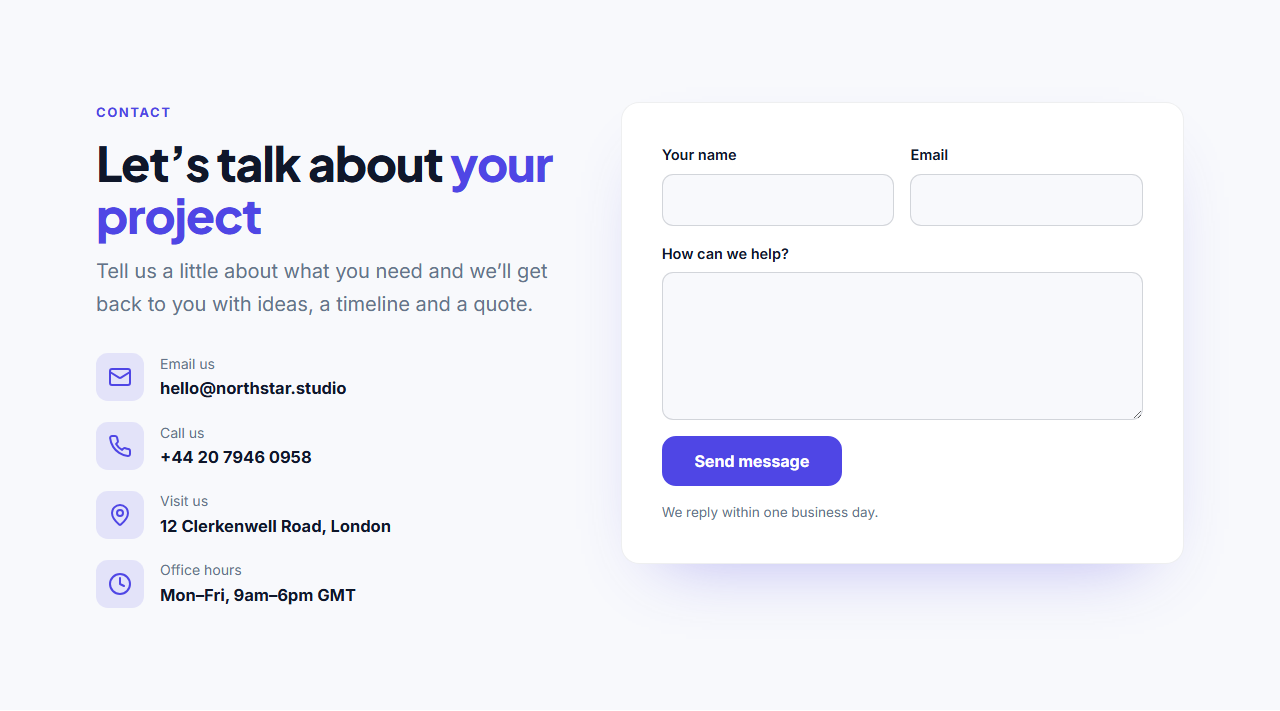
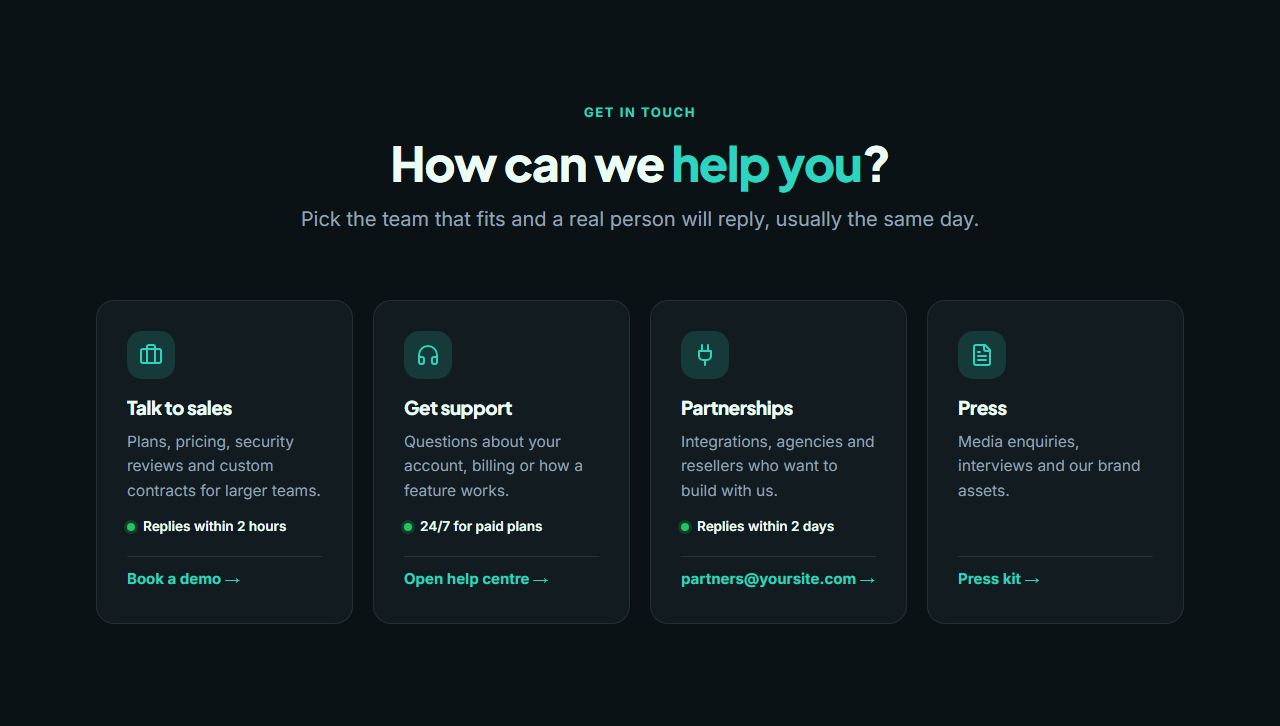
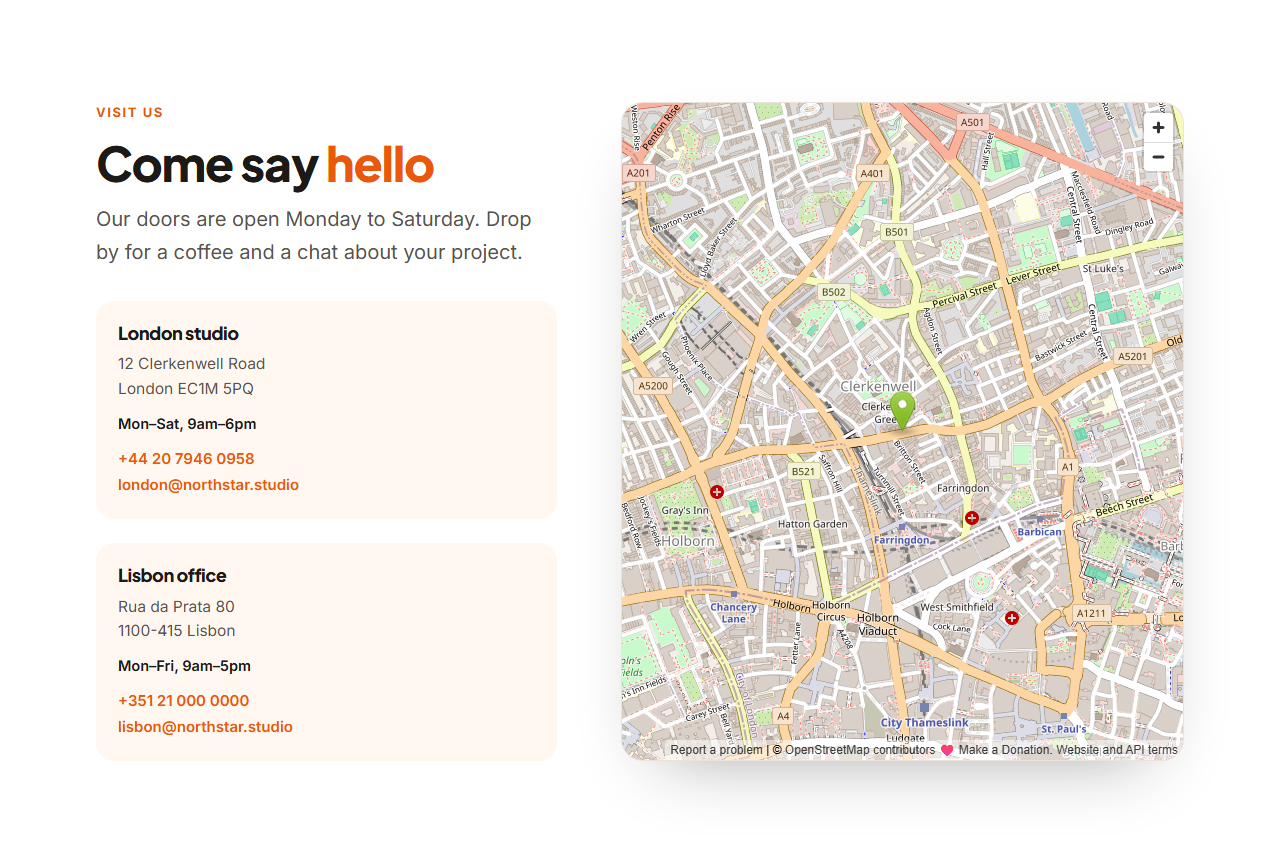
Contact Form With Details pairs your email, phone, address and hours with a working form that sends to Formspree, Basin, Getform or your own endpoint, with animated success and error states. Contact Options Cards route visitors to sales, support, partnerships or press with response times. Contact With Map shows your locations beside an embedded OpenStreetMap or Google Map, with no API key needed.
Forms send in the background with JavaScript and fall back to a normal post without it; in the editor they simulate success so nothing is sent while you design. Every section shares the library's theme and exports to HTML, React or Vue.
Contact Form With Details: A complete “Contact us” section: on the left a heading, short text and a list of ways to reach you (email, phone, office, chat), each with an icon and link; on the right a contact form card. The form sends in the background to Formspree, Basin or your own endpoint and shows an animated thank-you message.
Contact Options Cards: A “How can we help?” section that sends each visitor to the right place: cards for sales, support, partnerships and press, each with an icon, a short description, a response-time note and its own button or email link. Clean on a dark theme, and it stacks neatly on phones.
Contact With Map: A location-focused contact section: a large embedded map (OpenStreetMap by default, or paste a Google Maps embed link) beside a heading and a list of offices, each with the city, address, phone and email. Perfect for shops, clinics, restaurants and companies with physical locations.
Real-world uses
Best Uses for Contact Sections
How it’s different
How These Section Templates Are Different
Step by step
How to Use
- 1Pick a sectionOpen one of the contact sections above. Your edits autosave in your browser as you go.
- 2Edit the contentChange the text, buttons, links and images in the panel, and switch optional parts on or off.
- 3Add your brandPick colours, fonts, radius and width, or apply your saved brand kit; every section shares the same theme.
- 4Animate and previewChoose a GSAP entrance effect, press Play animation, and check desktop, tablet and mobile.
- 5ExportDownload HTML or a ZIP, copy a React or Vue component, or fork it into My Code.
Got questions?
Frequently Asked Questions
Use a form service such as Formspree, Basin or Getform: create a form, copy its endpoint URL into the section’s Form URL, and submissions are emailed to you.
No. OpenStreetMap embeds and Google Maps “Embed a map” links both work without an API key.
The form includes a hidden honeypot field (_gotcha) that services like Formspree use to discard bots. Most services also offer CAPTCHA or spam filtering.
Contact Form With Details: A complete “Contact us” section: on the left a heading, short text and a list of ways to reach you (email, phone, office, chat), each with an icon and link; on the right a contact form card. The form sends in the background to Formspree, Basin or your own endpoint and shows an animated thank-you message. Contact Options Cards: A “How can we help?” section that sends each visitor to the right place: cards for sales, support, partnerships and press, each with an icon, a short description, a response-time note and its own button or email link. Clean on a dark theme, and it stacks neatly on phones. Contact With Map: A location-focused contact section: a large embedded map (OpenStreetMap by default, or paste a Google Maps embed link) beside a heading and a list of offices, each with the city, address, phone and email. Perfect for shops, clinics, restaurants and companies with physical locations.
Yes. Every section is free for personal and commercial websites, with no account and no watermark. Everything runs in your browser and your edits are saved locally.