Desktop · 1280px · shown at 0% · edit the text, images and colours in the panel
Editorial Post List — Free Website Section Template
Blog · v1.0.0 · Updated 2026-10-20 · Responsive · GSAP animation · HTML, React & Vue
What's included
Features
About this section
Editorial Post List — Free Blog List With Hover Image Template
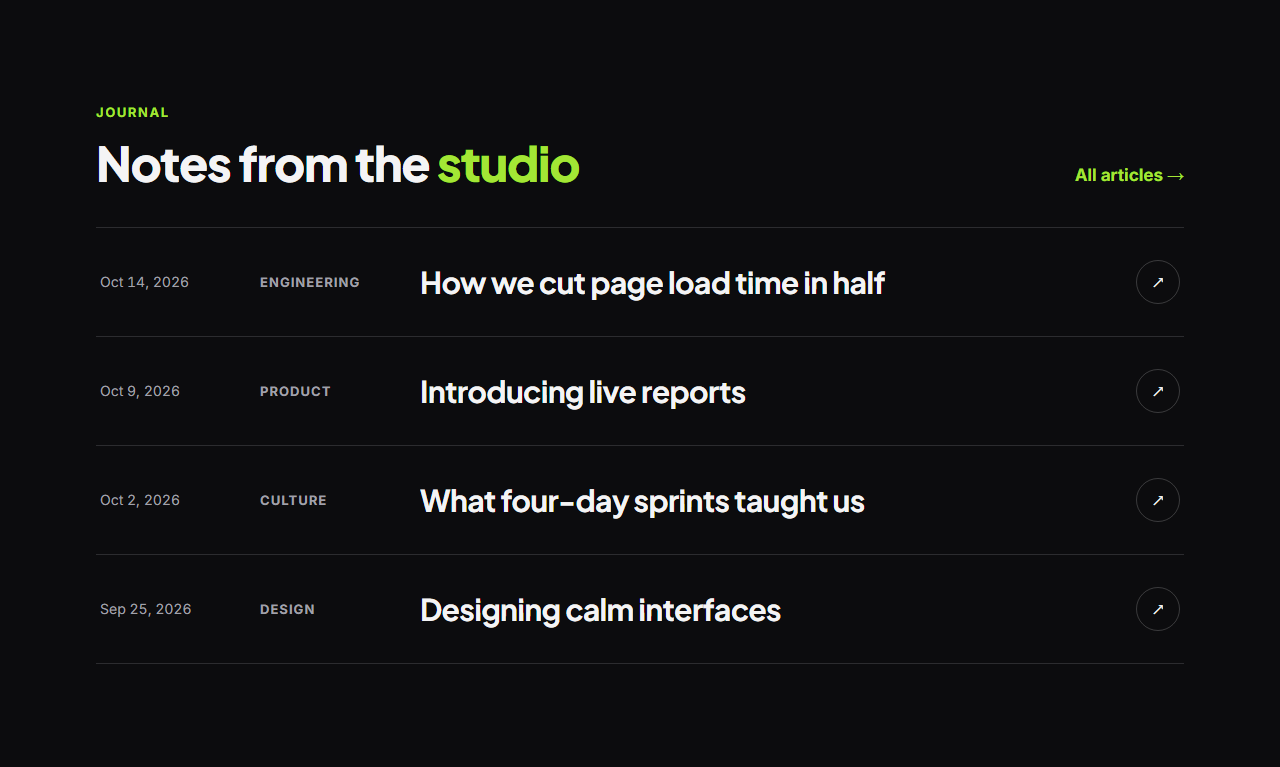
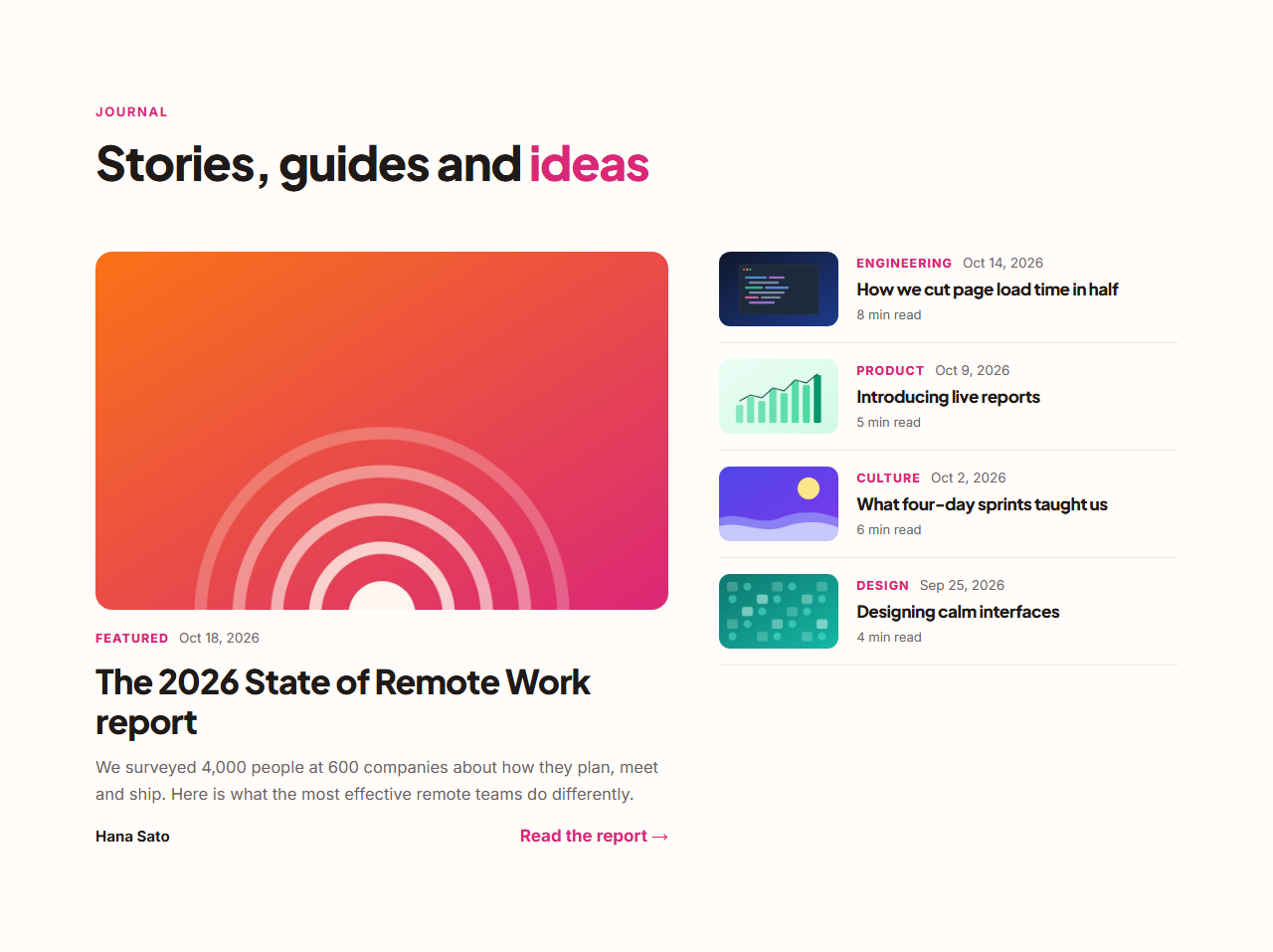
Editorial Post List presents articles the way design studios and writers do: a clean list of wide rows with the date, category, a large title and a round arrow. On desktop, hovering a row reveals that post's cover in a tilted card that follows the cursor, a signature interaction built with GSAP quickTo.
Interaction with restraint
Rows slide slightly and their titles turn your brand colour on hover, the arrow rotates and fills, and the floating cover eases in and out. The effect only runs on devices with a mouse and is skipped for reduced motion; on phones it's a fast, clean list with no images to download until needed.
Posts as a list
Add up to twelve posts and reorder them. Each post's cover powers its hover preview (leave it empty for no preview), and the date, category and title are all editable. A "View all" link sits beside the heading.
Structured data included
The exported page includes an ItemList of BlogPosting JSON-LD built from your posts, helping search engines understand the list.
Dark and editorial
It ships in near-black with a lime accent; switch presets or apply your brand kit.
Export it
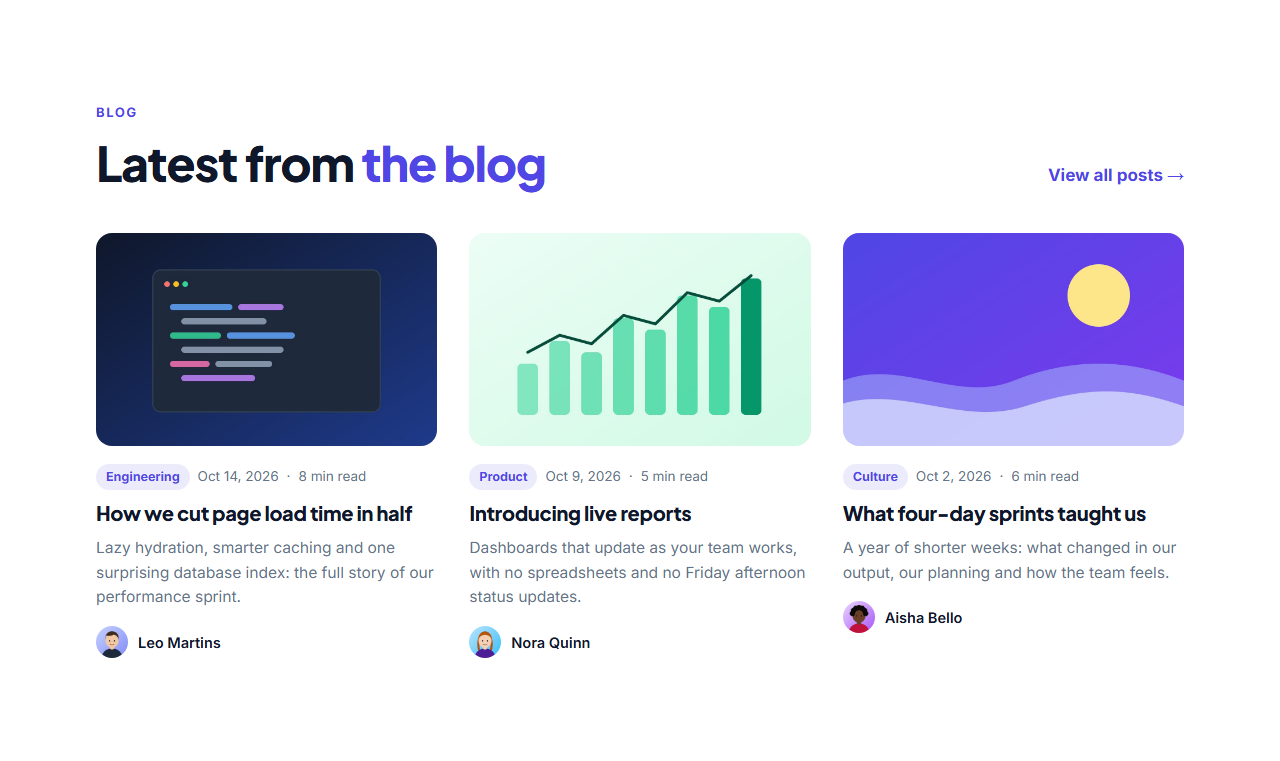
Download HTML, a ZIP, React or Vue with the hover script, or fork into My Code. For image-first cards, see Blog Post Cards.
Why use it
Why Use the Editorial Post List
How it’s different
How It’s Different From Other Free Section Templates
Step by step
How to Use
- 1Edit the contentFill in the heading and posts in the panel. Wrap words in *asterisks* to colour them.
- 2Add your imagesUpload your own images (resized in your browser and kept on your device) or paste a hosted image URL.
- 3Match your brandPick a colour preset or exact colours, choose heading and body fonts from Google Fonts or your own uploaded font, set the corner radius and width, or apply your brand kit.
- 4Animate and previewChoose a GSAP entrance effect and speed, press Play animation, and check the section on desktop, tablet and mobile.
- 5Save and exportSave it to My designs, then export a single HTML file, a ZIP with your images, a React or Vue component, or fork it into My Code.
Real-world uses
Common Use Cases
Got questions?
Frequently Asked Questions
A small script creates one floating card in the section. When you hover a row, it shows that post’s cover and GSAP quickTo smoothly moves the card to follow the cursor; it fades out when you leave the row.
Yes, as a clean list. The hover preview only runs on devices with a mouse, so phones get a fast list without the effect.
Yes. Leave that post’s cover image empty and no preview appears for it.
Yes. The exported HTML includes an ItemList of BlogPosting JSON-LD for the posts.
It saves an editable copy of your Editorial Post List in My Code, the UI Snippets code editor: the section markup goes in the HTML panel, its CSS (theme variables, base styles and layout) in the CSS panel, and the GSAP library is added as a CDN link, so you can keep refining the code and save your own versions.
Yes. It is free for personal and commercial websites, with no sign-up, no watermark and no attribution required. Everything runs in your browser and your edits are saved locally.