Desktop · 1280px · shown at 0% · edit the text, images and colours in the panel

Blog Post Cards — Free Website Section Template
Blog · v1.0.0 · Updated 2026-10-20 · Responsive · GSAP animation · HTML, React & Vue
What's included
Features
About this section
Blog Post Cards — Free Latest Posts Section Template
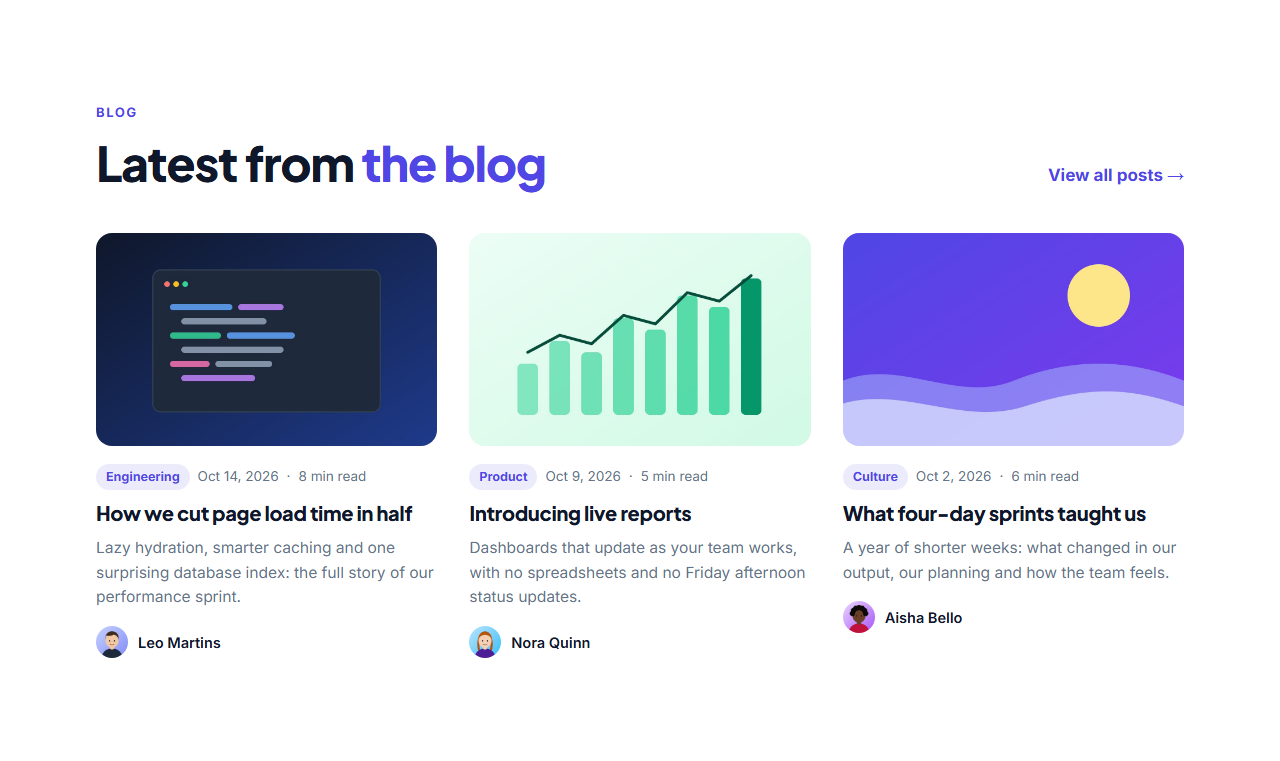
Blog Post Cards is the "Latest from the blog" section for homepages and blog index pages: a heading with a "View all posts" link, then a grid of cards with a cover image, category tag, date and read time, title, short excerpt and the author's photo and name.
Feels alive
Covers zoom gently and titles get an animated underline when you hover a card. The heading reveals with GSAP SplitText and the cards stagger in as they scroll into view, with reduced-motion support.
Posts as a list
Add up to nine posts, reorder them and duplicate one to start the next. Upload cover images (resized in your browser) or use the included abstract covers, and leave the category, date, read time, excerpt or author empty to hide them.
Search-friendly
The exported page includes an ItemList of BlogPosting structured data (JSON-LD) built from your posts, so search engines and AI assistants understand the list of articles.
Export it
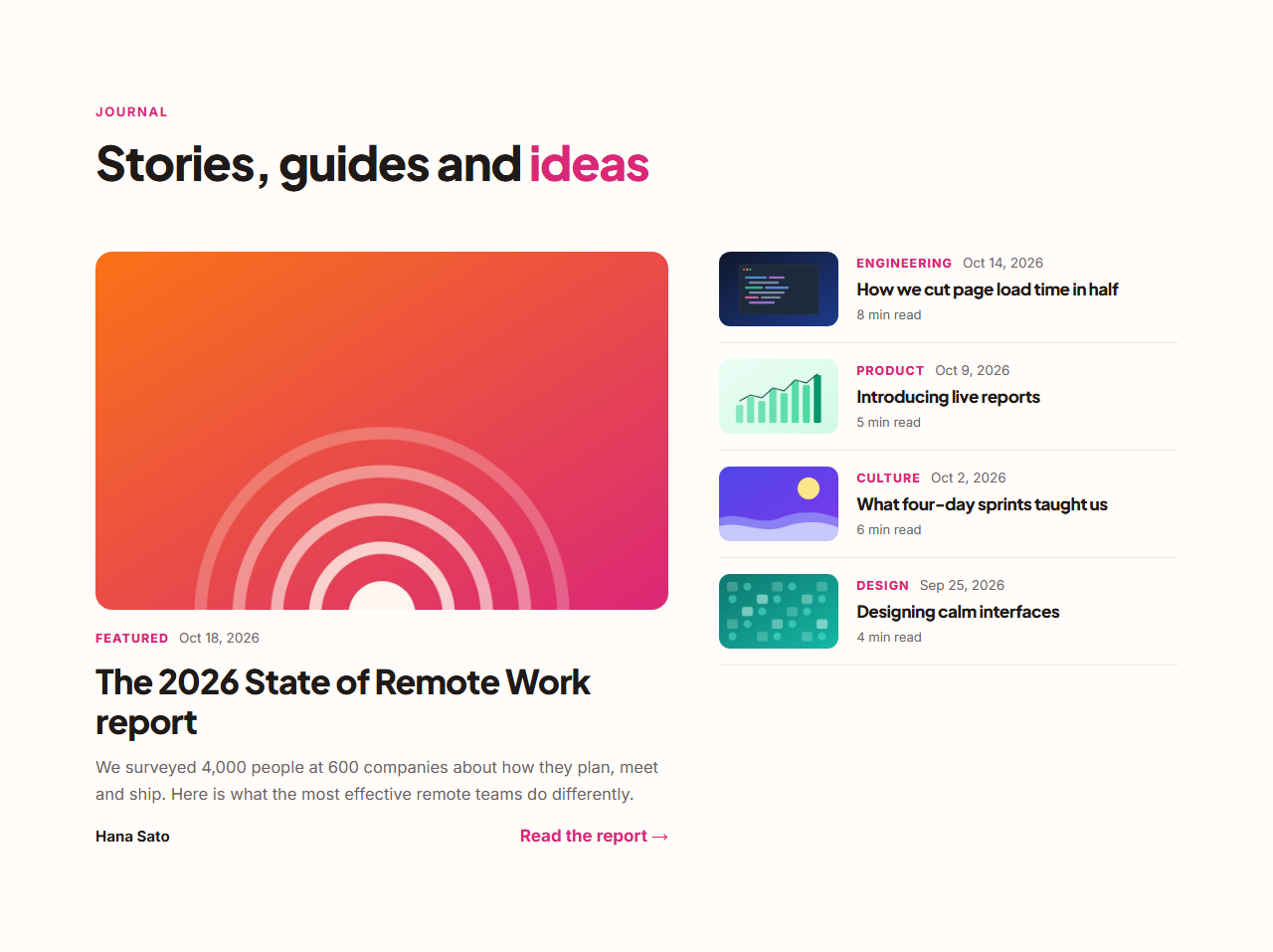
Download HTML, a ZIP with your covers, React or Vue, or fork into My Code. For a magazine layout with one big story, see Featured Post With List.
Why use it
Why Use the Blog Post Cards
How it’s different
How It’s Different From Other Free Section Templates
Step by step
How to Use
- 1Edit the contentFill in the heading and posts in the panel. Wrap words in *asterisks* to colour them.
- 2Add your imagesUpload your own images (resized in your browser and kept on your device) or paste a hosted image URL.
- 3Match your brandPick a colour preset or exact colours, choose heading and body fonts from Google Fonts or your own uploaded font, set the corner radius and width, or apply your brand kit.
- 4Animate and previewChoose a GSAP entrance effect and speed, press Play animation, and check the section on desktop, tablet and mobile.
- 5Save and exportSave it to My designs, then export a single HTML file, a ZIP with your images, a React or Vue component, or fork it into My Code.
Real-world uses
Common Use Cases
Got questions?
Frequently Asked Questions
The section is static HTML. After exporting, you can render the cards from your CMS (WordPress, Ghost, Sanity, Markdown) by looping over posts in your framework, using the same markup and CSS.
Yes. The exported HTML includes an ItemList of BlogPosting JSON-LD with each post’s headline, description, URL, image and author.
About 1200×750 px (16:10). Covers are cropped to that shape in the cards.
Up to nine. Three is typical for a homepage; six or nine work for a blog index.
It saves an editable copy of your Blog Post Cards in My Code, the UI Snippets code editor: the section markup goes in the HTML panel, its CSS (theme variables, base styles and layout) in the CSS panel, and the GSAP library is added as a CDN link, so you can keep refining the code and save your own versions.
Yes. It is free for personal and commercial websites, with no sign-up, no watermark and no attribution required. Everything runs in your browser and your edits are saved locally.