Corporate & Consulting Website Template
A confident, modern home for a consultancy, agency group or professional-services firm: a clear promise with a product shot above the fold, client logos, a bento grid of services, headline results on a dark band, case studies with real numbers, the partners behind the work, a client quote, fresh insights and a simple way to start a conversation.
One page keeps everything on a single scrolling page. The 7-page website opens all its pages in the editor: Home, Services, Work, Insights, About, Contact, Privacy.


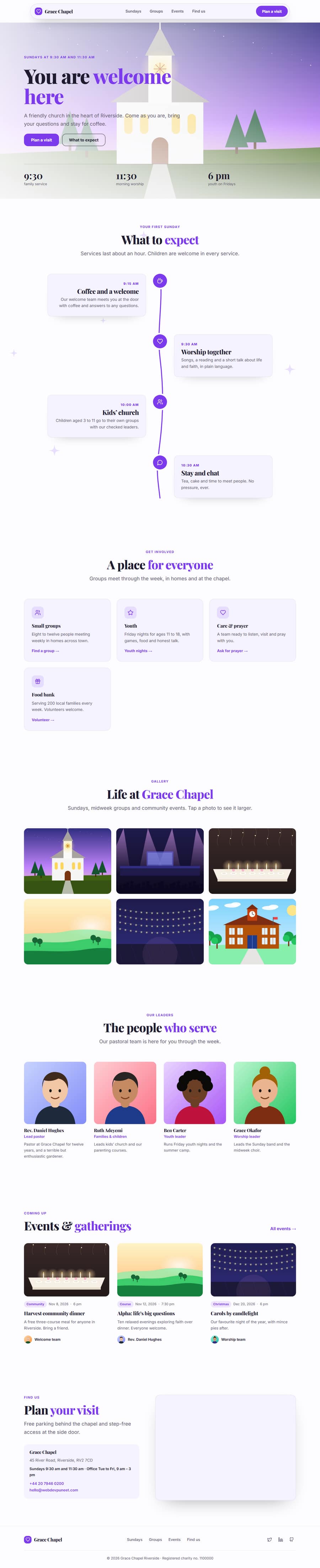
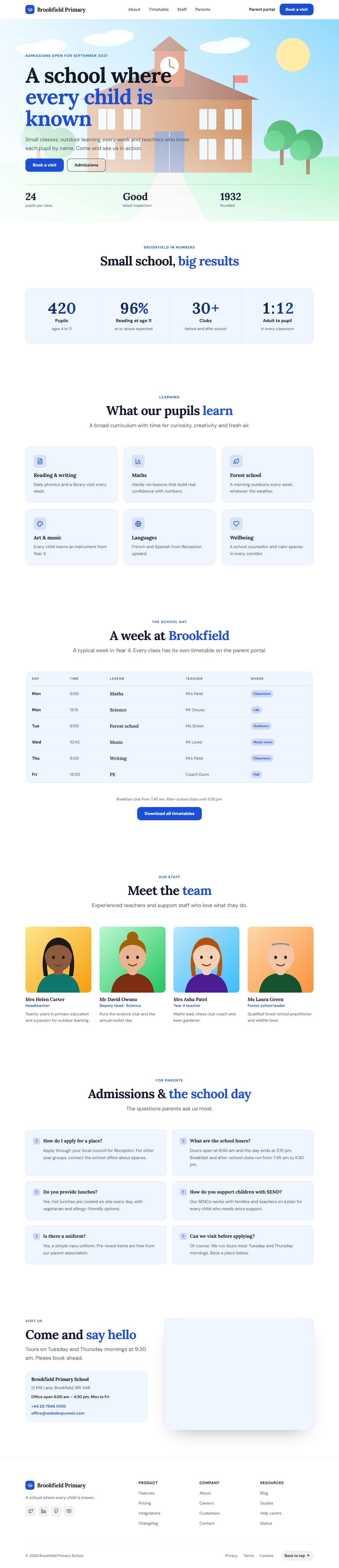

Corporate & Consulting Website Template — Patreon, Editable, Export HTML
Business · One page or 7 pages · 12 sections · Plus Jakarta Sans + Inter · Responsive · GSAP animation
Multi-page version
Pages in the 7-Page Corporate & Consulting Website Template
What's included
Sections in the Corporate & Consulting Website Template
Checklist
What a corporate & consulting Website Needs
About this template
A Free Corporate & Consulting Website Template You Can Edit Online
A confident, modern home for a consultancy, agency group or professional-services firm: a clear promise with a product shot above the fold, client logos, a bento grid of services, headline results on a dark band, case studies with real numbers, the partners behind the work, a client quote, fresh insights and a simple way to start a conversation.
Use it as one scrolling page, or as a 7-page website (Home, Services, Work, Insights, About, Contact, Privacy) sharing one navbar, footer and theme. The one-page version is built from 12 sections of the Website Section Templates library and opens in the free Website Builder, where you can change every word and image, swap sections, set your own colours and fonts and export the finished site as clean HTML pages. The page is responsive, accessible and animated with GSAP, with content that stays visible without JavaScript.
The template ships with a Plus Jakarta Sans and Inter font pairing and a colour theme suited to corporate & consulting websites; switch to any Google Font, upload your own, or apply your brand kit in one click.
Extras included
Extras Built Into the Corporate & Consulting Website Template
Beyond the standard sections, the Corporate & Consulting Website template includes one extra that you can edit, move or remove in the builder.
Interactive Team Accordion: an interactive team accordion.
Each extra has its own page in the free Website Section Templates library, where you can try its settings on their own before you use it here.
Make it yours
How to Get the Most From the Corporate & Consulting Website Template
A corporate website is read by people who are about to spend money or sign a contract, so it has to look established and prove itself fast. This template opens with a clear promise and a product shot, a badge for your latest recognition and two buttons: one to start a conversation and one to see the work. Client logos sit directly under it, because a buyer decides in seconds whether other serious organisations already trust you.
The services section is a bento grid, with one large tile and four smaller ones, so five practices read as one joined-up firm instead of a long list. A dark results band follows with four counting numbers and your client logos, then case studies with the numbers each client signed off: a headline, a short summary, three metrics and a quote from the person who bought the work. Leadership appears as an accordion of partner photos and short bios, which answers the question every enterprise buyer asks: who will actually work on this?
A full-width client quote, three fresh insight articles, a gradient call-to-action and a contact form with direct email, phone and address finish the page. The multi-page version adds Services, Work, Insights, About and Contact pages, each with its own title and description so each can rank for its own search, and an About page with the numbers behind the firm, the partners and a careers block.
Every exported page has one main heading, descriptive image text, clean internal links and a sensible structure, so search engines and AI assistants can tell what the firm does. Everything is plain, editable HTML and CSS with a little JavaScript for the counters, the accordion and the menu. Swap the names, numbers, photos and colours for your own, then export HTML, a ZIP, React, Vue or a Next.js site.
Extend with AI
Take This Template Further With AI
Give this prompt to an AI assistant to generate your own version of the Corporate & Consulting Website template: swap in your business name, services and tone, add or remove sections, translate it, or turn the page into a Next.js project or a WordPress theme. Use the template above as the visual reference, so you and the AI start from a design that already works.
Prompt to recreate it
Copy this into your AI assistant of choice to build the effect from scratch, or as a jumping-off point for your own variant:
Build a complete corporate & consulting website for “Meridian” as clean HTML, CSS and a little JavaScript.

Page structure, top to bottom:
1. Floating Pill Navbar
2. SaaS Split Hero: “Strategy that ships. Change that lasts.”
3. Scrolling Logo Cloud: “Trusted by leaders in 40 countries”
4. Bento Grid Features: “Strategy, technology and the people to land it”
5. Stats With Logos (Dark): “Numbers our clients put in their annual report”
6. Case Study Showcase: “Change you can measure”
7. Interactive Team Accordion: “The partners you will work with”
8. Testimonial Spotlight: “Ingrid Solberg”
9. Blog Post Cards: “Ideas for the next decision”
10. Gradient CTA Banner: “Let’s talk about what comes next”
11. Contact Form With Details: “Start a conversation”
12. Multi-Column Footer

Look and feel:
- Colours as CSS custom properties: brand #2f5bff, page background #ffffff, cards #f3f5fb, text #0b1530, muted text #5a6785. Corner radius 16px, content width 1200px.
- Headings in Plus Jakarta Sans, body text in Inter (load both from Google Fonts with display=swap).
- Mobile first. Sections use CSS grid or flexbox and stack cleanly below 700px.

Content:
- Write real, believable business copy for every section instead of lorem ipsum: specific offers, numbers, names and calls to action.
- One clear primary action in the hero and again near the end.

Quality:
- Semantic HTML (header, main, section, footer) with exactly one h1, the hero headline, and one h2 per section.
- Accessible: alt text on every image, visible focus states, labelled form fields, buttons and links with clear text, and prefers-reduced-motion respected.
- SEO: title “Meridian: Strategy, Technology and Change Consultancy”, a meta description of 150 to 160 characters, Open Graph tags and JSON-LD that suits a business business.
- Optional: a subtle GSAP ScrollTrigger fade-up on section headings, with content visible without JavaScript.

Also create these pages with the same navbar, footer and theme, and link them from the menu:
- Services (services.html)
- Work (work.html)
- Insights (insights.html)
- About (about.html)
- Contact (contact.html)
- Privacy (privacy.html)
Want to tighten it up first? Run this prompt through the AI Prompt Studio to score it across 8 quality dimensions, catch anti-patterns, and tune the wording for Claude, ChatGPT, or Gemini before you paste it in.
Who it’s for
Best For
Step by step
How to Use This Template
- 1Open the templateClick “Use as one page” or “Use as 7-page website” to load it in the Website Builder. Your current website is kept in Saved.
- 2Make it yoursClick any section to change its text, images and links; upload your logo and photos.
- 3Set your brandPick colours and fonts in the Theme tab, or apply your saved brand kit.
- 4Adjust the pageAdd sections from the library, drag to reorder, duplicate or remove what you don’t need.
- 5Export and publishDownload the ZIP (one HTML file per page for the multi-page version) and upload it to Netlify, Vercel or any host.
Got questions?
Frequently Asked Questions
No. The structure suits any business that sells expertise: IT and software services, law, accounting, engineering, recruitment and marketing groups. Rename the four practices in the bento grid, change the case studies to your own projects and keep the rest.
Use the case study section with the client name left out or generalised, for example "a European bank", and keep the metrics. Ask for a sign-off on the numbers and the quote before publishing, and say in the summary what you can and cannot share.
The About page in the multi-page version already has a careers block with open roles and perks. For a full jobs board, add a Blog List or Custom section on a new page and link each role to your applicant system.
Yes. Put your head office in the contact section, list other offices as extra contact methods or in the footer columns, and use the results counters for the number of offices and countries. Separate country sites are best built as their own website in the builder.
It is fully responsive: the bento grid, case studies and accordion stack on a phone, and the navbar becomes a menu. The results band is dark by design, and you can change the colours and fonts in the Theme tab in a click.
The Corporate & Consulting Website template is a Patreon template. Anyone can preview and edit it for free. Exporting and forking it are for Patreon supporters ($5 a month), who enter the supporter passcode once; designs you make with it can then be used in personal and commercial work. No attribution is required.
Click “Use this template” to open it in the free Website Builder. Click any section to change its text, images and links, change colours and fonts for the whole page in the Theme tab, and add, remove or drag sections to reorder them.
Both. Use it as one scrolling page, or as a 7-page website (Home, Services, Work, Insights, About, Contact, Privacy) that opens with every page in the editor. The pages share one navbar, footer and theme, and the menu links to every page automatically. Add more pages (About, Pricing, Contact, Blog and others) or remove any you don’t need in the builder’s Pages tab.
Yes. As one page you get a ZIP with index.html and an assets folder. As a 7-page website you get one HTML file per page (index.html, services.html, work.html, insights.html, about.html, contact.html, privacy.html), a shared styles.css and script.js, and an assets folder with your images, then upload it to any web host. Links between pages also work when you open the files from your computer.