Social Post Templates
56 free HTML templates for Instagram, Facebook and X posts and Stories. Pick one, edit the text, photos, colours and fonts in your browser, then download every size as an image or copy the HTML.
All Templates
56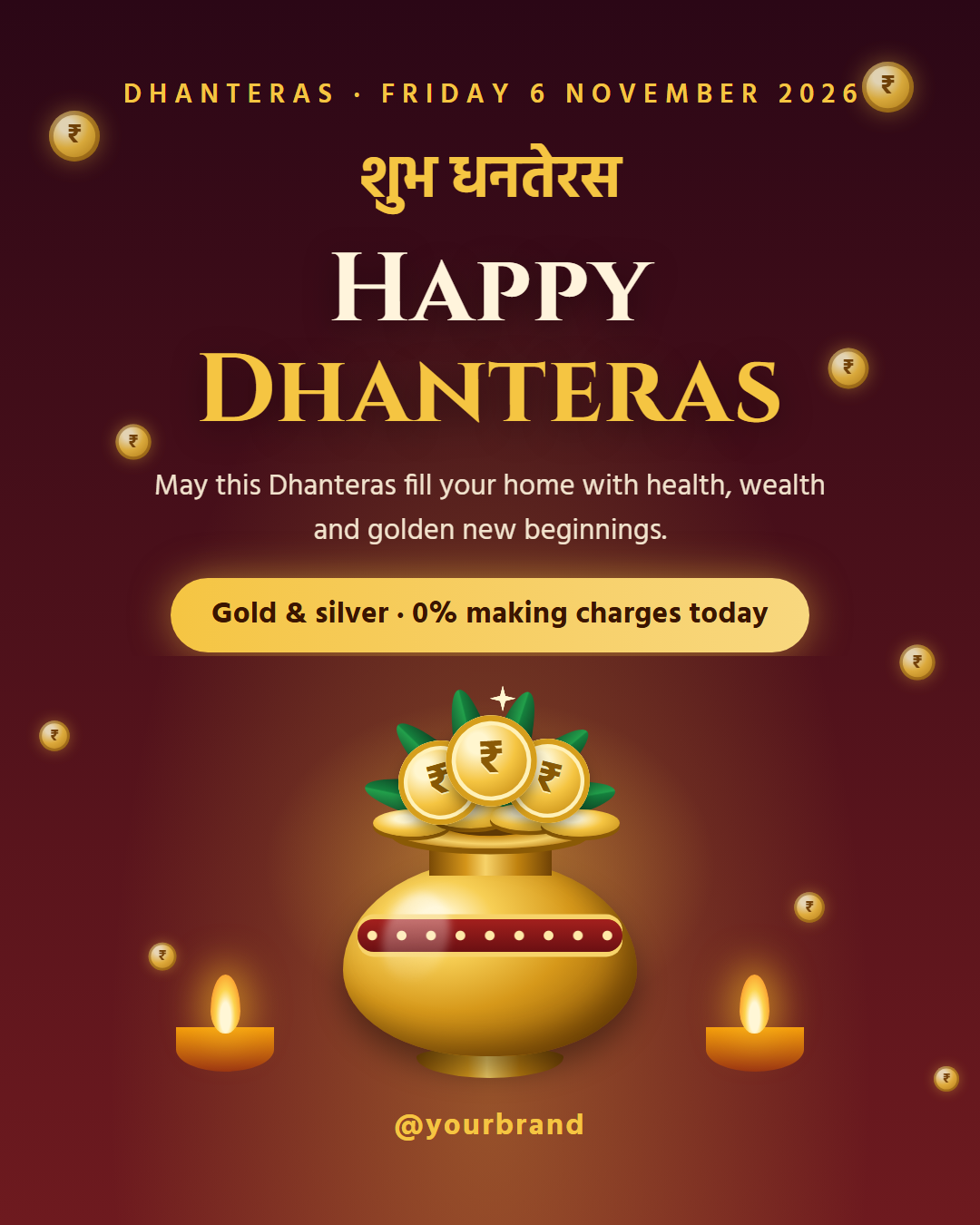
Social Post Templates — Free HTML Designs for Instagram, Facebook & X
56 templates · 10 categories · 6 post sizes · PNG, JPEG, MP4, PDF & HTML
What's included
Features
About these templates
Free Social Post Templates You Can Edit, Download or Copy as HTML
A library of 56 social media post templates built with plain HTML and CSS. Unlike image-only template sites, every design here is real code. Edit it in the browser and download a finished image, or copy the HTML and use it in your own system.
10 categories. Quotes & Tips: quote cards, tips, list posts, Q&As, facts, myth vs fact and statistic posts that people save and share. How-To & Education: checklists, step-by-step guides and mistakes-to-avoid posts that people save and come back to. Engagement: this-or-that votes and hot takes that get people commenting, sharing and arguing in the replies. Announcements: launches, coming-soon teasers, milestones, hiring, meet-the-team, holiday hours, year-in-review and "we’re live" posts. Promo & Sales: discount badges, Black Friday and Cyber Monday sales, advent calendar deals, product spotlights, giveaways, comparisons and real estate listings. Events: webinar, meetup and countdown posts with a clear date, plus event recaps. Social Proof: customer testimonials, 5-star review posts and before/after results. Carousel Slides: cover, step and final slides for swipeable carousel posts. Stories: story-first designs: polls, questions and link-in-bio prompts. Holidays & Seasonal: christmas, Hanukkah, Diwali, Lunar New Year, Ramadan and Eid, Giving Tuesday, national days, Halloween, Thanksgiving and New Year posts.
One design, every post size. Each template is laid out in relative units, so the same design works as a 1080×1350 Instagram portrait post, a 1080×1080 square, a 1080×1920 Story, a 1600×900 landscape post for X and Facebook, a 1200×627 LinkedIn image and a 1000×1500 Pinterest pin. Story layouts keep text out of the areas covered by Instagram’s buttons, and grid guides show how a portrait post is cropped on your profile.
Edit in place. Click any text in the preview to change it, select words to make them bold, italic, underlined or highlighted, click a photo area to upload your own image, pick a palette or exact colours, and choose any Google Font or upload your own. Align text and move it to the top, middle or bottom. Long headlines shrink to fit instead of overflowing, and quality checks flag low contrast, tiny text and blurry photos.
See it where it will be posted. Mock-ups show the post inside an Instagram feed, a Story, X and LinkedIn, so you can judge it at real size before publishing.
Save, reuse and work in bulk. Save designs with Save or Save as, search them in My designs, and find them live at the top of this gallery. Everything is kept in your browser's IndexedDB, and one backup file moves your designs, photos, fonts and brand kit to another computer. Bulk create turns a CSV into a ZIP of finished posts.
Export the way you work. From the Export menu, download a PNG or JPEG at full resolution, every size at once as a ZIP, a carousel as a PDF for LinkedIn, or a self-contained HTML file with inline CSS and Google Fonts links. Patreon supporters can also download an animated MP4 for Reels and Stories.
How it’s different
How These Templates Differ From Canva-Style Ones
Browse by category
Template Categories
Quote, Tip & Fact Post Templates (8): Quote cards, tips, list posts, Q&As, facts, myth vs fact and statistic posts that people save and share. Includes Big Quote, Tip of the Day, Did You Know?, Code Tip, Myth vs Fact, Big Stat, Numbered List Post, Q&A Post.
How-To, Checklist & Tips Post Templates (3): Checklists, step-by-step guides and mistakes-to-avoid posts that people save and come back to. Includes Checklist Post, How-To Steps, Mistakes to Avoid.
Engagement Post Templates (2): This-or-that votes and hot takes that get people commenting, sharing and arguing in the replies. Includes This or That, Hot Take.
Announcement Post Templates (10): Launches, coming-soon teasers, milestones, hiring, meet-the-team, holiday hours, year-in-review and "we’re live" posts. Includes Product Launch, Milestone, Year in Review, New Blog Article, Thank You, We’re Hiring, We’re Live, Meet the Team, Coming Soon Teaser, Holiday Hours.
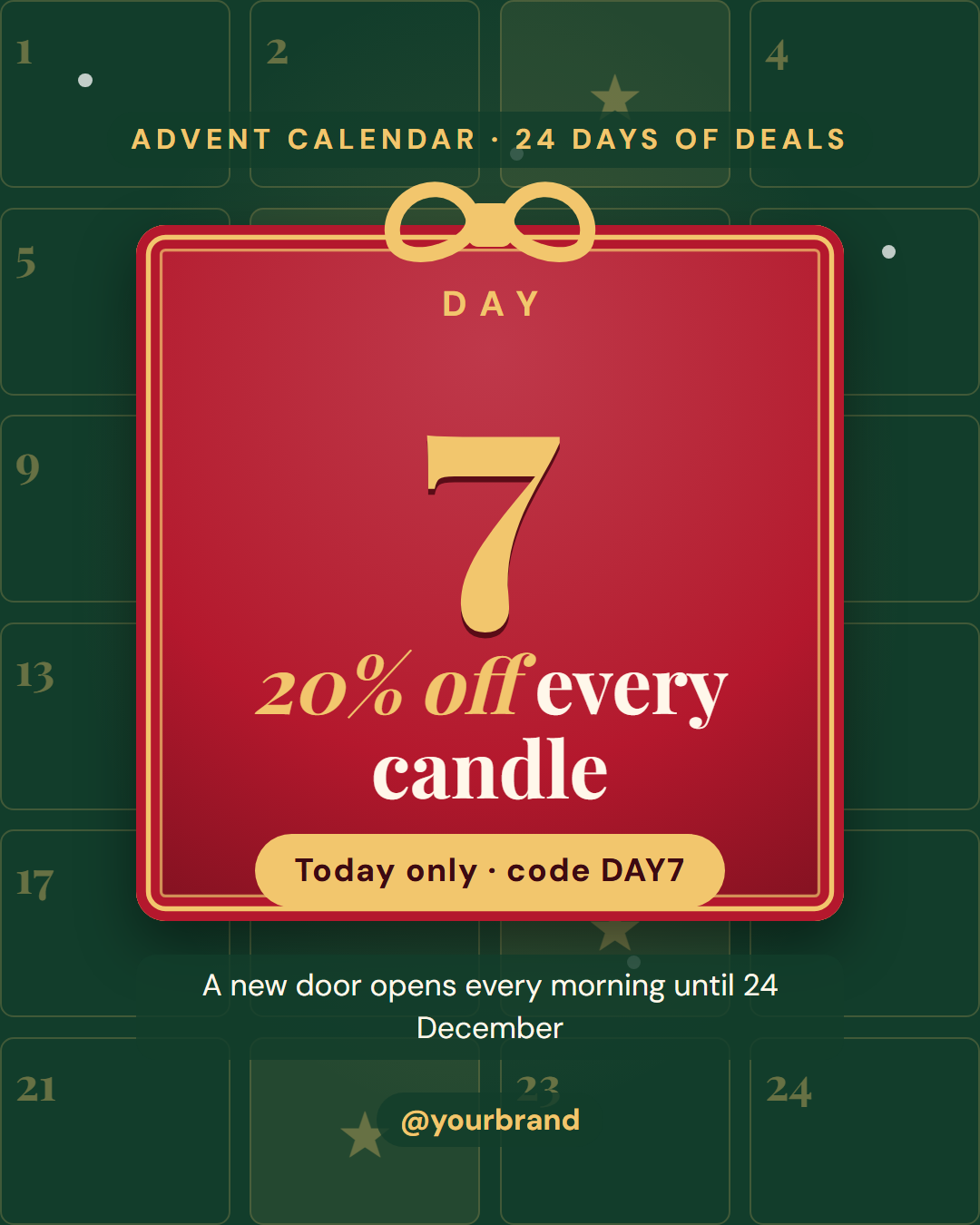
Sale & Promo Post Templates (9): Discount badges, Black Friday and Cyber Monday sales, advent calendar deals, product spotlights, giveaways, comparisons and real estate listings. Includes Discount Badge, Pricing Card, Black Friday Sale, Cyber Monday, Advent Calendar Deal, Product Spotlight, Giveaway Contest, Us vs Them Comparison, Just Listed (Real Estate).
Event & Webinar Post Templates (4): Webinar, meetup and countdown posts with a clear date, plus event recaps. Includes Webinar Event, Save the Date, Countdown, Event Recap.
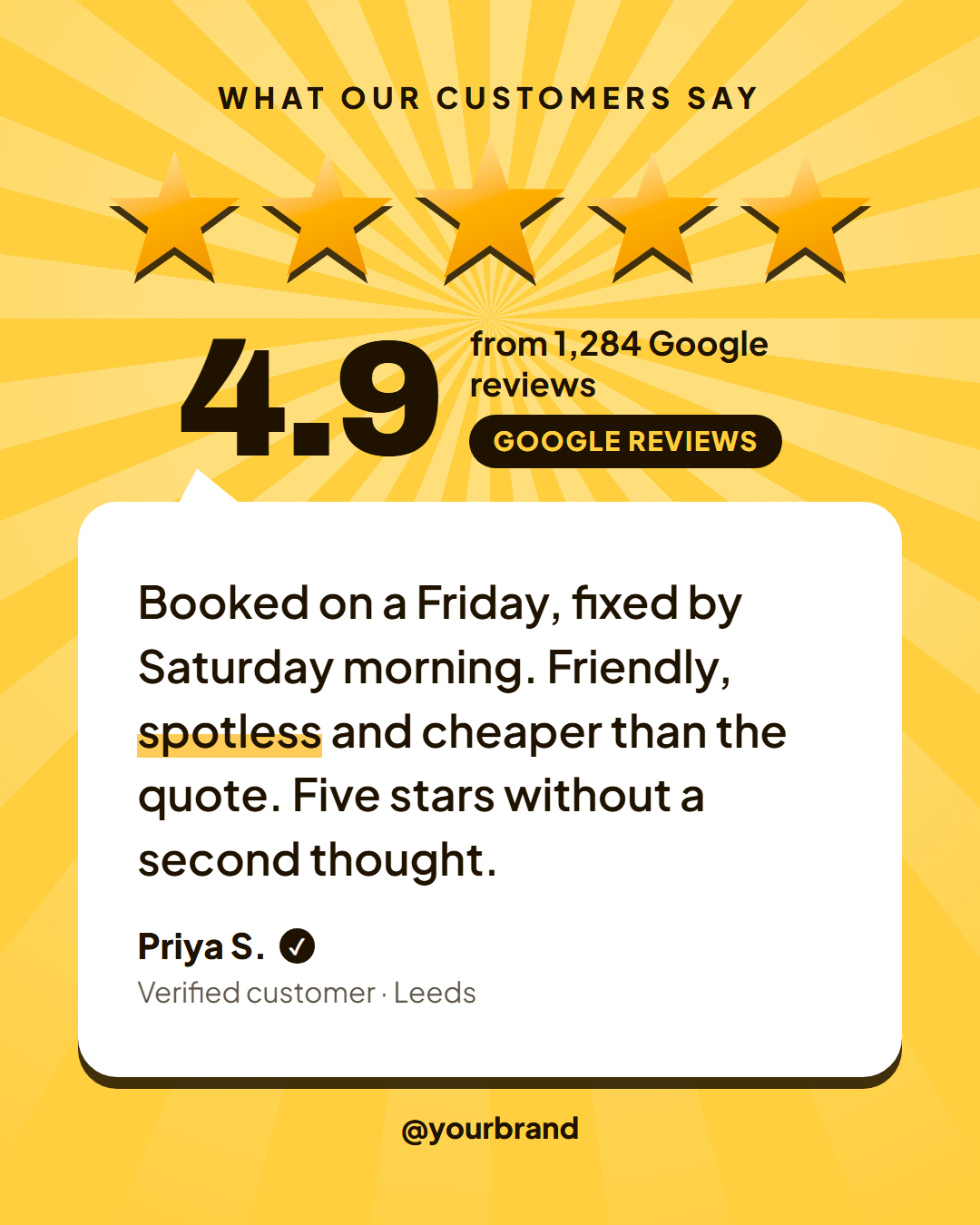
Testimonial & Before/After Post Templates (3): Customer testimonials, 5-star review posts and before/after results. Includes Customer Testimonial, 5-Star Review, Before & After.
Instagram & LinkedIn Carousel Templates (3): Cover, step and final slides for swipeable carousel posts. Includes Carousel Cover Slide, Carousel Step Slide, Carousel Final Slide.
Instagram & Facebook Story Templates (2): Story-first designs: polls, questions and link-in-bio prompts. Includes This or That Poll, New Post Link in Bio.
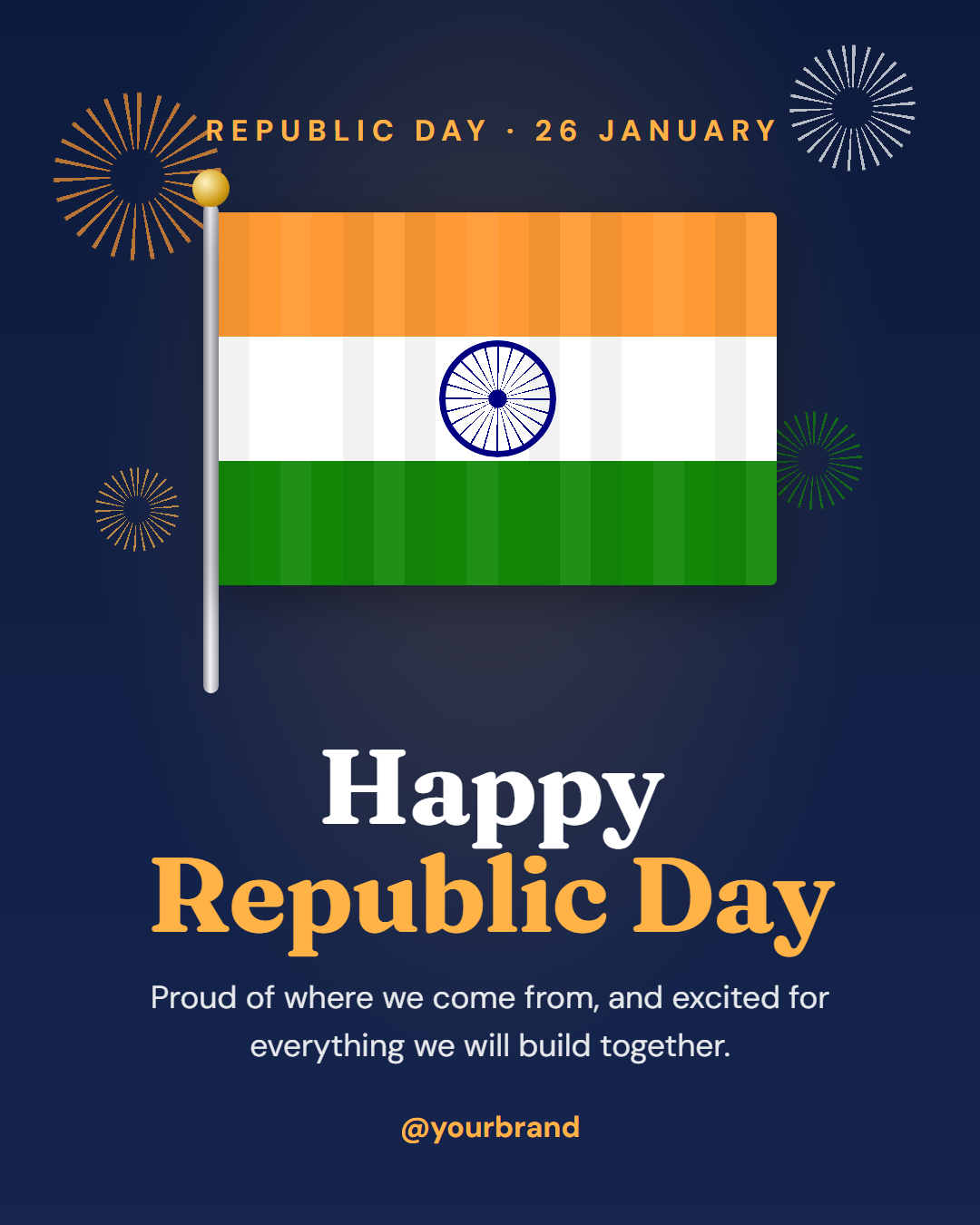
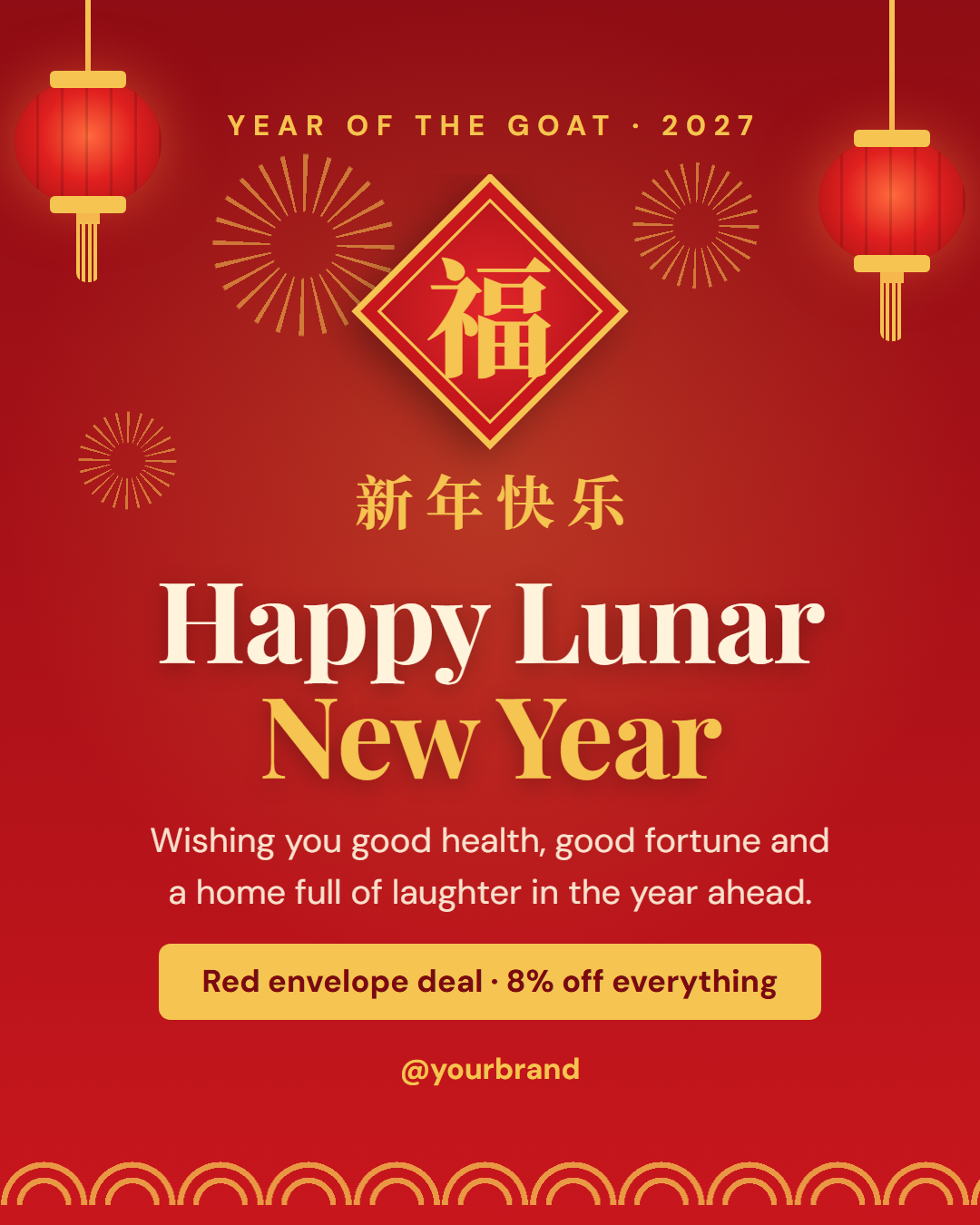
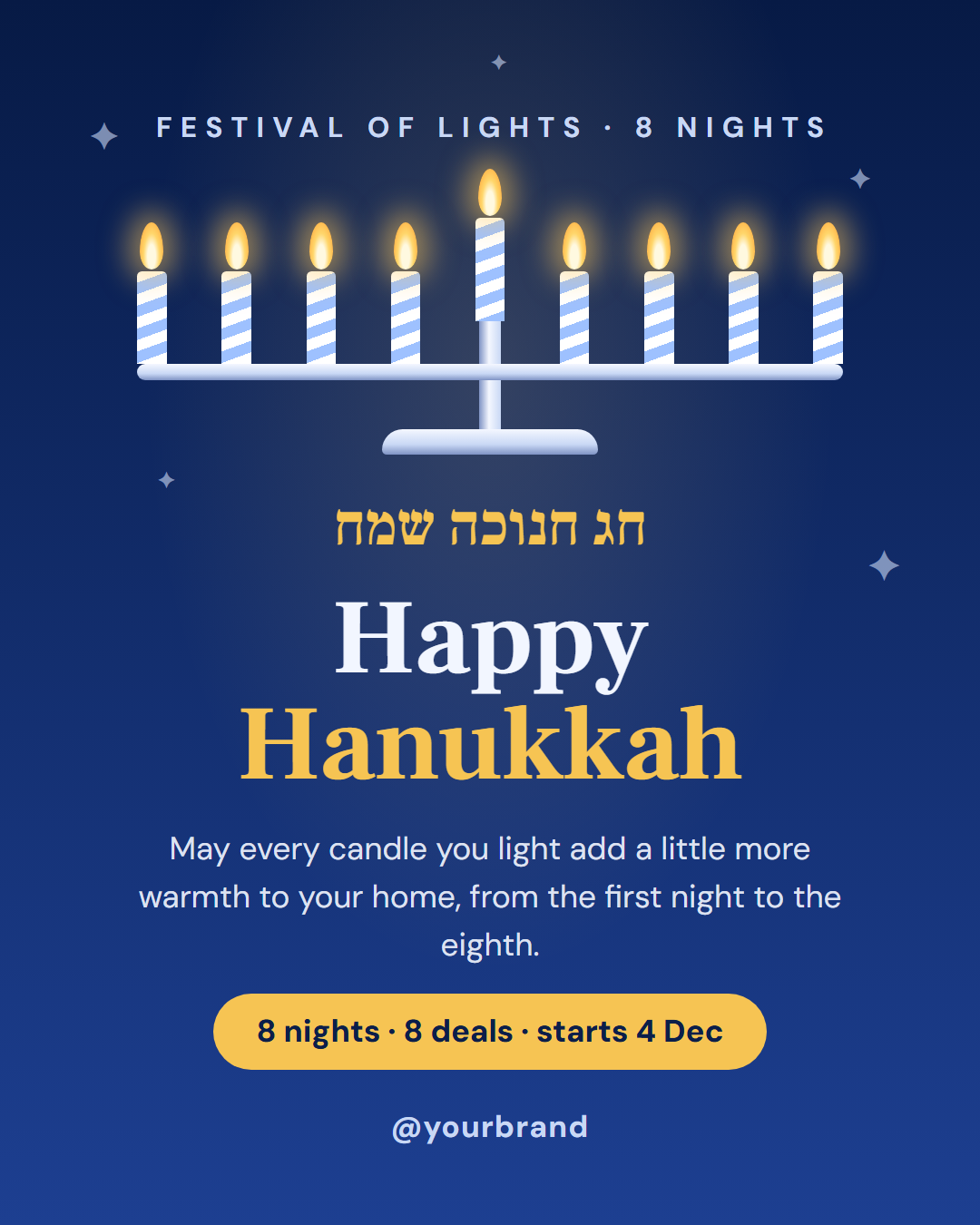
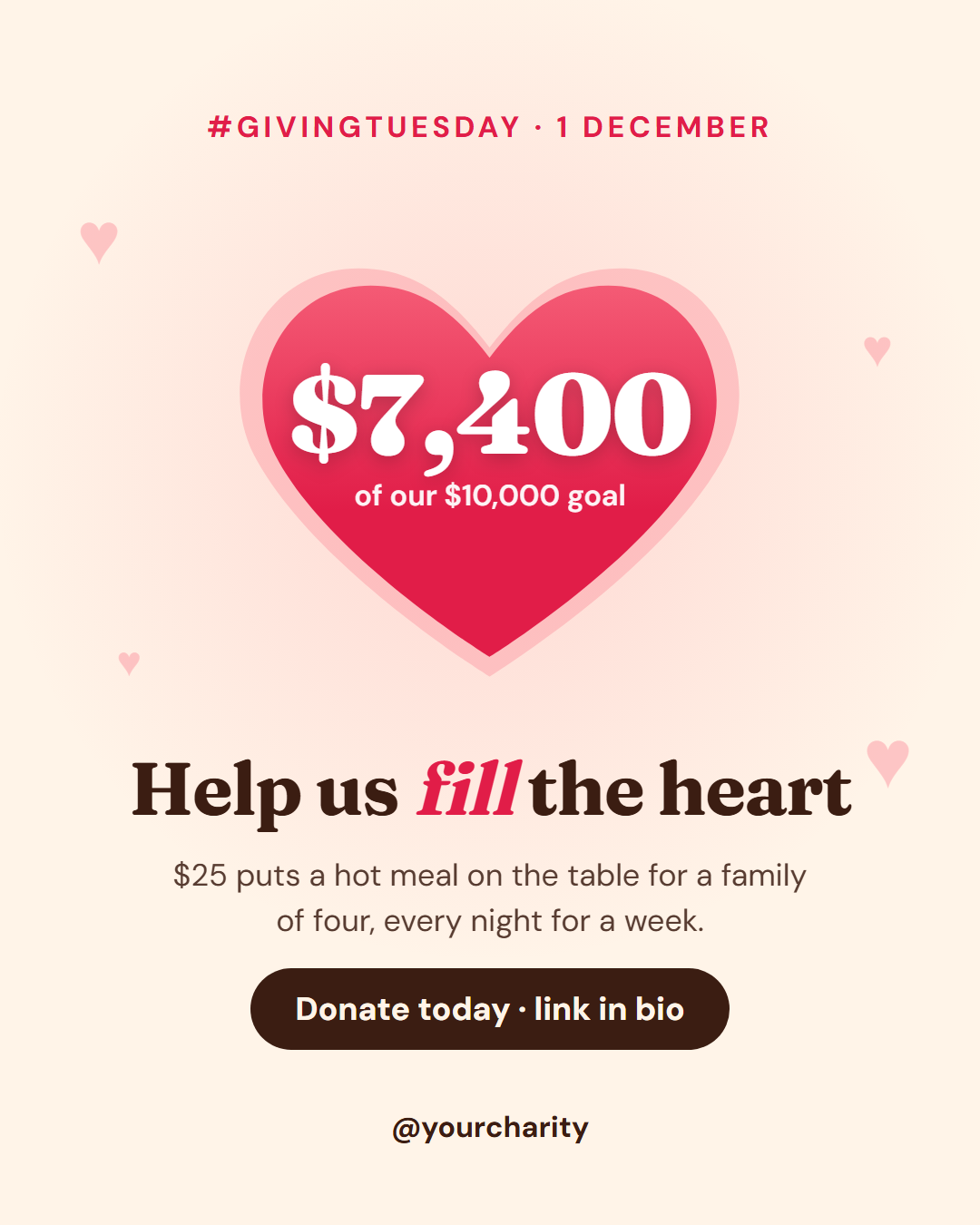
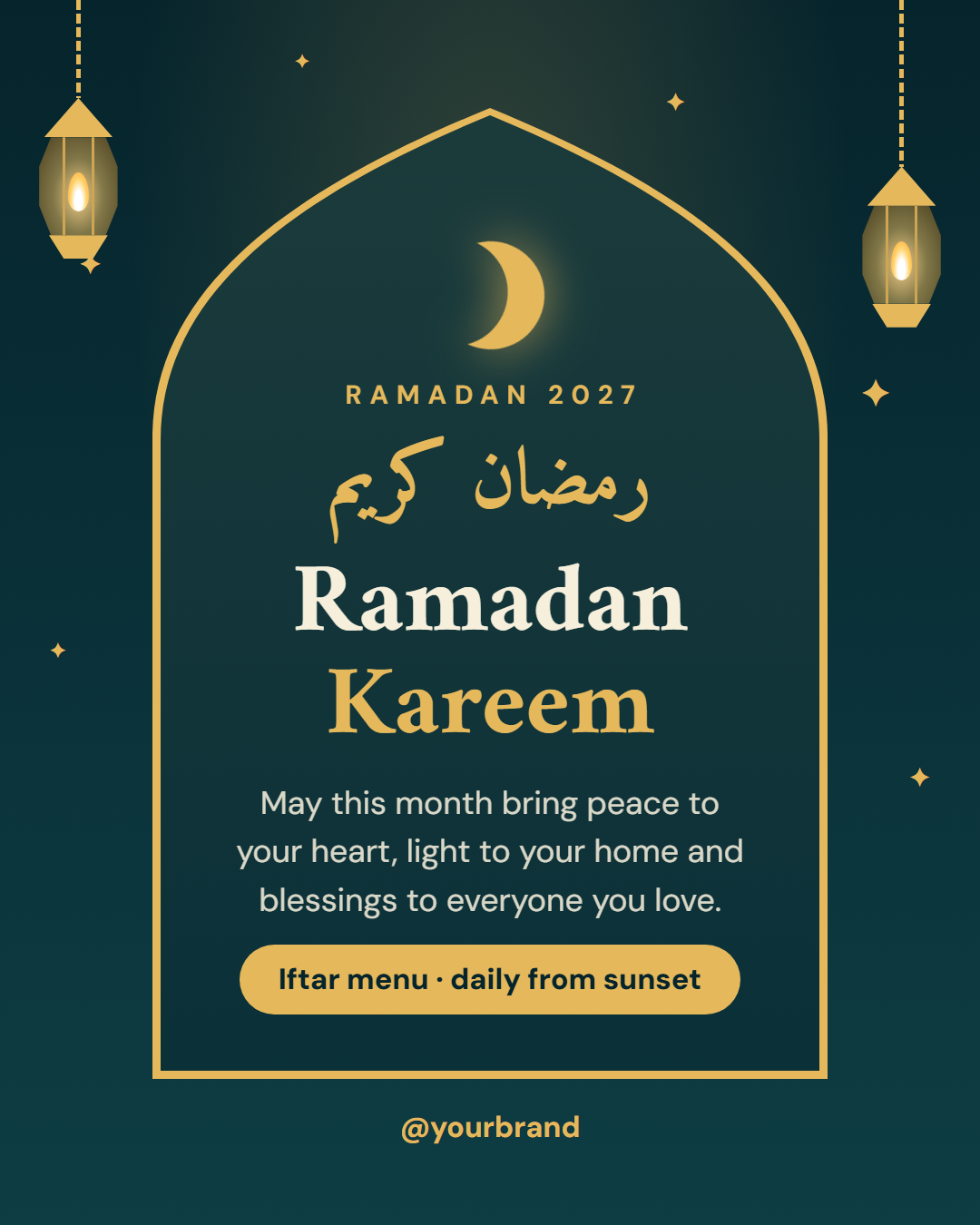
Holiday & Seasonal Post Templates (12): Christmas, Hanukkah, Diwali, Lunar New Year, Ramadan and Eid, Giving Tuesday, national days, Halloween, Thanksgiving and New Year posts. Includes Halloween Sale, Dhanteras, Diwali, Ramadan & Eid, Thanksgiving Thank You, Giving Tuesday, Hanukkah, Christmas Greeting, Valentine's Day, Happy New Year, Lunar New Year, National Day.
Step by step
How to Use
- 1Pick a templateBrowse the gallery or filter by category (Quotes & Tips, How-To & Education, Engagement, Announcements, Promo & Sales, Events, Social Proof, Carousel Slides, Stories, Holidays & Seasonal) and open a template.
- 2Choose the post sizePortrait 4:5 is the Instagram feed default. Switch to Square, Story / Reel, Landscape, LinkedIn or Pinterest, and the layout adapts.
- 3Edit text, photos, colours and fontsClick text in the preview or use the fields on the left. Format words, upload photos and logos, apply a palette or your brand kit, and pick any Google Font.
- 4Check and savePreview it in a platform mock-up, fix anything the quality checks flag, and Save it to My designs so you can come back to it.
- 5ExportOpen Export for PNG or JPEG, All sizes (ZIP), a carousel PDF, an animated MP4 (Patreon supporters), or Copy HTML to take the template into your own website, app or design system.
- 6Read the full guideWant a deeper walkthrough of designing, animating and exporting posts for Instagram, LinkedIn, X and Pinterest? Read the free social media post templates guide.
Real-world uses
Who Uses Social Post Templates
Got questions?
Frequently Asked Questions
They let you publish good-looking posts without a designer or design software: quotes and tips, product launches, sales and Black Friday promos, holiday greetings, events and webinars, customer testimonials, carousels and Stories. Pick a template, change the text, photos and colours, and download an image or short video sized for Instagram, Facebook, X, LinkedIn or Pinterest in a minute or two.
Canva-style templates give you an image inside their editor. These are real HTML and CSS: you can download the image, but you can also copy the code, download a .html file or fork it into My Code and reuse it on a website, in an email or in your own system. They are also free with no account or watermark, run entirely in your browser (photos are never uploaded), export every post size from one design, and shrink long text automatically so it never overflows.
Yes. Save keeps a design under a name in My designs, Save as makes a copy, and the My designs tab lets you search, reopen, rename and delete them. Saved designs also appear live at the top of this gallery. They are stored in your browser's IndexedDB, and the Import / Export tab downloads one backup file with your designs, photos, uploaded fonts and brand kit that you can import in any browser.
Yes. Press Play to watch the animation for free. "Animated video" in the Export menu, for Patreon supporters, records the post as an MP4 (WebM in browsers without MP4 recording) where text and photos animate in and then hold. Pick Rise, Fade or Pop and a length of 4, 6 or 8 seconds; the Story size suits Reels and Stories. Carousel slides can be exported as a PDF, which LinkedIn shows as a swipeable document post.
Yes, for Patreon supporters. Bulk create takes a CSV of quotes, tips or products, fills one post per row from the template, and downloads them all as a ZIP of images.
HTML is editable, versionable and automatable. Developers can render posts from a CMS or spreadsheet with a headless browser, keep templates in Git, change brand colours with CSS variables, and reuse the same design on the web. Each template is versioned, and the exported HTML file records which version you used.
Every template exports in 6 sizes: Portrait post 1080×1350 (4:5, Instagram feed (recommended), Facebook and LinkedIn feeds, X portrait); Square post 1080×1080 (1:1, Instagram, Facebook, LinkedIn and X feeds); Story / Reel 1080×1920 (9:16, Instagram and Facebook Stories, Reel covers); Landscape post 1600×900 (16:9, X feed image, Facebook landscape); LinkedIn image 1200×627 (1.91:1, LinkedIn shared image and link posts, Facebook link images); Pinterest pin 1000×1500 (2:3, Pinterest standard pin (the recommended 2:3 ratio)). Switch sizes in the editor and the layout adapts, or use "All sizes (ZIP)" to download all of them at once. Instagram recommends 4:5 portrait for feed posts, so that is the default.
Yes. The Export menu has Copy HTML and Download .html, which give you a single self-contained file: the markup, all the CSS inline, and links to the Google Fonts it uses. Uploaded photos can be embedded in the file or left out. Open it in any browser, edit it in your code editor, render it with your own screenshot tool, or drop it into a CMS or email builder.
No. Photos are resized and kept in your browser, and the image export is drawn locally on an HTML canvas. Nothing you type or upload leaves your device. The only outside requests are for the Google Fonts the template uses. Your edits autosave in your browser per template, so they are still there when you come back.
Yes. Each template exposes its colours (background, text, accent and more) with colour pickers and hex input, plus 12 one-click palettes. Heading and body fonts can be any Google Font, searchable by name and category, or a font file you upload yourself. Select words to make them bold, italic, underlined or highlighted in the accent colour, and save your colours, logo and fonts as a brand kit to apply to any design. Long text shrinks automatically to fit the layout.
Yes. Choose the Story / Reel size (1080×1920) and the layouts add extra padding at the top and bottom so text stays clear of the profile bar and the reply field. Turn on "Story safe zones" to see those areas while you edit. The Stories category has templates designed Story-first, like polls and link-in-bio prompts.
Yes, for most of them. Templates without a badge are free for personal and commercial posts, with no watermark and no sign-up. Templates with a Patreon badge can be previewed and edited by anyone; exporting them needs the supporter passcode. Photos, logos and text you add are your own responsibility, so make sure you have the rights to the images you upload.