Quote, Tip & Fact Post Templates
8 free quotes & tips templates for Instagram, Facebook and X. Quote cards, tips, list posts, Q&As, facts, myth vs fact and statistic posts that people save and share. Edit in your browser, download every post size or copy the HTML.
Quote, Tip & Fact Post Templates
8 templates · Instagram, Facebook & X · PNG, JPEG & HTML
About this category
Quote, Tip & Fact Post Templates
Quote cards, daily tips and "did you know?" facts are some of the most saved and shared posts on Instagram, LinkedIn and X. They are quick to read, easy to make into a series, and they keep your handle attached when they are reshared. These templates give each format a clear hierarchy, with the quote, tip or fact as the hero, text that shrinks to fit, and a footer for your name or handle.
Pick Big Quote for founder, customer or podcast quotes, Tip of the Day for a numbered tip series, Did You Know? for statistics and trivia with a source line, Code Tip for developer snippets in an editor-style window, Myth vs Fact to bust a common misconception with a sourced fact, Big Stat to turn one statistic into a giant glowing number with a bar chart, Numbered List Post for save-worthy "5 tips" listicles, and Q&A Post to answer follower questions in a chat-style layout. All of them export in every size and as HTML.
Series perform better than single posts, so decide on a format and repeat it. Keep the colours, fonts and layout the same, change only the quote, tip or fact, and put your handle in the footer so every share credits you. Write for the scroll: one short idea per post, a number or a bold claim in the first words and a source line where it is a statistic. Export the same design as a portrait post for the feed, a square for LinkedIn and X, and a Story, so one idea becomes three posts.
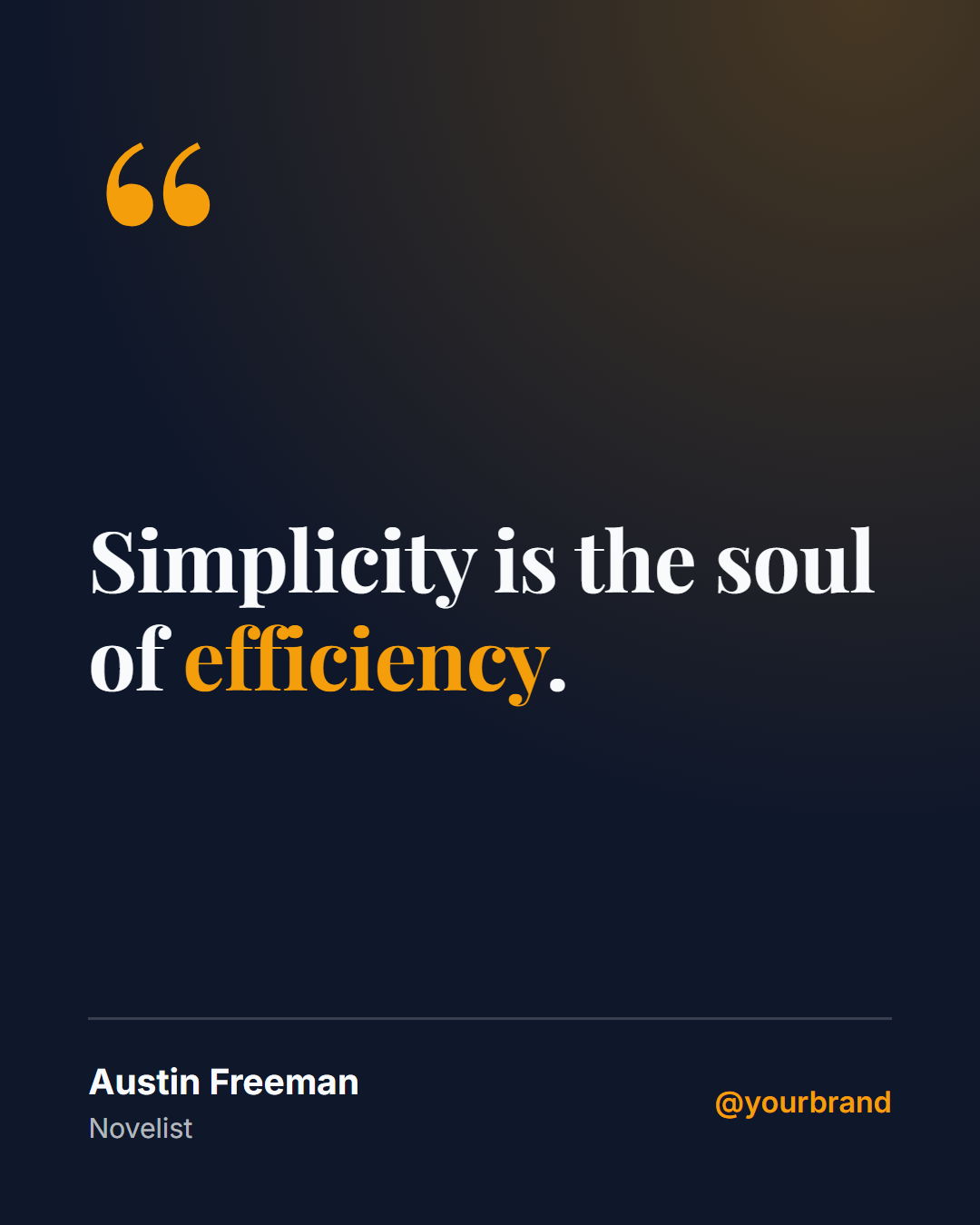
Big Quote: A bold serif pull-quote on a deep background with an oversized quote mark, author name, role, optional photo and your handle.
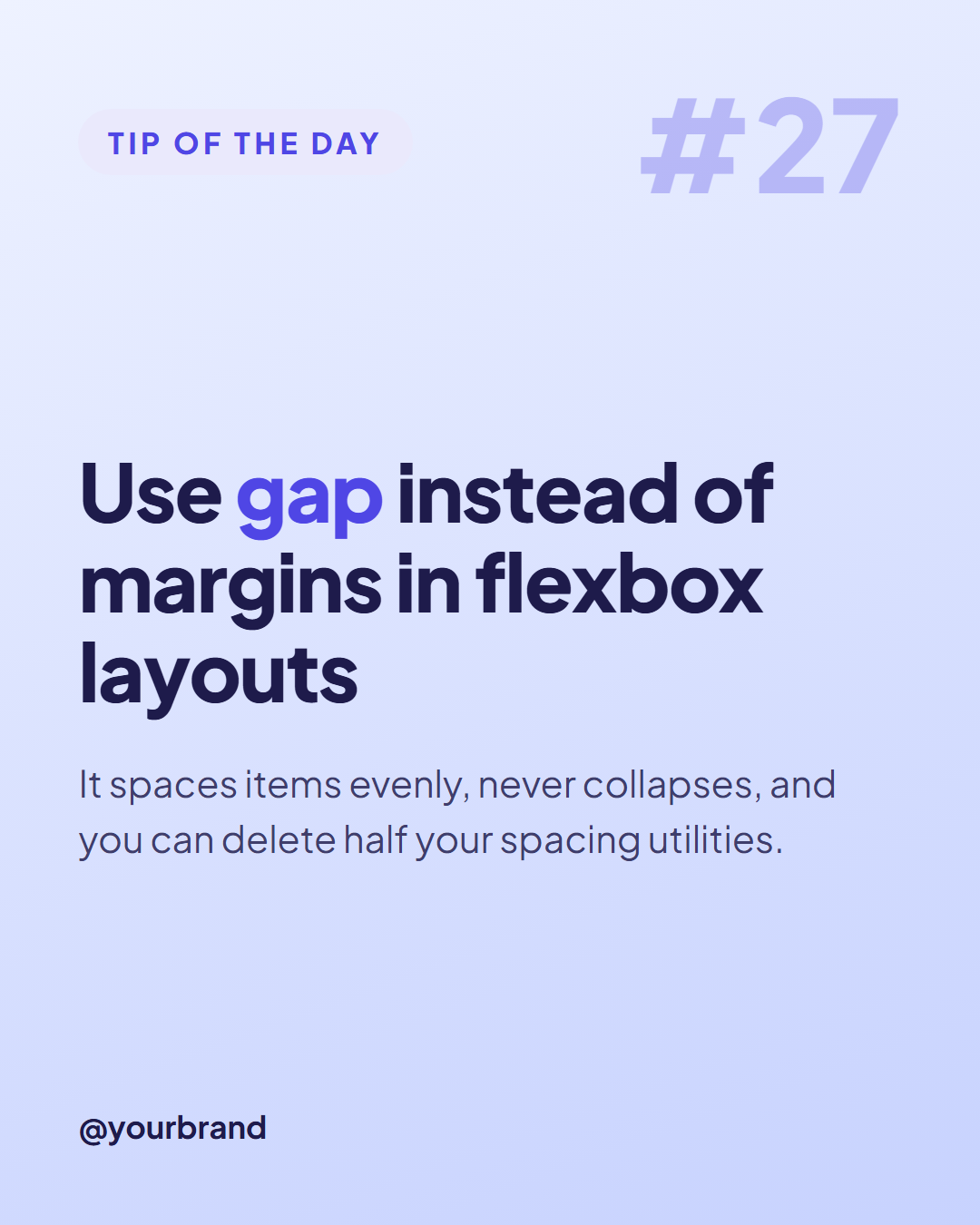
Tip of the Day: A soft gradient card with a "Tip of the day" label, a large tip number, a headline, a short explanation and your logo and handle.
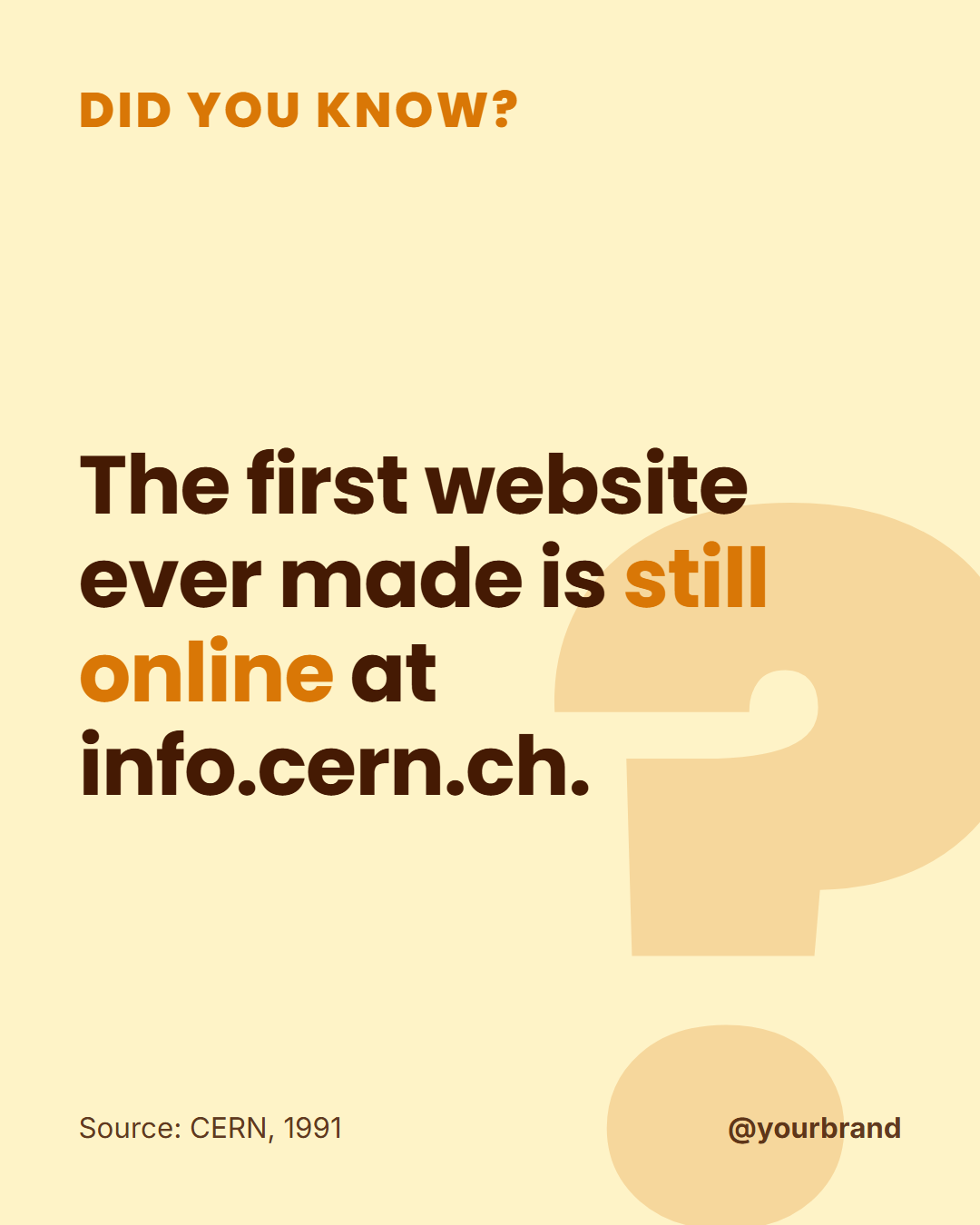
Did You Know?: A warm fact card with a giant question mark, a "Did you know?" heading, the fact itself and a small source line.
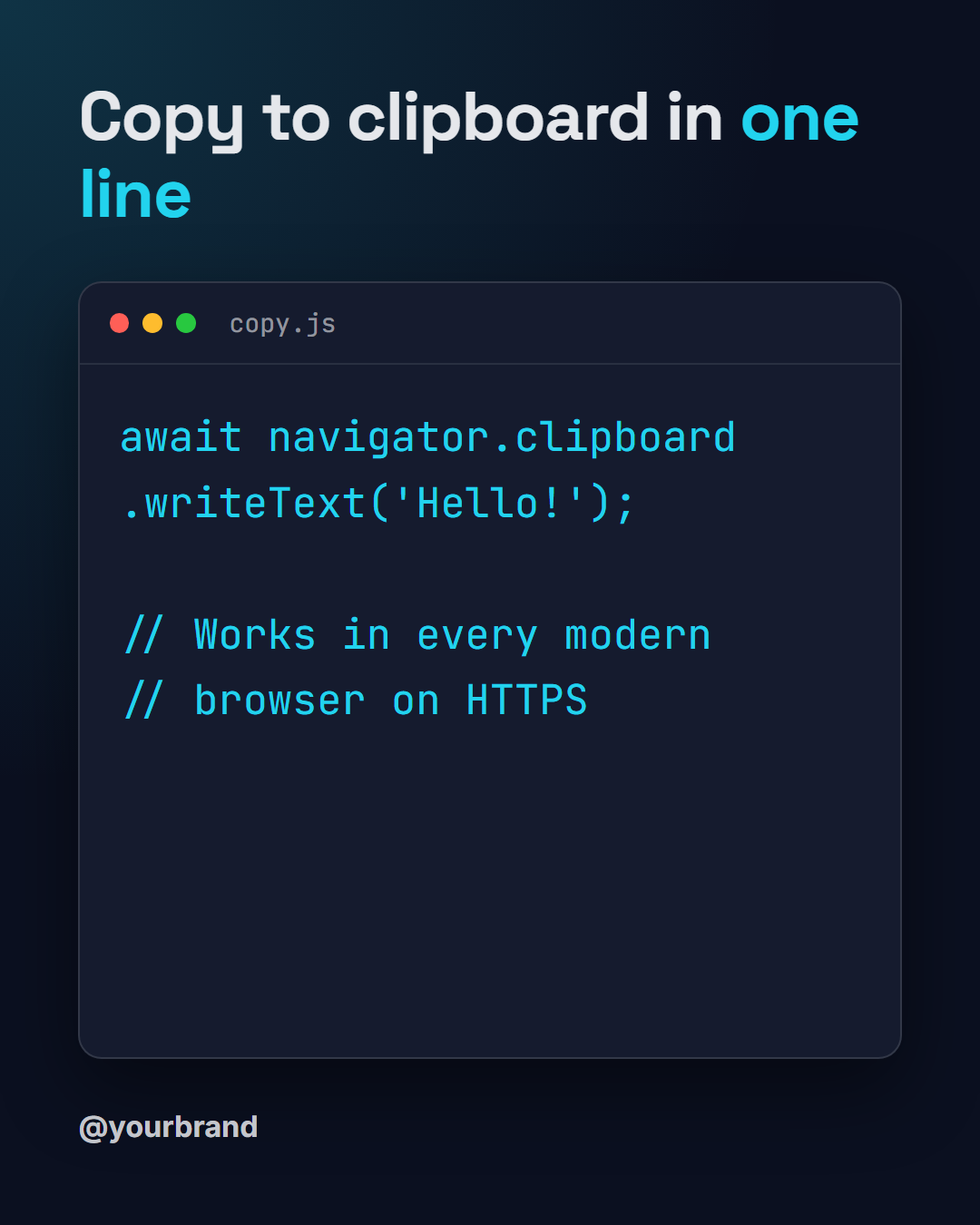
Code Tip: A dark developer card with a title and a code-editor window (traffic-light dots, file name, monospace code) plus your handle.
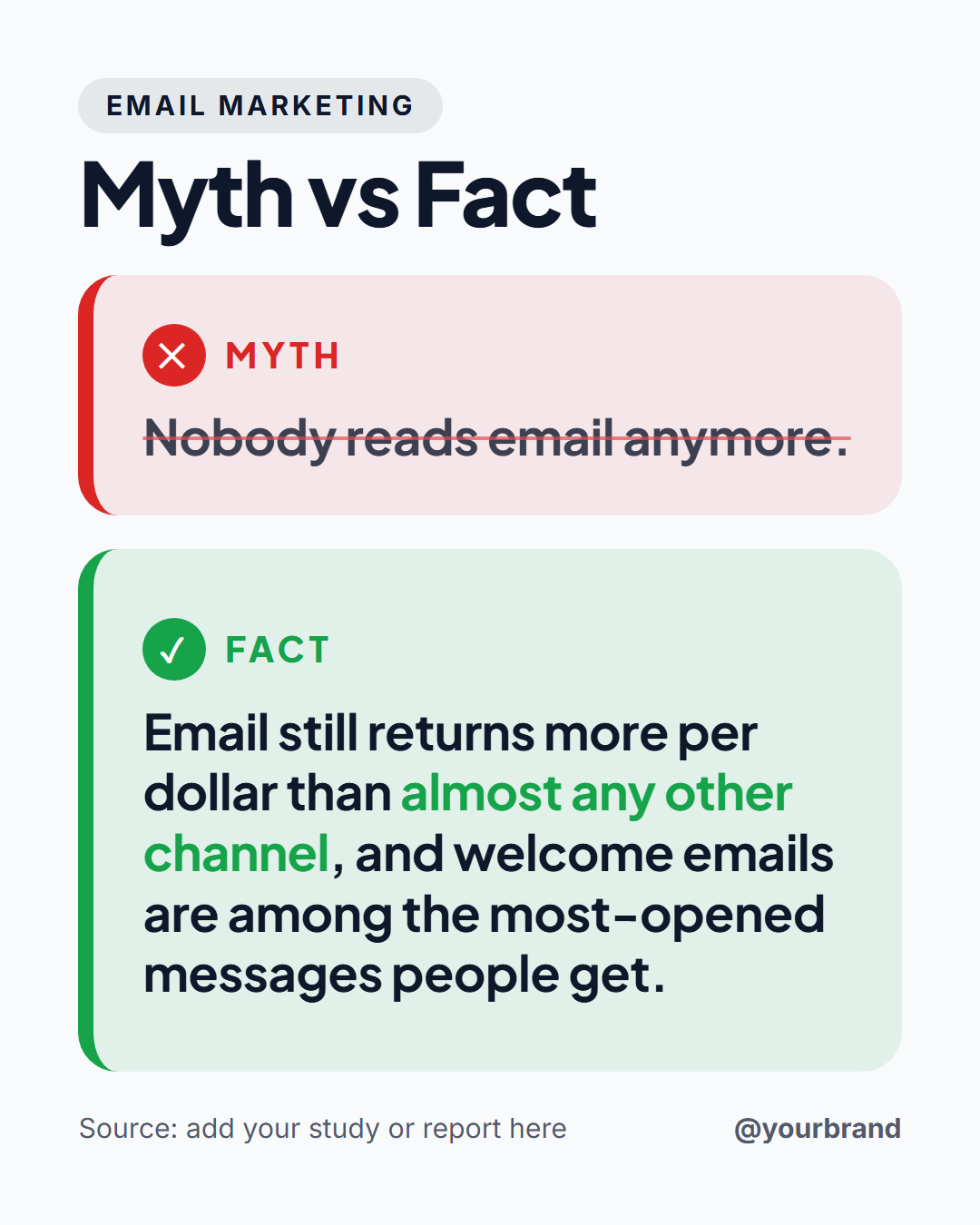
Myth vs Fact: An educational post that busts a common myth: a topic label, the myth in a red panel with a cross mark, the fact in a green panel with a check mark, a source line and your handle.
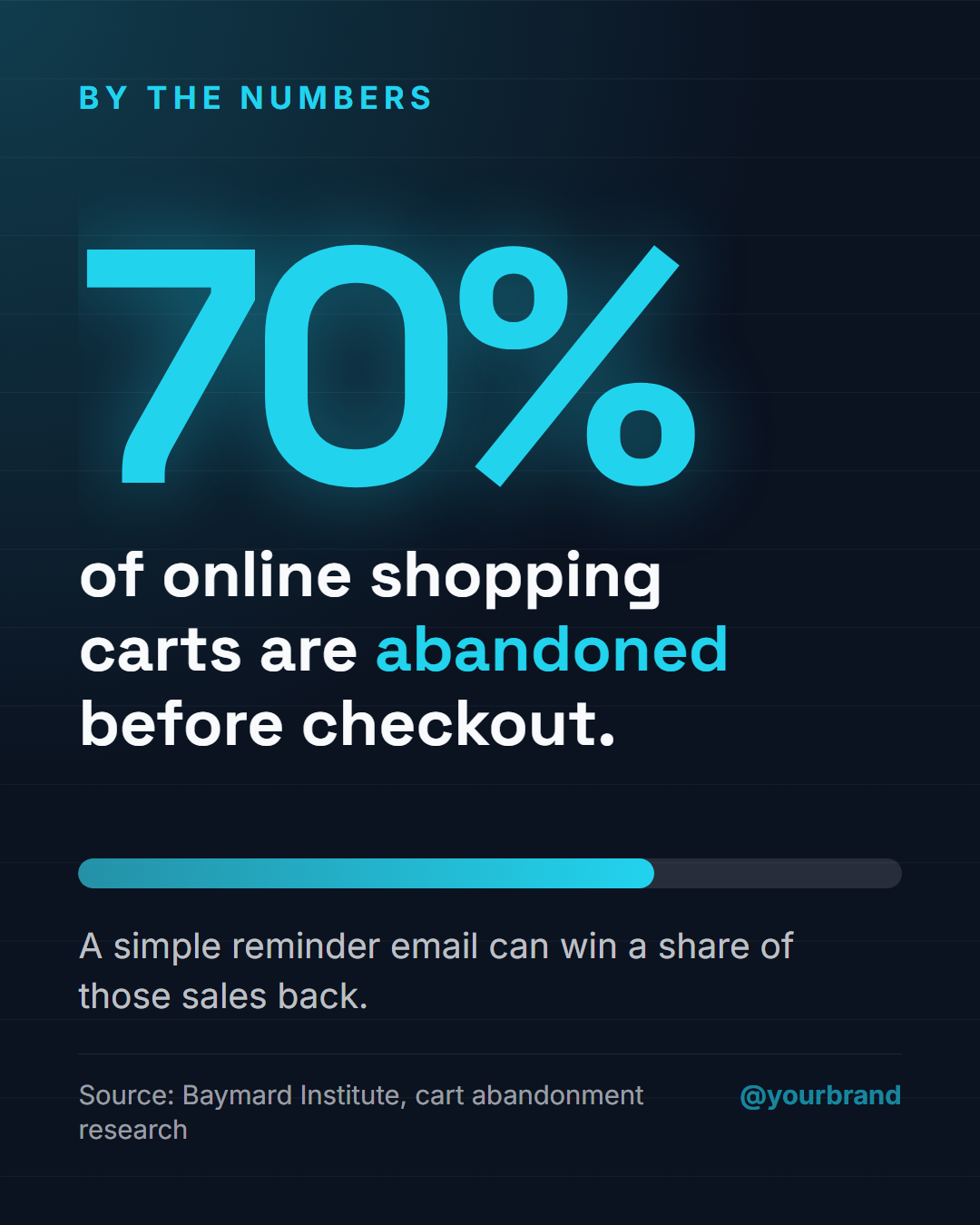
Big Stat: A data post built around one striking statistic: a giant number in the accent colour, a sentence explaining it, a small bar chart that visualises the share, a context line, the source and your handle.
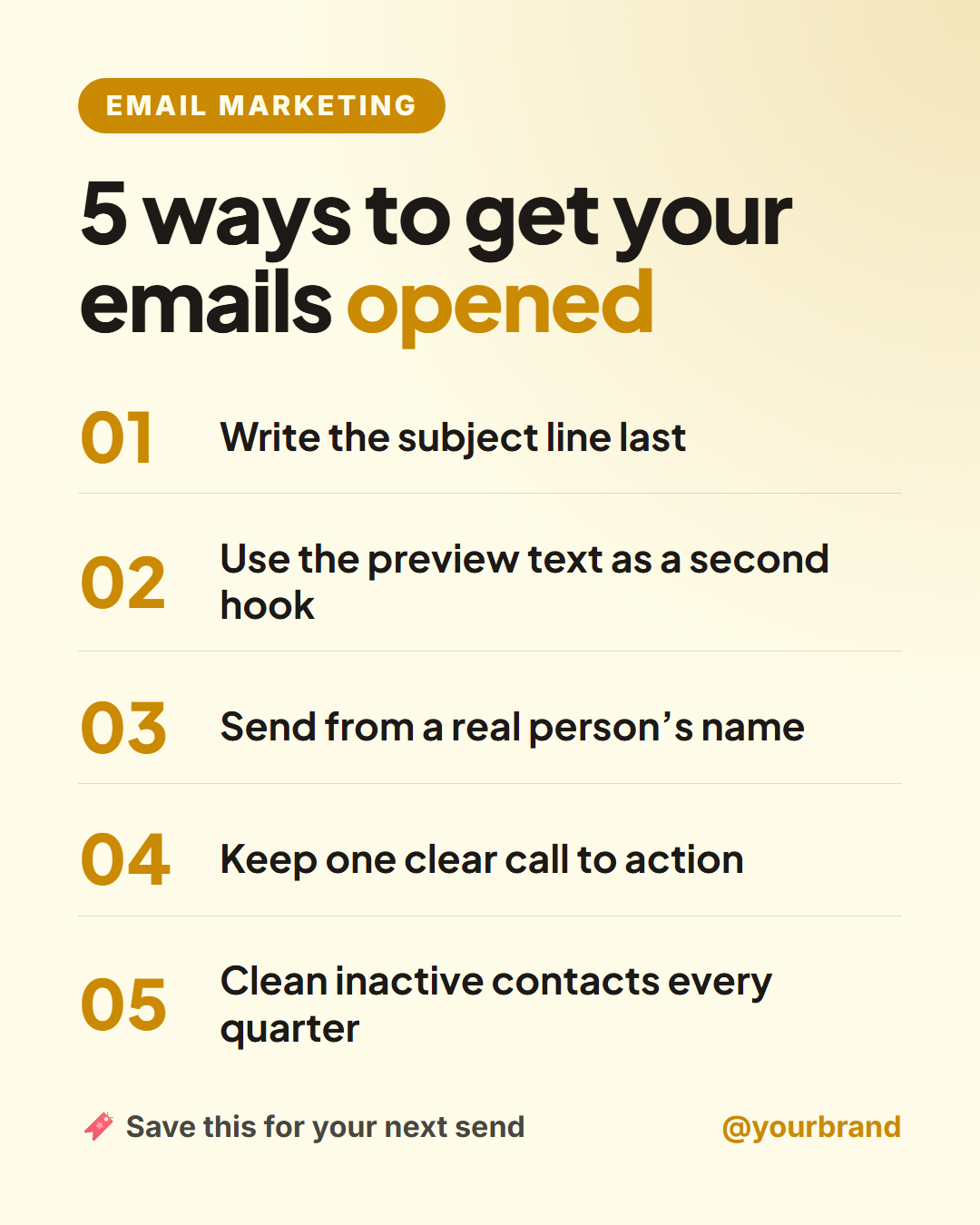
Numbered List Post: A save-worthy listicle post: a small label, a bold "5 ways to…" headline, up to five numbered points in large accent numerals (empty points hide themselves), a "save this for later" prompt and your handle.
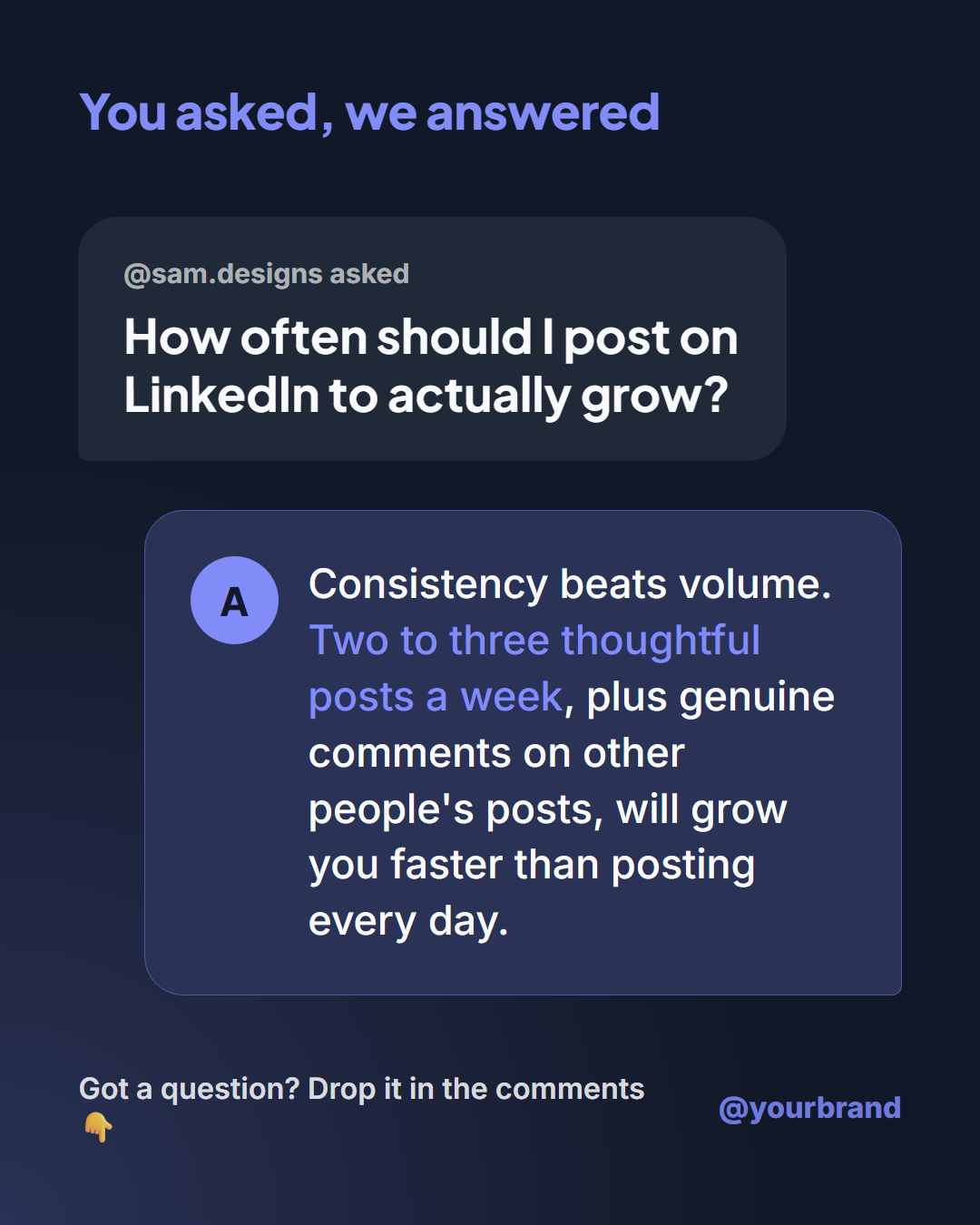
Q&A Post: A "you asked, we answered" post styled like a chat: a label, the follower's question in a bubble with their name, your answer in a larger accent bubble with your logo initial, and your handle. Perfect for FAQs, AMAs and customer questions.
Templates in this category
Best Uses for Quotes & Tips Templates
How it’s different
Why These Templates Instead of Canva-Style Ones
Got questions?
Frequently Asked Questions
Use Big Quote for quotes with an author: it has an oversized quote mark, a serif quote and an author footer with an optional photo. For tips, use Tip of the Day; for facts with a source, use Did You Know?.
Yes. Your colours, fonts and logo are saved in your browser for each template, so each new post only needs new text. Tip of the Day also has a tip number for numbered series.
Aim for one or two short sentences, roughly under 140 characters for a quote. The templates shrink long text to fit, but short posts are easier to read on a phone and more likely to be saved or shared.
The 4:5 portrait size (1080×1350) fills the most of the Instagram feed, while the square (1080×1080) works well on LinkedIn and Facebook. Switch sizes in the editor and the layout adapts without a rebuild.
Yes. Use Bulk create: paste a CSV with one tip per row and the editor fills the template for each, then downloads all of them as a ZIP of images ready to schedule.
Big Quote: A bold serif pull-quote on a deep background with an oversized quote mark, author name, role, optional photo and your handle. Tip of the Day: A soft gradient card with a "Tip of the day" label, a large tip number, a headline, a short explanation and your logo and handle. Did You Know?: A warm fact card with a giant question mark, a "Did you know?" heading, the fact itself and a small source line. Code Tip: A dark developer card with a title and a code-editor window (traffic-light dots, file name, monospace code) plus your handle. Myth vs Fact: An educational post that busts a common myth: a topic label, the myth in a red panel with a cross mark, the fact in a green panel with a check mark, a source line and your handle. Big Stat: A data post built around one striking statistic: a giant number in the accent colour, a sentence explaining it, a small bar chart that visualises the share, a context line, the source and your handle. Numbered List Post: A save-worthy listicle post: a small label, a bold "5 ways to…" headline, up to five numbered points in large accent numerals (empty points hide themselves), a "save this for later" prompt and your handle. Q&A Post: A "you asked, we answered" post styled like a chat: a label, the follower's question in a bubble with their name, your answer in a larger accent bubble with your logo initial, and your handle. Perfect for FAQs, AMAs and customer questions.
Portrait post 1080×1350 (4:5), Square post 1080×1080 (1:1), Story / Reel 1080×1920 (9:16), Landscape post 1600×900 (16:9), LinkedIn image 1200×627 (1.91:1), Pinterest pin 1000×1500 (2:3). Every template adapts to each size, and "All sizes (ZIP)" downloads them together.