Engagement Post Templates
2 free engagement templates for Instagram, Facebook and X. This-or-that votes and hot takes that get people commenting, sharing and arguing in the replies. Edit in your browser, download every post size or copy the HTML.
Engagement Post Templates
2 templates · Instagram, Facebook & X · PNG, JPEG & HTML
About this category
Engagement Post Templates
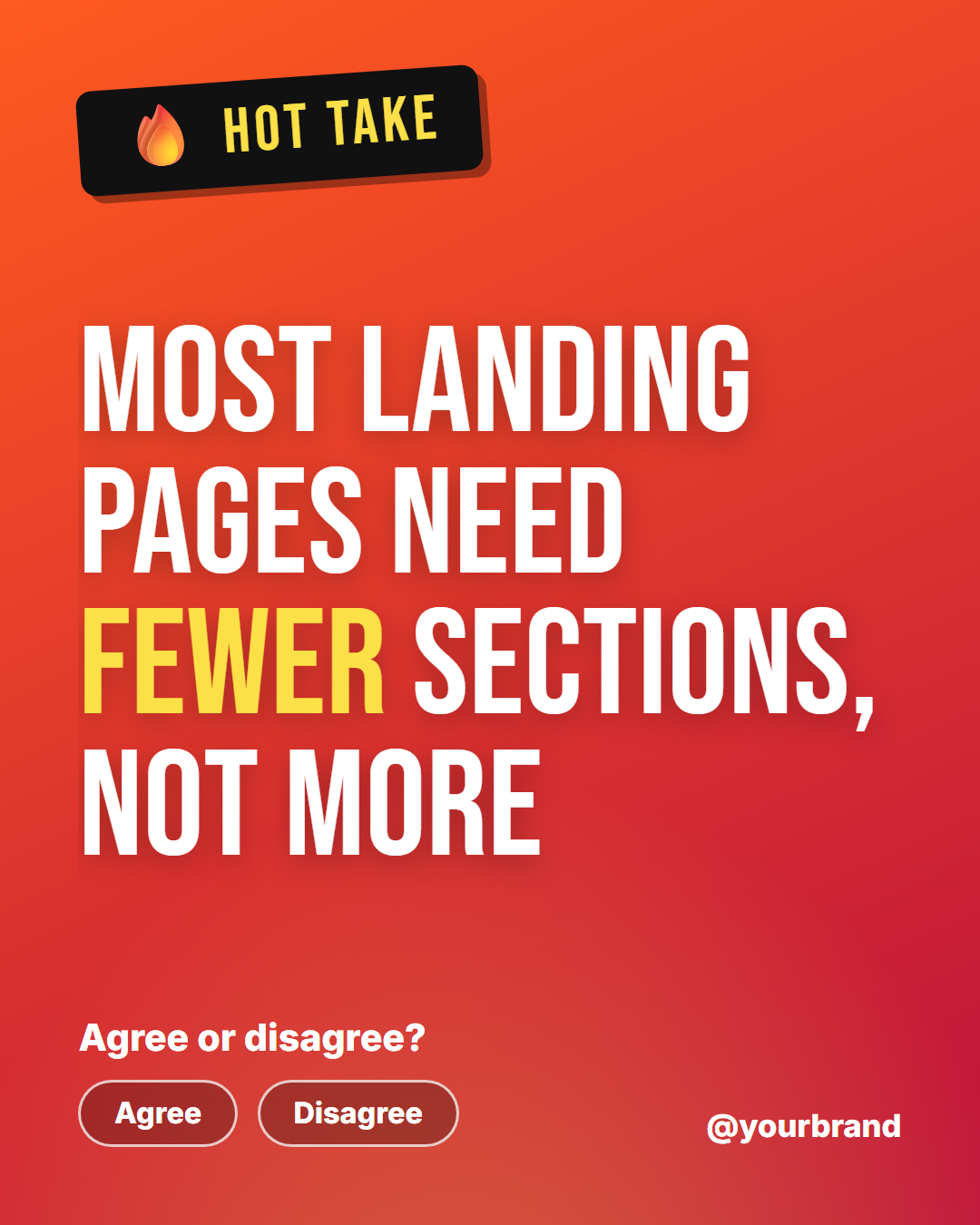
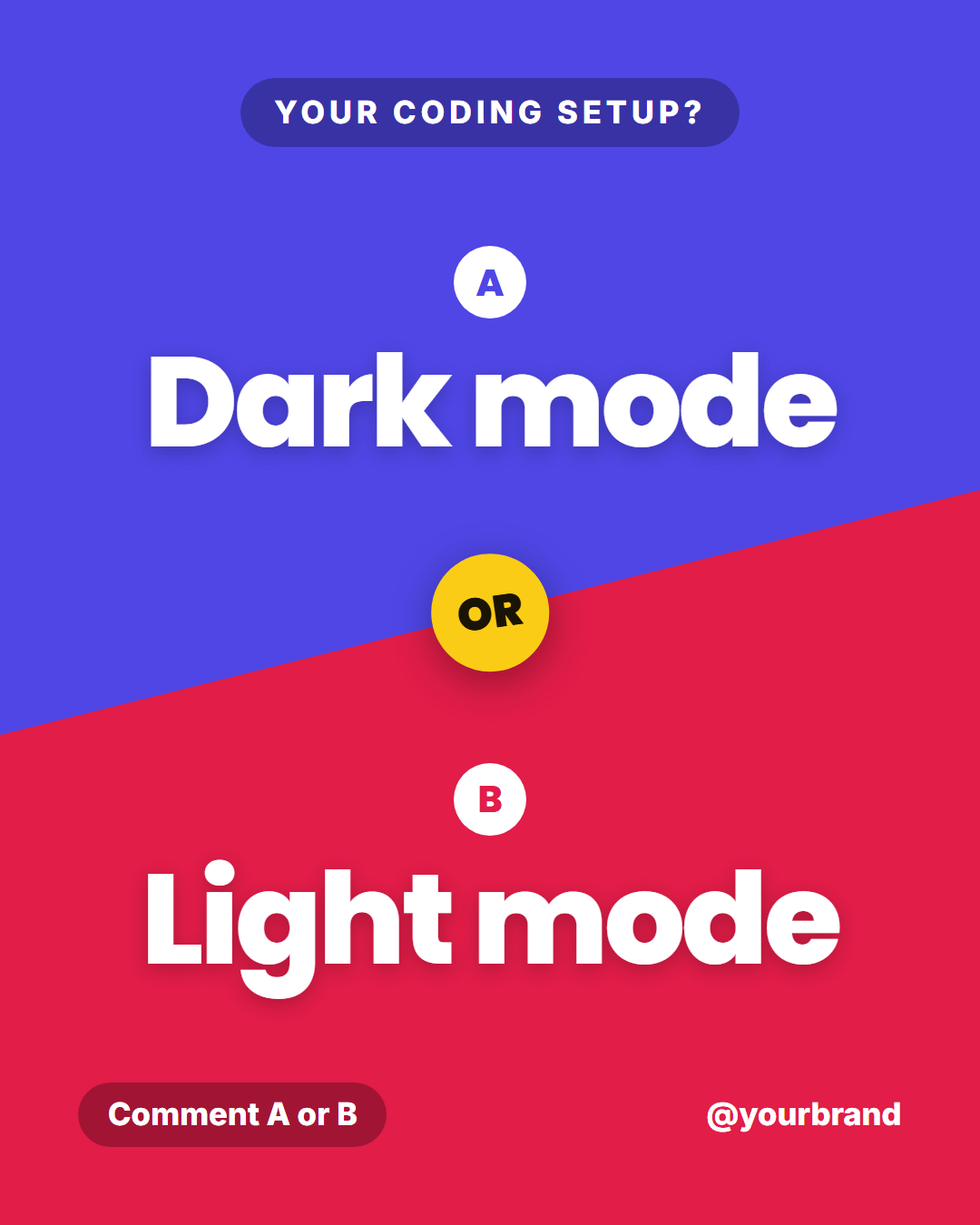
Some posts are written to inform and others are written to get a reply. These two are the second kind. This or That splits the post on a bold diagonal, with two big options on contrasting colours and a round OR badge in the middle, and a prompt that tells people to answer with A or B in the comments. Hot Take sets one strong opinion in huge uppercase letters on a red-to-orange gradient, with agree and disagree chips underneath to make taking a side feel effortless.
Both give the comment section something to do, which is what the feed algorithms reward. They work best when the question is easy to answer in one word and the opinion is one you can defend in the replies.
An engagement post only works if answering is easier than scrolling past. Ask something your audience already has a view on, keep the choices short enough to type in a comment, and reply to the first few answers quickly so the thread keeps moving. Use these sparingly, one or two a week between your more useful posts, and keep the tone of your brand: a playful question suits a bakery, a sharp opinion suits a developer or founder.
This or That: A diagonal split-screen vote: a question chip, two big options in contrasting colours with A and B badges, a circular "OR" in the middle, a vote prompt and your handle.
Hot Take: A fiery opinion card: a tilted "hot take" sticker, one huge uppercase statement on a red-to-orange gradient, a short follow-up question with agree and disagree chips and your handle.
Templates in this category
Best Uses for Engagement Templates
How it’s different
Why These Templates Instead of Canva-Style Ones
Got questions?
Frequently Asked Questions
This or That is made for the feed: a large diagonal split that reads at a glance and asks for answers in the comments. The Story poll is a vertical layout built around Instagram's poll sticker, where votes are counted by the app.
A specific claim in your own field that a reasonable person could disagree with, stated in one short line. "Most landing pages need fewer sections" starts a discussion; "marketing is important" does not.
One or two a week is plenty. Mixed with teaching and announcement posts, they keep the comment section active without making the account feel like it is always asking for something.
The statement is the post. Use the question line underneath, such as "Agree or disagree?", to tell people exactly what to do, and add your fuller reasoning in the caption.
Yes. Replace the options with two products, two designs or two ideas for a feature. This or That is a quick way to gather opinions from followers before you decide.
This or That: A diagonal split-screen vote: a question chip, two big options in contrasting colours with A and B badges, a circular "OR" in the middle, a vote prompt and your handle. Hot Take: A fiery opinion card: a tilted "hot take" sticker, one huge uppercase statement on a red-to-orange gradient, a short follow-up question with agree and disagree chips and your handle.
Portrait post 1080×1350 (4:5), Square post 1080×1080 (1:1), Story / Reel 1080×1920 (9:16), Landscape post 1600×900 (16:9), LinkedIn image 1200×627 (1.91:1), Pinterest pin 1000×1500 (2:3). Every template adapts to each size, and "All sizes (ZIP)" downloads them together.