Testimonial & Before/After Post Templates
3 free social proof templates for Instagram, Facebook and X. Customer testimonials, 5-star review posts and before/after results. Edit in your browser, download every post size or copy the HTML.
Testimonial & Before/After Post Templates
3 templates · Instagram, Facebook & X · PNG, JPEG & HTML
About this category
Testimonial & Before/After Post Templates
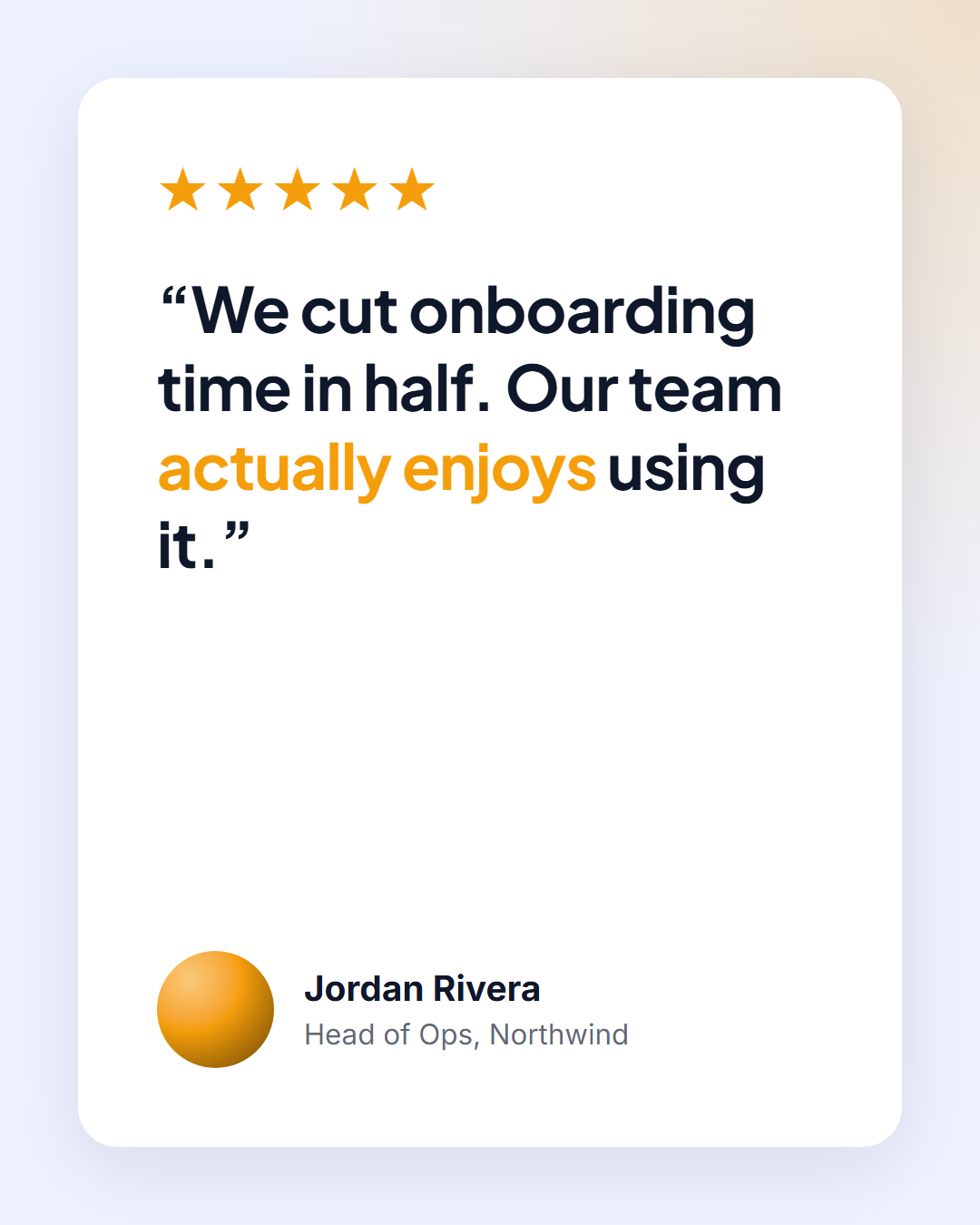
Social proof sells better than any claim you can make yourself. Customer Testimonial turns a review into a credible card, with stars, the quote, a real person's photo, role and company, and an optional company logo. Before & After shows a transformation with two equal photo panels that stack on tall sizes and sit side by side on wide ones, labelled so the improvement is obvious.
Use them for client feedback, G2 or App Store reviews, website redesigns, renovations, fitness progress or photo edits. Customer and client photos are processed in your browser and never uploaded.
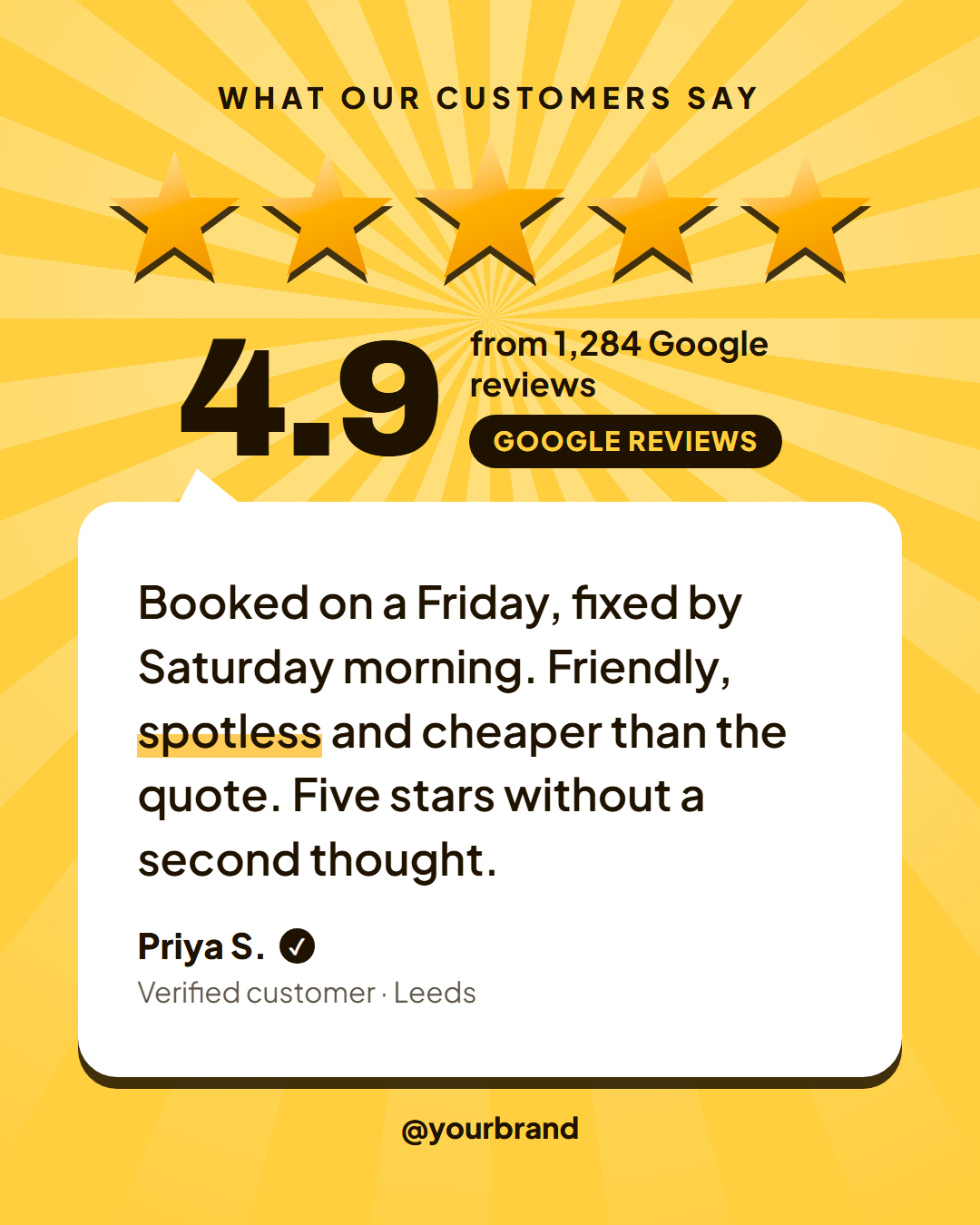
For local businesses and online shops, 5-Star Review leads with what customers check first: five big stars, your average rating counting up and the number of reviews, then one customer's words in a speech bubble with a verified tick.
Proof posts turn customers into your best marketing, but they only work when they are believable. Use real names, roles or businesses and photographs where you have permission, quote the customer's own words and add a number or a result where one exists. Before-and-after posts need the same framing and lighting on both sides so the difference is the point. Rotate proof posts with other content, and link to the full case study in the caption to give interested people a place to go next.
Customer Testimonial: A clean review card with a five-star rating, the customer quote, their photo, name and company, and an optional company logo.
5-Star Review: A rating-first review post on a golden sunburst: five big drawn stars that pop in one after another, your average rating counting up with the number of reviews and the platform, then the customer's words in a speech bubble with their name, an optional photo and a "verified buyer" tick, plus your handle and logo.
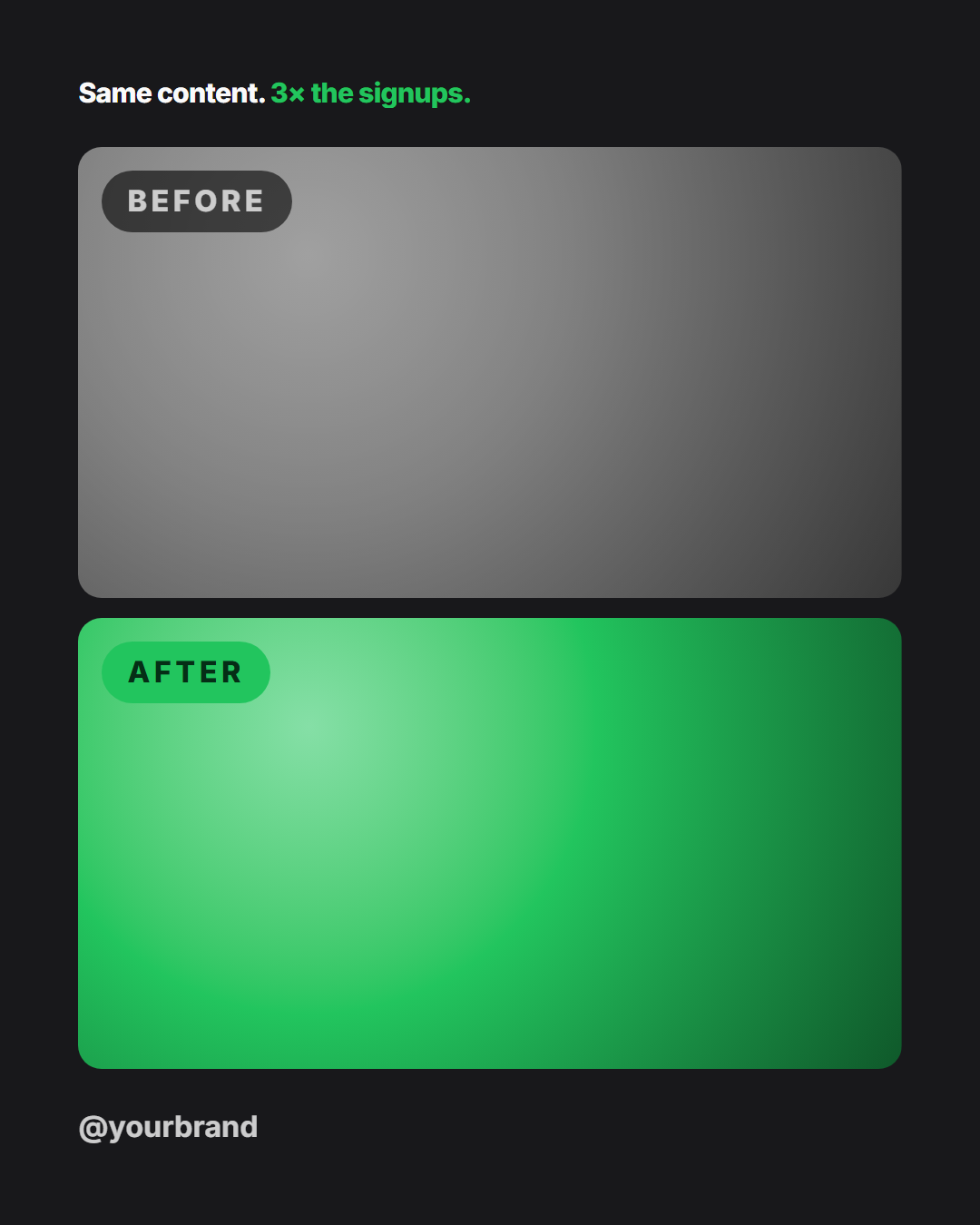
Before & After: A dark comparison post with two photo panels labelled "Before" and "After" (stacked on tall posts, side by side on wide ones) and a results headline.
Templates in this category
Best Uses for Social Proof Templates
How it’s different
Why These Templates Instead of Canva-Style Ones
Got questions?
Frequently Asked Questions
It's good practice to ask before using a customer's name, photo or logo. It builds trust and avoids problems, even for public reviews.
Portrait (4:5) and Story (9:16) stack the photos top and bottom, which suits phone screenshots and tall photos. Square and landscape place them side by side.
Ask before you post, in writing, and say where the review will appear. Many businesses add a line to the review request, and a short message such as "Can we feature this on our social channels?" is enough for most customers.
Use identical framing, lighting and angle for both photos, label them clearly and add a short caption that explains what changed and how long it took. Avoid claims you cannot support and follow the rules of your industry.
Yes. Export the testimonial in the Story size (1080×1920) or use it as one slide in a carousel together with other reviews. Switching sizes in the editor adapts the layout automatically.
Customer Testimonial: A clean review card with a five-star rating, the customer quote, their photo, name and company, and an optional company logo. 5-Star Review: A rating-first review post on a golden sunburst: five big drawn stars that pop in one after another, your average rating counting up with the number of reviews and the platform, then the customer's words in a speech bubble with their name, an optional photo and a "verified buyer" tick, plus your handle and logo. Before & After: A dark comparison post with two photo panels labelled "Before" and "After" (stacked on tall posts, side by side on wide ones) and a results headline.
Portrait post 1080×1350 (4:5), Square post 1080×1080 (1:1), Story / Reel 1080×1920 (9:16), Landscape post 1600×900 (16:9), LinkedIn image 1200×627 (1.91:1), Pinterest pin 1000×1500 (2:3). Every template adapts to each size, and "All sizes (ZIP)" downloads them together.