Sale & Promo Post Templates
9 free promo & sales templates for Instagram, Facebook and X. Discount badges, Black Friday and Cyber Monday sales, advent calendar deals, product spotlights, giveaways, comparisons and real estate listings. Edit in your browser, download every post size or copy the HTML.
Advent Calendar Deal
6 sizes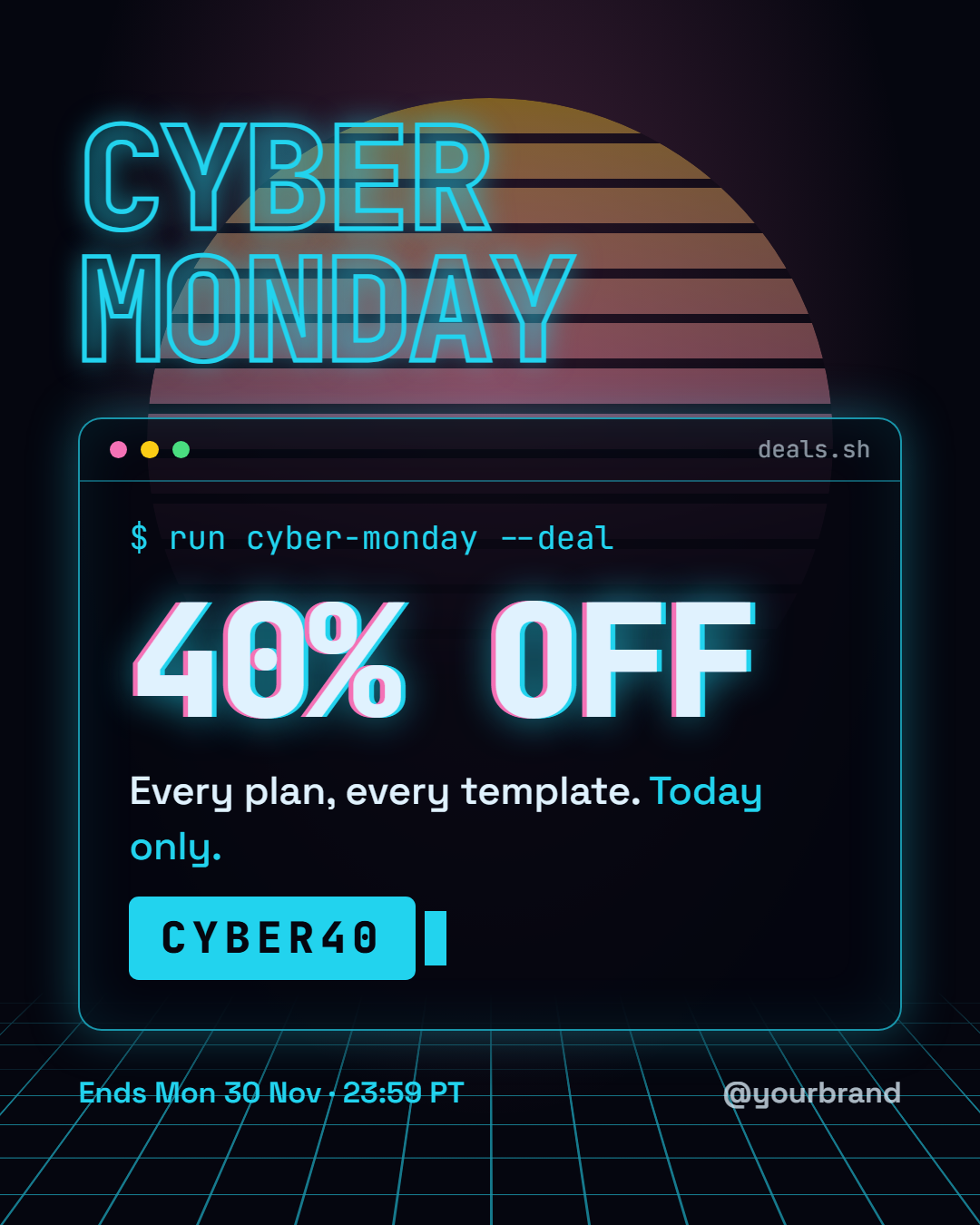
Cyber Monday
6 sizes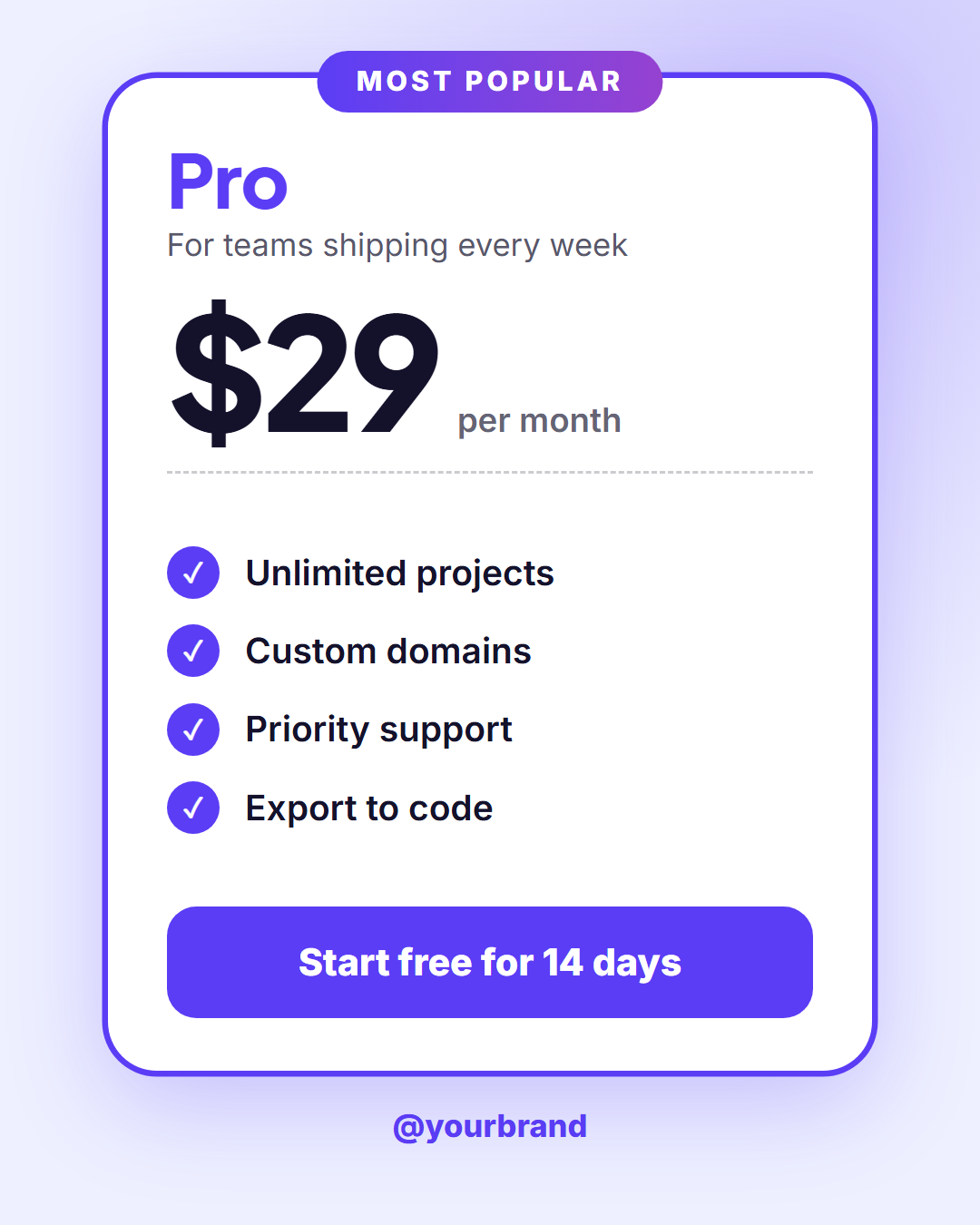
Pricing Card
6 sizes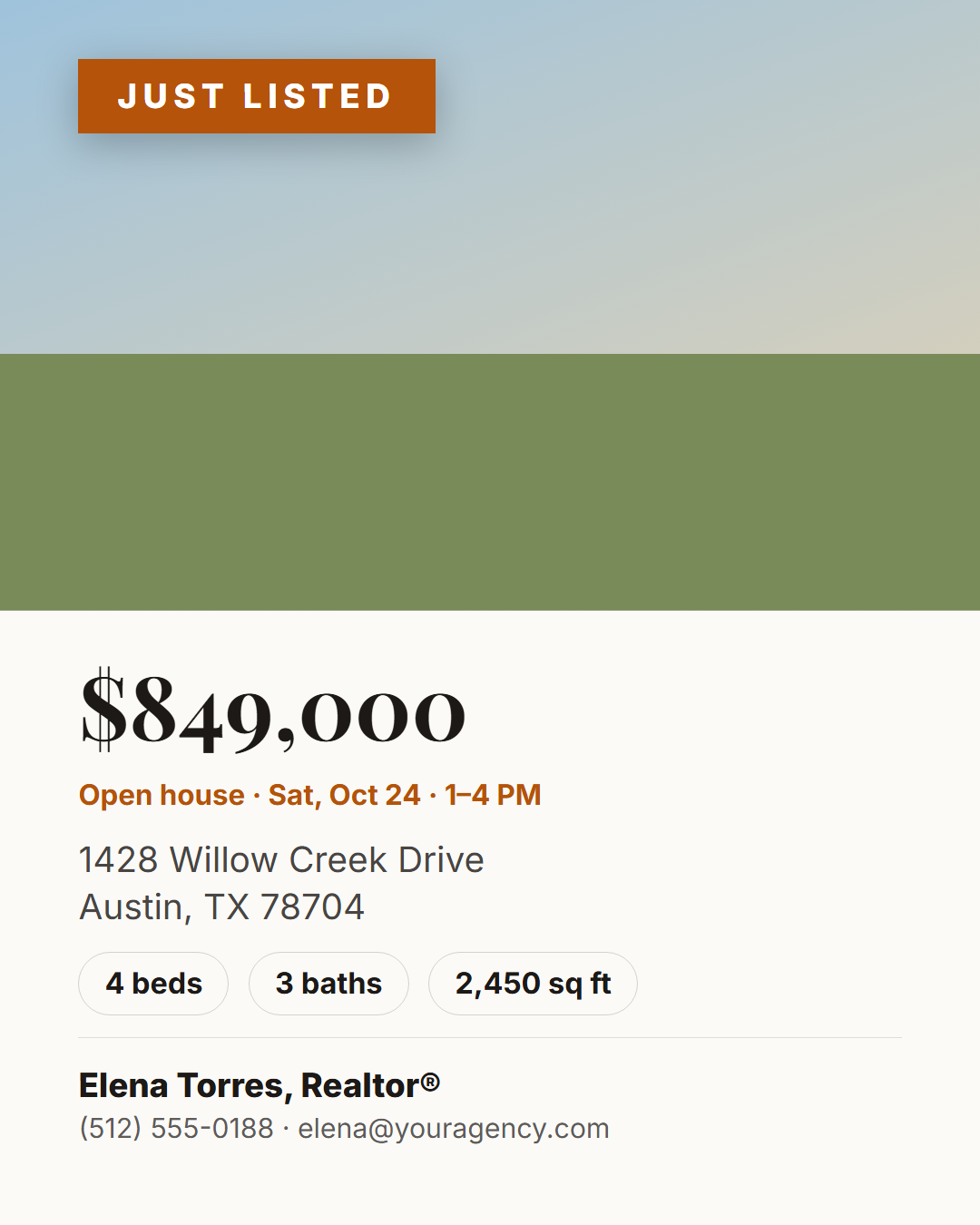
Just Listed (Real Estate)
6 sizes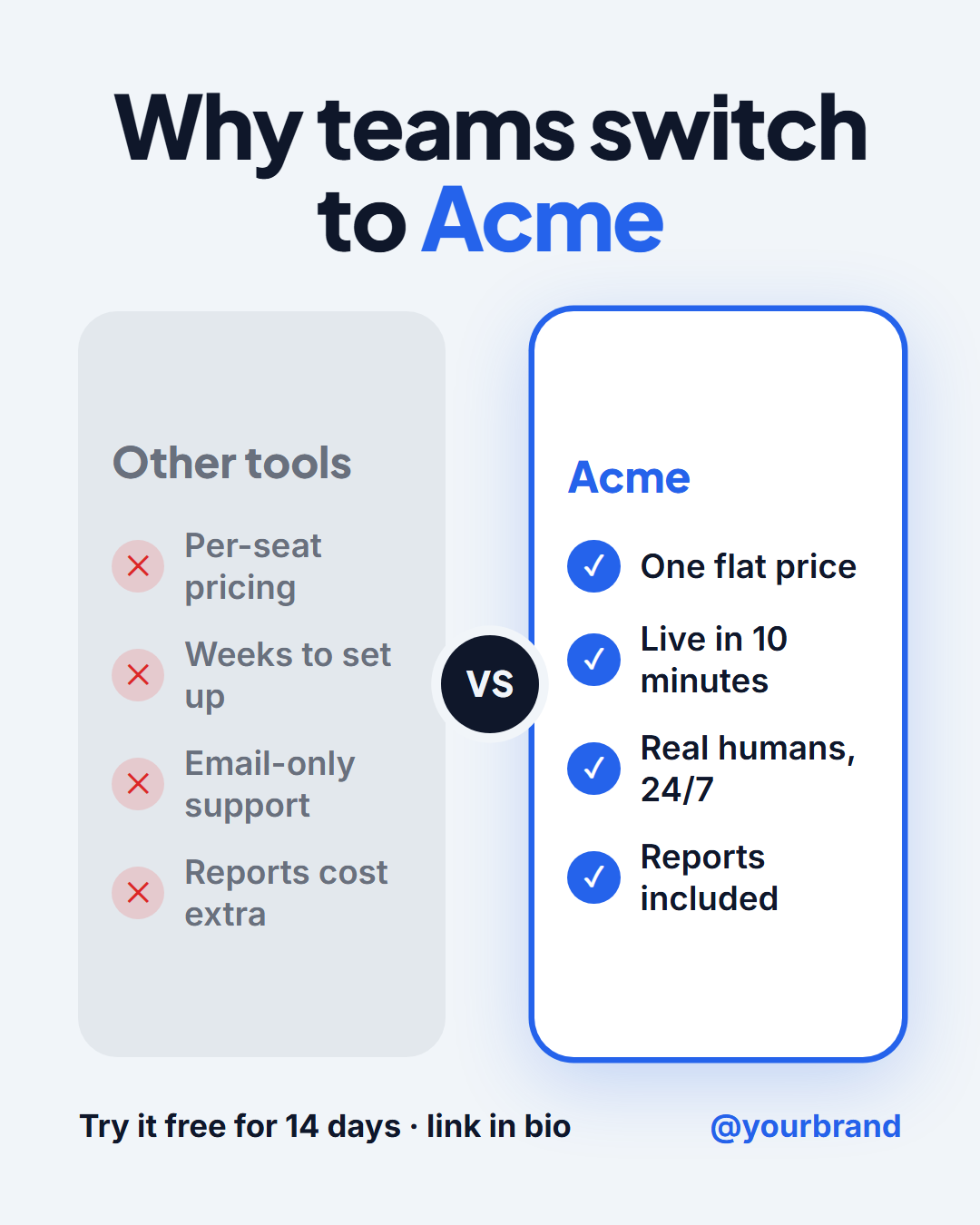
Us vs Them Comparison
6 sizes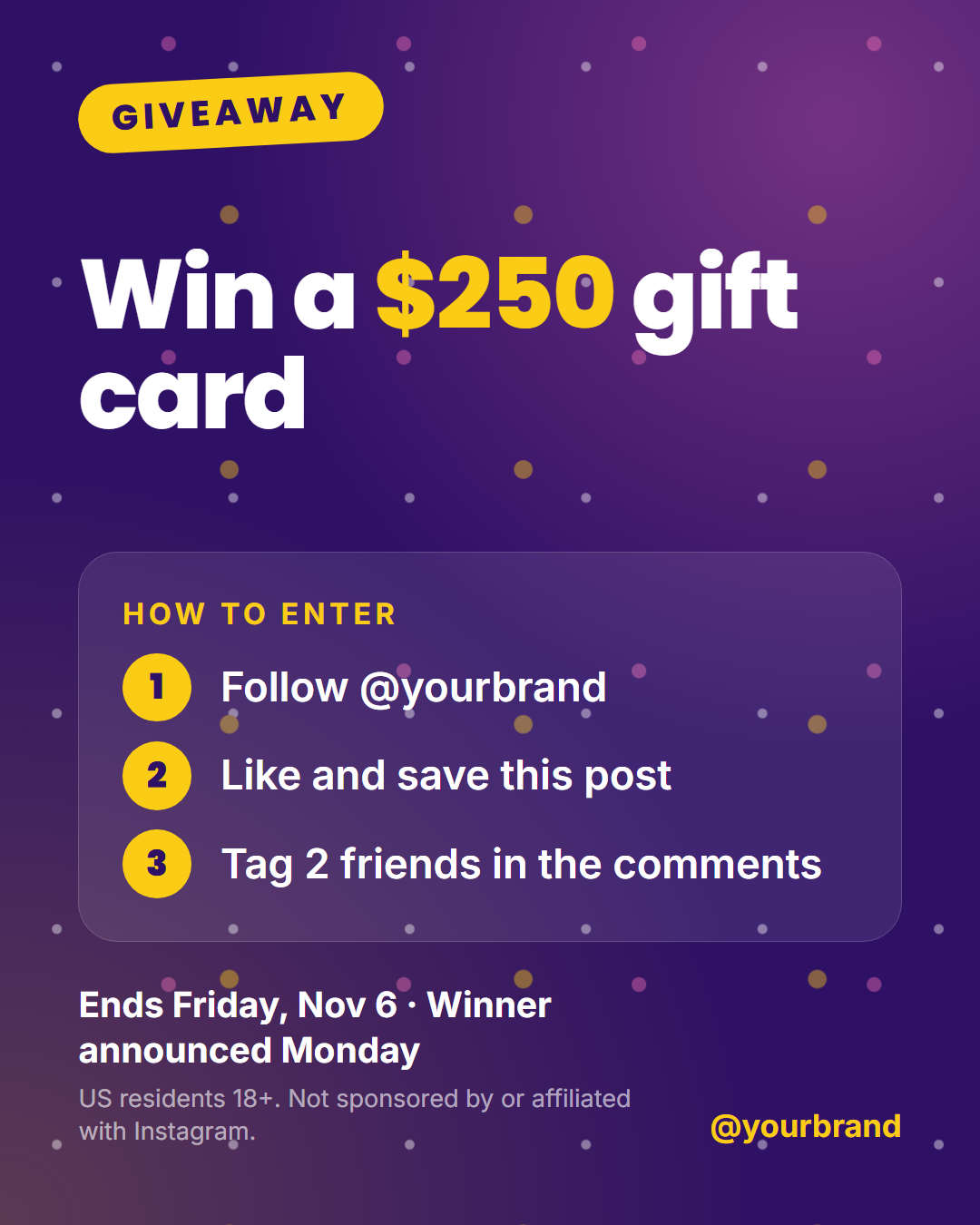
Giveaway Contest
6 sizes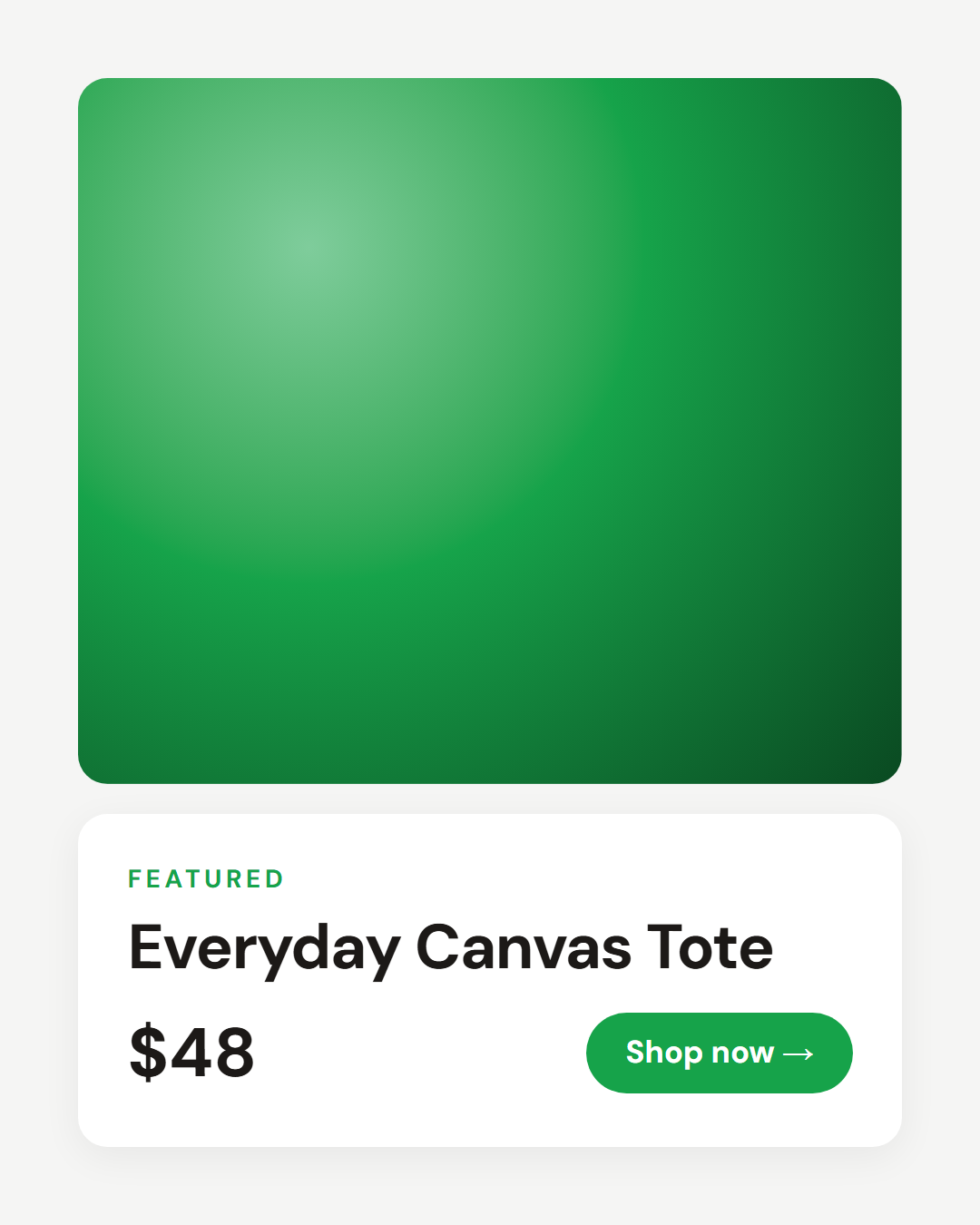
Product Spotlight
6 sizes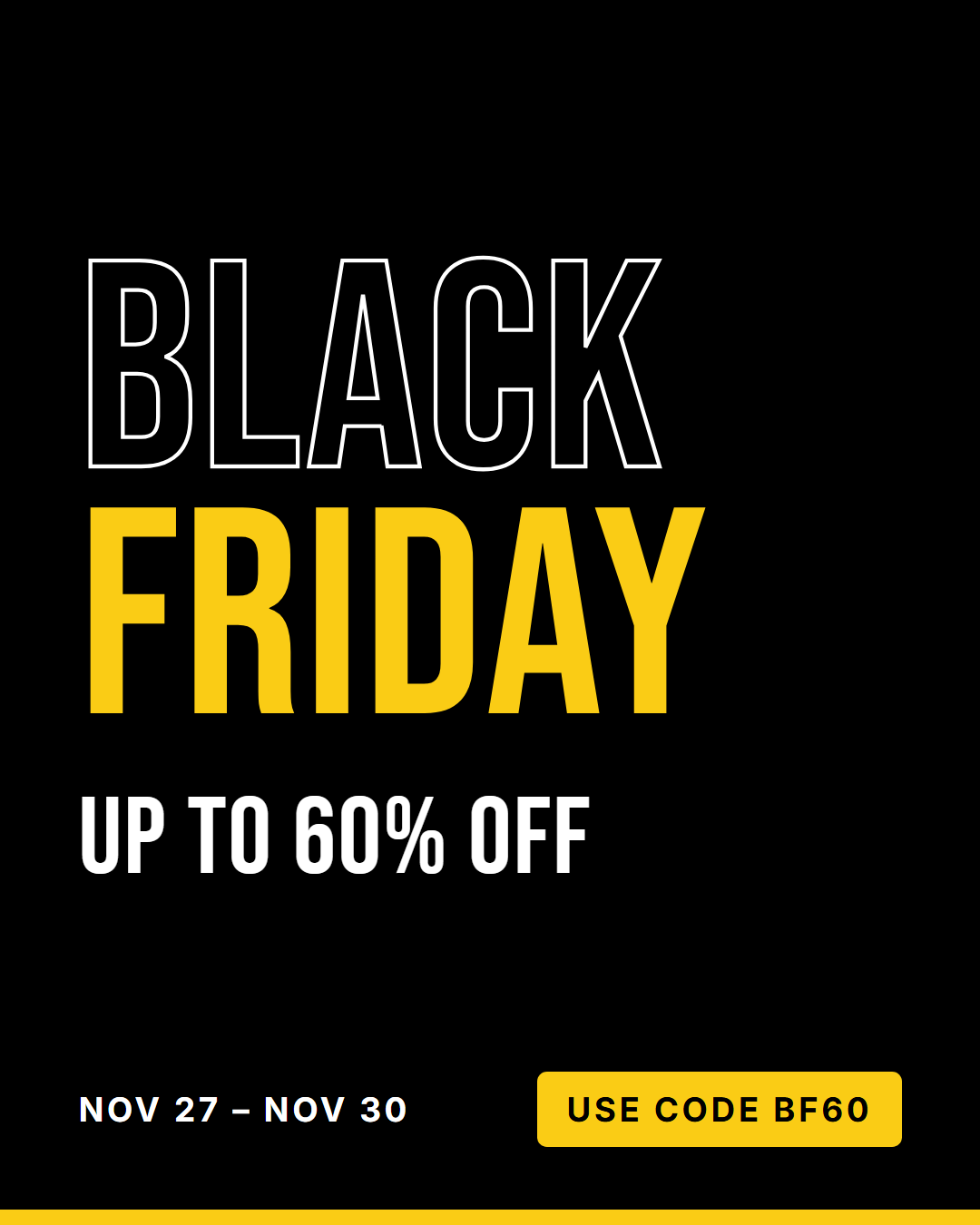
Black Friday Sale
6 sizes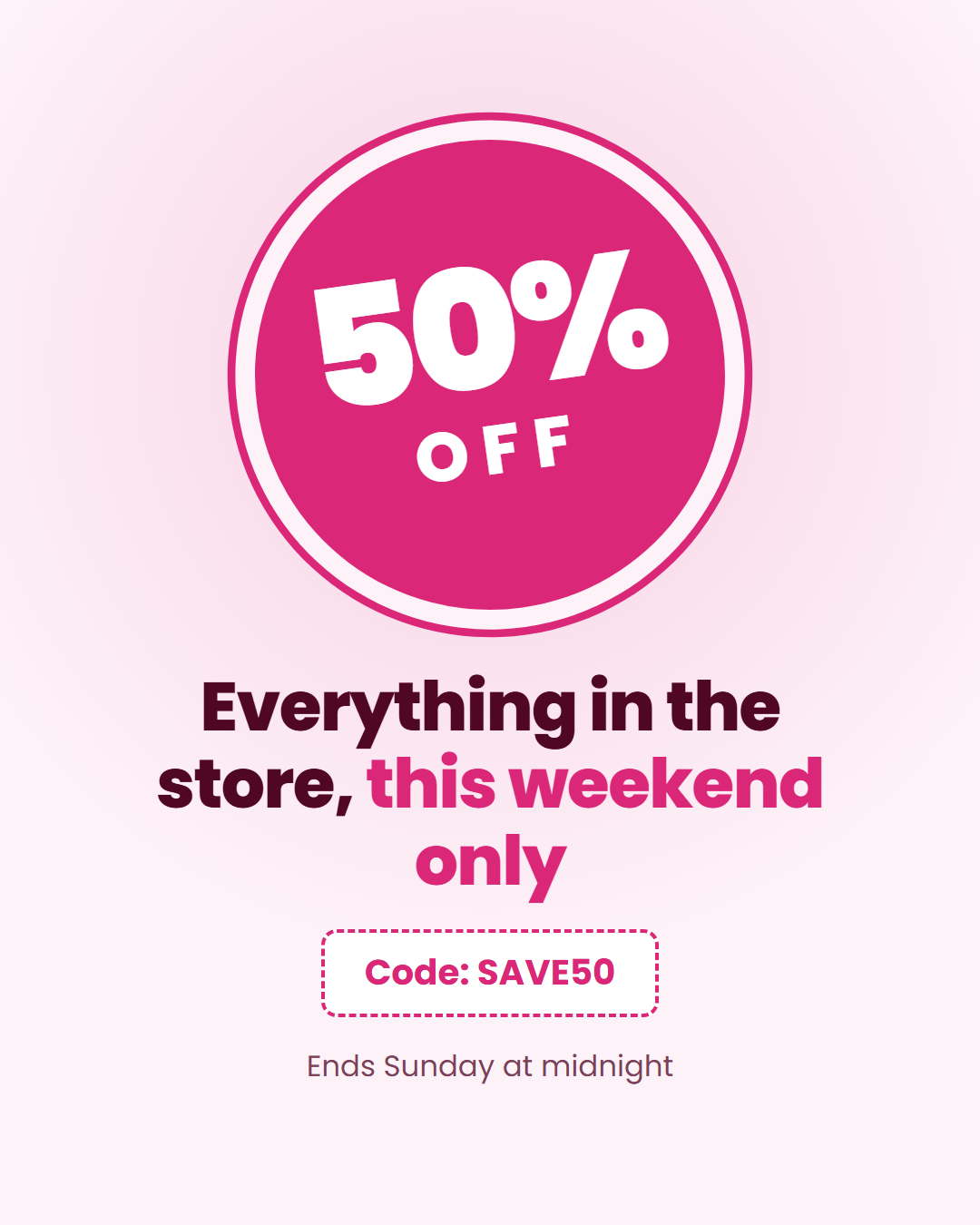
Discount Badge
6 sizesSale & Promo Post Templates
9 templates · Instagram, Facebook & X · PNG, JPEG & HTML
About this category
Sale & Promo Post Templates
Promotional posts need to communicate the offer in under a second. These templates are built around that: Discount Badge puts the percentage in a tilted sticker badge with a coupon-style code chip, Black Friday Sale uses huge outlined and filled type for Black Friday (November 27, 2026) and Cyber Monday (November 30, 2026), Product Spotlight lets a product photo sell with a clean card for the name, price and shop button, Giveaway Contest lays out the prize, three entry steps, the deadline and the rules line Instagram expects, Us vs Them Comparison shows why customers choose you, and Just Listed gives real estate agents a listing post with price, specs and contact details.
Every design includes urgency (end dates, sale dates) and a clear next step, and exports in feed, Story and X sizes, so one campaign covers every placement. Product photos stay in your browser.
Two sale formats suit the busiest weeks of the year. Cyber Monday dresses the deal as a neon command line over a synthwave grid, so your Monday post looks nothing like Friday's, and Advent Calendar Deal gives you one door a day from 1 to 24 December, with Bulk create turning a spreadsheet of offers into the whole month.
Promotion posts work when the offer is obvious in under a second: the discount or deal in the largest type, a clear deadline and one short line on what it covers. Use contrasting brand colours for the badge so it stands out in the feed, and add an end date to create urgency without shouting. Put the offer code or link in the caption, not only in the image, and make a Story version for the last day of the sale. Run a series of two or three posts so people who miss the first still catch the offer.
Discount Badge: A punchy sale post built around a big circular "% off" badge, an offer headline, a dashed promo-code chip and an end date.
Pricing Card: A pricing-card post: a "most popular" ribbon, the plan name and tagline, a big price with its billing period, up to four tick-marked features, a call-to-action button and your handle.
Black Friday Sale: A black-and-neon Black Friday post with huge condensed type, the discount, sale dates and a promo code. Retitle it for Cyber Monday or any holiday sale.
Cyber Monday: A Cyber Monday sale post styled as a neon command-line window over a scrolling retro grid: a typed command, a huge glowing discount that counts up from zero, the offer line, a promo code with a blinking cursor and the deadline.
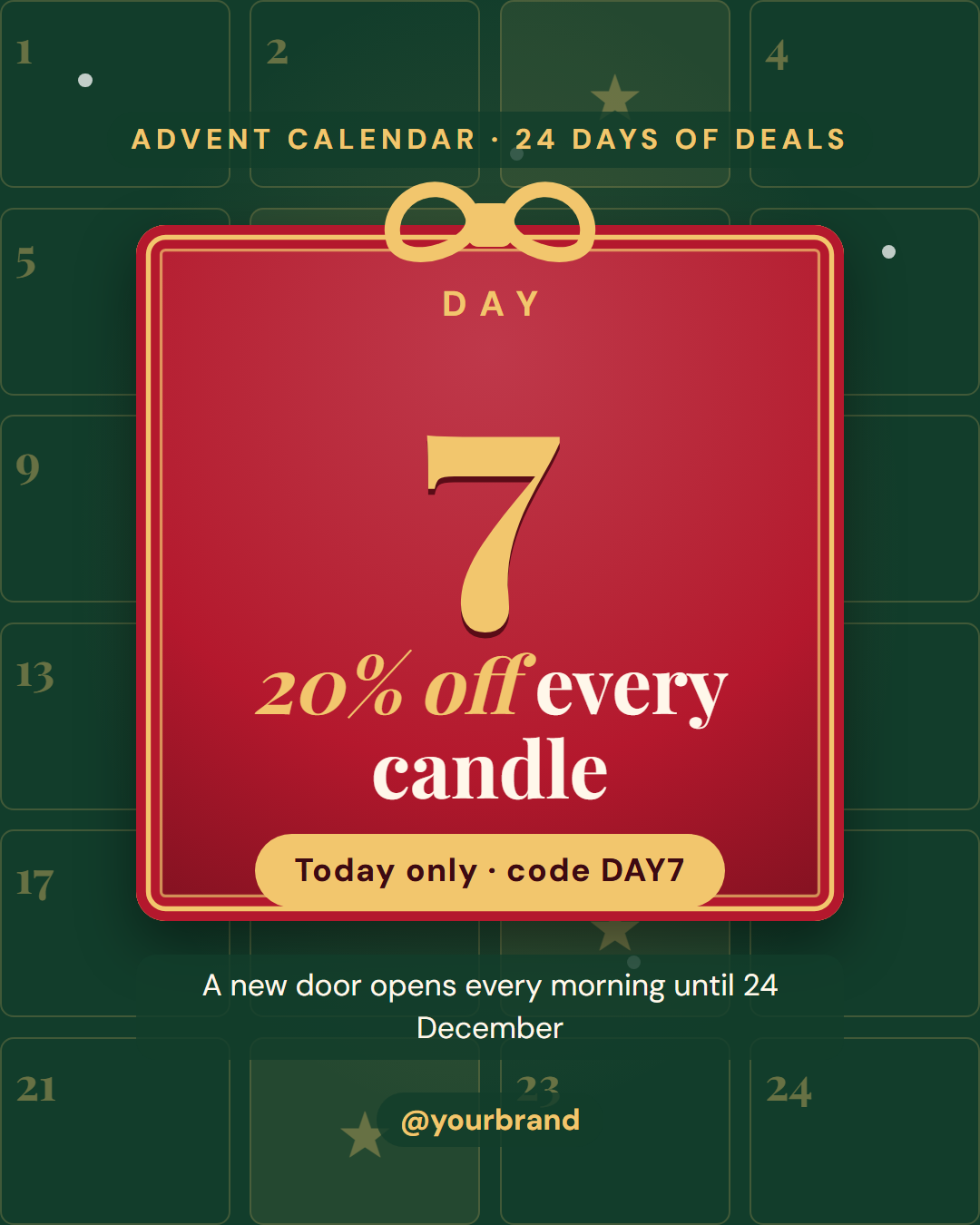
Advent Calendar Deal: A daily-deal post for an advent calendar or "12 days of Christmas" campaign: a pine-green wall of 24 numbered doors, today's door in front as a red card with a gold frame and bow, the day number ticking up to today, the deal, a code line and a reminder that a new door opens tomorrow.
Product Spotlight: A clean ecommerce post with a large product photo, a "featured" label, product name, price and a shop button on a white card.
Giveaway Contest: A bold contest post with a "Giveaway" badge, the prize as a big headline, an optional prize photo, three numbered "how to enter" steps, the deadline and a short rules line, on a confetti background.
Us vs Them Comparison: A side-by-side "us vs them" comparison: a headline, a muted "Others" column with four cross-marked drawbacks and a highlighted column for your brand with four tick-marked benefits, plus a short call to action and your handle.
Just Listed (Real Estate): A real estate listing post for agents and brokerages: a large property photo with a "Just listed" ribbon, the asking price, the address, a beds / baths / square feet row, an open-house line and the agent's name, photo and contact details.
Templates in this category
Best Uses for Promo & Sales Templates
How it’s different
Why These Templates Instead of Canva-Style Ones
Got questions?
Frequently Asked Questions
Black Friday 2026 is on Friday November 27, and Cyber Monday is on Monday November 30. The Black Friday Sale template defaults to those dates.
Use 1080×1350 (4:5) for the Instagram and Facebook feeds, 1080×1920 for Stories, and 1600×900 for X. "All sizes (ZIP)" downloads every size at once.
Put the headline offer in the image and the code and link in the caption, where it can be copied. If you want the code visible in the artwork, also repeat it in the caption so people can paste it at checkout.
Use Bulk create with a CSV: one row per product or offer with the headline, price and image. The editor fills the template for each row and downloads all the posts as a ZIP.
Yes, with no watermark or sign-up. Check the platform's rules before running a giveaway, because Instagram, Facebook and other networks have their own promotion guidelines.
Discount Badge: A punchy sale post built around a big circular "% off" badge, an offer headline, a dashed promo-code chip and an end date. Pricing Card: A pricing-card post: a "most popular" ribbon, the plan name and tagline, a big price with its billing period, up to four tick-marked features, a call-to-action button and your handle. Black Friday Sale: A black-and-neon Black Friday post with huge condensed type, the discount, sale dates and a promo code. Retitle it for Cyber Monday or any holiday sale. Cyber Monday: A Cyber Monday sale post styled as a neon command-line window over a scrolling retro grid: a typed command, a huge glowing discount that counts up from zero, the offer line, a promo code with a blinking cursor and the deadline. Advent Calendar Deal: A daily-deal post for an advent calendar or "12 days of Christmas" campaign: a pine-green wall of 24 numbered doors, today's door in front as a red card with a gold frame and bow, the day number ticking up to today, the deal, a code line and a reminder that a new door opens tomorrow. Product Spotlight: A clean ecommerce post with a large product photo, a "featured" label, product name, price and a shop button on a white card. Giveaway Contest: A bold contest post with a "Giveaway" badge, the prize as a big headline, an optional prize photo, three numbered "how to enter" steps, the deadline and a short rules line, on a confetti background. Us vs Them Comparison: A side-by-side "us vs them" comparison: a headline, a muted "Others" column with four cross-marked drawbacks and a highlighted column for your brand with four tick-marked benefits, plus a short call to action and your handle. Just Listed (Real Estate): A real estate listing post for agents and brokerages: a large property photo with a "Just listed" ribbon, the asking price, the address, a beds / baths / square feet row, an open-house line and the agent's name, photo and contact details.
Portrait post 1080×1350 (4:5), Square post 1080×1080 (1:1), Story / Reel 1080×1920 (9:16), Landscape post 1600×900 (16:9), LinkedIn image 1200×627 (1.91:1), Pinterest pin 1000×1500 (2:3). Every template adapts to each size, and "All sizes (ZIP)" downloads them together.