How-To, Checklist & Tips Post Templates
3 free how-to & education templates for Instagram, Facebook and X. Checklists, step-by-step guides and mistakes-to-avoid posts that people save and come back to. Edit in your browser, download every post size or copy the HTML.
How-To, Checklist & Tips Post Templates
3 templates · Instagram, Facebook & X · PNG, JPEG & HTML
About this category
How-To, Checklist & Tips Post Templates
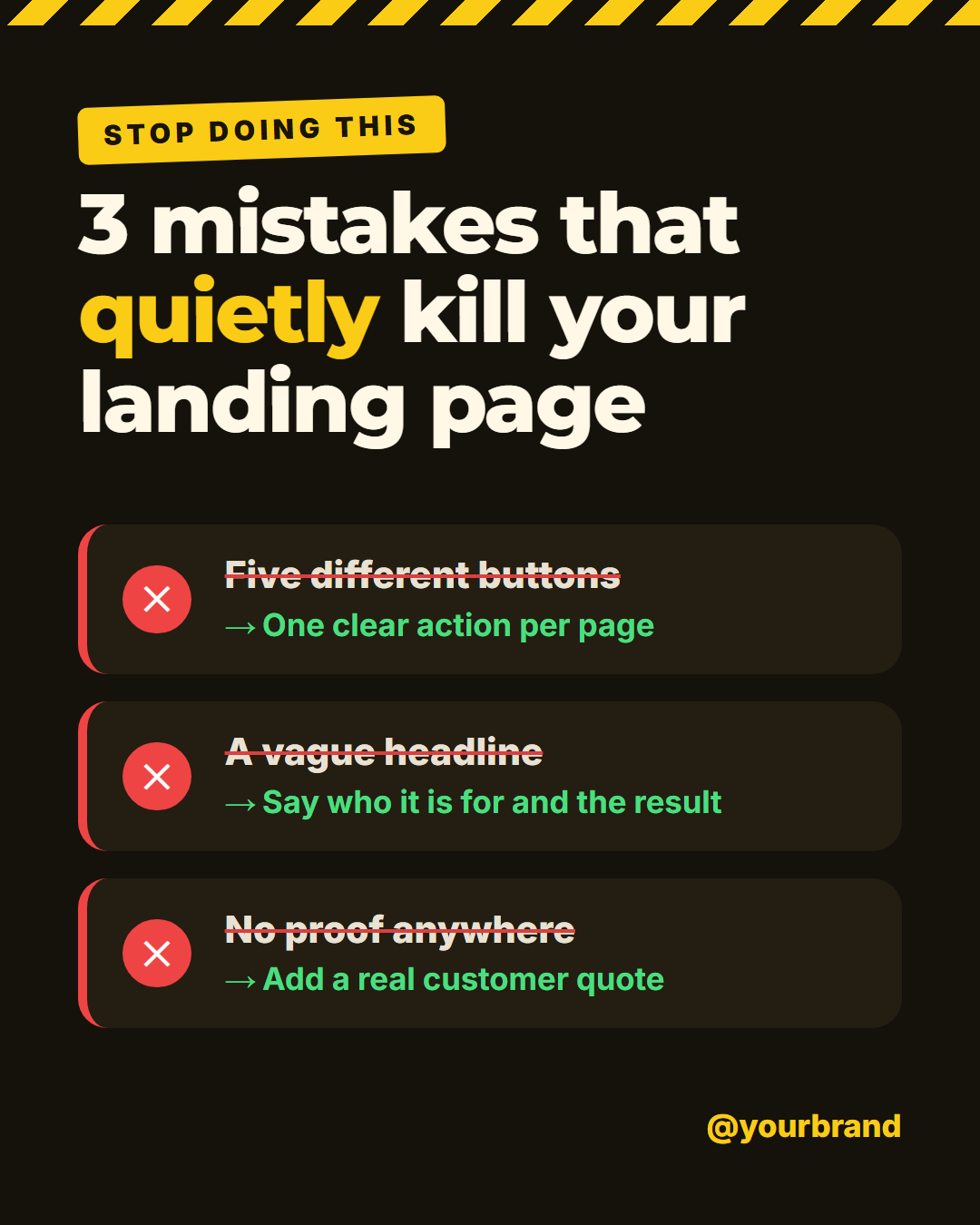
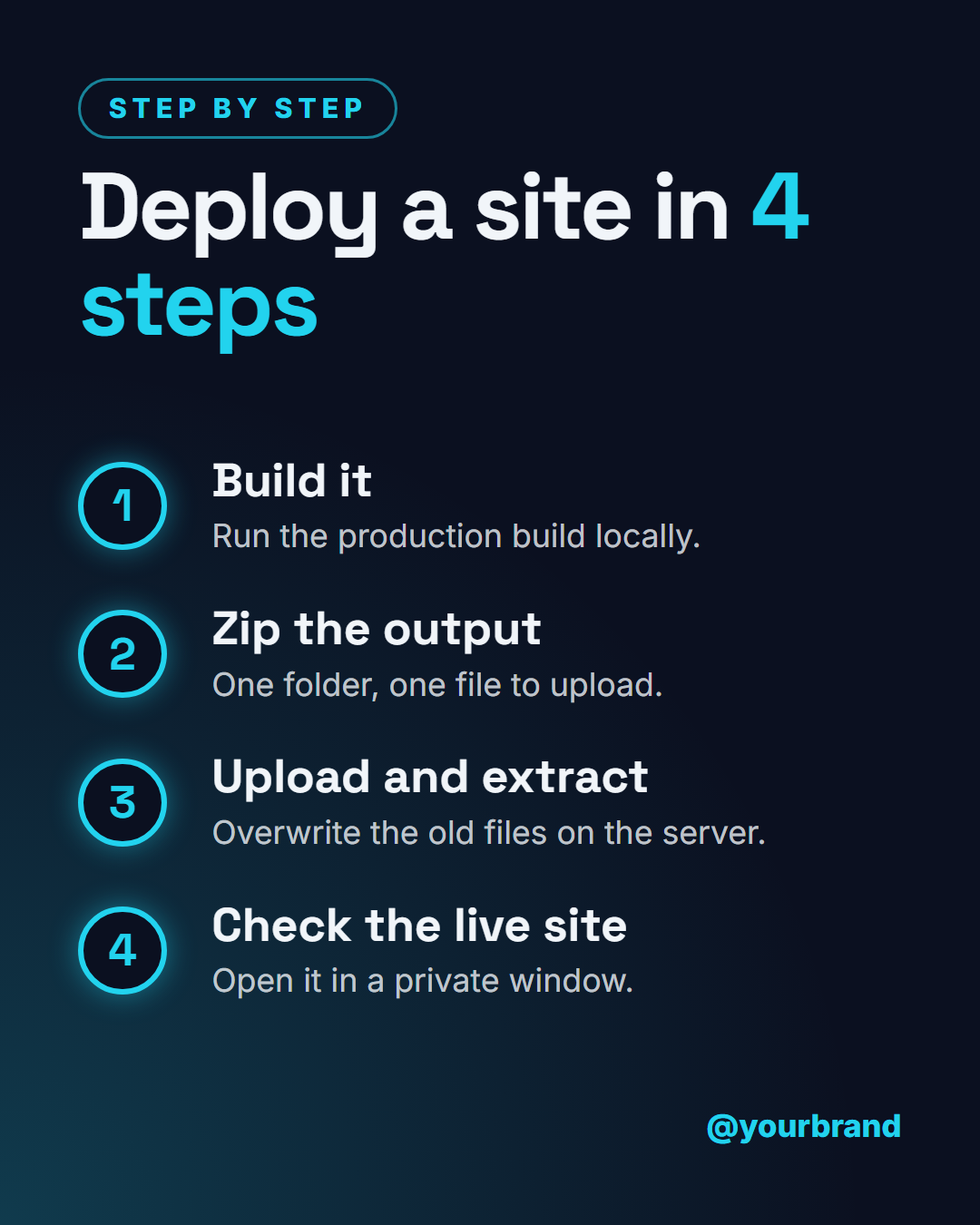
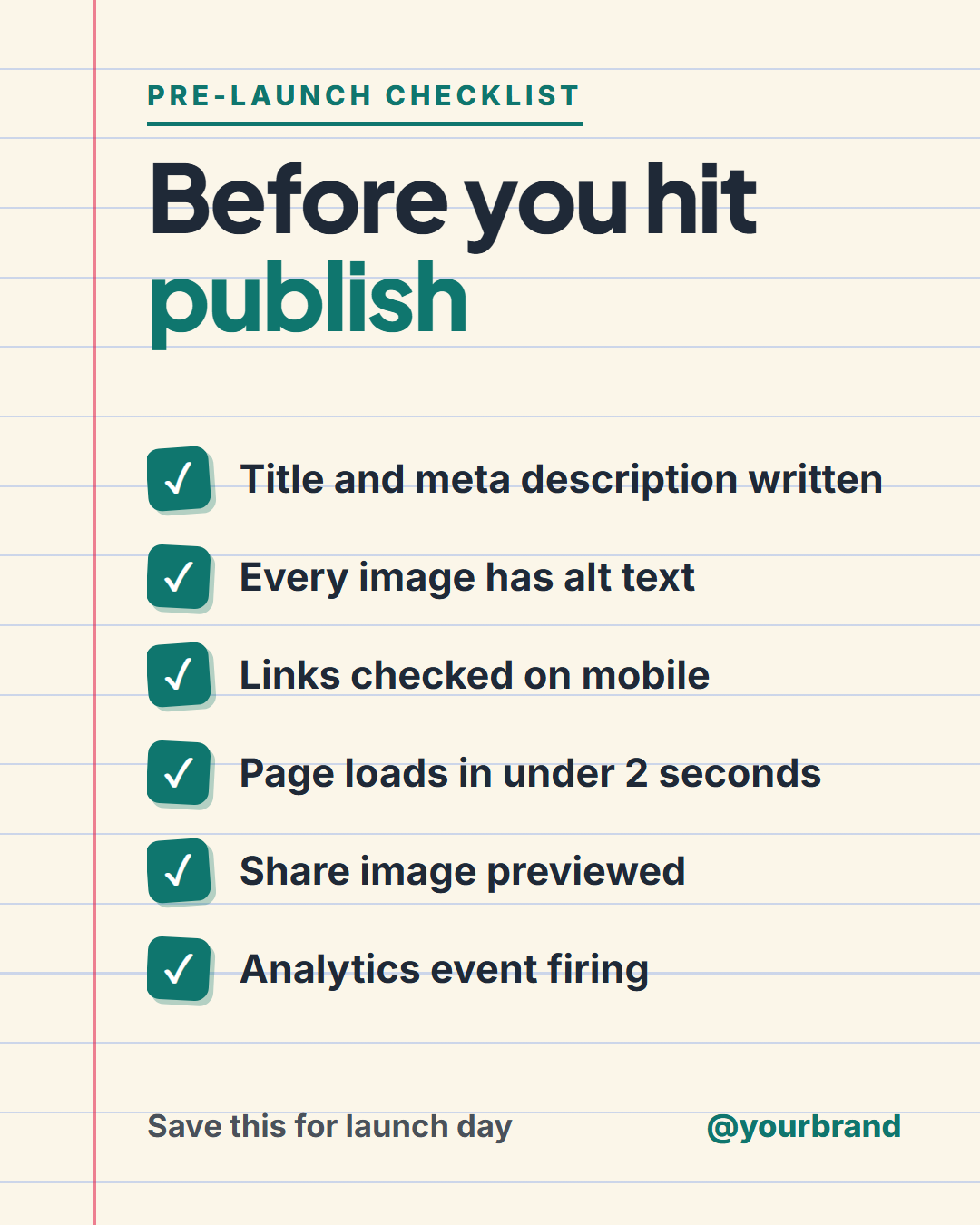
Posts that teach something are the ones people save, and saves tell Instagram and LinkedIn to show your account to more people. These three templates are built for that. Checklist Post is a ruled-paper card with up to six tick-marked items, so a launch routine or a packing list looks like something you would pin to a wall. How-To Steps puts up to four numbered steps on a glowing vertical timeline, which keeps a process readable at a glance. Mistakes to Avoid pairs each wrong move, crossed out, with a "do this instead" fix, under a hazard-tape stripe that signals a warning before anyone reads a word.
Each one has a single job and a clear shape, so you can fill it in a few minutes and keep the same look across a whole series. Empty rows disappear, so a three-item list never leaves a gap, and long text shrinks to fit instead of spilling out of the layout.
Teaching posts earn their reach through saves and shares, so aim for something a reader will want to come back to: a checklist they can follow, steps they can repeat, a mistake they were about to make. Keep to one topic per post, use specific numbers and examples instead of general advice, and put your handle on the design so every share credits you. For longer guides, use the first post as a hook and continue in a carousel.
Checklist Post: A ruled-paper checklist card with a red margin line, a headline, up to six tick-marked items (empty rows disappear), a "save this" note and your handle.
How-To Steps: A dark step-by-step guide: a headline, up to four numbered steps on a glowing vertical timeline (each with a title and a one-line detail), a "step-by-step" tag and your handle.
Mistakes to Avoid: A warning-style post with a hazard-tape stripe: a headline, up to four mistake cards each showing the wrong way and a "do this instead" fix, and your handle.
Templates in this category
Best Uses for How-To & Education Templates
How it’s different
Why These Templates Instead of Canva-Style Ones
Got questions?
Frequently Asked Questions
Use How-To Steps for a process with a clear order, such as a setup, a recipe or an onboarding flow. For a list where the order does not matter, such as things to check before launch, Checklist Post is the better fit.
Up to six on a single post. Leave the last rows empty and they disappear, so four or five items sit evenly. If you have more, split them into a carousel or make a second checklist.
A reader saves a post when it will be useful later, and a short list of concrete steps is exactly that. Saves are a strong signal on Instagram and LinkedIn, so useful posts tend to reach more people than opinions or announcements.
Yes. Use the Carousel Cover for the first slide, one Carousel Step per step, and a Carousel Save slide at the end. How-To Steps works well as a single-image summary of the same guide.
The 4:5 portrait size (1080×1350) gives the most room for lists on the Instagram feed. The LinkedIn image size (1200×627) switches the layout to two columns so a list still reads clearly.
Checklist Post: A ruled-paper checklist card with a red margin line, a headline, up to six tick-marked items (empty rows disappear), a "save this" note and your handle. How-To Steps: A dark step-by-step guide: a headline, up to four numbered steps on a glowing vertical timeline (each with a title and a one-line detail), a "step-by-step" tag and your handle. Mistakes to Avoid: A warning-style post with a hazard-tape stripe: a headline, up to four mistake cards each showing the wrong way and a "do this instead" fix, and your handle.
Portrait post 1080×1350 (4:5), Square post 1080×1080 (1:1), Story / Reel 1080×1920 (9:16), Landscape post 1600×900 (16:9), LinkedIn image 1200×627 (1.91:1), Pinterest pin 1000×1500 (2:3). Every template adapts to each size, and "All sizes (ZIP)" downloads them together.