Event & Webinar Post Templates
4 free events templates for Instagram, Facebook and X. Webinar, meetup and countdown posts with a clear date, plus event recaps. Edit in your browser, download every post size or copy the HTML.


Event & Webinar Post Templates
4 templates · Instagram, Facebook & X · PNG, JPEG & HTML
About this category
Event & Webinar Post Templates
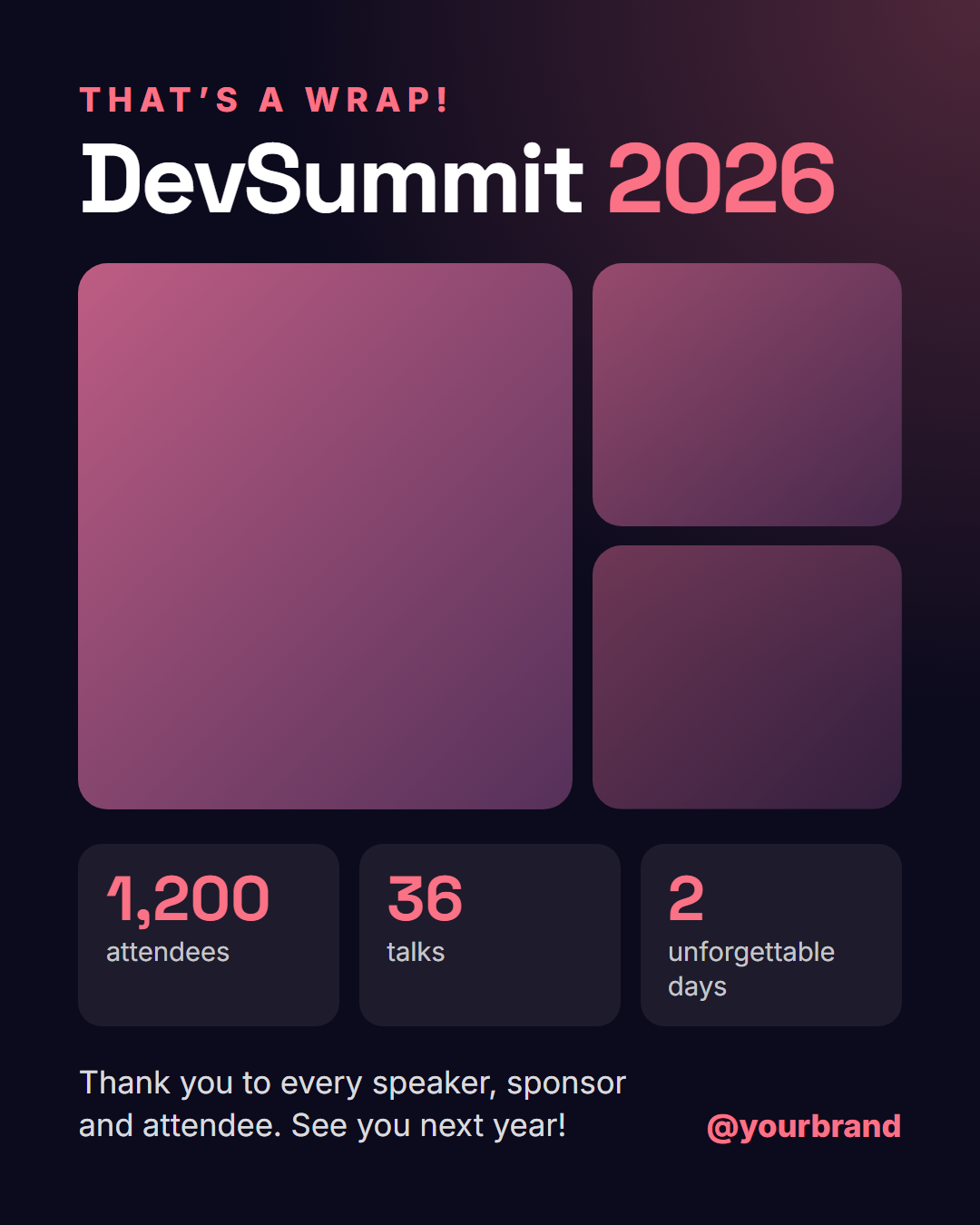
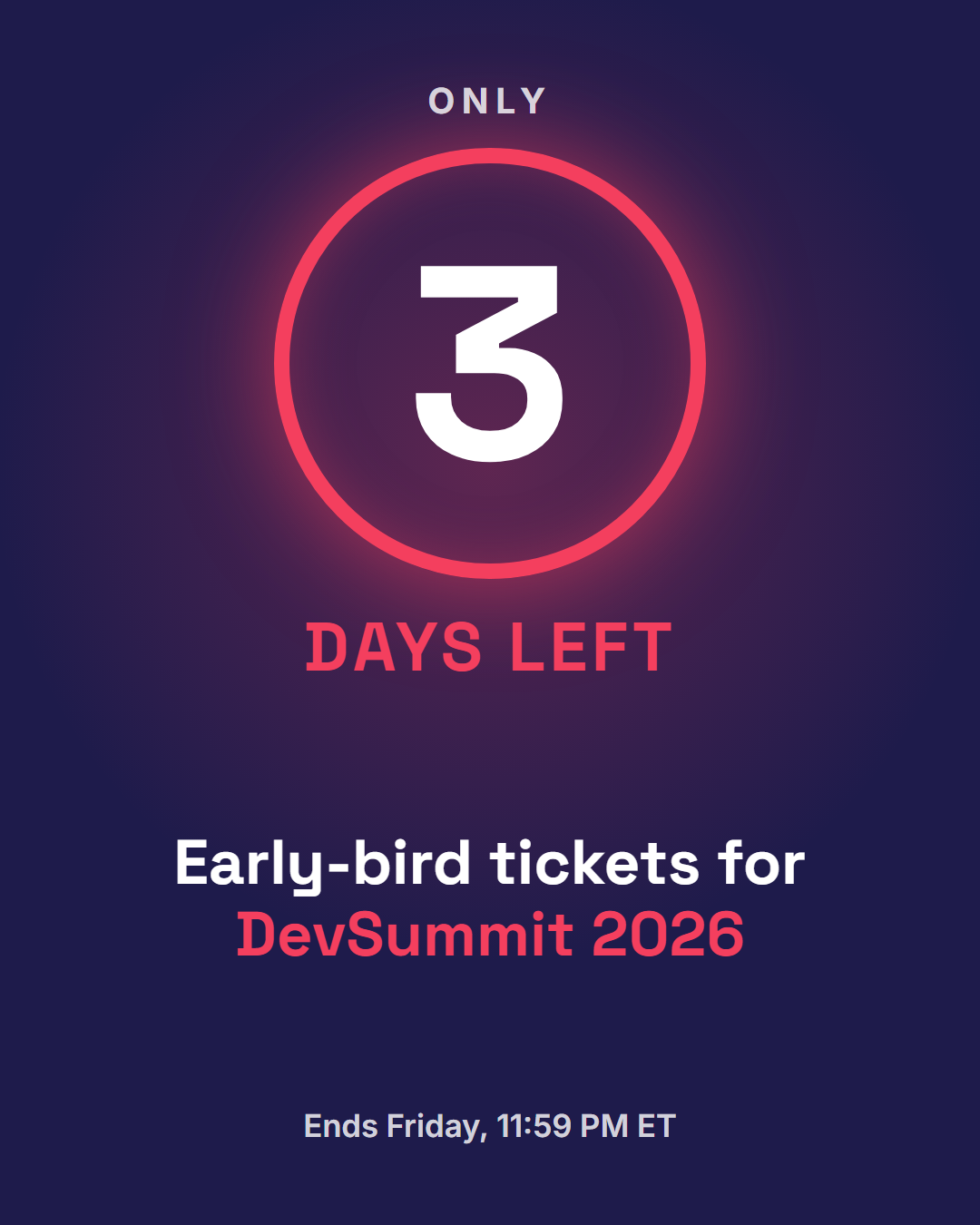
Event posts have one job: get people to register and show up. Webinar Event leads with a calendar-style date block, gives the talk title room, and puts a speaker photo next to the "Register free" button, with space for ET and PT times for US audiences. Countdown turns a deadline into urgency with a giant number in a glowing ring, ideal for a 7, 3 and 1 day reminder sequence. After the event, Event Recap shares a three-photo collage, highlight numbers and a thank-you line.
Both templates work for virtual webinars, workshops, meetups, conference talks, early-bird deadlines and product launches, in feed, Story and X sizes.
Event posts do two jobs: they announce, and they remind. Start a few weeks out with the date, time and place, add a post a week before with the speakers or agenda, and send a last-day reminder as a Story with the link. After the event, post a recap with highlights and thank people, which keeps your audience engaged and gives the next event a head start. Put the registration link in the caption and your bio, since text inside an image cannot be clicked.
Webinar Event: A blue event card with a calendar-style date block, the talk title, a speaker photo and name, the time with time zone, and a register button.
Save the Date: An elegant save-the-date card in a double gold frame: a "save the date" label, the event name, a very large date and year, time and place details, an "invitation to follow" note and your handle.
Countdown: An urgency post with a giant countdown number in a glowing ring, a "days left" label, the event or offer name and the deadline.
Event Recap: A post-event recap: a "That's a wrap" label and the event name, a collage of three photos, three highlight numbers (attendees, talks, cities or anything else), a thank-you line to speakers and attendees and your handle.
Templates in this category
Best Uses for Events Templates
How it’s different
Why These Templates Instead of Canva-Style Ones
Got questions?
Frequently Asked Questions
Announce it with Webinar Event about a week out, post Countdown reminders at 3 days and 1 day, and share a Story version on the day. Always include the time with time zones.
No. Social images are static. Make one image per reminder, which takes seconds because only the number changes.
The name of the event, the date and time with the time zone, where it takes place or the online link, and one reason to attend. Keep the rest, such as the full agenda, for the registration page.
The countdown template shows a number of days that you set, such as "3 days to go". It is a static image, so make a new version each day or post it in key moments such as one week, three days and the day before.
Use the Event Recap template with up to three photos, three headline numbers such as attendees or sessions, a thank-you line and your handle, and put the full highlights in the caption or a carousel. Post it within a day or two while people are still talking about the event.
Webinar Event: A blue event card with a calendar-style date block, the talk title, a speaker photo and name, the time with time zone, and a register button. Save the Date: An elegant save-the-date card in a double gold frame: a "save the date" label, the event name, a very large date and year, time and place details, an "invitation to follow" note and your handle. Countdown: An urgency post with a giant countdown number in a glowing ring, a "days left" label, the event or offer name and the deadline. Event Recap: A post-event recap: a "That's a wrap" label and the event name, a collage of three photos, three highlight numbers (attendees, talks, cities or anything else), a thank-you line to speakers and attendees and your handle.
Portrait post 1080×1350 (4:5), Square post 1080×1080 (1:1), Story / Reel 1080×1920 (9:16), Landscape post 1600×900 (16:9), LinkedIn image 1200×627 (1.91:1), Pinterest pin 1000×1500 (2:3). Every template adapts to each size, and "All sizes (ZIP)" downloads them together.