Website Section Templates
44 free, editable website sections: heroes, navbars, features, pricing, testimonials, FAQ, calls to action, team, contact, blog and footers. Change the text, upload your images, set your brand colours and fonts, preview desktop, tablet and mobile, then export HTML and CSS, a ZIP, React or Vue.
All Sections
44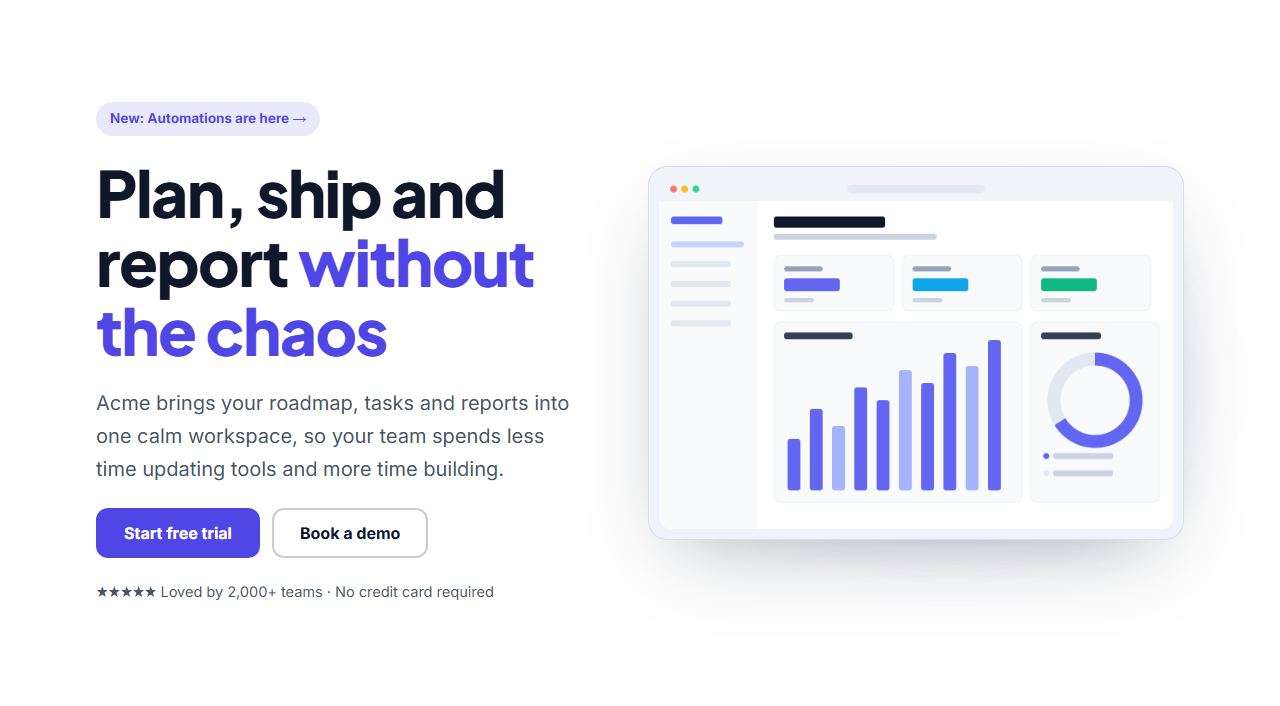
SaaS Split Hero
Responsive · HTML, React & Vue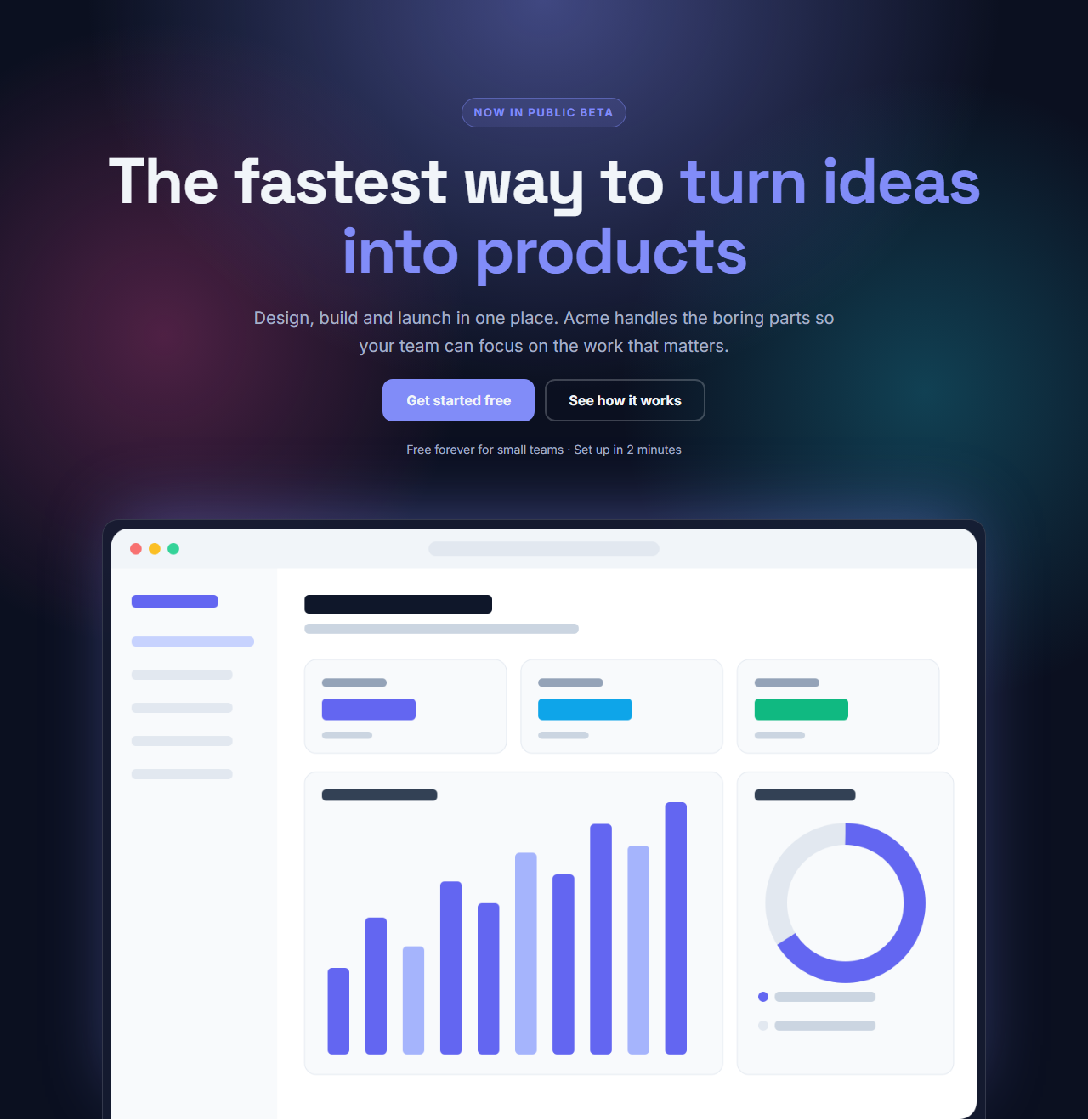
Centred Gradient Hero
Responsive · HTML, React & Vue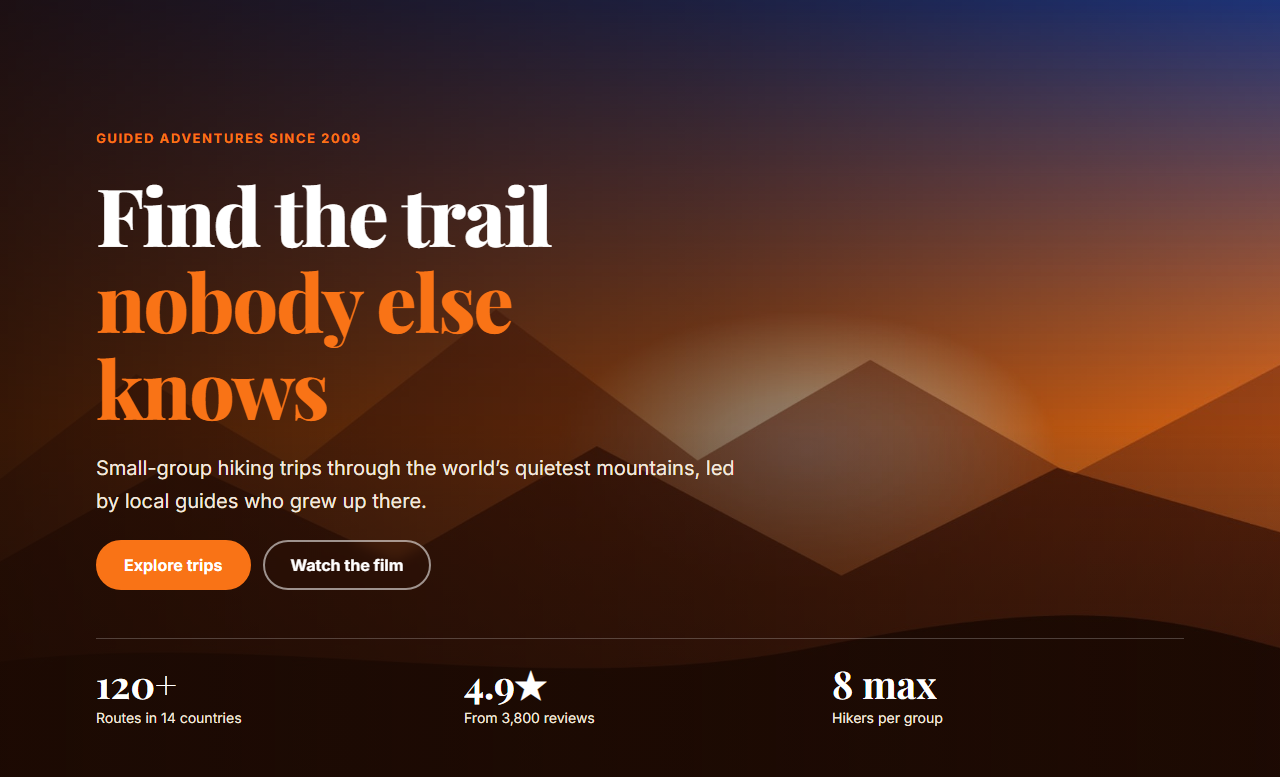
Image Background Hero
Responsive · HTML, React & Vue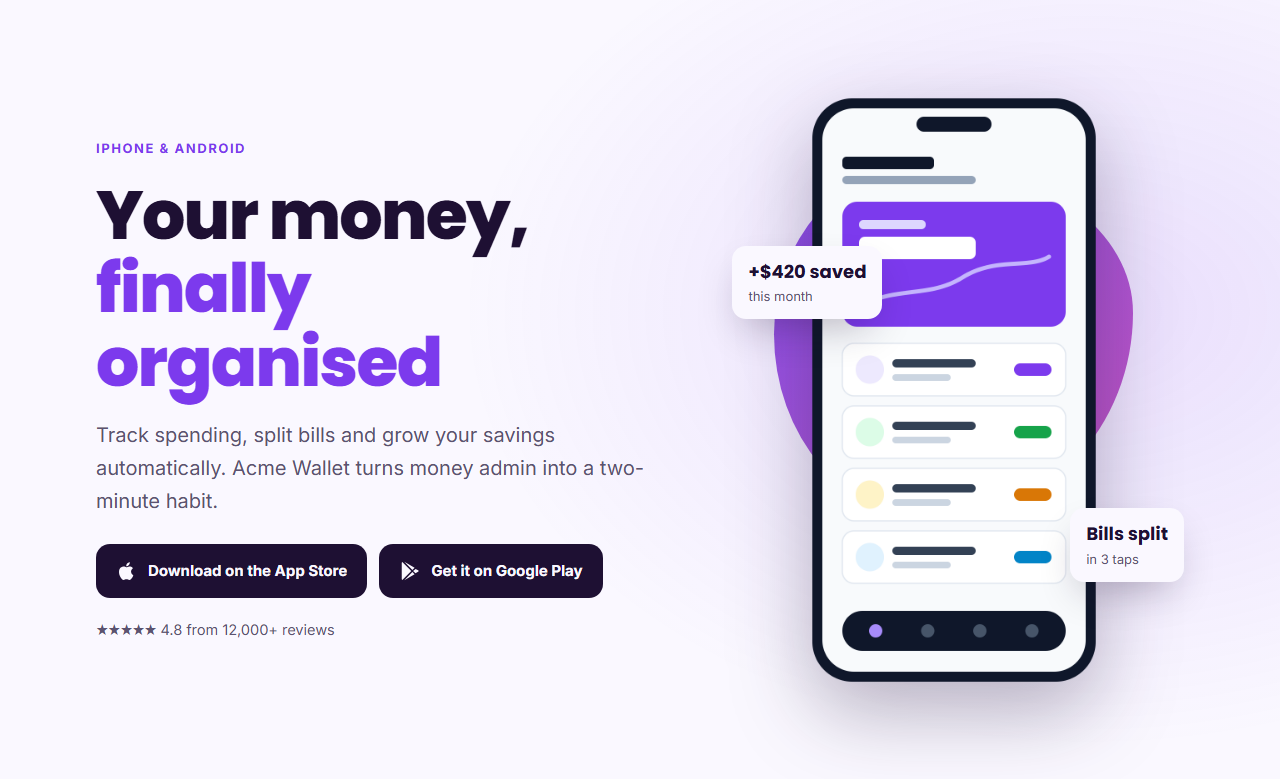
App Product Hero
Responsive · HTML, React & Vue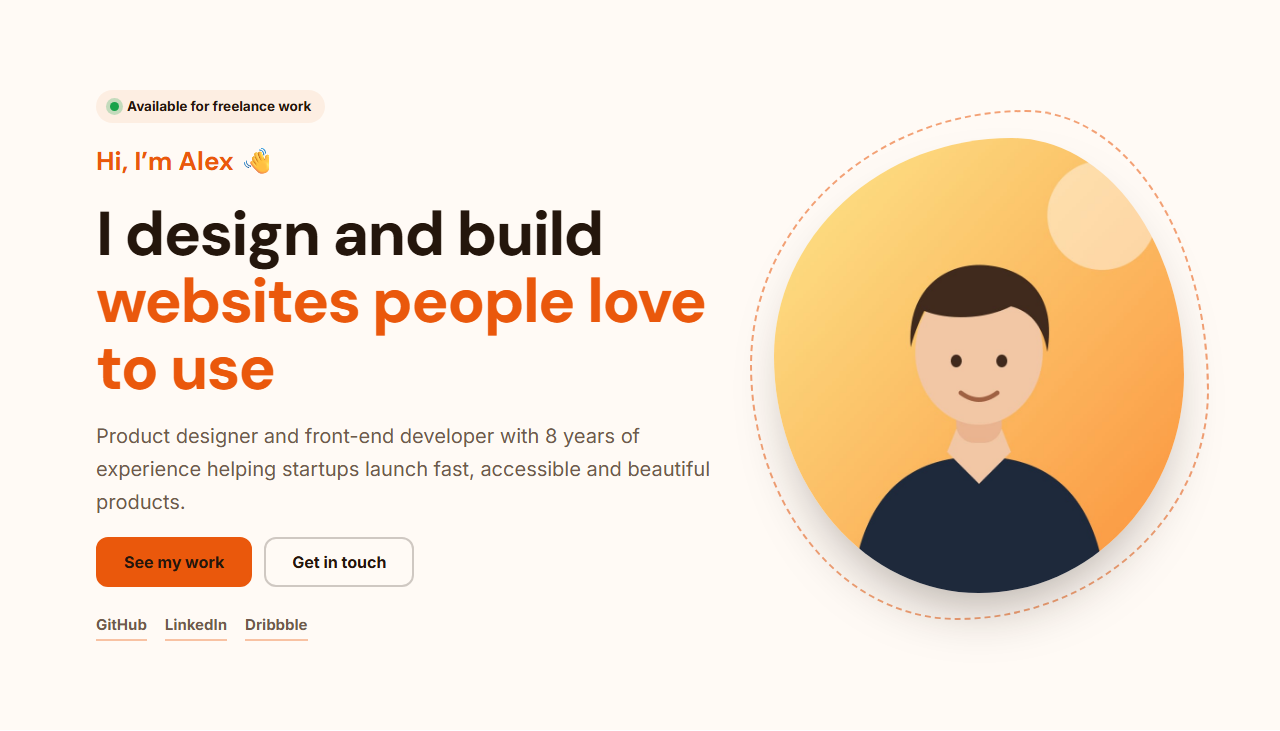
Personal Portfolio Hero
Responsive · HTML, React & Vue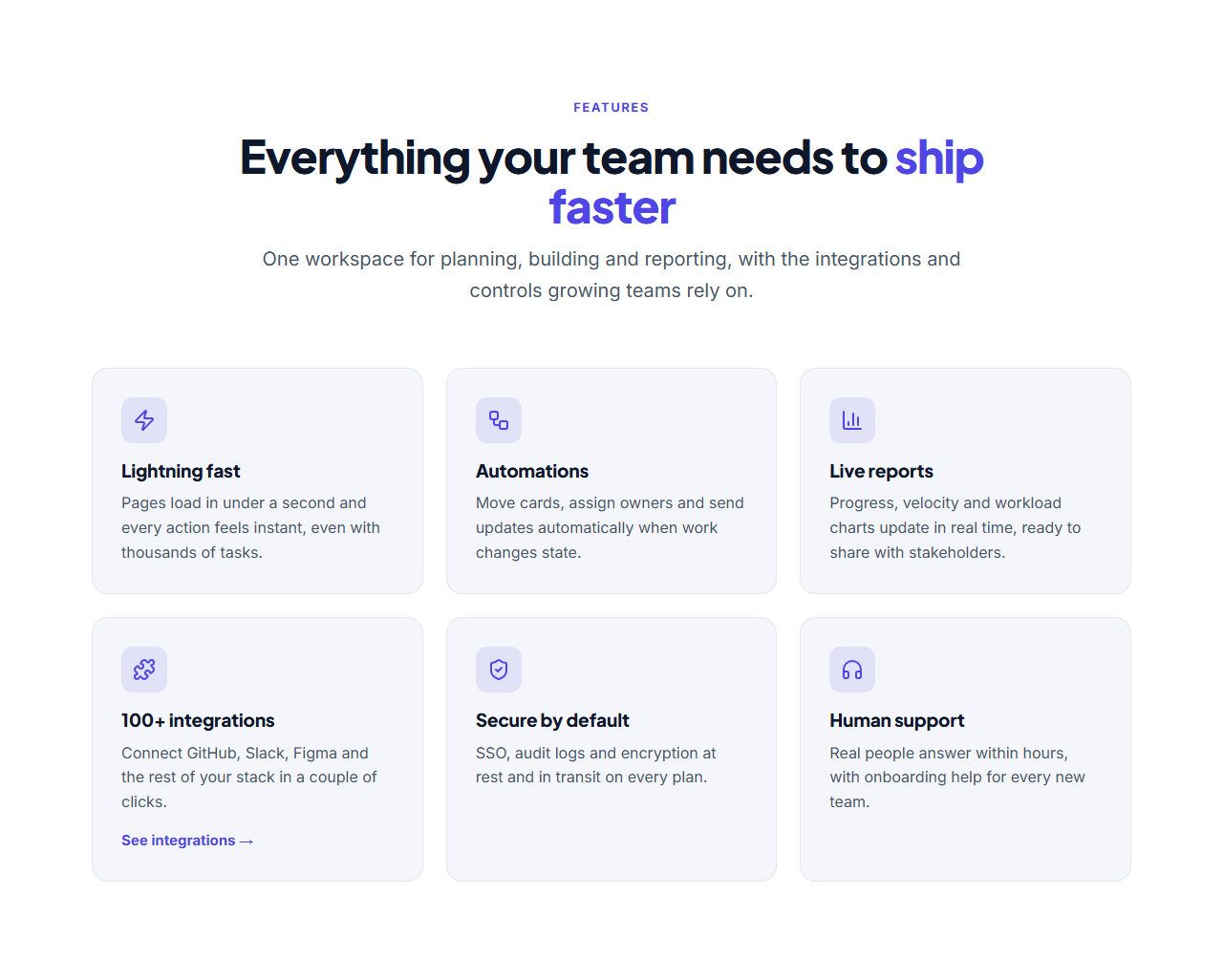
Icon Grid Features
Responsive · HTML, React & Vue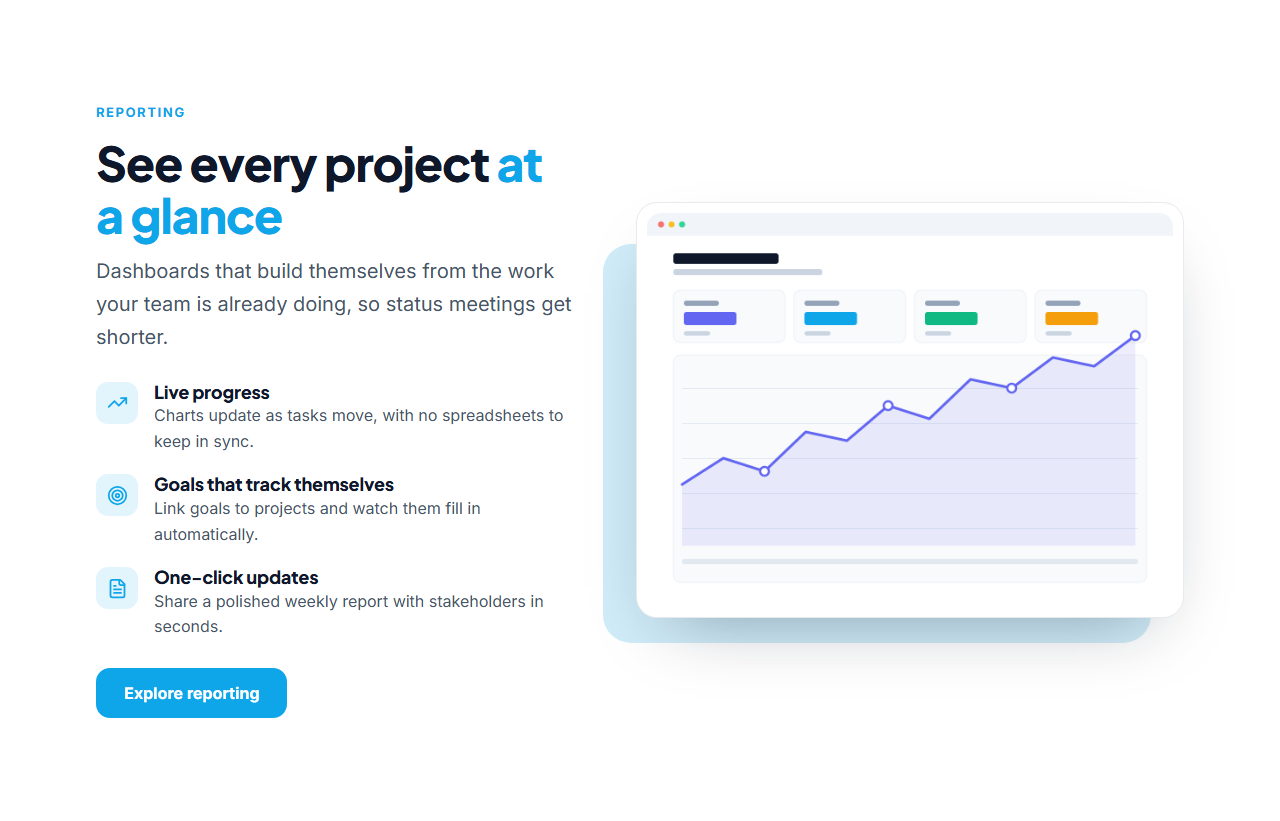
Split Features With Image
Responsive · HTML, React & Vue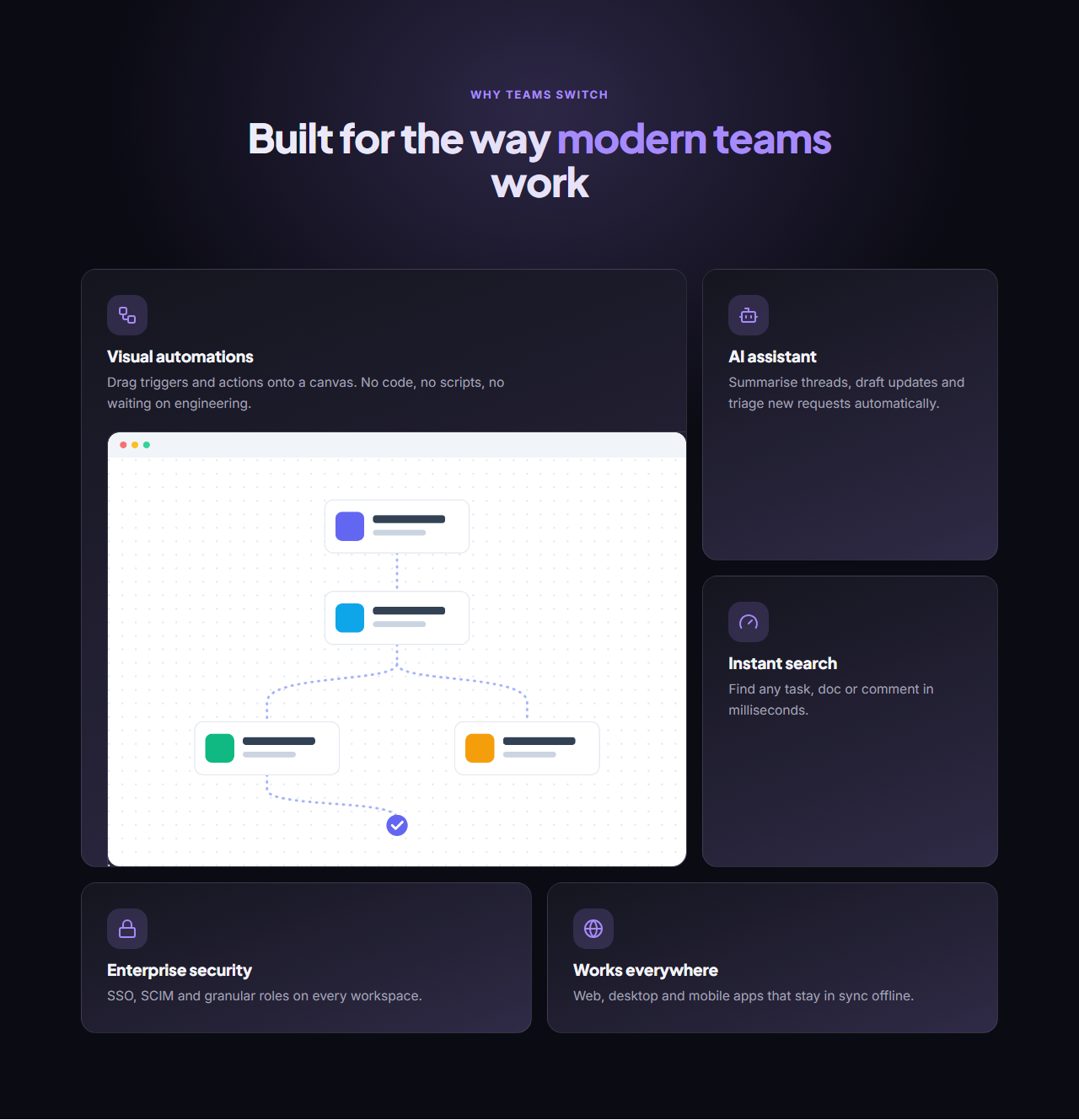
Bento Grid Features
Responsive · HTML, React & Vue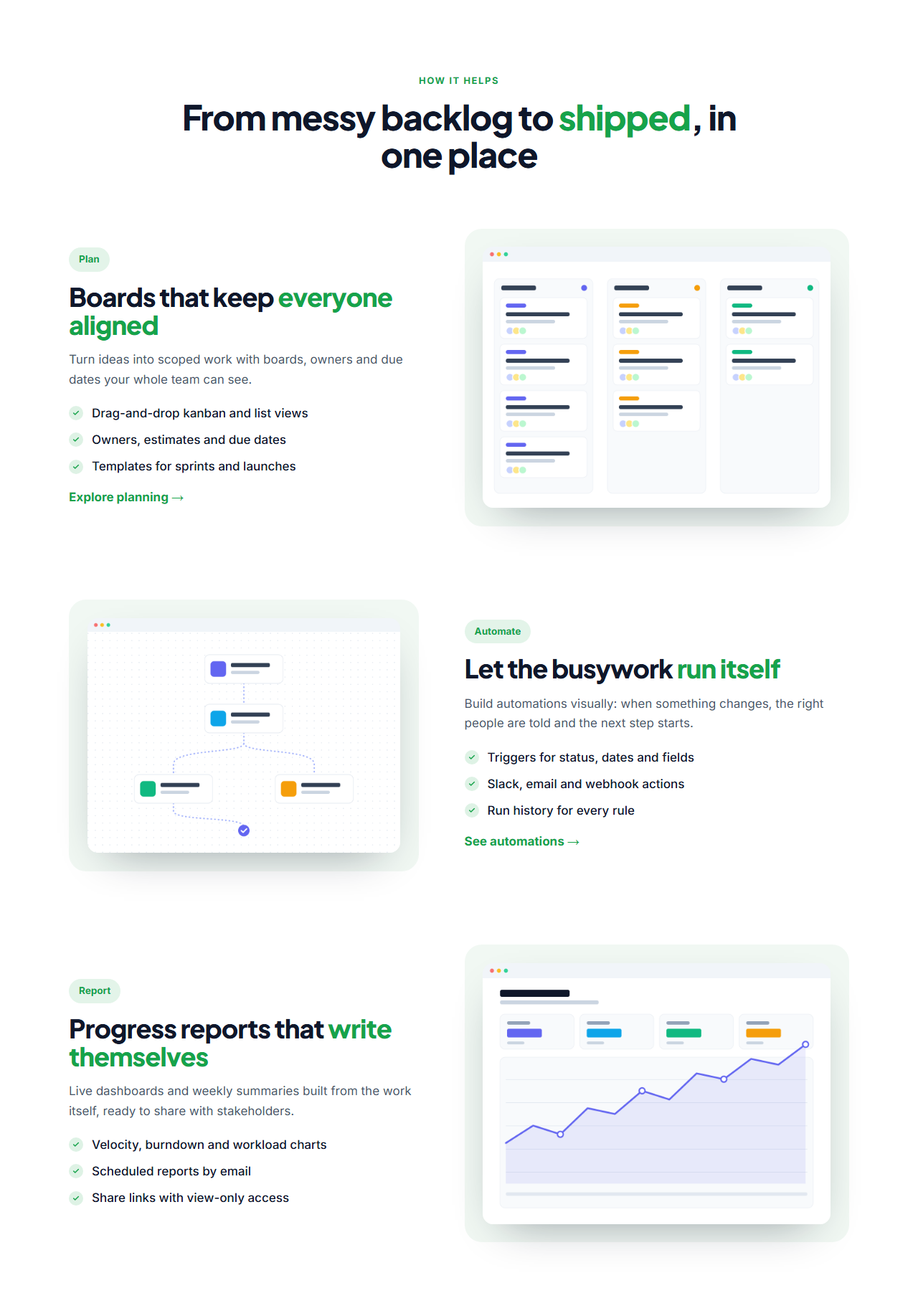
Alternating Feature Rows
Responsive · HTML, React & Vue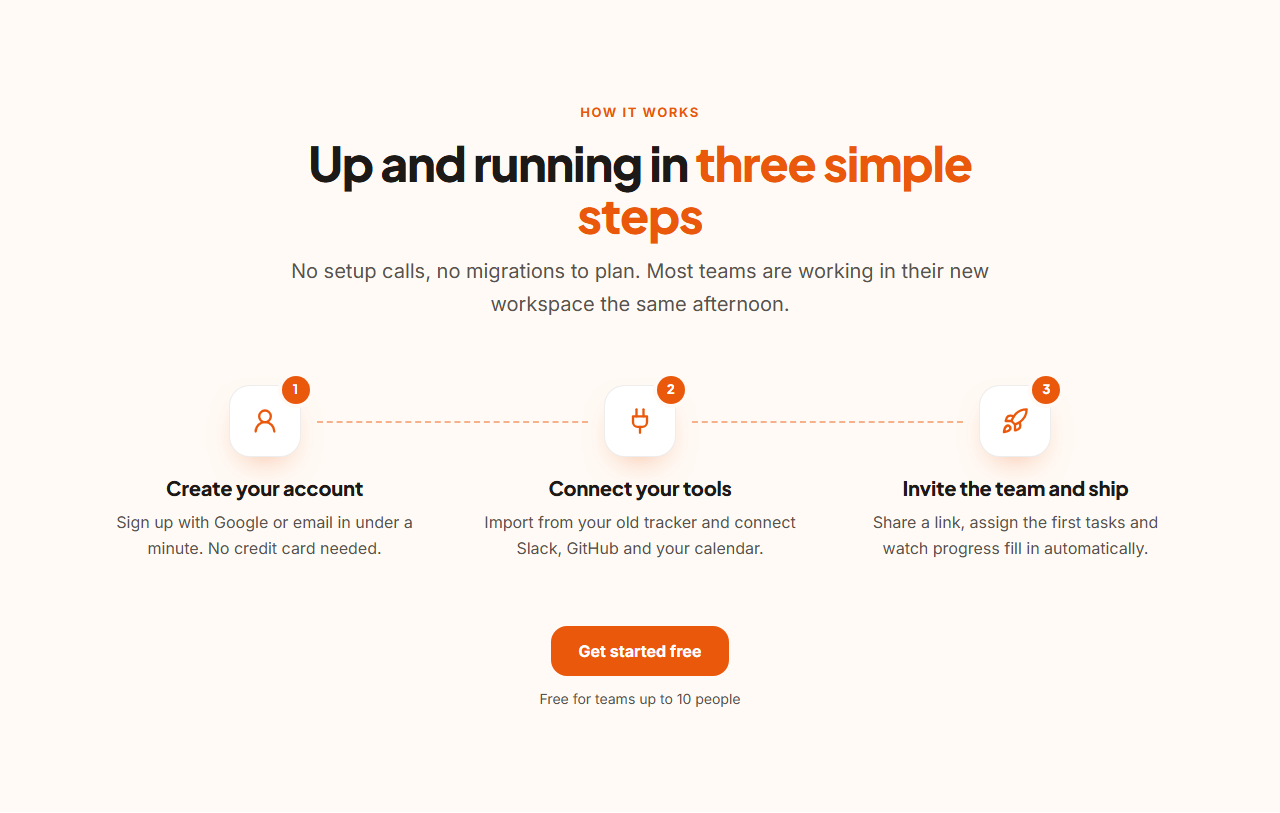
How It Works Steps
Responsive · HTML, React & Vue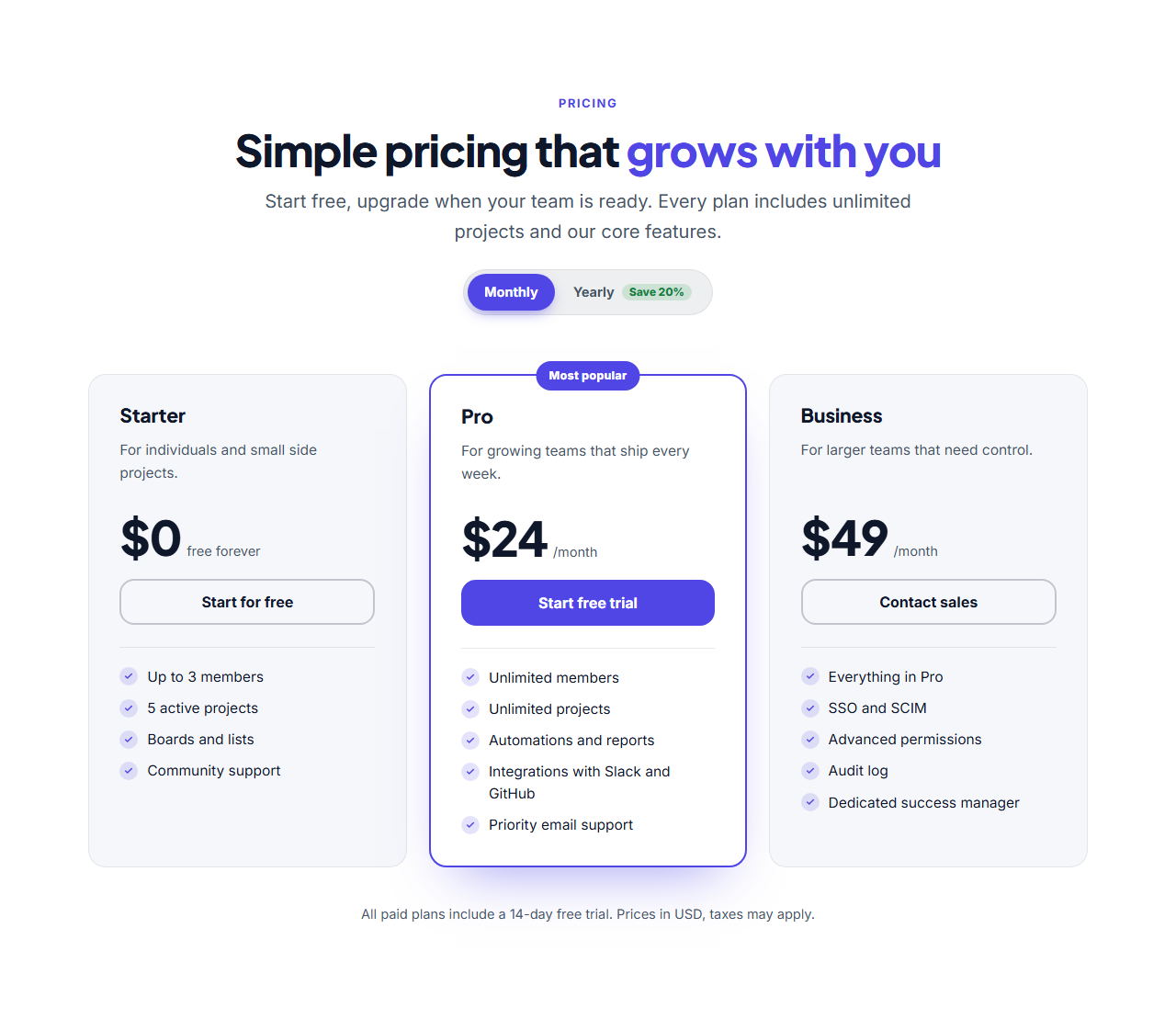
Three-Tier Pricing
Responsive · HTML, React & Vue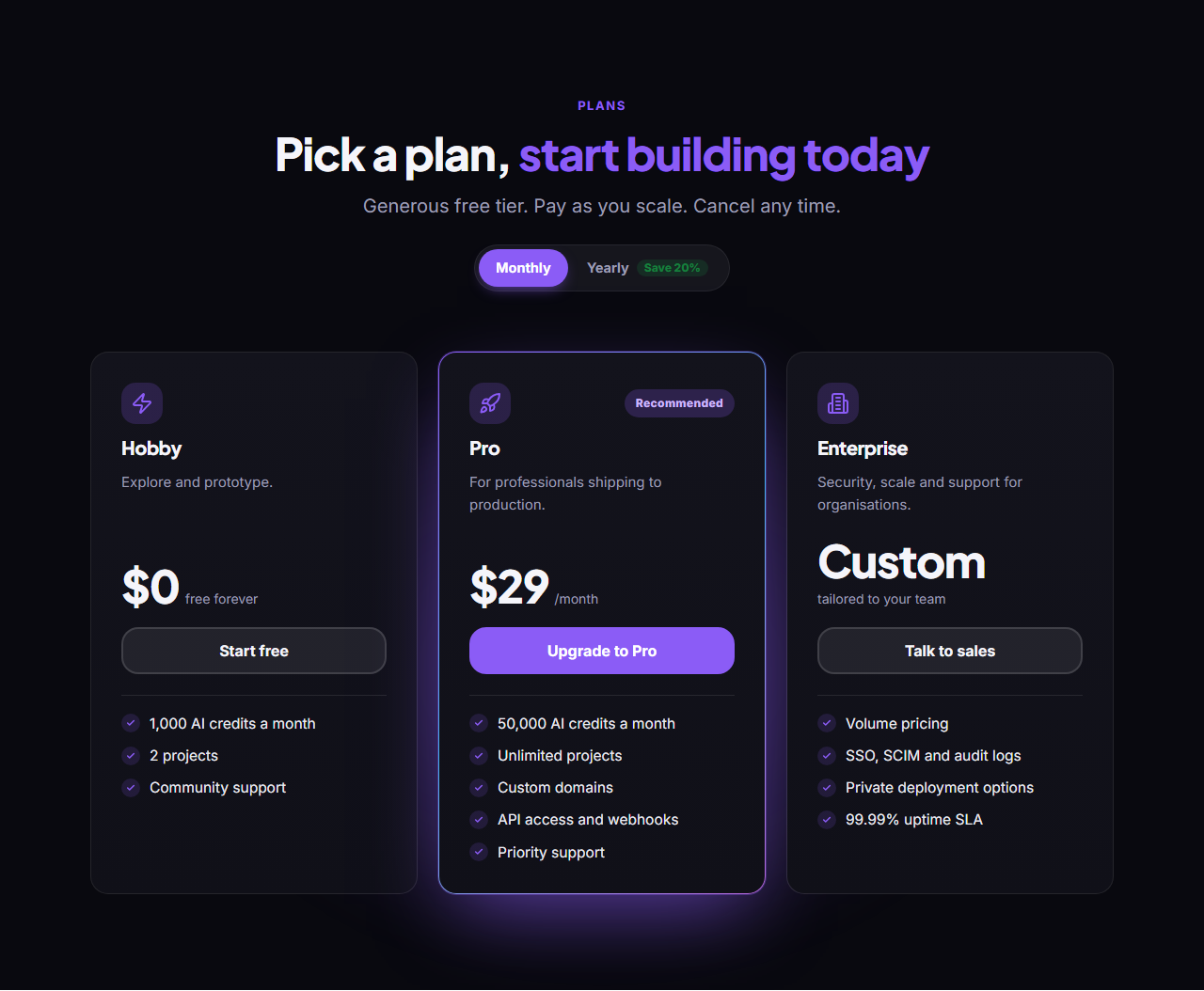
Dark Glow Pricing
Responsive · HTML, React & Vue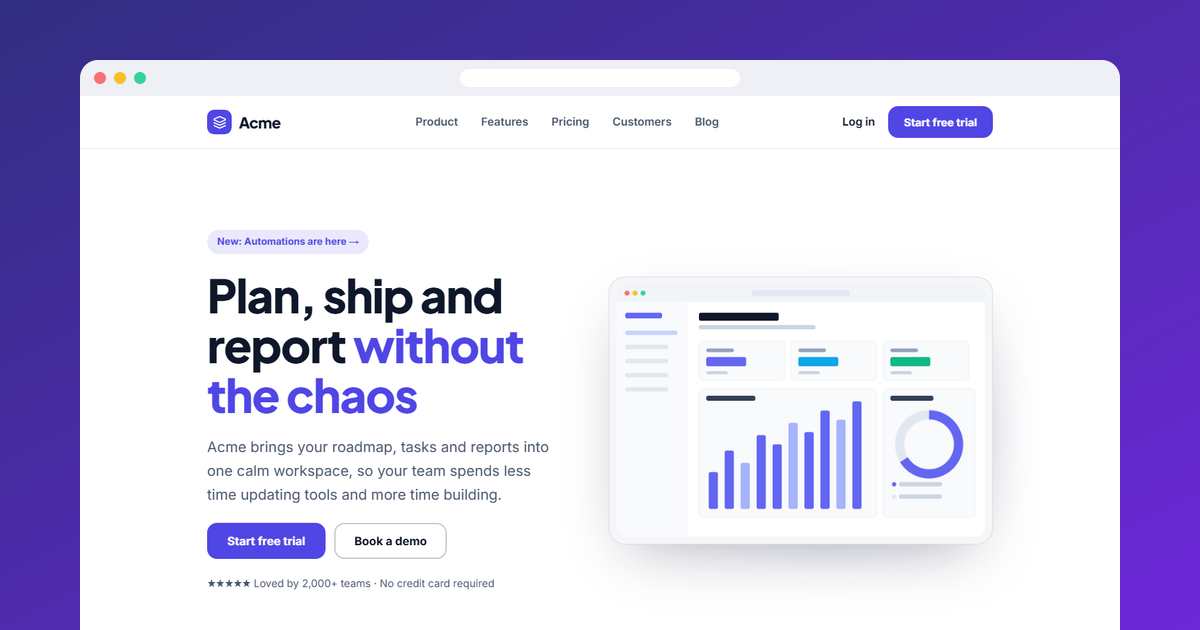
Website Section Templates — Free, Editable, Animated
44 sections in 12 categories · Navbars to footers · Shared theme · GSAP animation · Container queries · HTML, React & Vue
What's included
Features
Browse by category
Sections for Every Part of a Website
Hero section templates: Above-the-fold hero sections with a headline, supporting text, call-to-action buttons and an image, screenshot or background photo. Includes SaaS Split Hero, Centred Gradient Hero, Image Background Hero, App Product Hero, Personal Portfolio Hero.
Navbar section templates: Responsive navigation bars with a logo, links and a call-to-action button. Includes Simple Sticky Navbar, Floating Pill Navbar, Navbar With Announcement Bar.
Features section templates: Feature grids, alternating image-and-text rows and benefit lists. Includes Icon Grid Features, Split Features With Image, Bento Grid Features, Alternating Feature Rows, How It Works Steps.
Pricing section templates: Pricing tables and plan cards with highlighted plans and feature lists. Includes Three-Tier Pricing, Dark Glow Pricing, Single Plan Pricing, Pricing List Rows.
Testimonials section templates: Customer quotes, review walls and case-study highlights. Includes Testimonial Wall, Testimonial Carousel, Testimonial Marquee, Testimonial Spotlight.
FAQ section templates: Frequently asked question sections with expandable answers. Includes FAQ Accordion, Split FAQ With Contact Card, FAQ Grid.
Call to action section templates: Closing call-to-action banners and sign-up blocks. Includes Gradient CTA Banner, Split CTA With Image, Newsletter Signup CTA, CTA Strip.
Stats & logos section templates: Social-proof numbers and customer logo strips. Includes Animated Stats Counters, Scrolling Logo Cloud, Stats With Logos (Dark).
Team section templates: Team grids with photos, names and roles. Includes Team Grid, Team Carousel, Team With Hiring CTA.
Contact section templates: Contact sections with details, maps and forms. Includes Contact Form With Details, Contact Options Cards, Contact With Map.
Blog section templates: Blog and article grids with cover images. Includes Blog Post Cards, Featured Post With List, Editorial Post List.
Footer section templates: Website footers with link columns, newsletter sign-up and social links. Includes Multi-Column Footer, Big Wordmark Footer, Footer With Newsletter, Minimal Footer.
Every section is built on the same theme, so any combination looks like one website. Want a whole page? The free Website Builder stacks a navbar, any of these sections and a footer into one page with one theme, and exports it as HTML.
About these templates
Free, Editable Website Sections With Animation Built In
Most section libraries hand you code and leave the editing to you. These website section templates work the other way round: open a section, change its text, links and images in a panel, set your brand colours and fonts, pick an animation, check it on desktop, tablet and mobile, and only then export the code.
One theme for the whole site. Every section is built on the same design tokens: brand, background, surface, text and muted colours, heading and body fonts, corner radius and content width, all as CSS custom properties. Pick a preset, set exact colours or apply your brand kit, and every section you add will match.
Responsive the modern way. Sections use CSS container queries, so they respond to the width of their own container rather than the browser window. They look right in a full-width page, inside a narrower column, and in the page builder that comes next.
Animated with GSAP. Each section marks which elements animate, and a small GSAP + ScrollTrigger script reveals them once as the section scrolls into view. Choose fade up, fade, slide or zoom and a speed, or turn animation off. Without JavaScript, everything is simply visible, and visitors who prefer reduced motion see no animation.
Your images and fonts, kept private. Upload images and they are resized in your browser and stored in IndexedDB; upload your own font file or choose any Google Font. Nothing is sent to a server. Autosave, named designs and a one-file backup with your images, fonts and brand kit mean you never lose work.
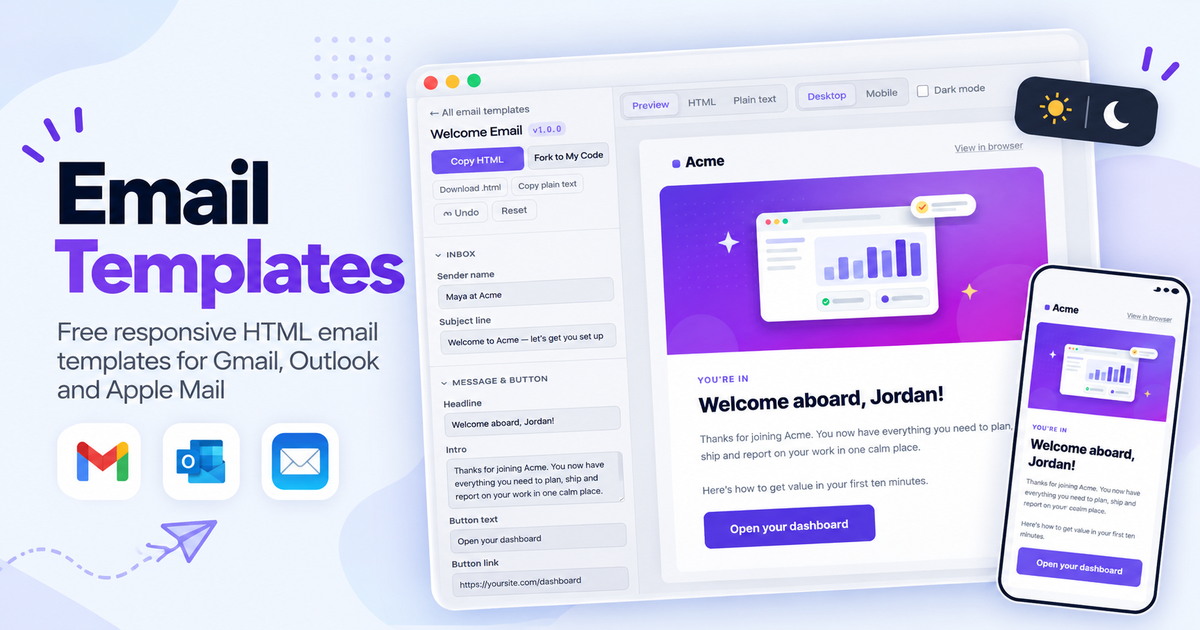
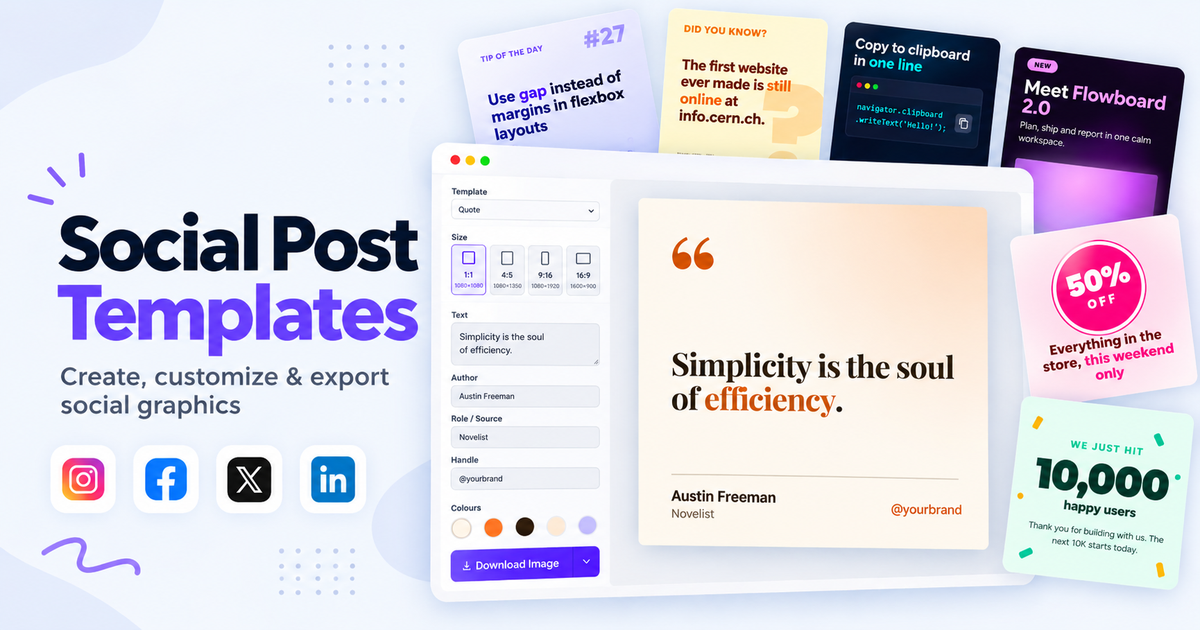
Export the way you build. Download a single HTML file that works offline, a ZIP with an images folder, or copy a React or Vue component. Fork any section into My Code to keep editing, or browse 2,000+ individual UI Snippets. Making emails and social posts for the same brand? See Email Templates and Social Post Templates.
How it’s different
How These Section Templates Are Different
Step by step
How to Use
- 1Pick a sectionOpen a section from the gallery. Your edits autosave in your browser as you go.
- 2Edit the contentChange the headline, text, buttons, links and images in the panel, and switch optional parts on or off.
- 3Style itPick a colour preset or exact colours, choose fonts, set the corner radius and width, or apply your brand kit.
- 4Animate and previewChoose an entrance effect and speed, press Play animation, and check desktop, tablet and mobile.
- 5Save and exportSave it to My designs, then export HTML, a ZIP, a React or Vue component, or fork it into My Code.
Got questions?
Frequently Asked Questions
Ready-made, complete page blocks (hero, features, pricing, testimonials, FAQ, footer and more) that you customise in the browser and add to your site. Each one is responsive, animated with GSAP and exports as HTML and CSS, a ZIP, a React component or a Vue component.
Component libraries give you code to copy and edit by hand. These sections are editable templates: change the text, links, images, colours, fonts, radius and animation in a visual panel, preview desktop, tablet and mobile, then export. Need individual components instead? Browse UI Snippets.
Yes. Every section reads the same theme tokens (brand, background, surface, text and muted colours, heading and body fonts, corner radius and content width) as CSS custom properties, so any combination looks like one website. The free Website Builder stacks them into complete pages with one shared theme.
Sections animate in with GSAP and ScrollTrigger once they scroll into view. Headlines can reveal word by word, line by line or letter by letter with GSAP SplitText. You can pick the effects and speed, or turn animation off. Content stays visible without JavaScript and animations are skipped for people who prefer reduced motion.
Yes. Images are resized in your browser and saved in IndexedDB; fonts can be any Google Font or your own WOFF2, WOFF, TTF or OTF file. Exports include them: the single HTML file embeds them, and the ZIP puts images in an images folder.
No. Edits autosave in your browser, Save keeps named designs in My designs, and the Import / Export tab downloads one backup file with your designs, uploaded images, uploaded fonts and brand kit that you can restore in any browser.
Yes. Every section is free for personal and commercial websites, with no account, no watermark and no attribution required.