Desktop · 1280px · shown at 0% · edit the text, images and colours in the panel
Tour Dates & Tickets — Free Website Section Template
Music · v1.0.0 · Updated 2026-10-27 · Responsive · GSAP animation · HTML, React & Vue
What's included
Features
About this section
Tour Dates & Tickets — Free Concert List Section
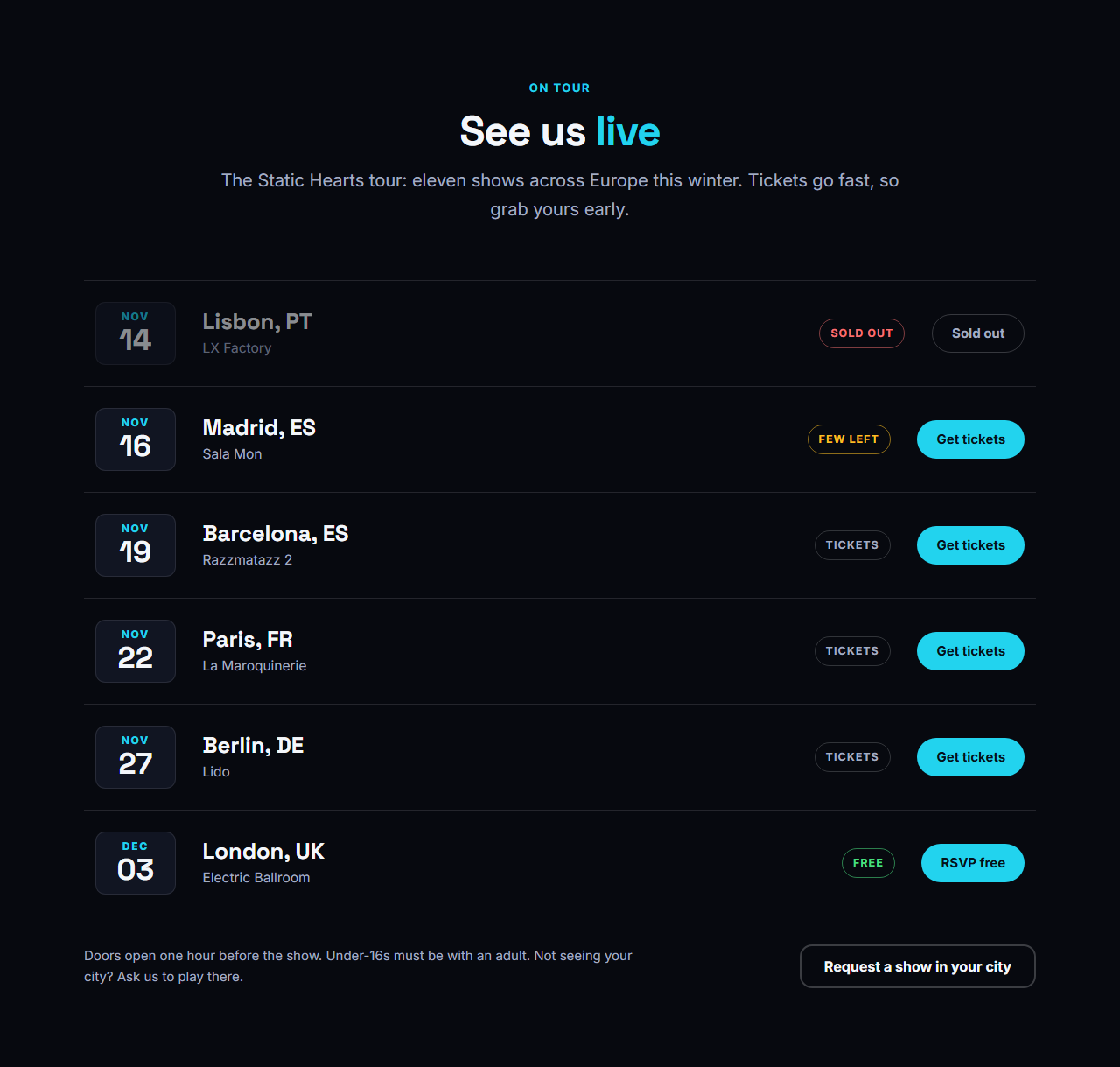
Tour Dates & Tickets is a tour page in one section. Every show is a row with a big date, the city and venue, a status pill (Tickets, Few left, Sold out or Free) and a ticket button. Sold-out shows are dimmed, rows lift on hover, and on phones each row stacks neatly so nothing is cut off.
Structured data for search engines
Add the date of a show in year-month-day form and the section also writes Event structured data (a list of MusicEvent items with the artist, venue, city, start date and ticket link), so search engines can understand and show your concerts. The artist name field is used only for this data and does not appear on the page.
Every setting and option
Heading group: eyebrow, heading with brand-coloured words and intro text. Artist name: used in the structured data. Shows (1 to 30): month, day, city, venue, status text, button text, ticket link and the date for search engines. Status: write Tickets, Few left, Sold out or Free and the pill is coloured to match (amber, red or green), while any other text uses the neutral style. Sold out: the row dims and the button becomes an inactive outline. Note and button (optional): small print about doors and age limits, and a button such as "Request a show in your city". Theme: colours, fonts, corner radius, content width and the text, spacing and gap scales.
A page people actually use
The date block is the first thing the eye finds, so the list reads like a calendar. Buttons are large and have visible focus, and every row is plain text that screen readers read in order: date, place, status, then the action.
Part of a complete music website
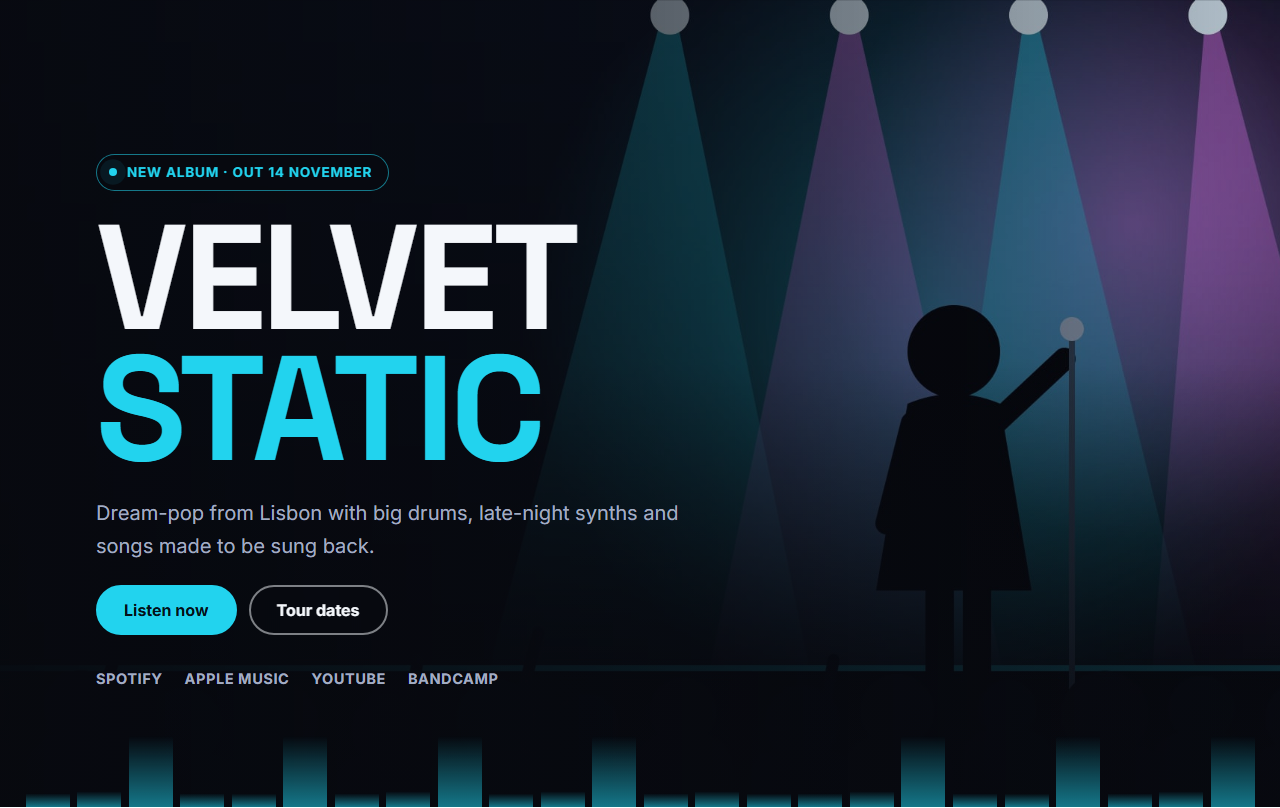
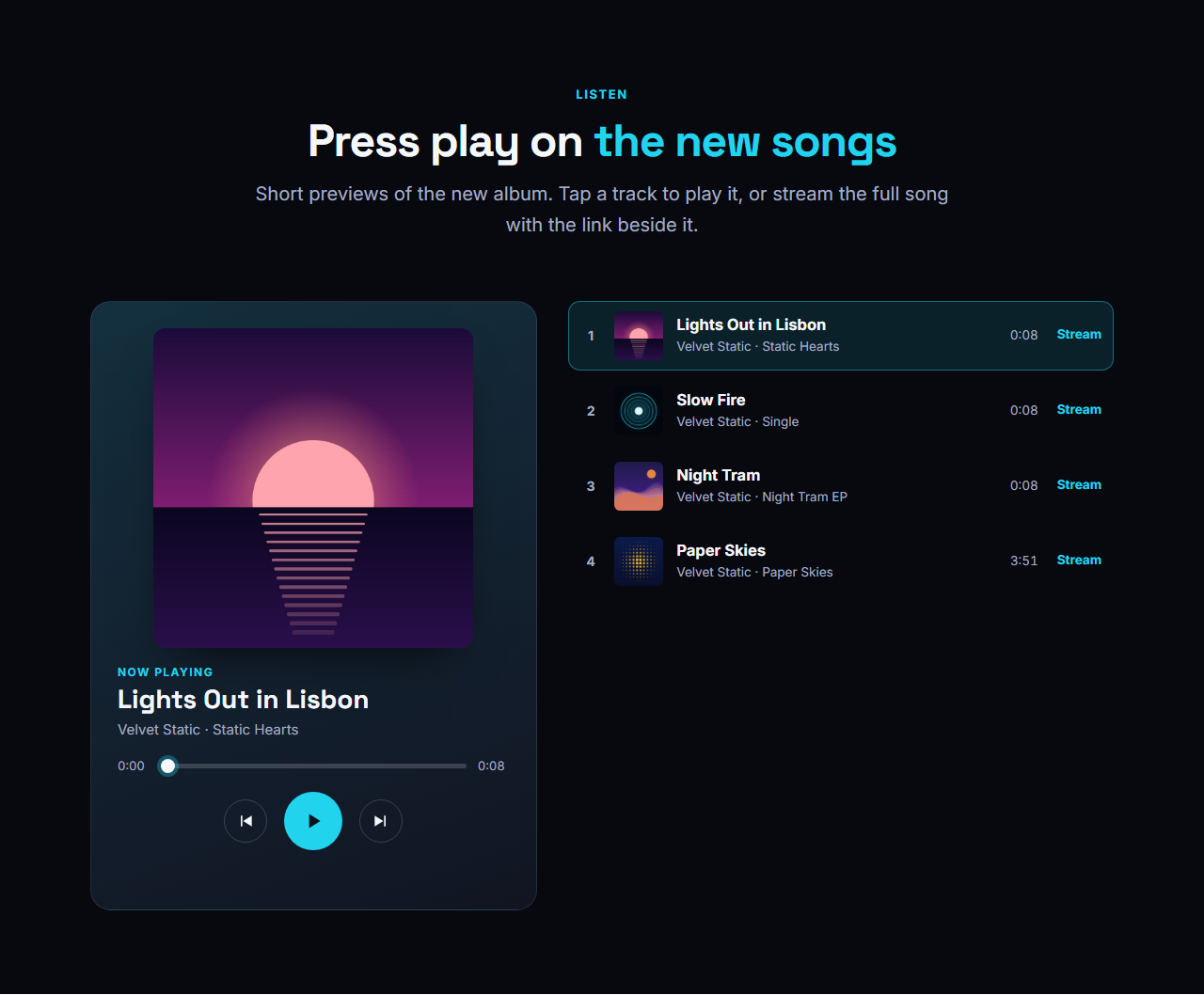
Follow it with the Streaming Links Bar so fans who cannot make a show can still listen, and open the page with the Music Artist Hero. The full Music Artist & Band Website template includes a dedicated Tour page with a gig FAQ.
Getting the most from it
List shows in date order and remove past dates so the page never looks stale. Link each button to the exact ticket page, not the venue's home page. Put the time in the date for search engines (for example 2026-11-14T21:00) and mention doors and age limits in the note, because those are the questions fans ask most.
Why use it
Why Use the Tour Dates & Tickets
How it’s different
How It’s Different From Other Free Section Templates
Step by step
How to Use
- 1Edit the contentFill in the heading, shows and note & button in the panel. Wrap words in *asterisks* to colour them.
- 2Add your imagesUpload your own images (resized in your browser and kept on your device) or paste a hosted image URL.
- 3Match your brandPick a colour preset or exact colours, choose heading and body fonts from Google Fonts or your own uploaded font, set the corner radius and width, or apply your brand kit.
- 4Animate and previewChoose a GSAP entrance effect and speed, press Play animation, and check the section on desktop, tablet and mobile.
- 5Save and exportSave it to My designs, then export a single HTML file, a ZIP with your images, a React or Vue component, or fork it into My Code.
Real-world uses
Common Use Cases
In real websites
Website Templates That Use the Tour Dates & Tickets Section
The Tour Dates & Tickets section is part of 1 complete website template in the free Website Builder, so you can see it in a full page before you use it on its own: Music Artist & Band Website. Open any of them in the builder to edit the whole page, or keep customising this section by itself.
Got questions?
Frequently Asked Questions
Type Sold out in the status field. The status pill turns red, the row dims and the button becomes an inactive outline. You can also change the button text to Sold out or Join the waitlist.
It is an optional year-month-day date, such as 2026-11-14 or 2026-11-14T21:00, used to write Event structured data. It does not appear on the page, so the month and day boxes can stay in your own style.
You can, but remove them or move them to an archive page. A tour list that only shows upcoming shows looks current and gives search engines clean, relevant events.
Yes. Below a narrow width each row becomes a two-column card with the date and place on top and the status and button underneath. Tap targets stay at least 44 pixels high, so the ticket buttons are easy to press on a phone.
It saves an editable copy of your Tour Dates & Tickets in My Code, the UI Snippets code editor: the section markup goes in the HTML panel, its CSS (theme variables, base styles and layout) in the CSS panel, and the GSAP library is added as a CDN link, so you can keep refining the code and save your own versions.
Yes. It is free for personal and commercial websites, with no sign-up, no watermark and no attribution required. Everything runs in your browser and your edits are saved locally.