Desktop · 1280px · shown at 0% · edit the text, images and colours in the panel
Music Artist Hero — Free Website Section Template
Music · v1.0.0 · Updated 2026-10-27 · Responsive · GSAP animation · HTML, React & Vue
What's included
Features
About this section
Music Artist Hero — Free Band Website Section
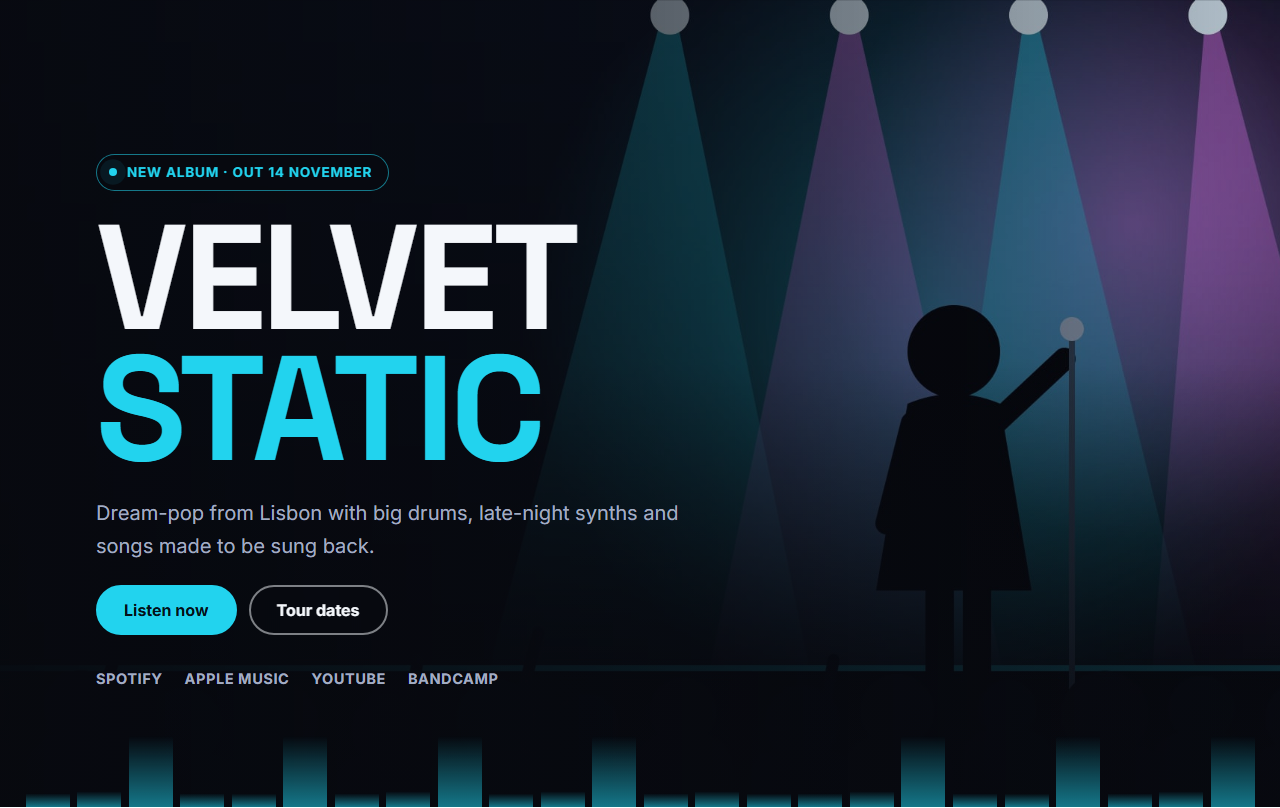
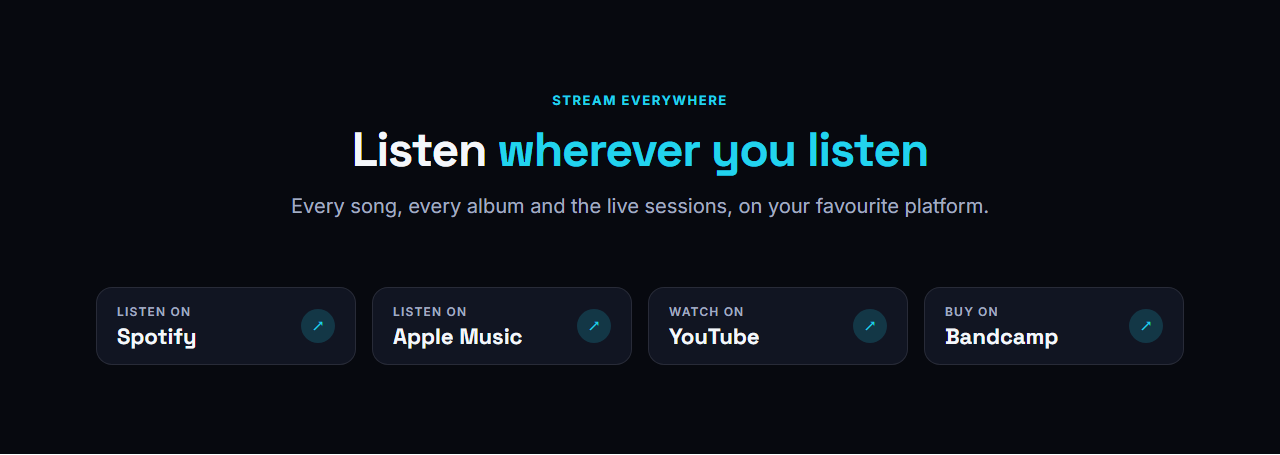
Music Artist Hero is the top of a band or artist website. Your photo fills the screen under a dark gradient, the artist name is set huge in capitals, a small pill announces the new release, two buttons lead to the music and the tour, and a row of streaming links sits underneath. A quiet equalizer along the bottom edge moves gently, and it stops for visitors who prefer reduced motion.
Built to introduce an artist in seconds
Visitors should know who you are, what you sound like and where to listen before they scroll. The name carries the identity, the one-line tagline carries the sound, and the buttons carry the next step. Because the name is real text in an h1 heading, search engines read your artist name as the page's main topic.
Every setting and option
Background photo: upload any wide photo of the artist, the band or a stage. The gradient keeps text readable on light and dark images. Release pill (optional): a short announcement such as "New album · Out 14 November", with a softly pulsing dot. Artist or band name: two lines work well, and words wrapped in asterisks take your brand colour. Tagline: one or two sentences about the sound. Buttons: a primary button and an optional secondary one, each with its own link. Streaming links: 1 to 6 text links such as Spotify, Apple Music, YouTube and Bandcamp, which you can switch off. Theme: colours, fonts, corner radius, content width and text, spacing and gap scales, any preset or brand kit. Motion: entrance animations and headline effects from the Website Builder, plus the built-in equalizer.
Works everywhere
The hero is plain HTML and CSS with no scripts, so it loads fast, and it reflows into a stacked layout on phones. Export HTML, a ZIP, React, Vue or a Next.js site, or fork it into My Code. It is the first section of the Music Artist & Band Website template.
Part of a complete music website
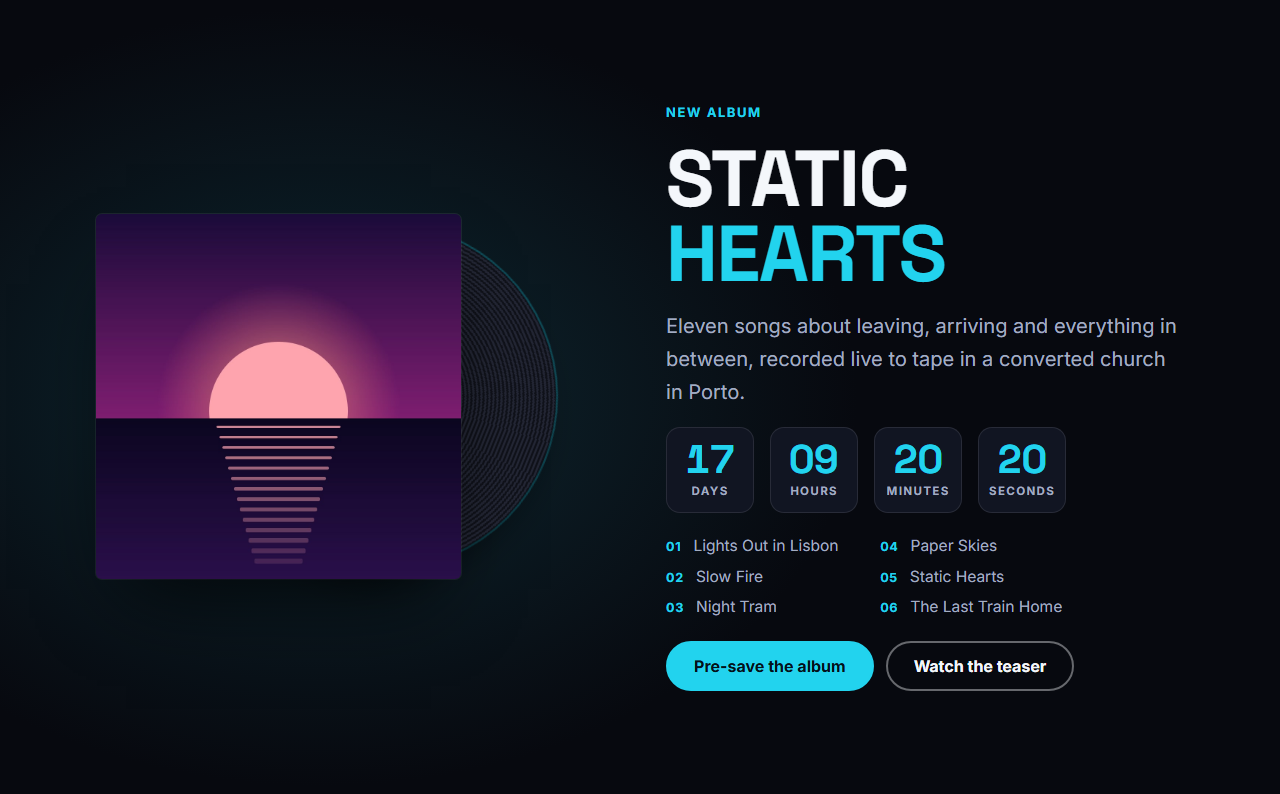
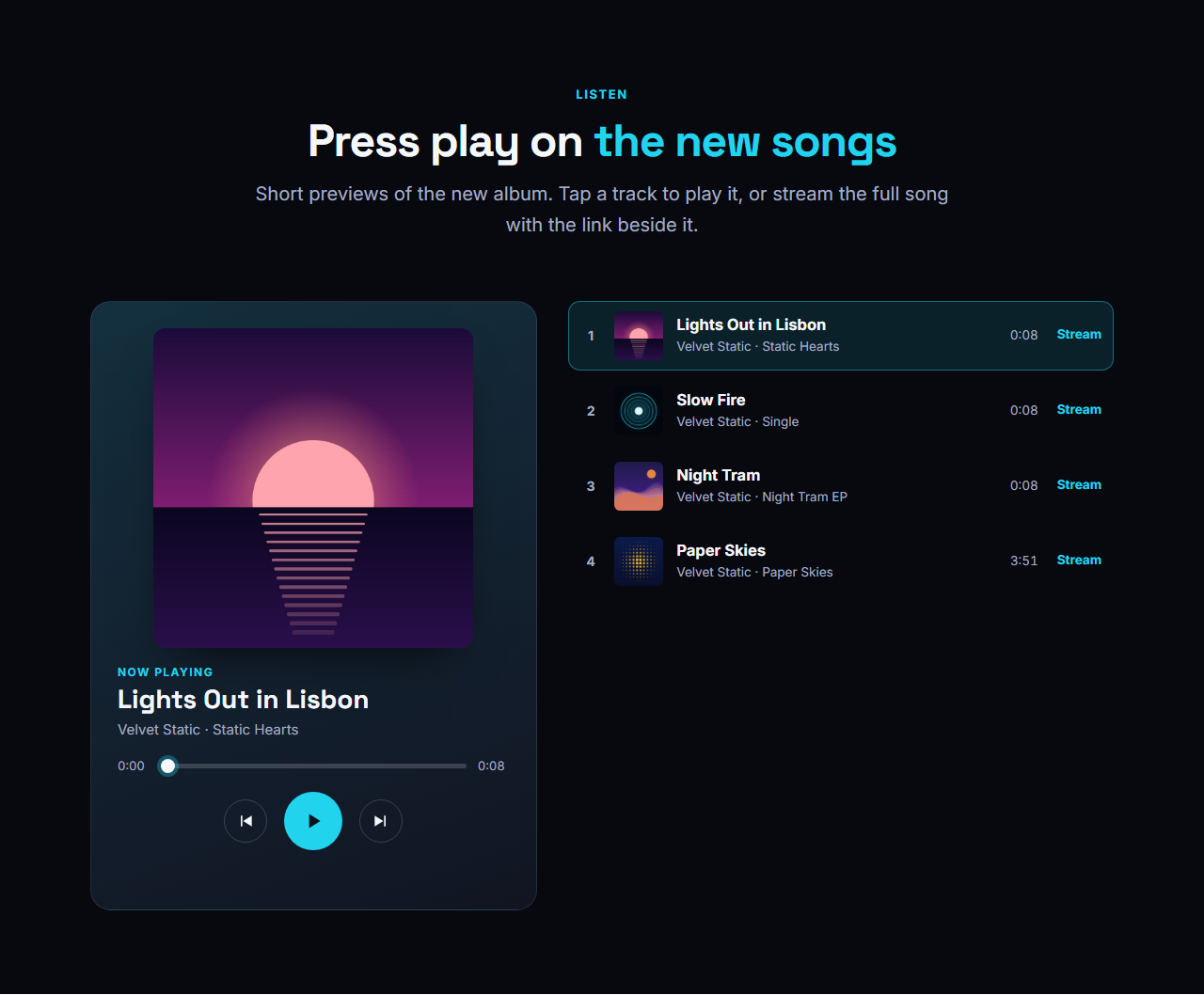
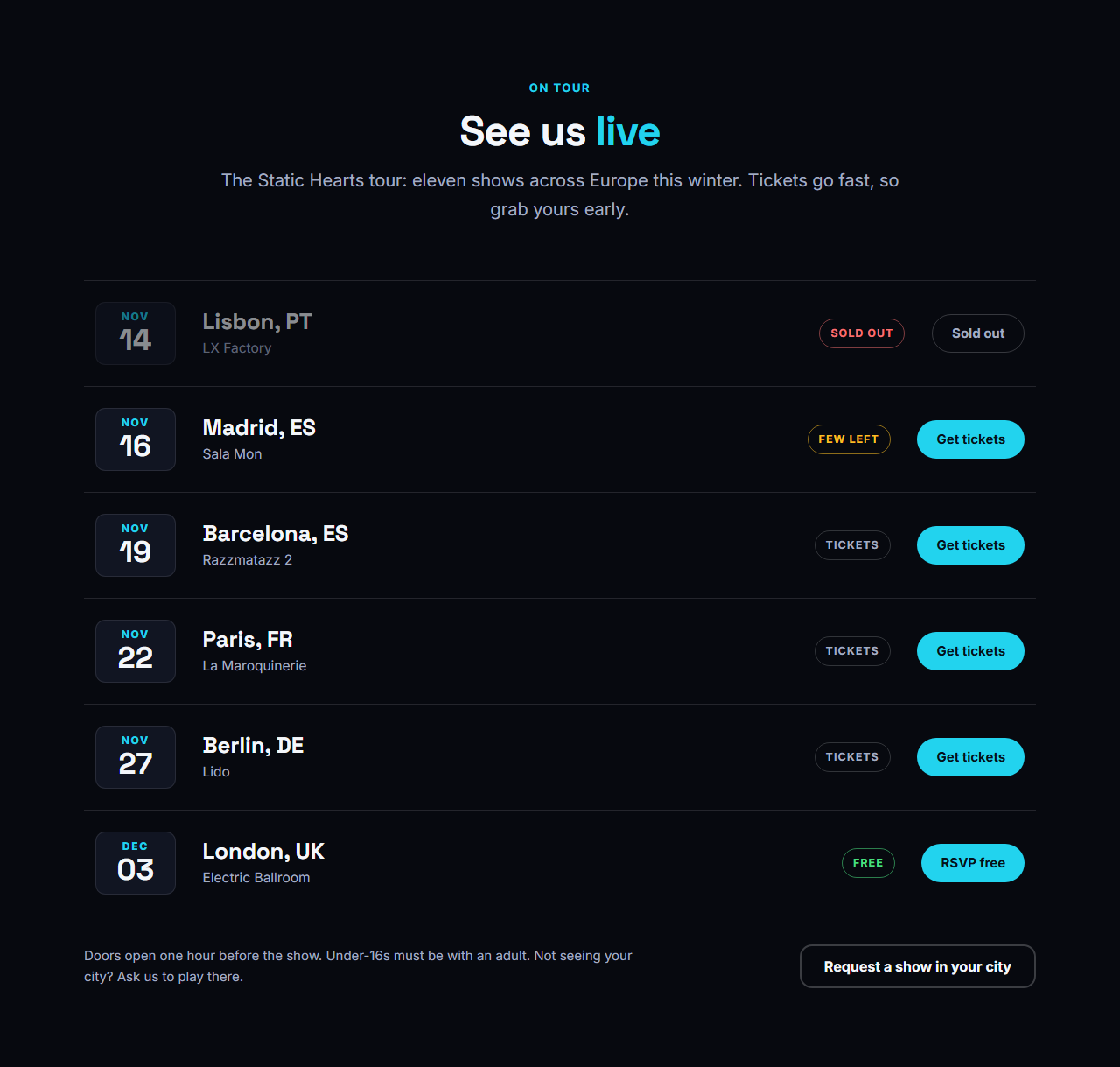
Pair it with the New Release Spotlight for a countdown, the Audio Player & Track List for song previews and the Tour Dates & Tickets section for shows. The complete Music Artist & Band Website template uses all of them.
Getting the most from it
Choose a photo with empty space on the left, because the text sits there. Keep the release pill under six words, and point the primary button at your newest song or the audio player. Link each streaming name to the exact release page rather than your profile, so listeners land on the song.
Why use it
Why Use the Music Artist Hero
How it’s different
How It’s Different From Other Free Section Templates
Step by step
How to Use
- 1Edit the contentFill in the background photo, name & text, buttons and streaming links in the panel. Switch the streaming links on or off. Wrap words in *asterisks* to colour them.
- 2Add your imagesUpload your own images (resized in your browser and kept on your device) or paste a hosted image URL.
- 3Match your brandPick a colour preset or exact colours, choose heading and body fonts from Google Fonts or your own uploaded font, set the corner radius and width, or apply your brand kit.
- 4Animate and previewChoose a GSAP entrance effect and speed, press Play animation, and check the section on desktop, tablet and mobile.
- 5Save and exportSave it to My designs, then export a single HTML file, a ZIP with your images, a React or Vue component, or fork it into My Code.
Real-world uses
Common Use Cases
In real websites
Website Templates That Use the Music Artist Hero Section
The Music Artist Hero section is part of 1 complete website template in the free Website Builder, so you can see it in a full page before you use it on its own: Music Artist & Band Website. Open any of them in the builder to edit the whole page, or keep customising this section by itself.
Got questions?
Frequently Asked Questions
A wide photo at least 1920 by 1080 pixels with calm space on the left, where the text sits. Stage shots, band portraits and album artwork all work because the gradient keeps the text readable.
Yes. The hero uses your theme colours, so the pill, the accent words in the name and the buttons follow your brand colour. Pick a heading and body font pair, the corner radius and the scale of text, spacing and gaps.
No. It is pure CSS, animates only transforms, and is switched off for visitors who set reduced motion in their system. The bars sit behind the text and never block clicks, so the section stays almost as light as a static image.
The artist name is a real h1, the tagline and links are real text, and the photo has a label, so search engines and AI assistants understand who the page is about and where to listen.
It saves an editable copy of your Music Artist Hero in My Code, the UI Snippets code editor: the section markup goes in the HTML panel, its CSS (theme variables, base styles and layout) in the CSS panel, and the GSAP library is added as a CDN link, so you can keep refining the code and save your own versions.
Yes. It is free for personal and commercial websites, with no sign-up, no watermark and no attribution required. Everything runs in your browser and your edits are saved locally.