Desktop · 1280px · shown at 0% · edit the text, images and colours in the panel
Streaming Links Bar — Free Website Section Template
Music · v1.0.0 · Updated 2026-10-27 · Responsive · GSAP animation · HTML, React & Vue
What's included
Features
About this section
Streaming Links Bar — Free Listen-On Buttons Section
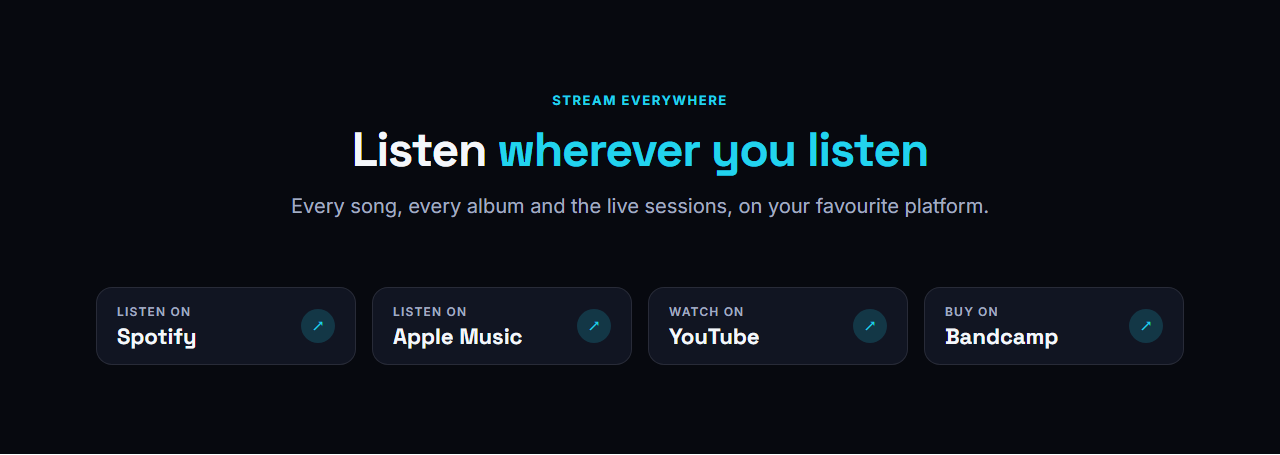
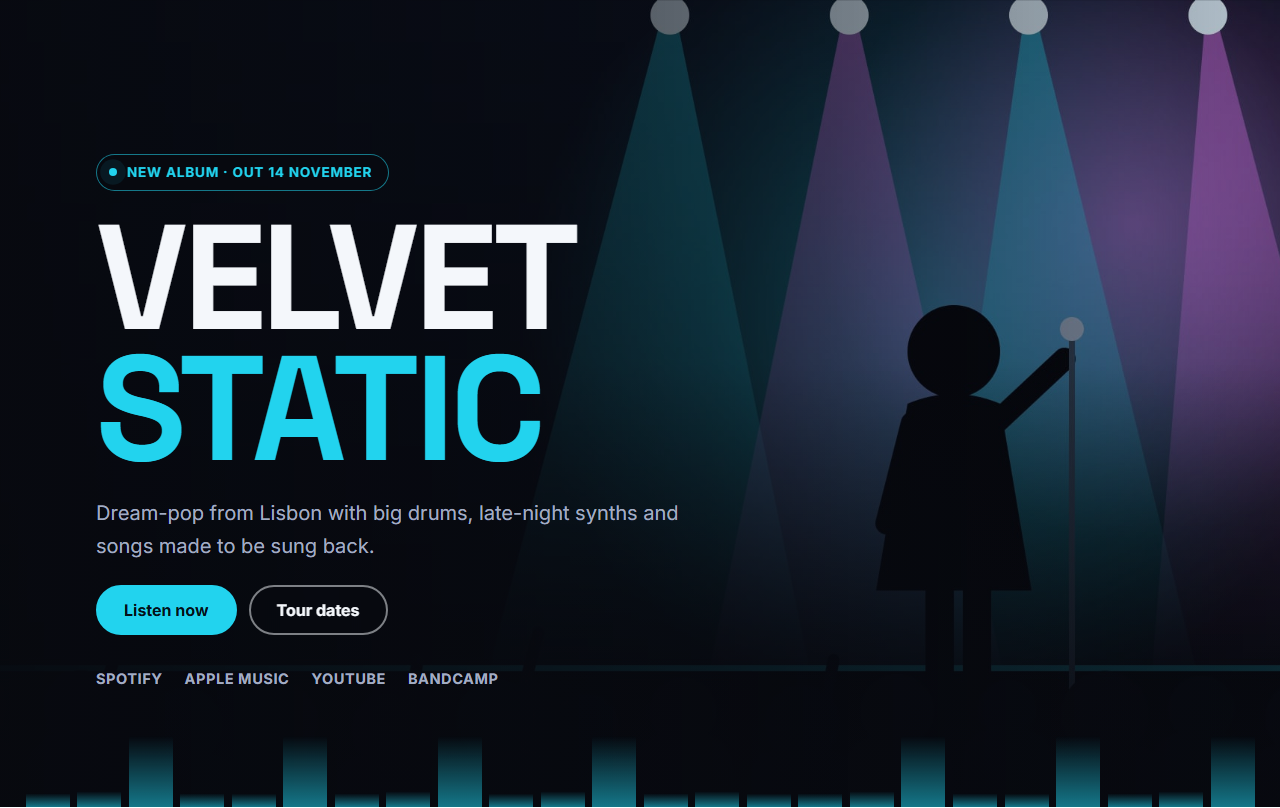
Streaming Links Bar is a clear row of "Listen on" buttons for the places your music lives: Spotify, Apple Music, YouTube, Bandcamp, SoundCloud or anywhere else. Each button has a small label, the platform name and an arrow that turns when you hover, and the buttons wrap neatly on phones.
One job, done clearly
Fans arrive wanting one thing: to hear the music on their own service. Big, evenly sized buttons with the platform name spelled out make that choice effortless, and because each button is a plain link, it works everywhere, even where scripts are blocked.
Every setting and option
Heading group: eyebrow, heading with brand-coloured words and intro text, which you can switch off if you want only the buttons. Platforms (1 to 8): each has a small label (Listen on, Watch on, Buy on, Follow on), the platform name and its link. Layout: the buttons share the width equally, lift on hover and show a visible focus ring for keyboard users. Theme: colours, fonts, corner radius, content width and the text, spacing and gap scales.
Use it anywhere
Place it under a hero, between sections, above a footer or alone on a "links" page for your social profiles. It is plain HTML and CSS with no scripts, so it adds almost nothing to the page weight.
Part of a complete music website
Use it under the Music Artist Hero, after the Discography Grid, or on a page of its own. It is part of the Music Artist & Band Website template, and every button is a plain link, so search engines can follow each one and see which platforms carry your music.
Getting the most from it
Link to the exact release or profile page, not to the platform home page, and keep the same order everywhere on your site so fans know where to look. Use the small label to say what the platform is for: "Watch on YouTube", "Buy on Bandcamp". If you have many platforms, show the three most used here and link the rest from the footer.
Why use it
Why Use the Streaming Links Bar
How it’s different
How It’s Different From Other Free Section Templates
Step by step
How to Use
- 1Edit the contentFill in the heading and platforms in the panel. Switch the heading on or off. Wrap words in *asterisks* to colour them.
- 2Add your imagesUpload your own images (resized in your browser and kept on your device) or paste a hosted image URL.
- 3Match your brandPick a colour preset or exact colours, choose heading and body fonts from Google Fonts or your own uploaded font, set the corner radius and width, or apply your brand kit.
- 4Animate and previewChoose a GSAP entrance effect and speed, press Play animation, and check the section on desktop, tablet and mobile.
- 5Save and exportSave it to My designs, then export a single HTML file, a ZIP with your images, a React or Vue component, or fork it into My Code.
Real-world uses
Common Use Cases
Got questions?
Frequently Asked Questions
Yes. Every button has its own name, small label and link, so you can add Tidal, Deezer, Amazon Music, Beatport, Patreon or any other service.
The buttons use the platform name in text with an arrow, which is faster and avoids trademark artwork. If you want logos, you can add images in the My Code editor after export.
Up to eight. Four or five fit nicely in one row on a laptop and wrap to two columns on a phone. If you have more services, show the most popular ones here and link the rest from your footer or a links page.
Yes. Each button is a real link with readable text, a visible focus ring and enough size for touch, and the arrow is decorative. Screen readers read the small label and the platform name together, such as Listen on Spotify.
It saves an editable copy of your Streaming Links Bar in My Code, the UI Snippets code editor: the section markup goes in the HTML panel, its CSS (theme variables, base styles and layout) in the CSS panel, and the GSAP library is added as a CDN link, so you can keep refining the code and save your own versions.
Yes. It is free for personal and commercial websites, with no sign-up, no watermark and no attribution required. Everything runs in your browser and your edits are saved locally.