Music Artist & Band Website Template
A dark, stage-lit home for a band or solo artist: a hero with listen links, a countdown to the new album, an audio player with song previews, tour dates with ticket buttons, your whole discography, a live video, merch and a booking and press form, ready to export.
One page keeps everything on a single scrolling page. The 8-page website opens all its pages in the editor: Home, Music, Tour, Videos, Merch, About, Contact, Privacy.


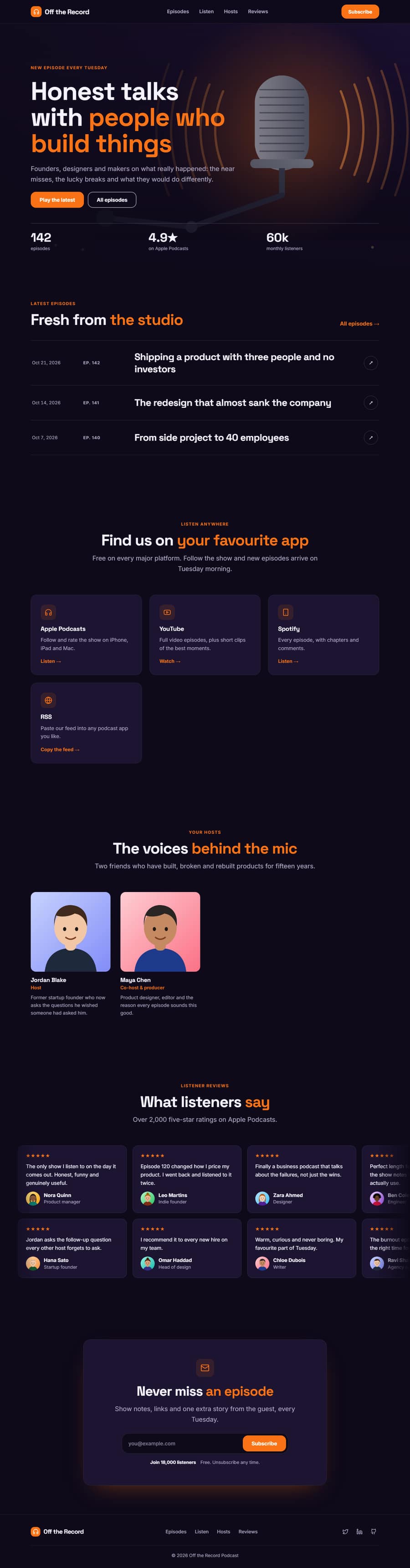
Music Artist & Band Website Template — Free, Editable, Export HTML
Music · One page or 8 pages · 13 sections · Space Grotesk + Inter · Responsive · GSAP animation
Multi-page version
Pages in the 8-Page Music Artist & Band Website Template
What's included
Sections in the Music Artist & Band Website Template
Checklist
What a music artist & band Website Needs
About this template
A Free Music Artist & Band Website Template You Can Edit Online
A dark, stage-lit home for a band or solo artist: a hero with listen links, a countdown to the new album, an audio player with song previews, tour dates with ticket buttons, your whole discography, a live video, merch and a booking and press form, ready to export.
Use it as one scrolling page, or as a 8-page website (Home, Music, Tour, Videos, Merch, About, Contact, Privacy) sharing one navbar, footer and theme. The one-page version is built from 13 sections of the Website Section Templates library and opens in the free Website Builder, where you can change every word and image, swap sections, set your own colours and fonts and export the finished site as clean HTML pages. The page is responsive, accessible and animated with GSAP, with content that stays visible without JavaScript.
The template ships with a Space Grotesk and Inter font pairing and a colour theme suited to music artist & band websites; switch to any Google Font, upload your own, or apply your brand kit in one click.
Make it yours
How to Get the Most From the Music Artist & Band Website Template
A band website has one job: get people to press play, buy a ticket and join your list. This template is built around those three actions. The page opens with a full-screen stage photo, the band name in huge type, a pill for the new release and buttons for the music and the tour. Under it a spotlight section counts down to the album, then an audio player lets visitors hear previews of the new songs without leaving the page.
Tour dates come next, as a calendar-style list with colour-coded status (Tickets, Few left, Sold out, Free) and ticket buttons, with Event structured data so search engines can show your concerts. The discography grid shows every release as cover art with a vinyl that slides out and filter chips for Album, EP, Single and Live. A live video, a filterable photo gallery, press quotes, a merch grid, a booking and press form and a newsletter finish the page, so a fan can discover, listen, buy and get in touch without hunting.
The multi-page version adds Music, Tour, Videos, Merch, About and Contact pages. The Music page opens with a 3D coverflow carousel of the album covers that visitors can scroll or drag, then the full discography and streaming links, and the Tour page adds gig questions (doors, age limits, refunds) that fans really ask. Every page has its own title and description, so each can rank for its own search, and every exported page has a single main heading, descriptive image text, clean internal links and structured data for the shows, so search engines and AI assistants can read what the page is about.
Everything is plain, editable HTML and CSS with a little JavaScript for the player, the filters and the countdown. The demo audio is a short generated loop: replace the audio links with your own MP3 or WAV previews, and swap the images, dates and links, then export HTML, a ZIP, React, Vue or a Next.js site.
Who it’s for
Best For
Step by step
How to Use This Template
- 1Open the templateClick “Use as one page” or “Use as 8-page website” to load it in the Website Builder. Your current website is kept in Saved.
- 2Make it yoursClick any section to change its text, images and links; upload your logo and photos.
- 3Set your brandPick colours and fonts in the Theme tab, or apply your saved brand kit.
- 4Adjust the pageAdd sections from the library, drag to reorder, duplicate or remove what you don’t need.
- 5Export and publishDownload the ZIP (one HTML file per page for the multi-page version) and upload it to Netlify, Vercel or any host.
Got questions?
Frequently Asked Questions
Open the Audio Player section and paste a direct link to an MP3 or WAV file in each track. Short previews of 30 to 60 seconds at 128 to 192 kbps load fastest. A track without a file stays in the list with its stream link.
Yes. Set the release date and time in the New Release Spotlight section. When it passes, the countdown hides, an Out now message appears and the primary button changes to Listen now, in each visitor’s browser.
The Tour Dates section writes Event structured data for every show that has a date, which helps search engines understand your concerts. Rich results are not guaranteed, but the data is correct and complete.
Yes. Change the names, photos and links: a DJ can use the tour dates as a booking calendar and a label can use the discography grid as a roster, with the type field holding the artist name for the filter chips.
The sample audio loops are generated for the demo and are free to use while you test. Replace them with your own music before you publish, because they are placeholders, not songs.
Yes. The Music Artist & Band Website template is free for personal and commercial use, with no sign-up, no watermark and no attribution required.
Click “Use this template” to open it in the free Website Builder. Click any section to change its text, images and links, change colours and fonts for the whole page in the Theme tab, and add, remove or drag sections to reorder them.
Both. Use it as one scrolling page, or as a 8-page website (Home, Music, Tour, Videos, Merch, About, Contact, Privacy) that opens with every page in the editor. The pages share one navbar, footer and theme, and the menu links to every page automatically. Add more pages (About, Pricing, Contact, Blog and others) or remove any you don’t need in the builder’s Pages tab.
Yes. As one page you get a ZIP with index.html and an assets folder. As a 8-page website you get one HTML file per page (index.html, music.html, tour.html, videos.html, merch.html, about.html, contact.html, privacy.html), a shared styles.css and script.js, and an assets folder with your images, then upload it to any web host. Links between pages also work when you open the files from your computer.