Desktop · 1280px · shown at 0% · edit the text, images and colours in the panel
Video Section with Poster — Free Website Section Template
Gallery & media · v1.0.0 · Updated 2026-10-24 · Responsive · GSAP animation · HTML, React & Vue
What's included
Features
About this section
Video Section With Poster — Free Click-to-Play Embed Template
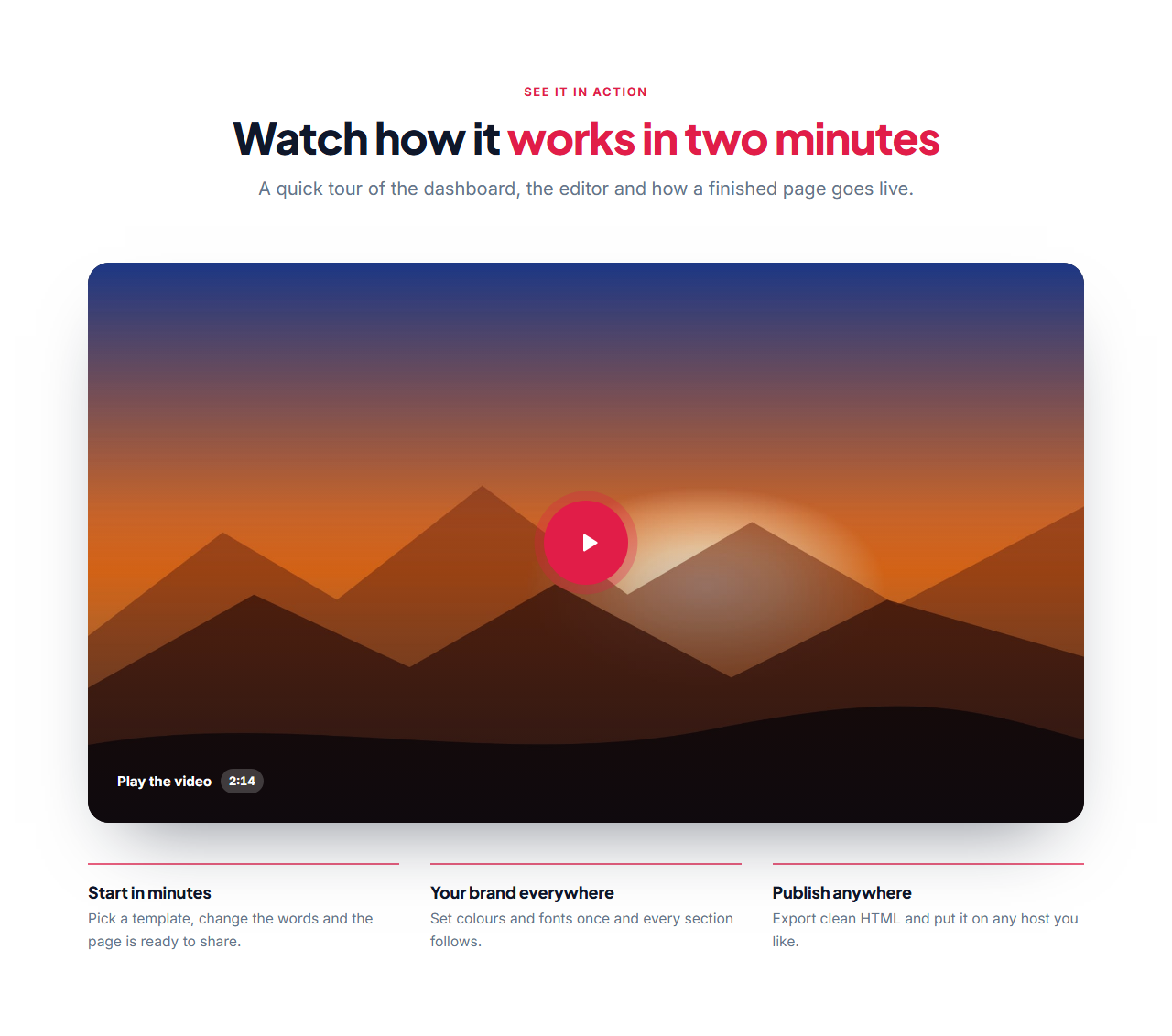
Video Section With Poster is a free website section for a product demo, trailer, explainer or customer story. It shows a heading, a large 16:9 poster image with a play button and optional running time, and a row of key points underneath. The video itself is not loaded until the visitor presses play.
Fast and private by design
A normal YouTube or Vimeo embed loads scripts, cookies and trackers as soon as the page opens, even if nobody watches. Here only the poster loads. When the visitor presses play, the poster is replaced in place by the player, using YouTube's privacy-enhanced domain or Vimeo's do-not-track mode. That keeps your page quick and your visitors' data to themselves.
Works with the links you already have
Paste a YouTube or Vimeo link, or a direct link to an MP4, WebM or Ogg file and the section picks the right player; files play in the browser's own player with controls. Without JavaScript the play button is a normal link that opens the video in a new tab, so it never breaks.
Structured data for search
The section writes VideoObject structured data from what you enter: the title, description, poster, running time, publishing date and the embed or file address. Search engines can use it to understand the video. Add the date in year-month-day form, as Google asks for it before it will show video results.
Key points and style
Add up to four short points under the video and change the colours, fonts and corner radius to match your brand. Export HTML, a ZIP with images, React or Vue, or fork into My Code. To pair it with a call to action, use a Gradient CTA Banner.
Why use it
Why Use the Video Section with Poster
How it’s different
How It’s Different From Other Free Section Templates
Step by step
How to Use
- 1Edit the contentFill in the heading, video and key points in the panel. Switch the heading and key points on or off. Wrap words in *asterisks* to colour them.
- 2Add your imagesUpload your own images (resized in your browser and kept on your device) or paste a hosted image URL.
- 3Match your brandPick a colour preset or exact colours, choose heading and body fonts from Google Fonts or your own uploaded font, set the corner radius and width, or apply your brand kit.
- 4Animate and previewChoose a GSAP entrance effect and speed, press Play animation, and check the section on desktop, tablet and mobile.
- 5Save and exportSave it to My designs, then export a single HTML file, a ZIP with your images, a React or Vue component, or fork it into My Code.
Real-world uses
Common Use Cases
In real websites
Website Templates That Use the Video Section with Poster Section
The Video Section with Poster section is part of 4 complete website templates in the free Website Builder, so you can see it in a full page before you use it on its own: SaaS Landing Page, Online Course Website, Podcast Website, Product Landing Page Store. Open any of them in the builder to edit the whole page, or keep customising this section by itself.
Got questions?
Frequently Asked Questions
YouTube links (watch, short and embed), Vimeo links and direct .mp4, .webm or .ogg files. Other links still work as a normal link that opens in a new tab.
No. Only the poster image loads. The player is added to the page when the visitor presses play, which keeps the page fast and avoids tracking by the video host.
The play button is an ordinary link to the video, so visitors can still watch it on the video site. The poster, text and key points are always in the page.
Yes. It writes VideoObject JSON-LD from the title, description, poster, length, date and link you enter. Fill in the publishing date so search engines have everything they ask for.
It saves an editable copy of your Video Section with Poster in My Code, the UI Snippets code editor: the section markup goes in the HTML panel, its CSS (theme variables, base styles and layout) in the CSS panel, and the GSAP library is added as a CDN link, so you can keep refining the code and save your own versions.
Yes. It is free for personal and commercial websites, with no sign-up, no watermark and no attribution required. Everything runs in your browser and your edits are saved locally.