Desktop · 1280px · shown at 0% · edit the text, images and colours in the panel
Gradient CTA Banner — Free Website Section Template
Call to action · v1.0.0 · Updated 2026-10-20 · Responsive · GSAP animation · HTML, React & Vue
What's included
Features
About this section
Gradient CTA Banner — Free Call to Action Section Template
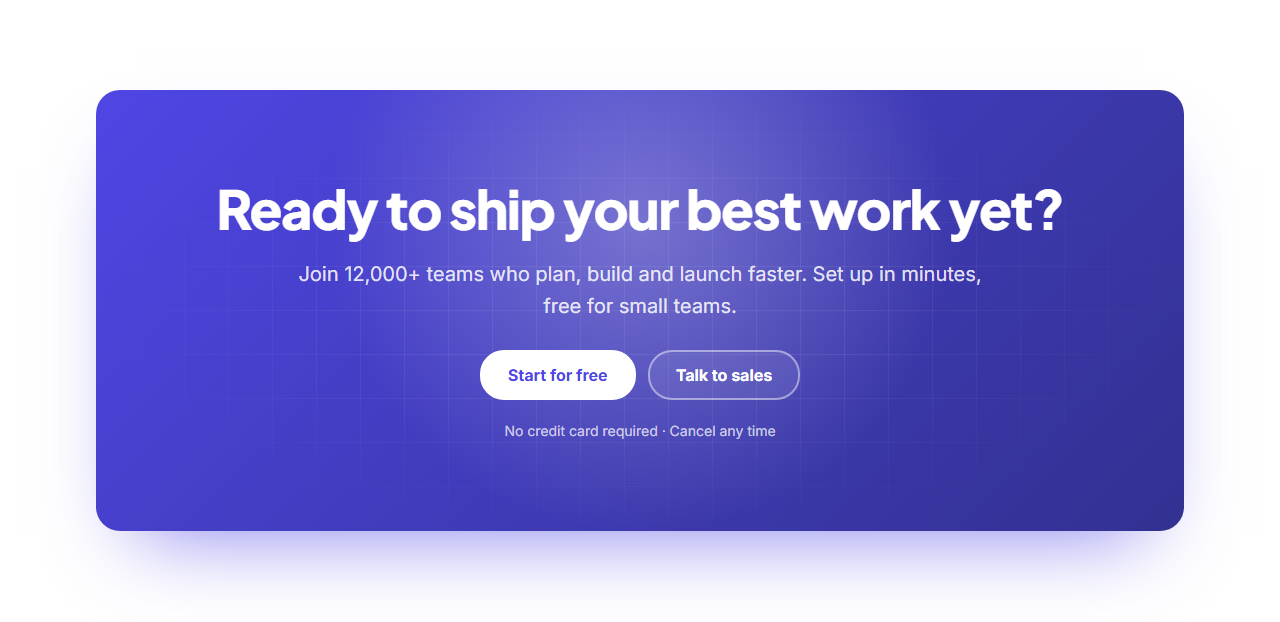
Gradient CTA Banner is a closing call to action that's hard to scroll past: a rounded panel in a rich brand gradient with a faint grid texture, a big centred heading, a line of supporting text, two buttons and a reassurance note such as "No credit card required".
Small details that feel alive
A soft glow inside the panel follows the visitor's cursor, eased with GSAP, and the buttons are magnetic: they drift slightly toward the pointer and spring back when it leaves. Both effects run only on devices with a mouse and switch off for people who prefer reduced motion. On touch screens the glow simply sits in the middle.
Your brand, automatically
The gradient, glow and buttons are all mixed from your brand colour, so the banner matches any theme preset or brand kit. The primary button is inverted (white on brand) so it stands out, and leaving the second button empty hides it.
Animated entrance
The heading reveals with GSAP SplitText and the text and buttons follow as the banner scrolls into view.
Export it
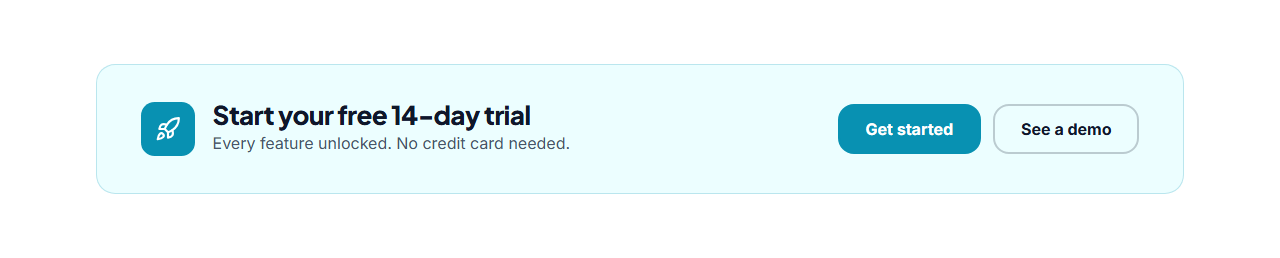
Download HTML or a ZIP, copy a React or Vue component (the spotlight and magnetic scripts included), or fork into My Code. For a smaller prompt between sections, see the CTA Strip.
Why use it
Why Use the Gradient CTA Banner
How it’s different
How It’s Different From Other Free Section Templates
Step by step
How to Use
- 1Edit the contentFill in the heading & text and buttons in the panel. Wrap words in *asterisks* to colour them.
- 2Add your imagesUpload your own images (resized in your browser and kept on your device) or paste a hosted image URL.
- 3Match your brandPick a colour preset or exact colours, choose heading and body fonts from Google Fonts or your own uploaded font, set the corner radius and width, or apply your brand kit.
- 4Animate and previewChoose a GSAP entrance effect and speed, press Play animation, and check the section on desktop, tablet and mobile.
- 5Save and exportSave it to My designs, then export a single HTML file, a ZIP with your images, a React or Vue component, or fork it into My Code.
Real-world uses
Common Use Cases
Got questions?
Frequently Asked Questions
The banner draws a radial gradient positioned with two CSS variables. A small script updates them from the pointer position and GSAP eases the change, so the glow trails the cursor smoothly.
Buttons that move slightly toward the pointer while it is over them, using GSAP quickTo, and spring back when it leaves. It makes the main action feel responsive and inviting.
They are desktop-only on purpose: on touch screens the glow stays centred and the buttons stay still. Everything else, including the entrance animation, works everywhere.
The gradient runs from your brand colour to a darker mix of it. Change the brand colour in Colours, or edit the .cb background in the exported CSS for a custom gradient.
It saves an editable copy of your Gradient CTA Banner in My Code, the UI Snippets code editor: the section markup goes in the HTML panel, its CSS (theme variables, base styles and layout) in the CSS panel, and the GSAP library is added as a CDN link, so you can keep refining the code and save your own versions.
Yes. It is free for personal and commercial websites, with no sign-up, no watermark and no attribution required. Everything runs in your browser and your edits are saved locally.