Desktop · 1280px · shown at 0% · edit the text, images and colours in the panel
Booking Request Form — Free Website Section Template
Contact · v1.0.0 · Updated 2026-10-24 · Responsive · GSAP animation · HTML, React & Vue
What's included
Features
About this section
Booking Request Form — Free Appointment Section Template
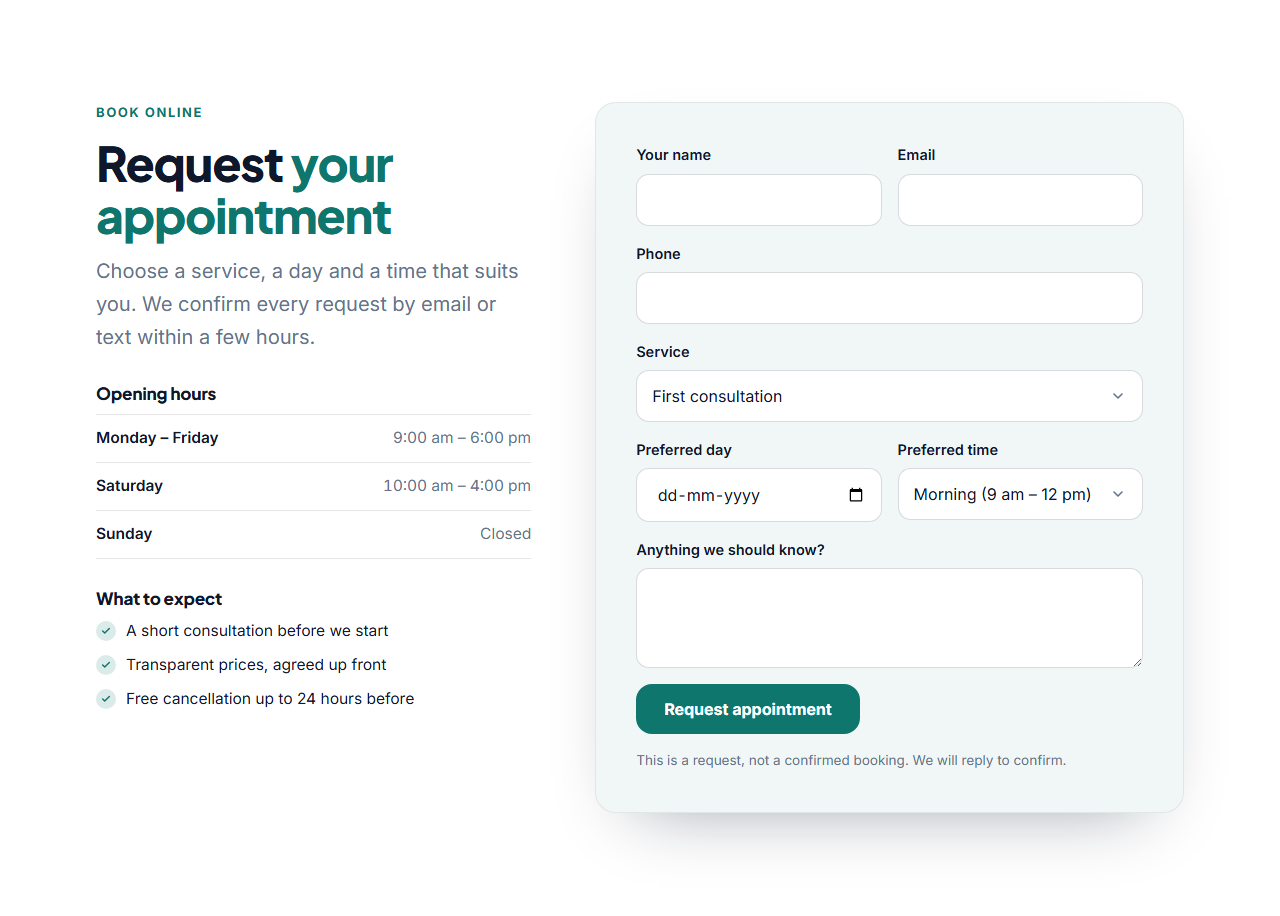
Booking Request Form is a free section for businesses that take appointments: salons, clinics, dentists, therapists, restaurants, tutors and consultants. Visitors choose a service, a preferred day and a time slot, add their details and a note, and you receive the request by email through your form service.
Everything a request needs
The form has name, email and optional phone fields, a menu of your services, a date picker, a menu of time slots and a notes box. Services and time slots are editable lists, so you can offer "First consultation", "Colour" or "Table for two" and time slots such as Morning or 6:00 pm. The date picker cannot be set to a day in the past.
Opening hours and reassurance
Beside the form, a heading, a short opening-hours list and a "what to expect" list answer the questions people have before they book: when you are open, what the first visit involves and your cancellation terms. Both lists are editable and can be left empty.
A request, not a live calendar
This section collects requests; it does not check availability or hold a slot. Say so in the note under the button, as the template does, and confirm by email or phone. For a live calendar, link a button to a booking tool instead. The form posts to Formspree, Basin, Getform or any endpoint you set, and shows a friendly success or error message without leaving the page.
Export it
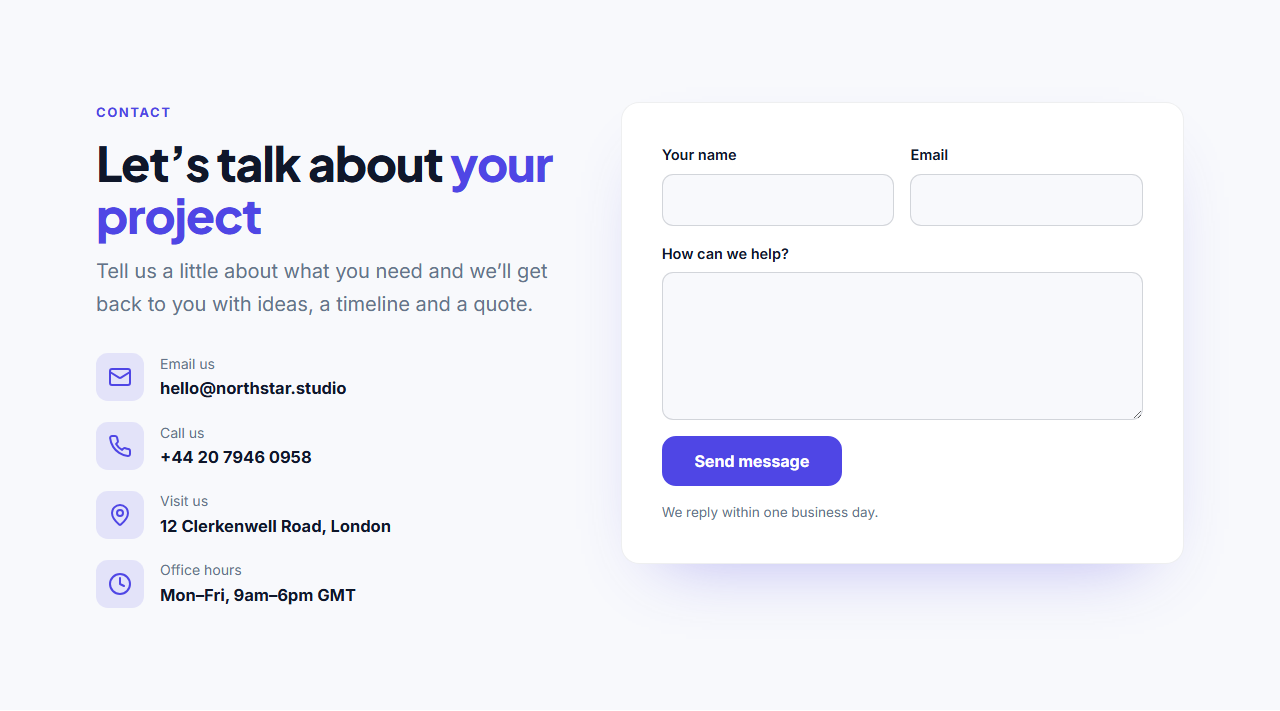
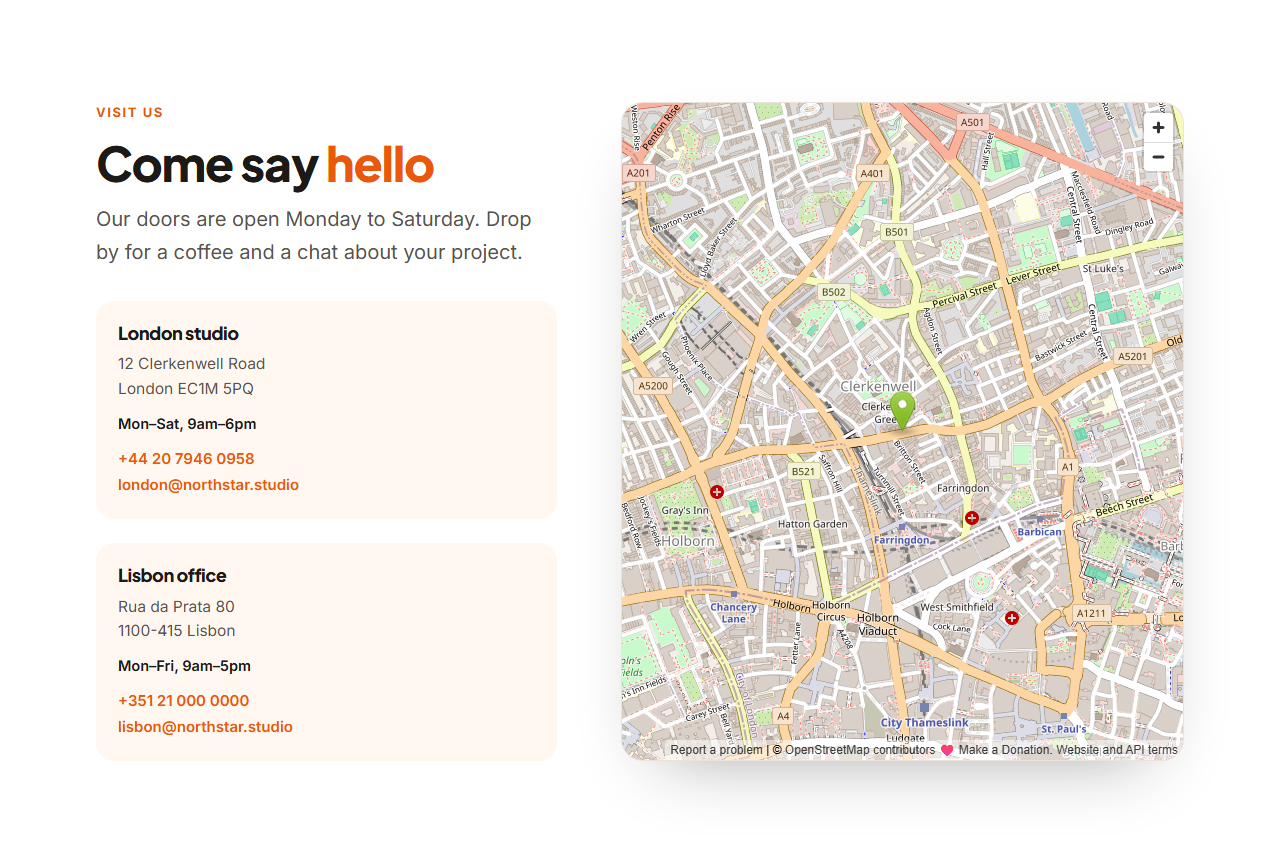
Copy one HTML file, download a ZIP, copy a React or Vue component, or fork into My Code. For a general enquiry form, use Contact Form With Details, and add directions with Contact With Map.
Why use it
Why Use the Booking Request Form
How it’s different
How It’s Different From Other Free Section Templates
Step by step
How to Use
- 1Edit the contentFill in the heading, opening hours, services & times and form in the panel. Wrap words in *asterisks* to colour them.
- 2Add your imagesUpload your own images (resized in your browser and kept on your device) or paste a hosted image URL.
- 3Match your brandPick a colour preset or exact colours, choose heading and body fonts from Google Fonts or your own uploaded font, set the corner radius and width, or apply your brand kit.
- 4Animate and previewChoose a GSAP entrance effect and speed, press Play animation, and check the section on desktop, tablet and mobile.
- 5Save and exportSave it to My designs, then export a single HTML file, a ZIP with your images, a React or Vue component, or fork it into My Code.
Real-world uses
Common Use Cases
In real websites
Website Templates That Use the Booking Request Form Section
The Booking Request Form section is part of 5 complete website templates in the free Website Builder, so you can see it in a full page before you use it on its own: Restaurant Website, Dental Clinic Website, Coach & Consultant Website, Boutique Hotel Website, Hair & Beauty Salon Website. Open any of them in the builder to edit the whole page, or keep customising this section by itself.
Got questions?
Frequently Asked Questions
No. It sends you a request with the visitor's preferred day and time, and you confirm by email or phone. For live availability, link a button to a booking tool such as Calendly.
To the form service you set in the Form URL field, such as Formspree, Basin or Getform. They email you each request with every field the visitor filled in.
Yes. Both are editable lists: add, rename, reorder or remove items, and the menus in the form update to match.
The date picker is limited to today and later automatically, in the exported page, using the visitor's own date.
It saves an editable copy of your Booking Request Form in My Code, the UI Snippets code editor: the section markup goes in the HTML panel, its CSS (theme variables, base styles and layout) in the CSS panel, and the GSAP library is added as a CDN link, so you can keep refining the code and save your own versions.
Yes. It is free for personal and commercial websites, with no sign-up, no watermark and no attribution required. Everything runs in your browser and your edits are saved locally.