Desktop · 1280px · shown at 0% · edit the text, images and colours in the panel

Contact With Map — Free Website Section Template
Contact · v1.0.0 · Updated 2026-10-20 · Responsive · GSAP animation · HTML, React & Vue
What's included
Features
About this section
Contact With Map — Free Location and Offices Section Template
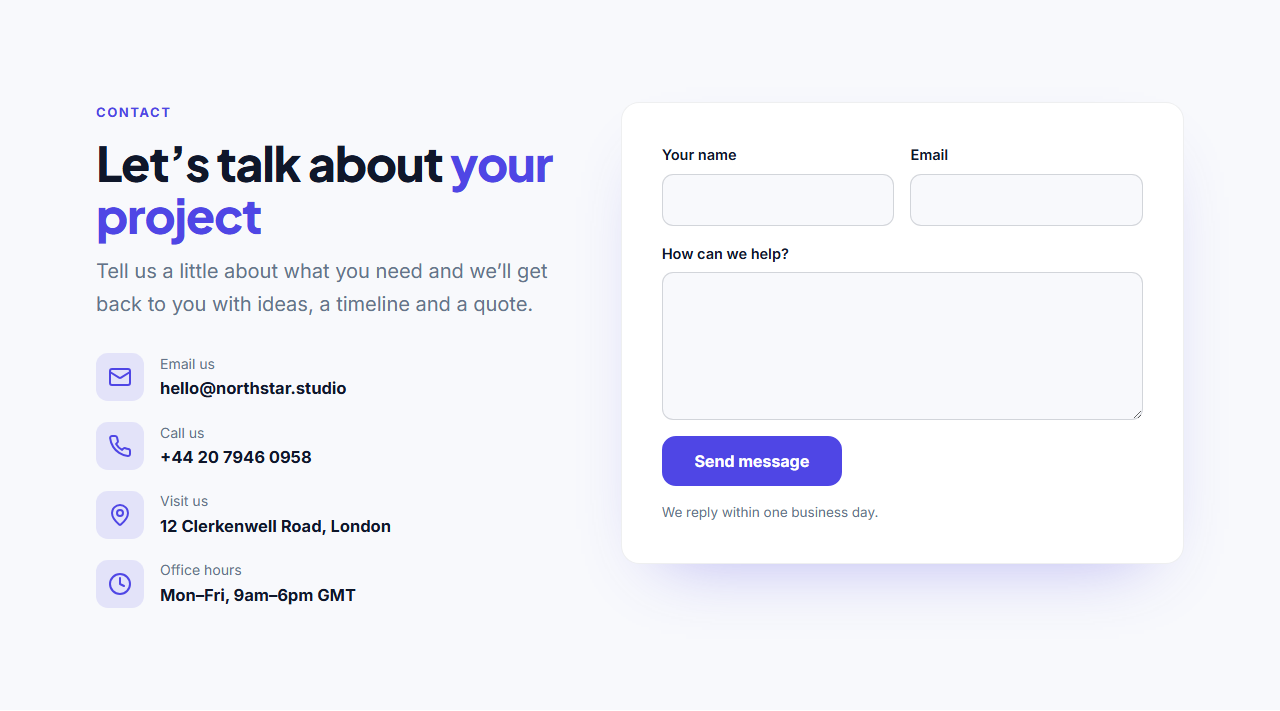
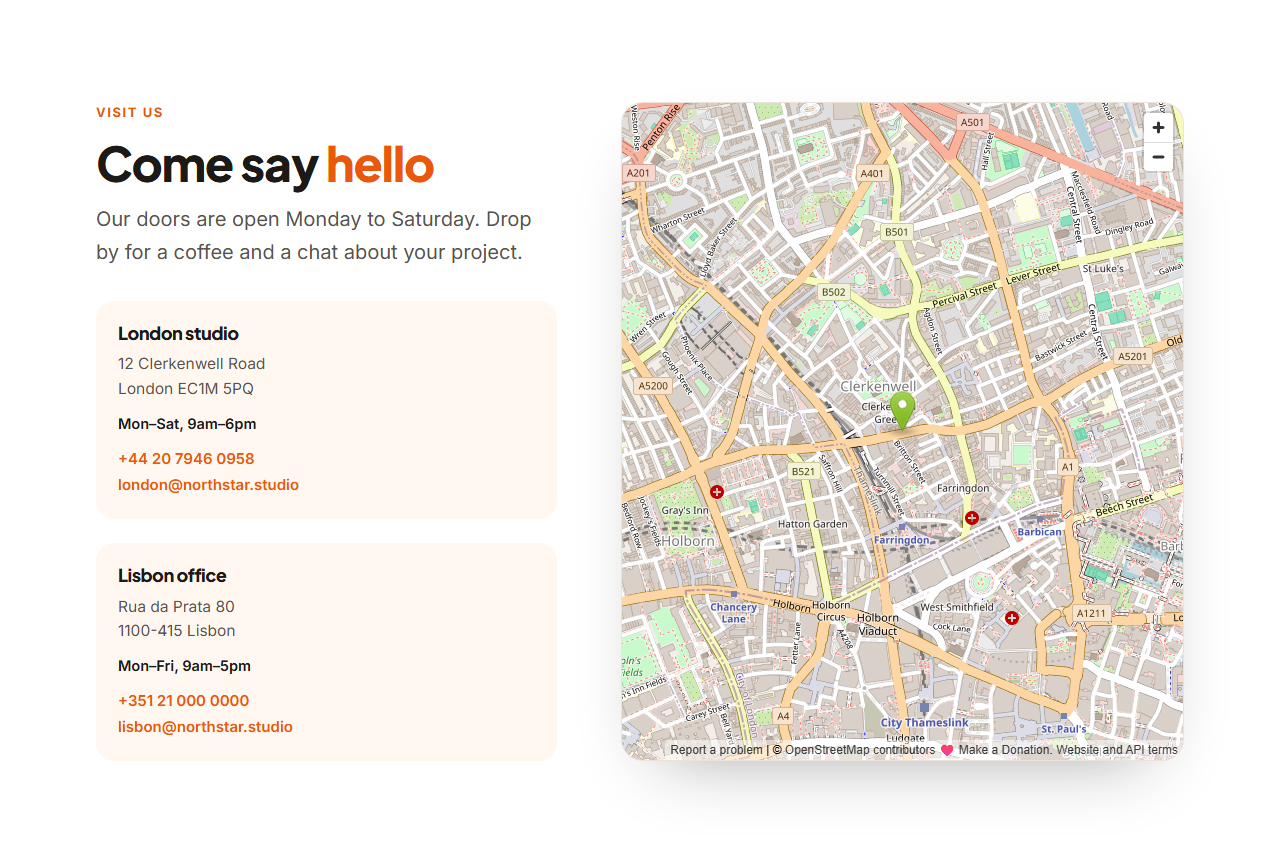
Contact With Map helps people find you in person: a heading and short message, a set of location cards with the name, address, opening hours, phone and email, and a large embedded map beside them. It suits shops, restaurants, clinics, studios and companies with offices.
Any map, no API key
By default it uses an OpenStreetMap embed, which needs no account or key. To show your own location, use Share → HTML on openstreetmap.org, or Share → Embed a map in Google Maps, and paste the link from the src attribute. The map has an editable title for screen readers and loads lazily, so it doesn't slow the page down.
Up to four locations
Each location has a name, a multi-line address (marked up with the address element), optional opening hours, and phone and email with their own tel: and mailto: links. Leave any of them empty to hide it.
Responsive and animated
On tablets and phones the map moves below the locations at a comfortable height. The heading reveals with GSAP SplitText, the location cards stagger in and the map rises into view.
Export it
Download HTML, a ZIP, React or Vue, or fork into My Code. Add a form with Contact Form With Details.
Why use it
Why Use the Contact With Map
How it’s different
How It’s Different From Other Free Section Templates
Step by step
How to Use
- 1Edit the contentFill in the heading, locations and map in the panel. Wrap words in *asterisks* to colour them.
- 2Add your imagesUpload your own images (resized in your browser and kept on your device) or paste a hosted image URL.
- 3Match your brandPick a colour preset or exact colours, choose heading and body fonts from Google Fonts or your own uploaded font, set the corner radius and width, or apply your brand kit.
- 4Animate and previewChoose a GSAP entrance effect and speed, press Play animation, and check the section on desktop, tablet and mobile.
- 5Save and exportSave it to My designs, then export a single HTML file, a ZIP with your images, a React or Vue component, or fork it into My Code.
Real-world uses
Common Use Cases
Got questions?
Frequently Asked Questions
On openstreetmap.org, find your address, click Share, choose HTML and copy the link inside src="…". In Google Maps use Share → Embed a map and copy the src link. Paste it into Map embed URL.
No. Both the OpenStreetMap embed and Google’s “Embed a map” links work without an API key.
Up to four. The map shows one area, so centre it on your main location and list the others with their addresses.
The map iframe has an editable title for screen readers, and every address, phone number and email is also written out as text.
It saves an editable copy of your Contact With Map in My Code, the UI Snippets code editor: the section markup goes in the HTML panel, its CSS (theme variables, base styles and layout) in the CSS panel, and the GSAP library is added as a CDN link, so you can keep refining the code and save your own versions.
Yes. It is free for personal and commercial websites, with no sign-up, no watermark and no attribution required. Everything runs in your browser and your edits are saved locally.