Desktop · 1280px · shown at 0% · edit the text, images and colours in the panel
Opening Hours & Location — Free Website Section Template
Contact · v1.0.0 · Updated 2026-10-31 · Responsive · GSAP animation · HTML, React & Vue
What's included
Features
About this section
Opening Hours & Location — Free Business Hours Section
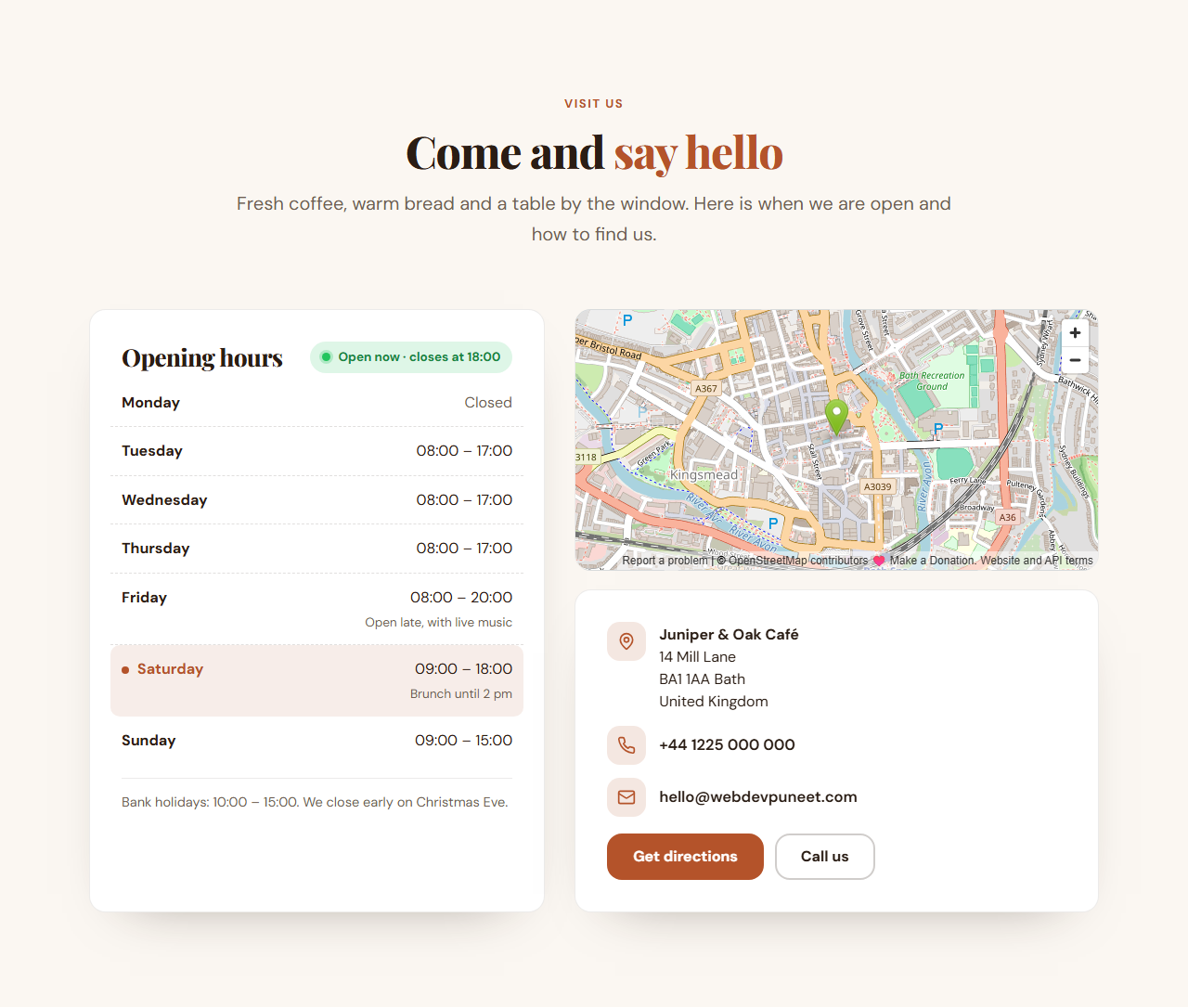
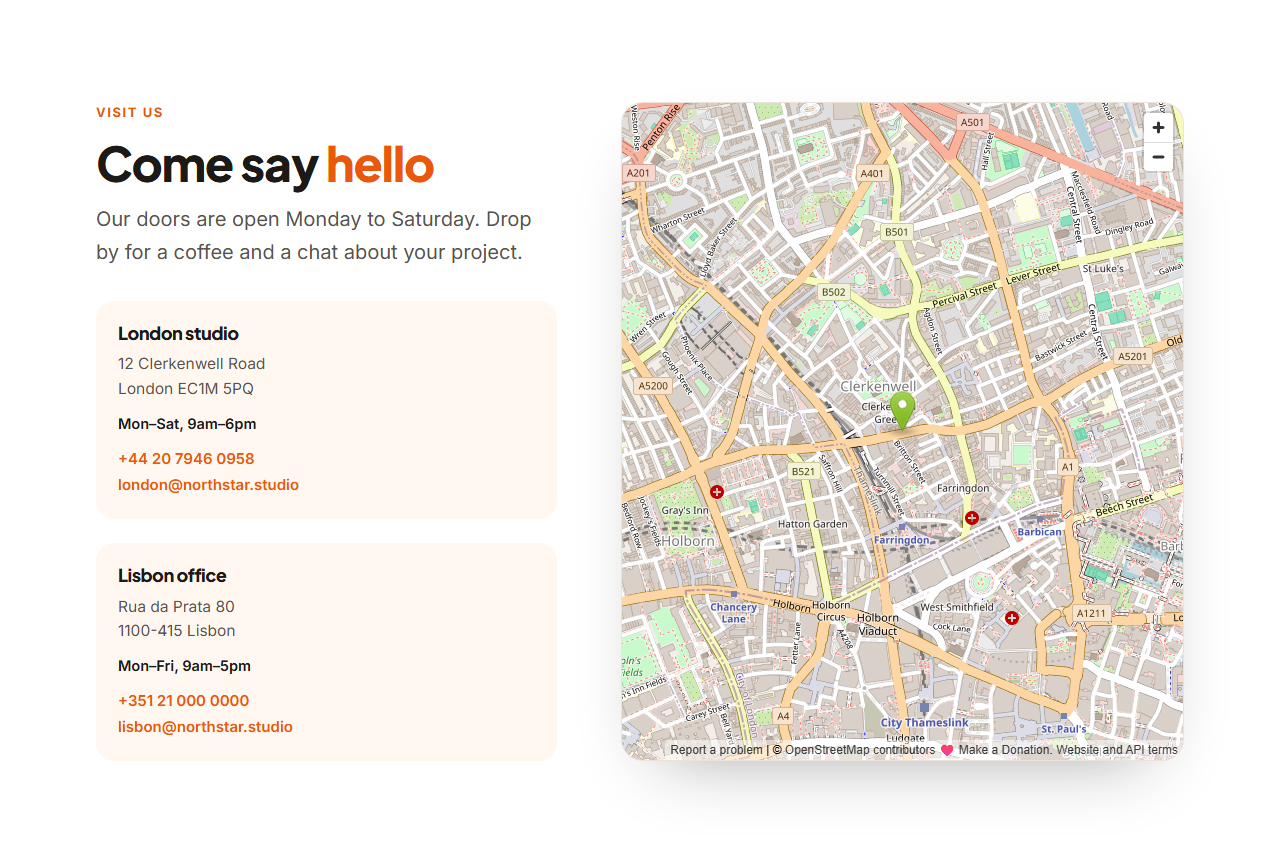
Opening Hours & Location answers the two questions every local visitor has: "are you open?" and "where are you?". A weekly hours table sits beside an embedded map, with the address, phone number and email below and buttons to get directions or call. A live badge says Open now · closes at 17:00 or Closed now · opens Tuesday 08:00, worked out in the business's own time zone, so someone planning a trip from another country still sees the right answer.
Built for real opening hours
Every day is its own row. Mark a day as closed, add a note such as "Brunch until 2 pm", or list a day twice for a lunch break. A closing time earlier than the opening time means the place closes after midnight, which suits bars and late-night kitchens. Today's row is highlighted automatically.
Made for search engines
The hours, address, phone number and map link are also written into the page as schema.org LocalBusiness data with OpeningHoursSpecification. You choose the closest business type, from cafe, restaurant and bakery to dentist, doctor, vet, salon and garage, so search engines can read the details instead of guessing them from the text. Structured data helps search engines understand the page but does not guarantee how your listing appears.
Editable and fast
The map is an OpenStreetMap embed by default (no key needed); paste a Google Maps embed link to use that instead, or switch the map off. The "Open now" badge needs no account and no server: it is a few lines of JavaScript, and without JavaScript the table still shows every day.
Export it
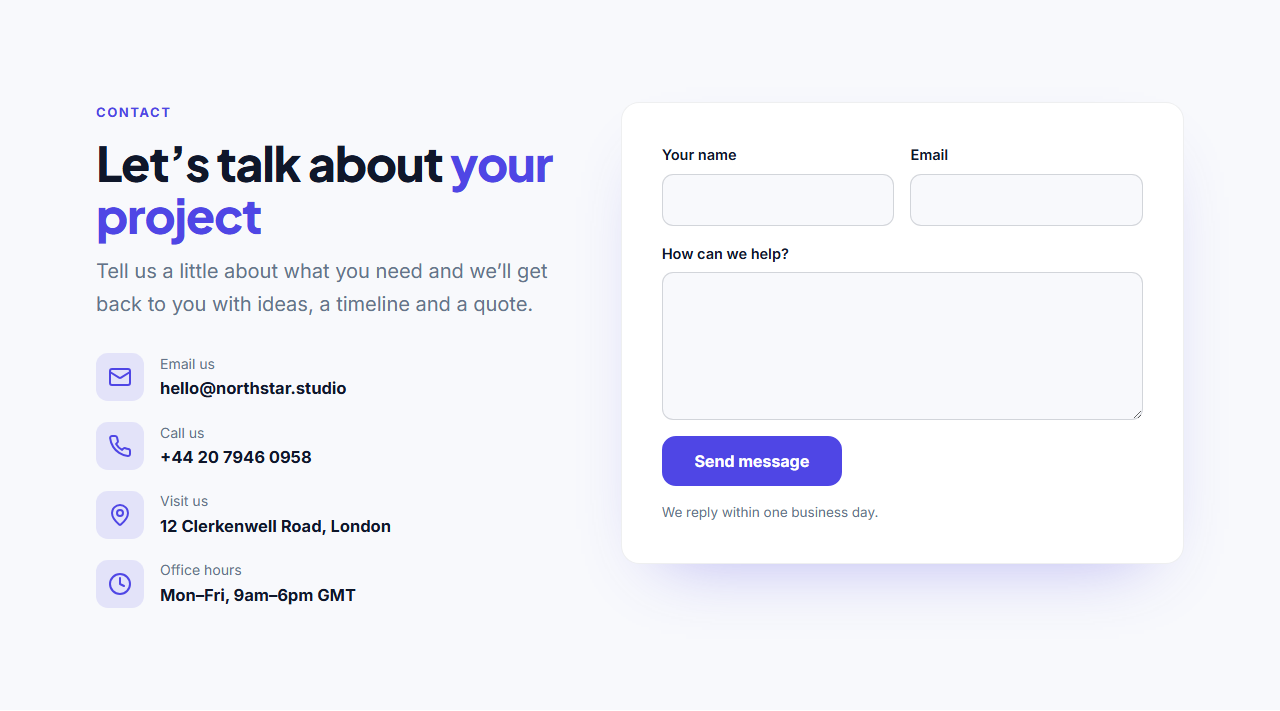
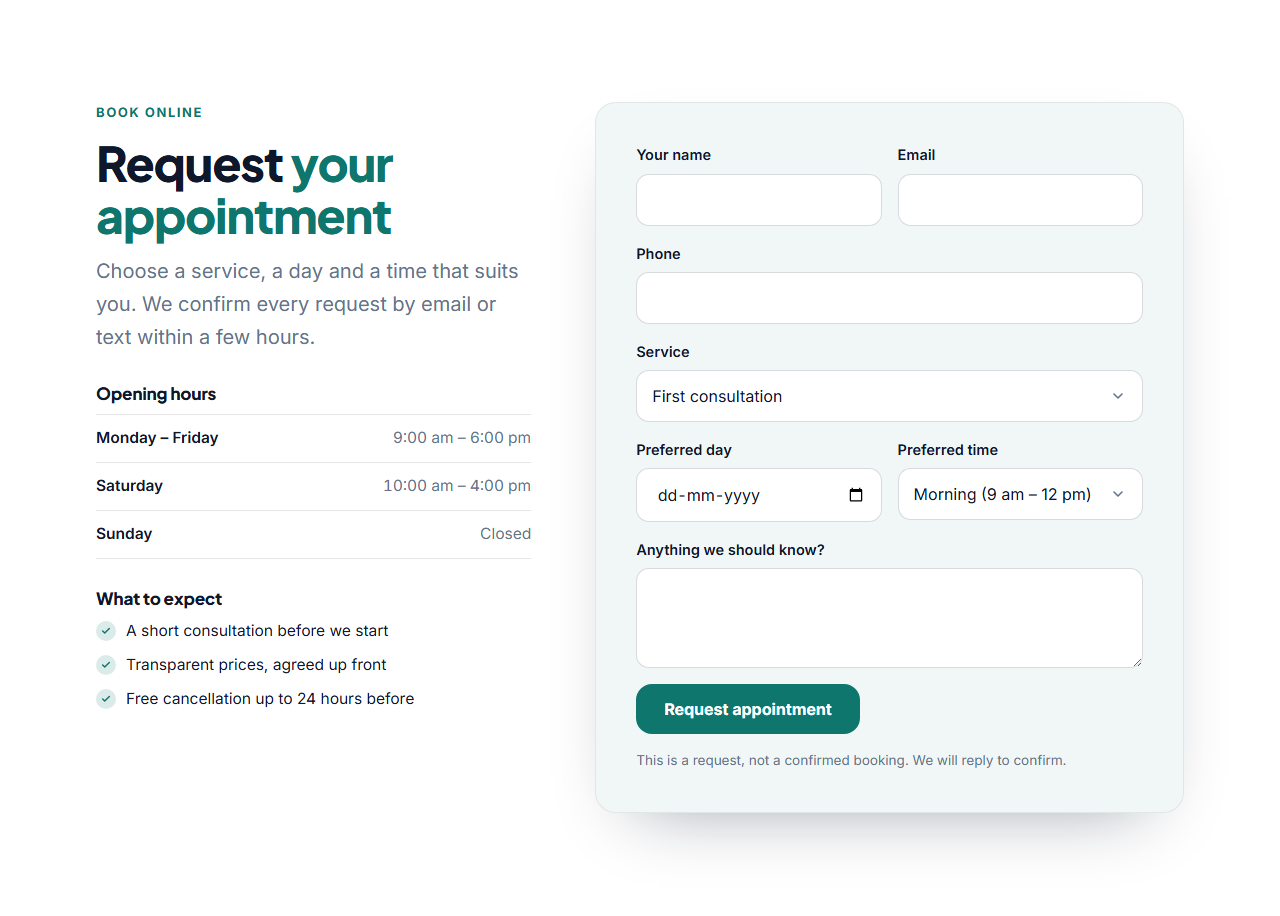
Download HTML, a ZIP, React or Vue, or fork into My Code. Pair it with Contact With Map for several locations, the Booking Form for appointments, or the Restaurant Menu.
Getting the most from it
Keep the hours identical to your Google Business Profile, because a mismatch confuses both customers and search engines. Use 24-hour times or 9:00 AM style, and set the time zone name (for example Europe/London or Asia/Kolkata) once so the badge is right for every visitor. Put a note about bank holidays under the table, and update it before the holidays.
Extend with AI
Take This Section Further With AI
Ask an AI assistant to adapt the hours: add a holiday calendar that overrides the table on certain dates, show wait times from your booking system, or support two languages.
Prompt to recreate it
Copy this into your AI assistant of choice to build the effect from scratch, or as a jumping-off point for your own variant:
Create an "Opening hours and location" section in HTML, CSS and JavaScript.

- Centred header with eyebrow, heading and intro text.
- Two columns: a card with a table of the seven days (day left, times right, a "Closed" label for closed days, a small note under a day) and a live badge, and a column with an embedded map and a card with the address, phone and email and two buttons (Get directions, Call us).
- JavaScript: highlight today's row and show a badge "Open now · closes at 17:00" or "Closed now · opens Tuesday 08:00". Use Intl.DateTimeFormat with a time zone name, support closing times past midnight, and refresh every minute.
- Add JSON-LD for LocalBusiness with OpeningHoursSpecification (dayOfWeek, opens, closes), PostalAddress and telephone.
- Stack into one column on narrow screens. Use CSS custom properties for the colours.
Want to tighten it up first? Run this prompt through the AI Prompt Studio to score it across 8 quality dimensions, catch anti-patterns, and tune the wording for Claude, ChatGPT, or Gemini before you paste it in.
Why use it
Why Use the Opening Hours & Location
How it’s different
How It’s Different From Other Free Section Templates
Step by step
How to Use
- 1Edit the contentFill in the heading, business (for search engines), opening hours, live “open now” badge, address and map and contact and buttons in the panel. Switch the live “open now” badge on or off. Wrap words in *asterisks* to colour them.
- 2Add your imagesUpload your own images (resized in your browser and kept on your device) or paste a hosted image URL.
- 3Match your brandPick a colour preset or exact colours, choose heading and body fonts from Google Fonts or your own uploaded font, set the corner radius and width, or apply your brand kit.
- 4Animate and previewChoose a GSAP entrance effect and speed, press Play animation, and check the section on desktop, tablet and mobile.
- 5Save and exportSave it to My designs, then export a single HTML file, a ZIP with your images, a React or Vue component, or fork it into My Code.
Real-world uses
Common Use Cases
In real websites
Website Templates That Use the Opening Hours & Location Section
The Opening Hours & Location section is part of 5 complete website templates in the free Website Builder, so you can see it in a full page before you use it on its own: Restaurant Website, Dental Clinic Website, Local Service Business Website, Boutique Hotel Website, Hair & Beauty Salon Website. Open any of them in the builder to edit the whole page, or keep customising this section by itself.
Got questions?
Frequently Asked Questions
It reads the visitor's clock but converts it to the time zone you set, such as Europe/London, so someone in another country still sees whether the business is open there right now.
Yes. Add the same day twice, for example 09:00 to 12:30 and 14:00 to 18:00. The badge and the structured data treat each row as a separate opening period.
Set a closing time earlier than the opening time, for example 18:00 to 02:00. The badge keeps showing Open now after midnight until it closes.
It writes your hours, address and phone as schema.org LocalBusiness data, which helps search engines understand the page. Listings and rich results are decided by the search engine, so also keep your Google Business Profile up to date.
Yes. In Google Maps choose Share, then Embed a map, and paste the iframe's src link into the map field. Leave the field empty to hide the map.
It saves an editable copy of your Opening Hours & Location in My Code, the UI Snippets code editor: the section markup goes in the HTML panel, its CSS (theme variables, base styles and layout) in the CSS panel, and the GSAP library is added as a CDN link, so you can keep refining the code and save your own versions.
Yes. It is free for personal and commercial websites, with no sign-up, no watermark and no attribution required. Everything runs in your browser and your edits are saved locally.