
Dental Clinic Website Template
A calm, reassuring page for a dental or medical practice: friendly hero copy with an appointment button, the treatments you offer, a booking preview, what happens at a first visit, the clinicians, reviews from patients and how to find you.
One page keeps everything on a single scrolling page. The 5-page website opens all its pages in the editor: Home, Treatments, Our team, Book online, Privacy.




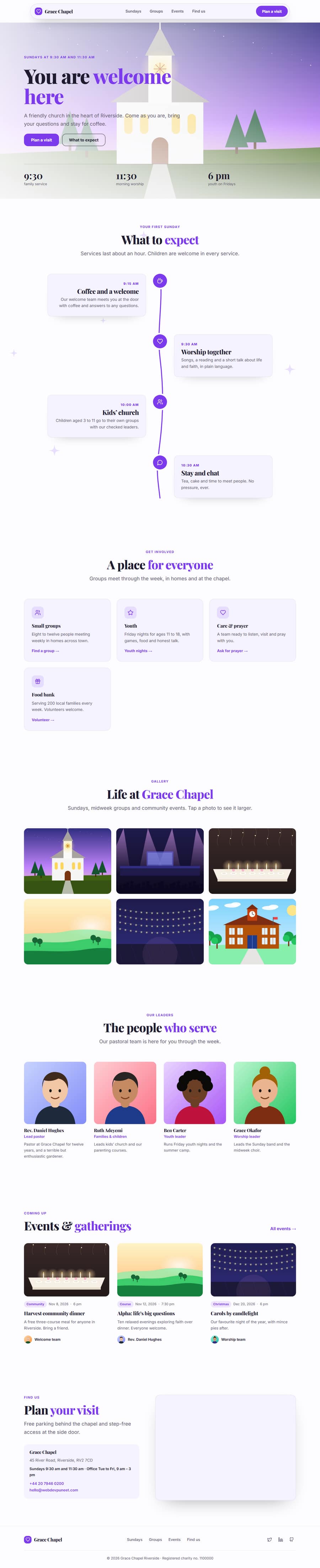
Dental Clinic Website Template — Patreon, Editable, Export HTML
Health & fitness · One page or 5 pages · 13 sections · Plus Jakarta Sans + Inter · Responsive · GSAP animation
Extend with AI
Take This Template Further With AI
The AI prompt for this one is for Patreon supporters ($3 a month, 7 days free), along with a site with no ads. Supporters enter the passcode once and it is remembered in this browser.
Multi-page version
Pages in the 5-Page Dental Clinic Website Template
What's included
Sections in the Dental Clinic Website Template
Checklist
What a dental clinic Website Needs
About this template
A Free Dental Clinic Website Template You Can Edit Online
A calm, reassuring page for a dental or medical practice: friendly hero copy with an appointment button, the treatments you offer, a booking preview, what happens at a first visit, the clinicians, reviews from patients and how to find you.
Use it as one scrolling page, or as a 5-page website (Home, Treatments, Our team, Book online, Privacy) sharing one navbar, footer and theme. The one-page version is built from 13 sections of the Website Section Templates library and opens in the free Website Builder, where you can change every word and image, swap sections, set your own colours and fonts and export the finished site as clean HTML pages. The page is responsive, accessible and animated with GSAP, with content that stays visible without JavaScript.
The template ships with a Plus Jakarta Sans and Inter font pairing and a colour theme suited to dental clinic websites; switch to any Google Font, upload your own, or apply your brand kit in one click.
Extras included
Extras Built Into the Dental Clinic Website Template
Beyond the standard sections, the Dental Clinic Website template includes 4 extras that you can edit, move or remove in the builder.
Reviews Summary & Rating: a reviews summary with the 4.9 average and a star breakdown that filters the patient reviews.
Opening Hours & Location: a clinic hours table with a live Open now badge, the address, a map and a call button for emergencies.
Back to Top Button: a floating back to top button that appears after the visitor scrolls, so a long page is easy to leave and return.
Accessibility Toolbar Widget: a floating accessibility toolbar where visitors can enlarge text, raise contrast, hide images and pause animations.
Each extra has its own page in the free Website Section Templates library, where you can try its settings on their own before you use it here.
Make it yours
How to Get the Most From the Dental Clinic Website Template
Patients choose a dentist on trust and convenience, so this template leads with reassurance: a clear promise, the treatments you offer, a three-step explanation of what a first visit involves, and photos and short bios of the dentists and hygienists. Reviews and an FAQ answer the worries that stop people booking, such as cost, pain and emergency appointments, and a contact section with a map makes finding the practice easy.
Write for nervous patients: say plainly that you offer gentle care, list prices or price ranges where you can, and make the booking button obvious on every screen. Add the practice address, phone number and opening hours in the opening hours and location section so they are consistent everywhere, which helps local search. A live Open now badge tells patients at a glance whether the clinic is open, and a reviews summary shows the 4.9 rating with a star breakdown that filters the patient reviews. The multi-page version adds Treatments, Our team and Book online pages, so each can rank for the treatments you want to be found for. A before-and-after slider shows smile results with patients’ permission, and a booking request form lets patients choose a treatment, a day and a time.
Who it’s for
Best For
Step by step
How to Use This Template
- 1Open the templateClick “Use as one page” or “Use as 5-page website” to load it in the Website Builder. Your current website is kept in Saved.
- 2Make it yoursClick any section to change its text, images and links; upload your logo and photos.
- 3Set your brandPick colours and fonts in the Theme tab, or apply your saved brand kit.
- 4Adjust the pageAdd sections from the library, drag to reorder, duplicate or remove what you don’t need.
- 5Export and publishDownload the ZIP (one HTML file per page for the multi-page version) and upload it to Netlify, Vercel or any host.
Got questions?
Frequently Asked Questions
Treatments, prices or price ranges, the team, how to book, opening hours and emergency contact details. Reviews and a short FAQ about cost and anxious patients help people decide to call.
Link the booking buttons to your online booking system, or use the Book online page in the multi-page version as the place that explains how to book. Add a phone number for patients who prefer to call.
Use the Opening Hours & Location section for the address, phone, opening hours and a map, and add the same details in the footer. It writes your hours and address as LocalBusiness (Dentist) data for search engines. Consistent contact details across the site and your listings help local search.
Yes. Rename the treatments, replace the photos and change the colour preset. It works for orthodontists, physiotherapists, opticians, vets and similar clinics.
The Dental Clinic Website template is a Patreon template. Anyone can preview and edit it for free. Exporting and forking it are for Patreon supporters ($3 a month, with a 7-day free trial), who enter the supporter passcode once; designs you make with it can then be used in personal and commercial work. No attribution is required.
Click “Use this template” to open it in the free Website Builder. Click any section to change its text, images and links, change colours and fonts for the whole page in the Theme tab, and add, remove or drag sections to reorder them.
Both. Use it as one scrolling page, or as a 5-page website (Home, Treatments, Our team, Book online, Privacy) that opens with every page in the editor. The pages share one navbar, footer and theme, and the menu links to every page automatically. Add more pages (About, Pricing, Contact, Blog and others) or remove any you don’t need in the builder’s Pages tab.
Yes. As one page you get a ZIP with index.html and an assets folder. As a 5-page website you get one HTML file per page (index.html, treatments.html, team.html, book.html, privacy.html), a shared styles.css and script.js, and an assets folder with your images, then upload it to any web host. Links between pages also work when you open the files from your computer.