Desktop · 1280px · shown at 0% · edit the text, images and colours in the panel

Contact Form With Details — Free Website Section Template
Contact · v1.0.0 · Updated 2026-10-20 · Responsive · GSAP animation · HTML, React & Vue
What's included
Features
About this section
Contact Form With Details — Free Contact Us Section Template
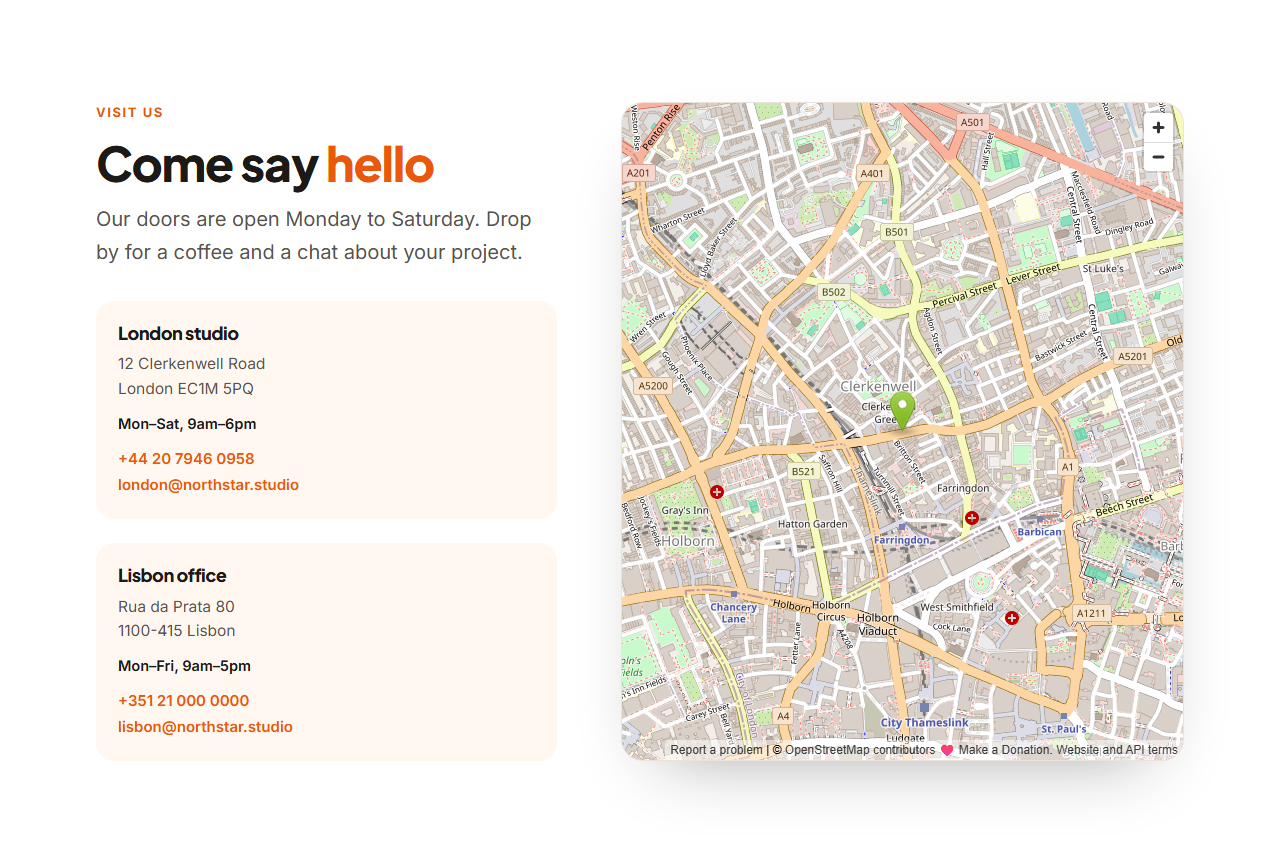
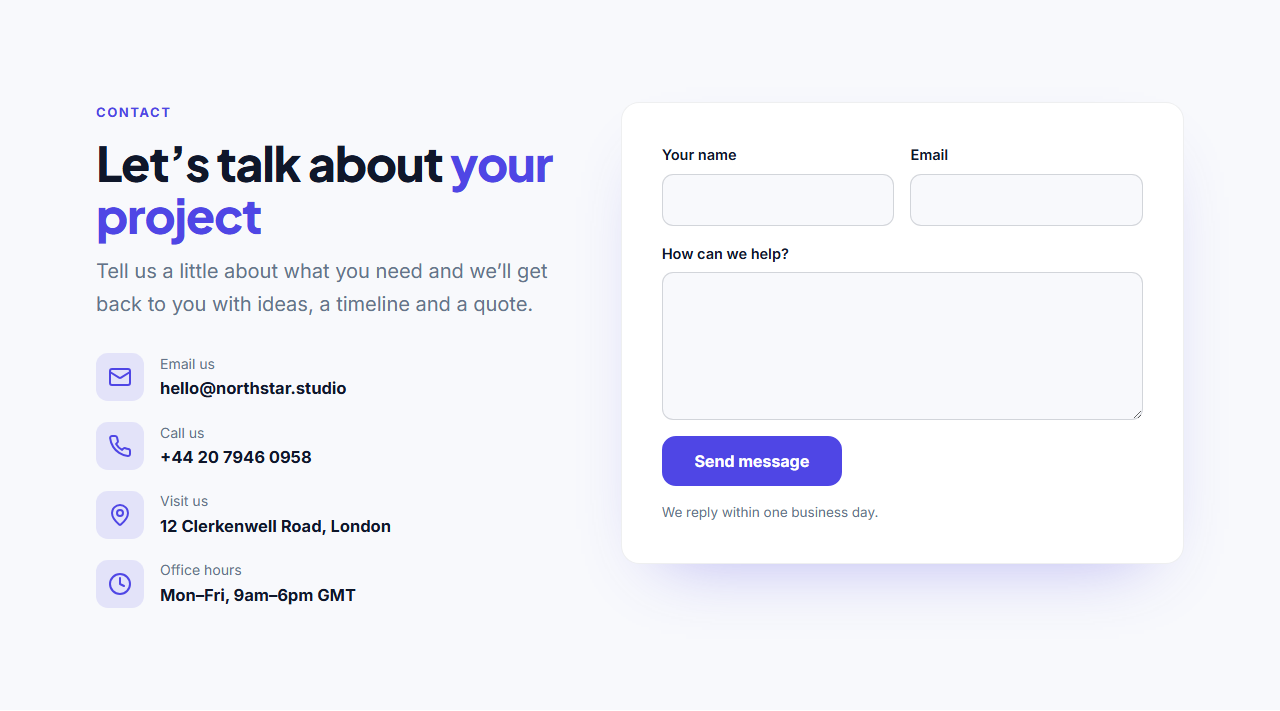
Contact Form With Details is a complete "Contact us" section: on the left, a heading, a short message and the ways people can reach you (email, phone, address and office hours, each with an icon and link); on the right, a contact form in a card with name, email and message fields.
A form that actually sends
Paste your form endpoint from Formspree, Basin, Getform or your own server, and the exported form works immediately. With JavaScript it sends in the background, the fields fade away and an animated thank-you message appears; if sending fails, an error message asks the visitor to try again, and their message is kept. Without JavaScript it's a normal form post. A hidden honeypot field helps block spam bots.
Safe to try in the editor
In the preview the form never sends anything: submitting simulates success so you can see the whole flow. Every label, the button, the note and the success and error messages are editable.
Contact details as a list
Add up to six contact methods with icons from the built-in set, and link them with mailto:, tel: or a map link. Leave the link empty for plain text such as opening hours.
Export it
Download HTML, a ZIP, React or Vue with the form script, or fork into My Code. For a location-focused page, see Contact With Map.
Why use it
Why Use the Contact Form With Details
How it’s different
How It’s Different From Other Free Section Templates
Step by step
How to Use
- 1Edit the contentFill in the heading, contact details and form in the panel. Wrap words in *asterisks* to colour them.
- 2Add your imagesUpload your own images (resized in your browser and kept on your device) or paste a hosted image URL.
- 3Match your brandPick a colour preset or exact colours, choose heading and body fonts from Google Fonts or your own uploaded font, set the corner radius and width, or apply your brand kit.
- 4Animate and previewChoose a GSAP entrance effect and speed, press Play animation, and check the section on desktop, tablet and mobile.
- 5Save and exportSave it to My designs, then export a single HTML file, a ZIP with your images, a React or Vue component, or fork it into My Code.
Real-world uses
Common Use Cases
Got questions?
Frequently Asked Questions
Create a free form on Formspree, Basin or Getform, copy its endpoint URL into Form URL, and export. Submissions are emailed to you. Your own server endpoint works too; the fields are name, email and message.
With JavaScript, the form is sent in the background; on success the fields fade out and the thank-you message animates in, and on failure an error message appears with the typed message intact.
No. In the editor preview the form simulates success and nothing is sent.
It includes a hidden honeypot field named _gotcha, which Formspree and similar services use to discard bot submissions. Add a CAPTCHA from your provider for extra protection.
It saves an editable copy of your Contact Form With Details in My Code, the UI Snippets code editor: the section markup goes in the HTML panel, its CSS (theme variables, base styles and layout) in the CSS panel, and the GSAP library is added as a CDN link, so you can keep refining the code and save your own versions.
Yes. It is free for personal and commercial websites, with no sign-up, no watermark and no attribution required. Everything runs in your browser and your edits are saved locally.