Desktop · 1280px · shown at 0% · edit the text, images and colours in the panel
New Release Spotlight — Free Website Section Template
Music · v1.0.0 · Updated 2026-10-27 · Responsive · GSAP animation · HTML, React & Vue
What's included
Features
About this section
New Release Spotlight — Free Album Countdown Section
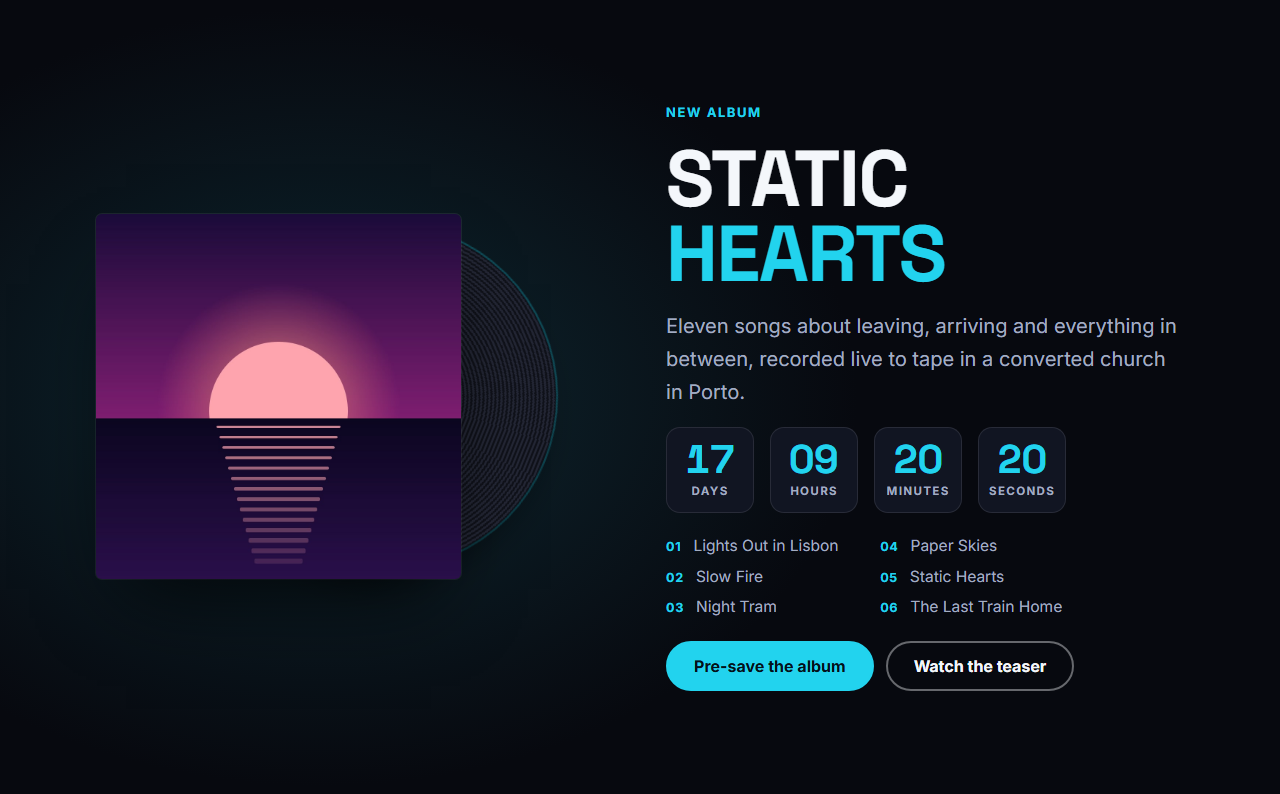
New Release Spotlight puts your newest album or single in the spotlight. A large cover sits in front of a slowly spinning vinyl, with the title, a short blurb, an optional tracklist and two buttons. A live countdown runs to your release date and time, and when the moment passes the section switches to an "Out now" message by itself and the primary button can change from "Pre-save" to "Listen now".
A launch page that runs itself
Set the date once and the countdown ticks down in days, hours, minutes and seconds in the visitor's own time. You do not have to remember to update the page at midnight: the countdown hides, the out-now message appears and the button text changes as soon as the release time arrives.
Every setting and option
Release group: eyebrow, title with brand-coloured words, a blurb, and an optional tracklist written one track per line and numbered automatically. Cover: the cover art and its alt text; the vinyl behind it spins slowly. Release date and time: written as year-month-day and time, for example 2026-11-14T18:00; there is a switch to hide the countdown entirely. Countdown labels: the words for days, hours, minutes and seconds, for translating or restyling. Message when it is out: shown after the release time. Buttons: a primary button with its link, optional different text once the release is out, and an optional secondary button such as "Watch the teaser". Theme: colours, fonts, corner radius, content width and the text, spacing and gap scales.
Accessible by default
The countdown is a labelled timer, the cover has alt text, the buttons are real links and the vinyl is decorative. Visitors who prefer reduced motion see a still record, and without JavaScript the section shows the cover, text, tracklist and buttons with placeholder dashes in the countdown.
Part of a complete music website
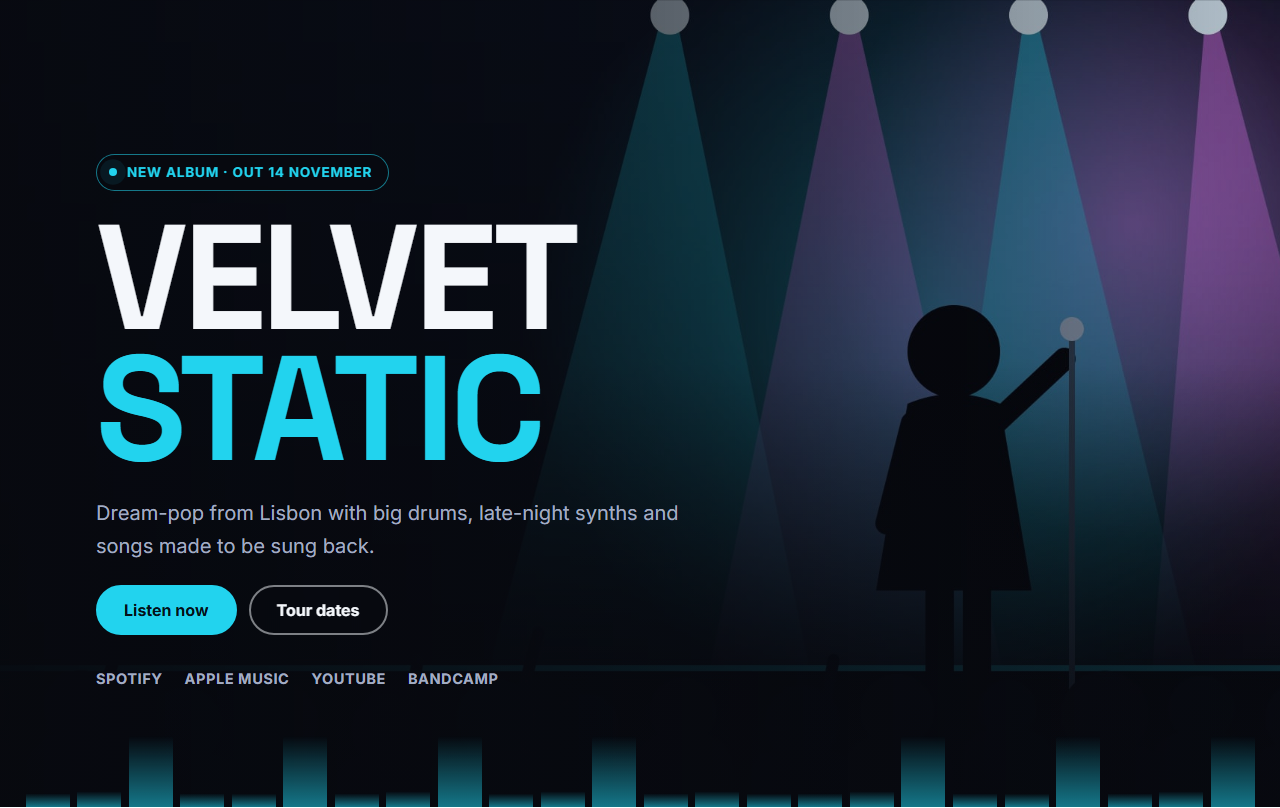
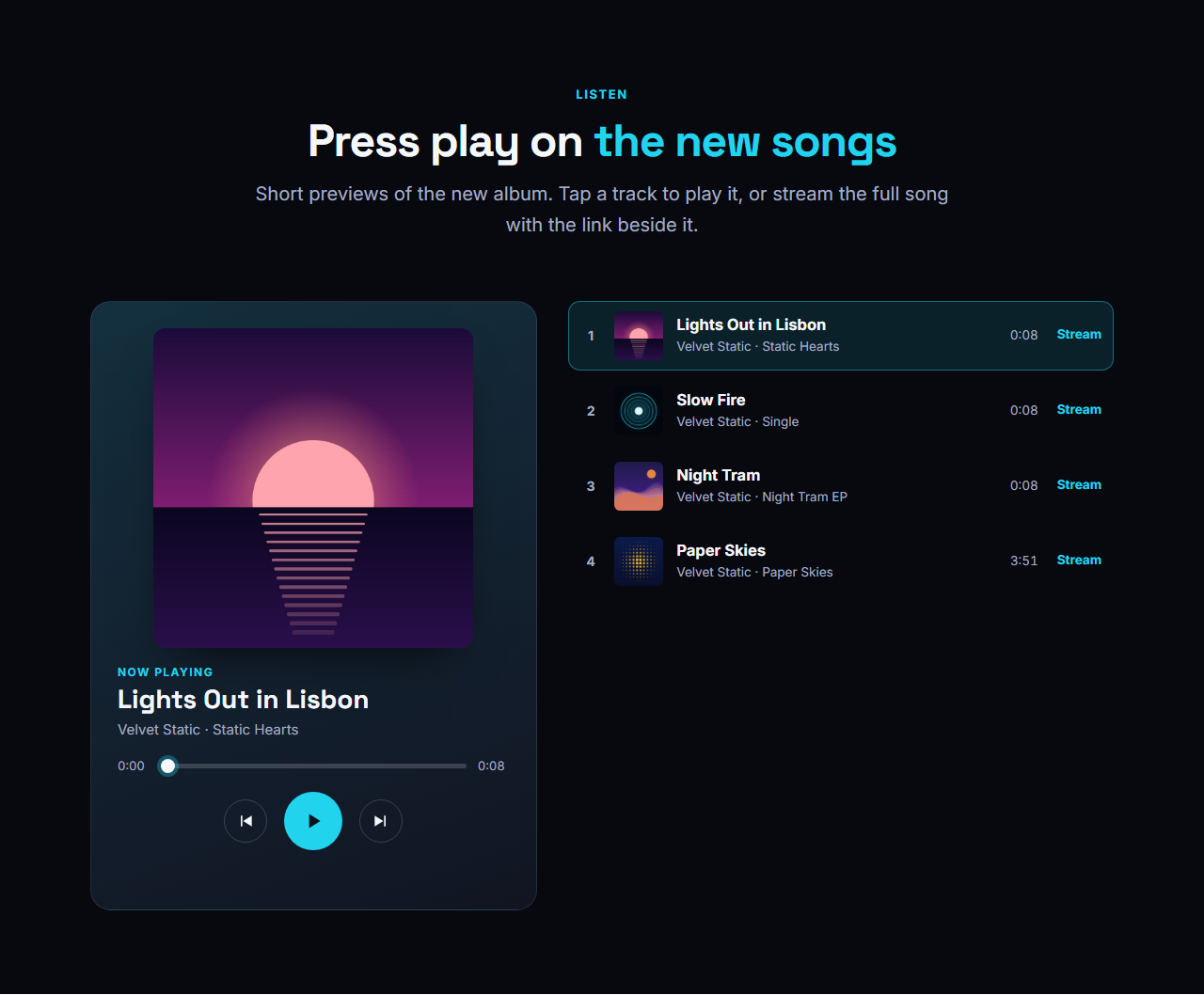
Put it right under the Music Artist Hero and follow it with the Audio Player & Track List so fans can pre-save and listen in one scroll. It is part of the Music Artist & Band Website template.
Getting the most from it
Use a square cover of at least 1200 by 1200 pixels, set the release time to the hour the song is actually available in your time zone, and write the primary button for each stage: "Pre-save the album" before and "Listen now" after. Add the tracklist as soon as it is public, because the song titles are real text that fans search for.
Why use it
Why Use the New Release Spotlight
How it’s different
How It’s Different From Other Free Section Templates
Step by step
How to Use
- 1Edit the contentFill in the release, cover, release date & countdown and buttons in the panel. Switch the release date & countdown on or off. Wrap words in *asterisks* to colour them.
- 2Add your imagesUpload your own images (resized in your browser and kept on your device) or paste a hosted image URL.
- 3Match your brandPick a colour preset or exact colours, choose heading and body fonts from Google Fonts or your own uploaded font, set the corner radius and width, or apply your brand kit.
- 4Animate and previewChoose a GSAP entrance effect and speed, press Play animation, and check the section on desktop, tablet and mobile.
- 5Save and exportSave it to My designs, then export a single HTML file, a ZIP with your images, a React or Vue component, or fork it into My Code.
Real-world uses
Common Use Cases
In real websites
Website Templates That Use the New Release Spotlight Section
The New Release Spotlight section is part of 1 complete website template in the free Website Builder, so you can see it in a full page before you use it on its own: Music Artist & Band Website. Open any of them in the builder to edit the whole page, or keep customising this section by itself.
Got questions?
Frequently Asked Questions
The countdown hides, your out-now message appears and the primary button changes to the text you set for after release, such as Listen now. This happens in the visitor’s browser without reloading the page.
The date and time are read in each visitor’s own time zone, so 18:00 means 18:00 for them. If your release is at a fixed moment worldwide, convert it to a local time that matches, or use a time that is the same for your main audience.
Yes. Switch the countdown off and the section becomes a plain feature of the cover, text, tracklist and buttons, which is perfect for albums that are already out.
It spins slowly while the section is on the page. Visitors who set reduced motion in their system see a still record instead, while the countdown itself keeps running.
It saves an editable copy of your New Release Spotlight in My Code, the UI Snippets code editor: the section markup goes in the HTML panel, its CSS (theme variables, base styles and layout) in the CSS panel, and the GSAP library is added as a CDN link, so you can keep refining the code and save your own versions.
Yes. It is free for personal and commercial websites, with no sign-up, no watermark and no attribution required. Everything runs in your browser and your edits are saved locally.