Footer Templates
4 free, editable footer section templates. Website footers with link columns, newsletter sign-up and social links. Change the text, images, colours and fonts in your browser, add a GSAP animation, then export HTML, React or Vue.

Footer Templates
4 sections · Responsive · GSAP animation · HTML, React & Vue
About these sections
Footer Templates
The footer is the last thing on every page: it helps visitors find what they missed, builds trust with legal and contact links, and gives one more chance to sign up or get in touch.
The Multi-Column Footer is the classic sitemap footer with link columns, social icons and a smooth back-to-top button. The Big Wordmark Footer ends with a closing call to action and your brand name in giant type, revealed with GSAP SplitText. The Footer With Newsletter adds a working email sign-up form, and the Minimal Footer keeps it to one tidy row.
Links are written one per line as "Label | URL", so even big footers are quick to edit, and unsafe URLs are replaced automatically. Social icons cover X, LinkedIn, GitHub, YouTube, Instagram, Facebook, Dribbble and Figma. Every footer shares the theme with the navbars and sections above it and exports to HTML, React or Vue.
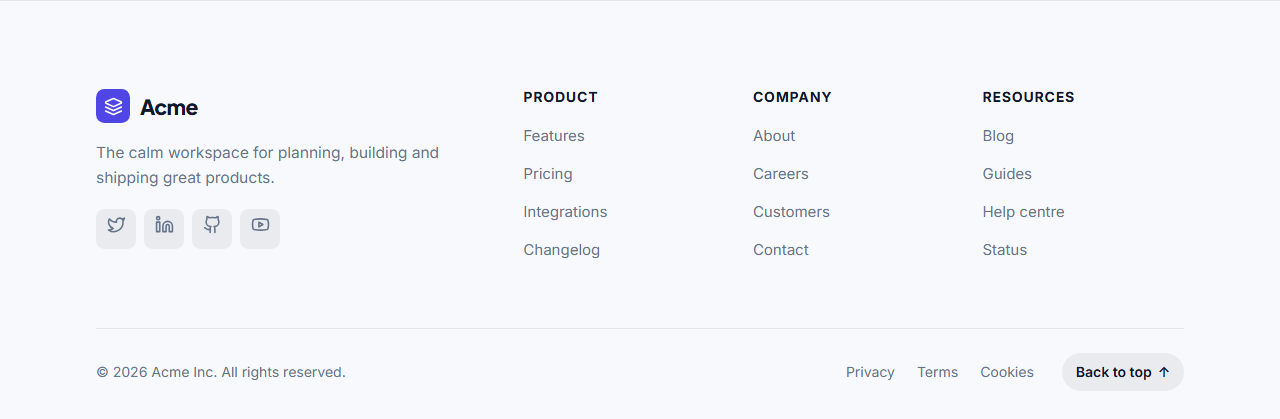
Multi-Column Footer: The classic website footer: your logo, a one-line description and social icons on the left, up to five columns of links on the right, and a bottom bar with the copyright, legal links and a back-to-top button that scrolls smoothly with GSAP.
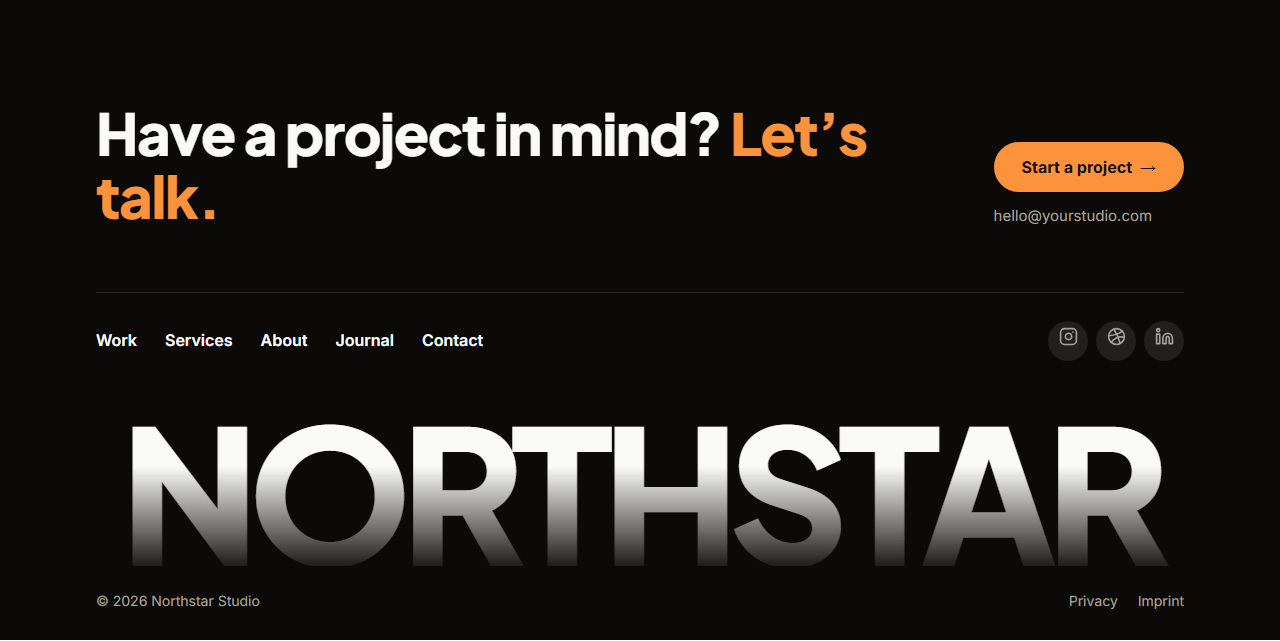
Big Wordmark Footer: A bold, modern footer: a closing call to action with a button at the top, a row of links and social icons in the middle, and your brand name as a giant wordmark across the full width at the bottom, revealed letter by letter with GSAP SplitText. A favourite of agencies, studios and design-led startups.
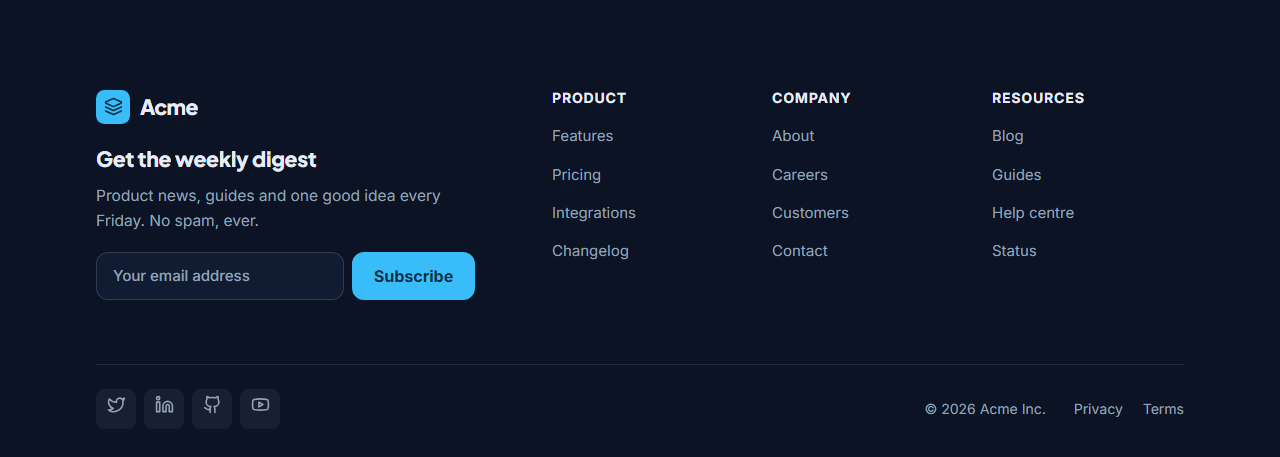
Footer With Newsletter: A footer that grows your list: on the left your logo, a short newsletter pitch and an email form that posts to any email service; on the right columns of links; underneath, social icons, the copyright and legal links. Shown in a deep navy theme.
Minimal Footer: A small, tidy footer for landing pages and simple sites: logo on the left, a single row of links in the middle and social icons on the right, with a thin divider and the copyright line underneath. On phones everything stacks and centres.
Real-world uses
Best Uses for Footer Sections
How it’s different
How These Section Templates Are Different
Step by step
How to Use
- 1Pick a sectionOpen one of the footer sections above. Your edits autosave in your browser as you go.
- 2Edit the contentChange the text, buttons, links and images in the panel, and switch optional parts on or off.
- 3Add your brandPick colours, fonts, radius and width, or apply your saved brand kit; every section shares the same theme.
- 4Animate and previewChoose a GSAP entrance effect, press Play animation, and check desktop, tablet and mobile.
- 5ExportDownload HTML or a ZIP, copy a React or Vue component, or fork it into My Code.
Got questions?
Frequently Asked Questions
Your logo, the most useful links (product, company, help), contact or social links, the copyright notice and legal links such as privacy and terms. Optionally a newsletter sign-up or a closing call to action.
They help visitors and search engines discover your important pages from every page of the site. Keep them focused on genuinely useful pages rather than long lists of keywords.
In these footers, each links box takes one link per line as Label | URL, for example Pricing | /pricing/. Columns themselves can be added, reordered and removed.
Multi-Column Footer: The classic website footer: your logo, a one-line description and social icons on the left, up to five columns of links on the right, and a bottom bar with the copyright, legal links and a back-to-top button that scrolls smoothly with GSAP. Big Wordmark Footer: A bold, modern footer: a closing call to action with a button at the top, a row of links and social icons in the middle, and your brand name as a giant wordmark across the full width at the bottom, revealed letter by letter with GSAP SplitText. A favourite of agencies, studios and design-led startups. Footer With Newsletter: A footer that grows your list: on the left your logo, a short newsletter pitch and an email form that posts to any email service; on the right columns of links; underneath, social icons, the copyright and legal links. Shown in a deep navy theme. Minimal Footer: A small, tidy footer for landing pages and simple sites: logo on the left, a single row of links in the middle and social icons on the right, with a thin divider and the copyright line underneath. On phones everything stacks and centres.
Yes. Every section is free for personal and commercial websites, with no account and no watermark. Everything runs in your browser and your edits are saved locally.