Social Share Button Templates
1 free, editable social share section template. Floating social share bars that take no space in the layout, with share buttons for the popular networks. Change the text, images, colours and fonts in your browser, add a GSAP animation, then export HTML, React or Vue.
Social Share Button Templates
1 section · Responsive · GSAP animation · HTML, React & Vue
About these sections
Social Share Button Templates
Readers share what they enjoy while they still feel it, and the easiest way to help them is a set of share buttons that is always within reach. These templates float above the page, so they never push your content around, and they link straight to each network's own share window.
Start with the Floating Social Share Bar: stacked buttons on the left or right of the screen, centred or at a height you choose, for Facebook, X, LinkedIn, WhatsApp, Telegram, Pinterest, Reddit, Threads, Bluesky, Tumblr, Hacker News, LINE, email and copy link. Visitors can collapse it into a small tab and bring it back with one click.
Every share link opens in a new tab, fills in the page address and title for you and works with a keyboard. On phones the bar becomes a bottom bar so it never covers your text. Edit the buttons, colours and position in your browser and export HTML, a ZIP, React or Vue.
Put share buttons where people finish reading, keep the list to the three or four networks your audience really uses, and add a copy-link button for chat and email. For a stronger finish to an article, pair the bar with a newsletter sign-up.
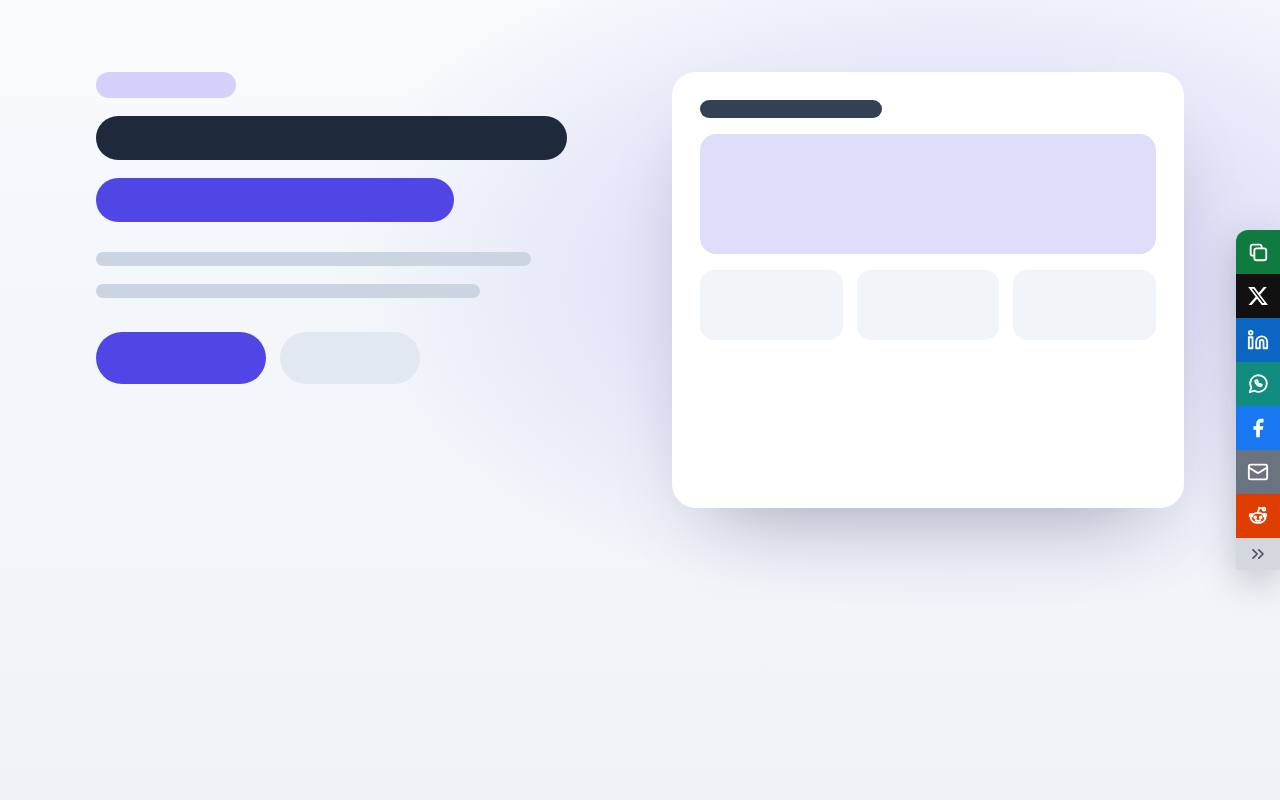
Floating Social Share Bar: A floating social share bar that takes no space in your layout. Share buttons stack in a column on the left or right edge of the screen, centred or at any height you choose, and each one opens the network’s share window in a new tab with your page address and title filled in. Visitors can collapse the bar into a small tab and bring it back with one click. On phones it becomes a bottom bar.
Real-world uses
Best Uses for Social share Sections
How it’s different
How These Section Templates Are Different
Step by step
How to Use
- 1Pick a sectionOpen one of the social share sections above. Your edits autosave in your browser as you go.
- 2Edit the contentChange the text, buttons, links and images in the panel, and switch optional parts on or off.
- 3Add your brandPick colours, fonts, radius and width, or apply your saved brand kit; every section shares the same theme.
- 4Animate and previewChoose a GSAP entrance effect, press Play animation, and check desktop, tablet and mobile.
- 5ExportDownload HTML or a ZIP, copy a React or Vue component, or fork it into My Code.
Got questions?
Frequently Asked Questions
Open the Floating Social Share Bar, choose your networks and position, then export the HTML or copy it into your page. The buttons share the page the visitor is on without any plugin.
They sit on the edge of the screen and take no space in your layout. Visitors can collapse them into a small tab, and on phones they move to a bottom bar you can also hide.
No. Each button is a normal link to the network’s public share page, so there is nothing to register and no tracking script is added to your site.
Yes. Add, remove and reorder buttons from a list of fourteen, including WhatsApp, LinkedIn, Pinterest, Reddit, email and a copy-link button.
Floating Social Share Bar: A floating social share bar that takes no space in your layout. Share buttons stack in a column on the left or right edge of the screen, centred or at any height you choose, and each one opens the network’s share window in a new tab with your page address and title filled in. Visitors can collapse the bar into a small tab and bring it back with one click. On phones it becomes a bottom bar.
Yes. Every section is free for personal and commercial websites, with no account and no watermark. Everything runs in your browser and your edits are saved locally.