
Desktop · 1280px · shown at 0% · edit the text, images and colours in the panel
Verification Code Form — Free Website Section Template
Forms · v1.0.0 · Updated 2026-11-12 · Responsive · GSAP animation · HTML, React & Vue
Extend with AI
Take This Section Further With AI
The AI prompt for this one is for Patreon supporters ($3 a month), along with a site with no ads. Supporters enter the passcode once and it is remembered in this browser.
What's included
Features
About this section
Verification Code Form — Free 6-Digit OTP Input With Resend Timer
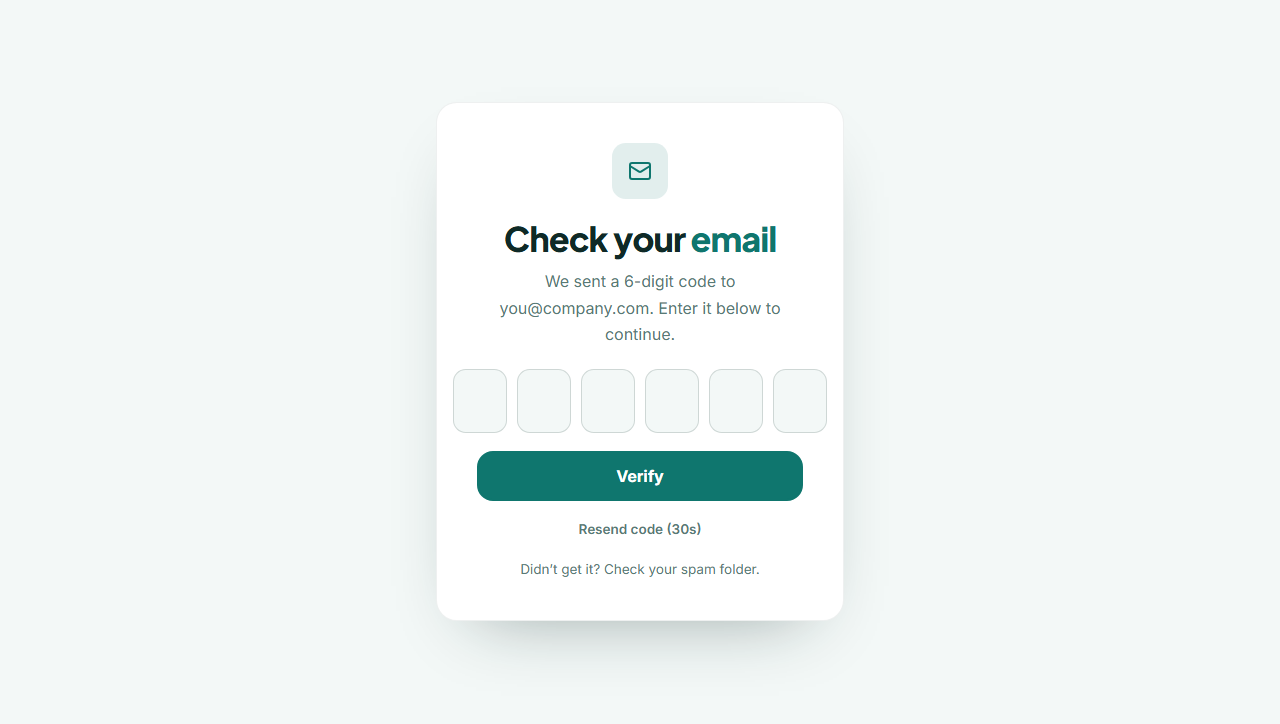
Verification Code Form is the “check your email” screen: six digit boxes that move forward as you type, go back on Backspace and accept a pasted code, a Verify button and a Resend link with a countdown. It is the front end for email confirmation, two-factor sign-in, password reset or checkout verification.
Boxes that behave
Typing a digit moves focus to the next box. Backspace on an empty box moves back and clears the previous one. The arrow keys move left and right, a pasted code such as “482 917” is cleaned and spread across the boxes, and the first box has autocomplete="one-time-code", so a phone can fill the code that arrives by SMS or email with one tap. The boxes use numeric keyboards on phones.
One value for your server
All six digits are also written into one hidden field named code, so your endpoint receives a single value. When all six are filled the group is marked complete. Show an error message when the code is wrong by replying with an error status to the form post.
Resend with a countdown
The Resend button is disabled for thirty seconds and shows the time left, then becomes active. Pressing it clears the boxes, focuses the first one and fires a st:resend event on the form, which you can listen for to ask your server to send a new code.
Front end only
This section does not generate or send codes. Your server does that and checks the answer. Pair it with the Login or Register section.
Why use it
Why Use the Verification Code Form
How it’s different
How It’s Different From Other Free Section Templates
Step by step
How to Use
- 1Edit the contentFill in the heading and form in the panel. Wrap words in *asterisks* to colour them.
- 2Add your imagesUpload your own images (resized in your browser and kept on your device) or paste a hosted image URL.
- 3Match your brandPick a colour preset or exact colours, choose heading and body fonts from Google Fonts or your own uploaded font, set the corner radius and width, or apply your brand kit.
- 4Animate and previewChoose a GSAP entrance effect and speed, press Play animation, and check the section on desktop, tablet and mobile.
- 5Save and exportSave it to My designs, then export a single HTML file, a ZIP with your images, a React or Vue component, or fork it into My Code.
Real-world uses
Common Use Cases
Got questions?
Frequently Asked Questions
No. It is the front end. Your server generates and sends the code, and checks the value posted in the code field.
The first box has autocomplete="one-time-code". On supported phones the keyboard offers the code from the latest SMS or email message and fills the boxes.
Yes. In the exported HTML add or remove input boxes that have the data-fk-digit attribute. The script and hidden field adjust automatically.
Listen for the st:resend event on the form: form.addEventListener("st:resend", () => fetch("/send-code")). The button is disabled for 30 seconds each time.
Each box has an aria-label (Digit 1 to 6), the group has a label, focus rings are visible and the error message is announced.
It saves an editable copy of your Verification Code Form in My Code, the UI Snippets code editor: the section markup goes in the HTML panel, its CSS (theme variables, base styles and layout) in the CSS panel, and the GSAP library is added as a CDN link, so you can keep refining the code and save your own versions.
Yes. Every section is free for personal and commercial work, with no account, no watermark and no attribution: export it on its own as HTML, React, Vue or Next.js from its page, or use it in a website you build and export in the Website Builder.