
Desktop · 1280px · shown at 0% · edit the text, images and colours in the panel
Centered Contact Form — Free Website Section Template
Forms · v1.0.0 · Updated 2026-11-12 · Responsive · GSAP animation · HTML, React & Vue
Extend with AI
Take This Section Further With AI
The AI prompt for this one is for Patreon supporters ($3 a month), along with a site with no ads. Supporters enter the passcode once and it is remembered in this browser.
What's included
Features
About this section
Centered Contact Form — Free HTML Contact Section With Topic Menu
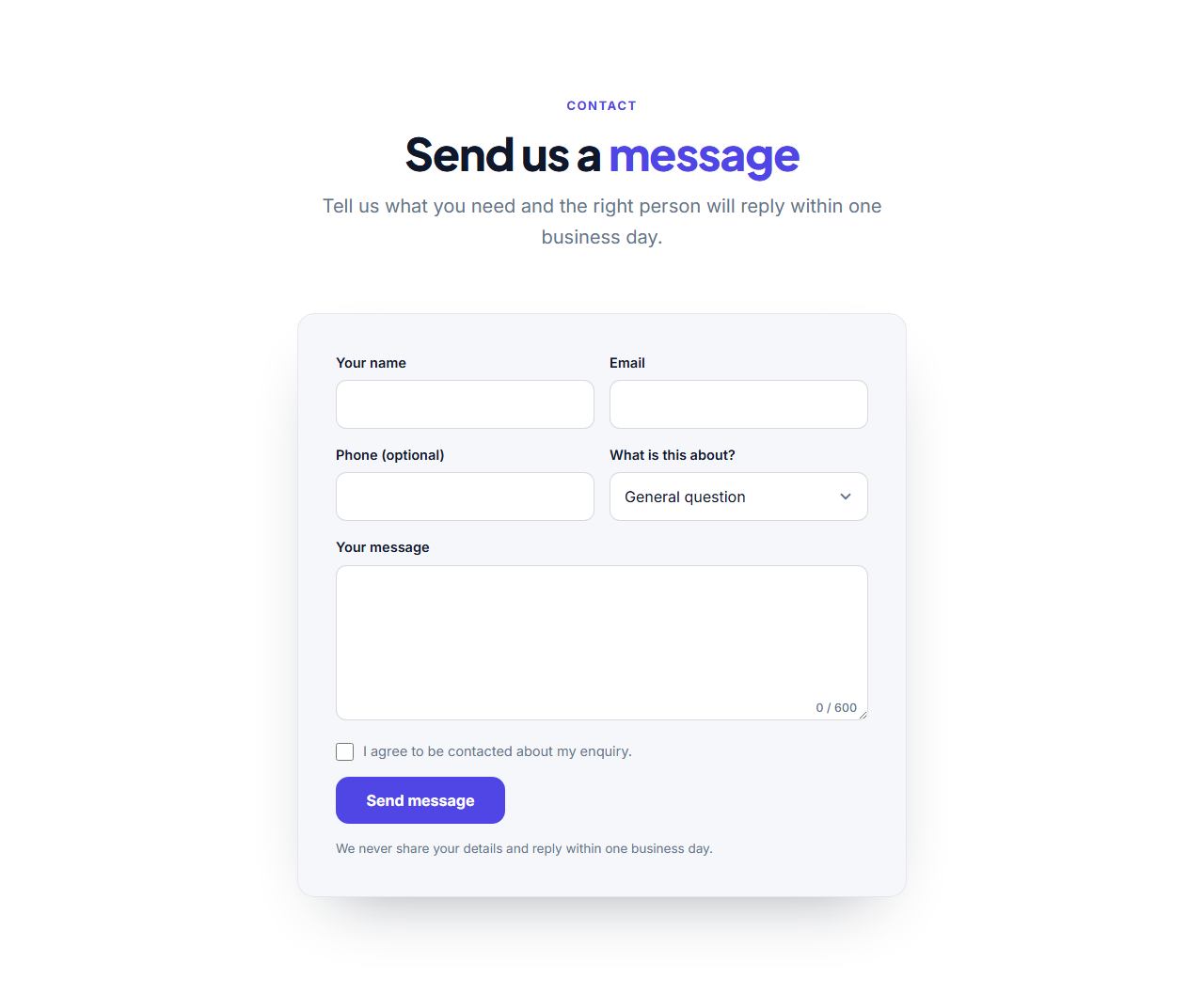
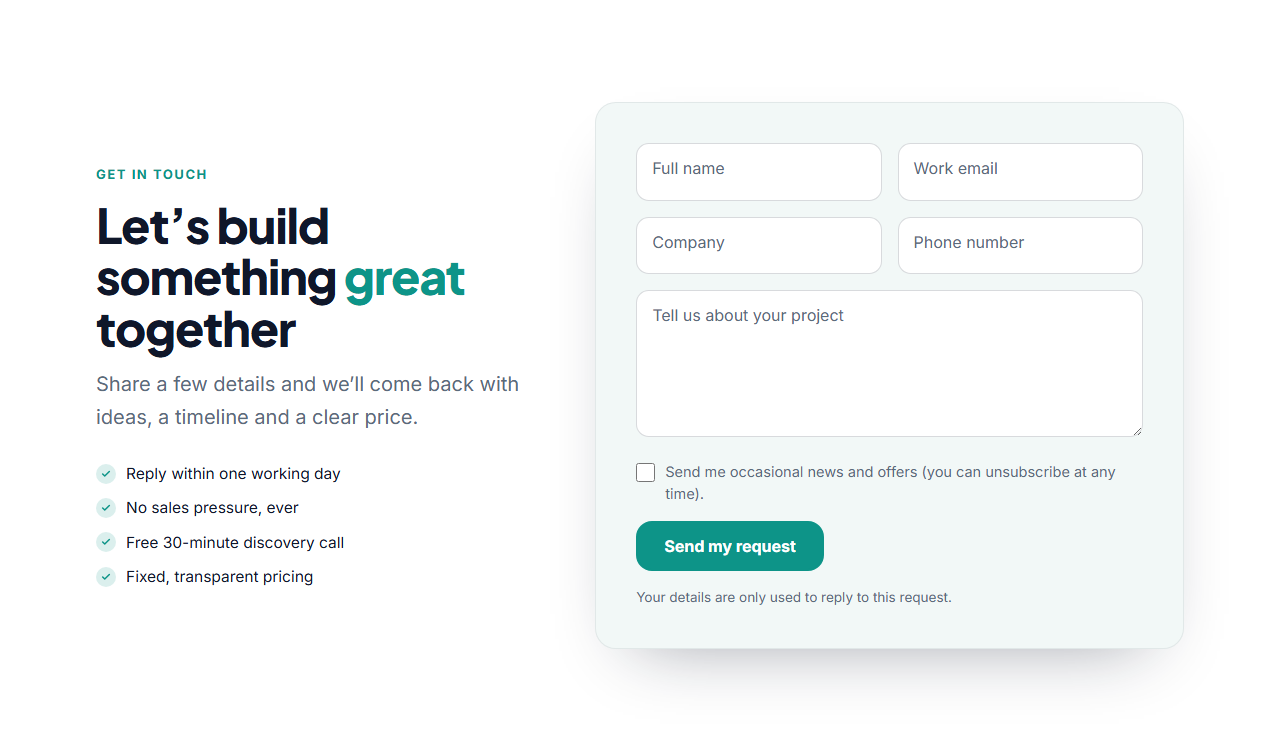
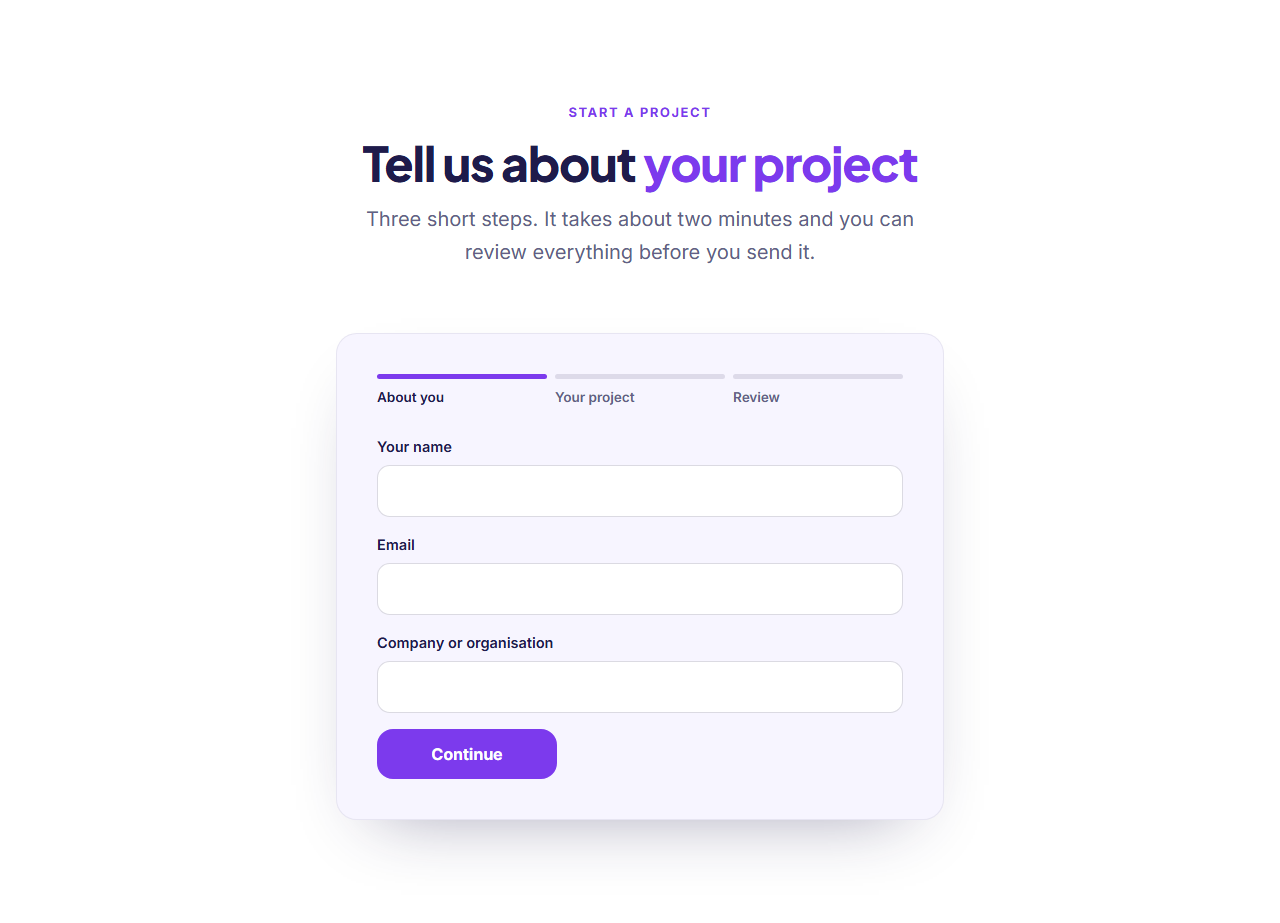
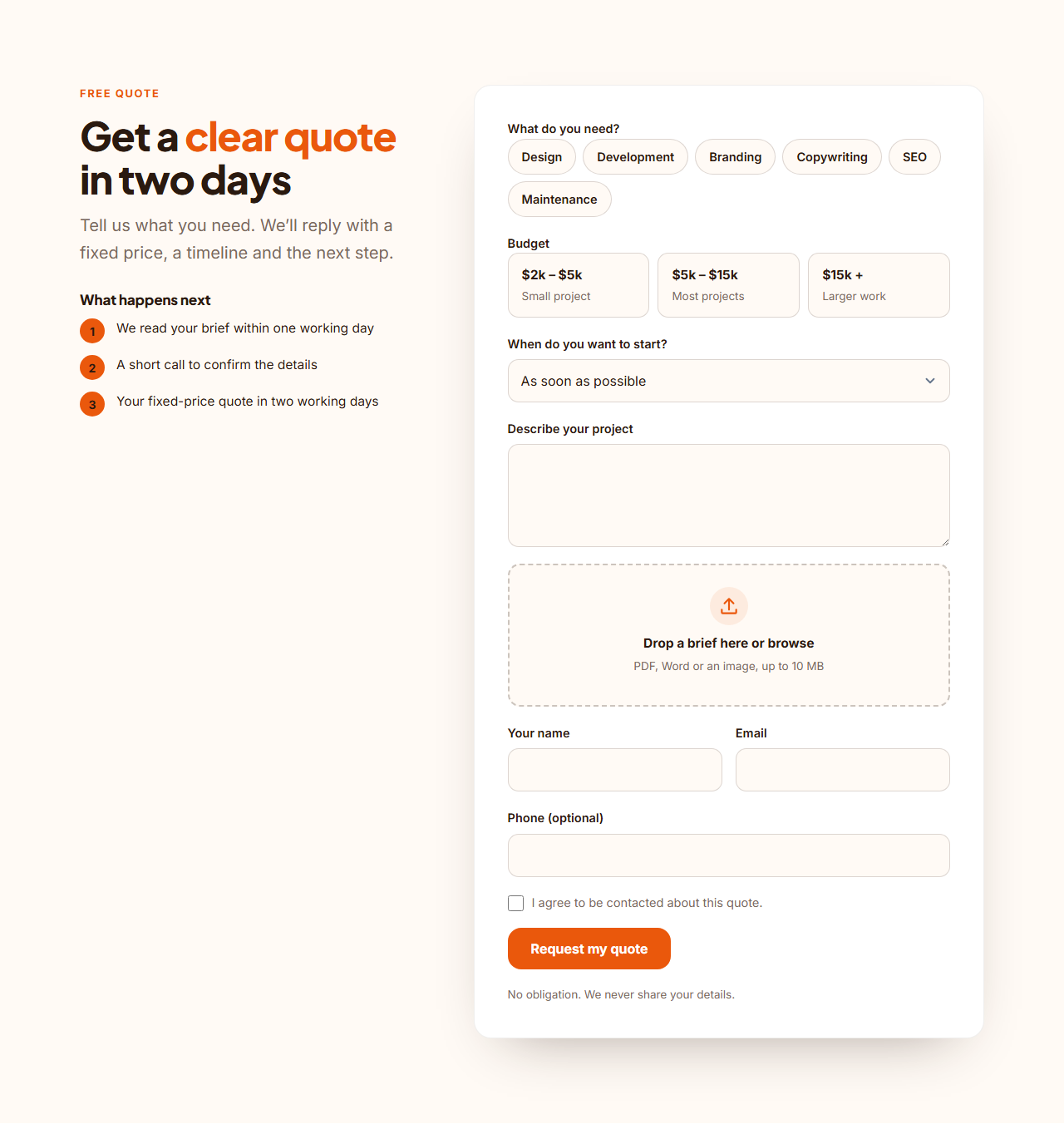
Centered Contact Form is a free contact section for websites that want one clear way to reach them. A centered heading sits above a soft card with the fields people expect: name and email side by side, an optional phone number, a topic menu, a message box and a consent checkbox. It is plain HTML and CSS, so you can paste it into any page or export it as React or Vue.
Details that make a form easier to finish
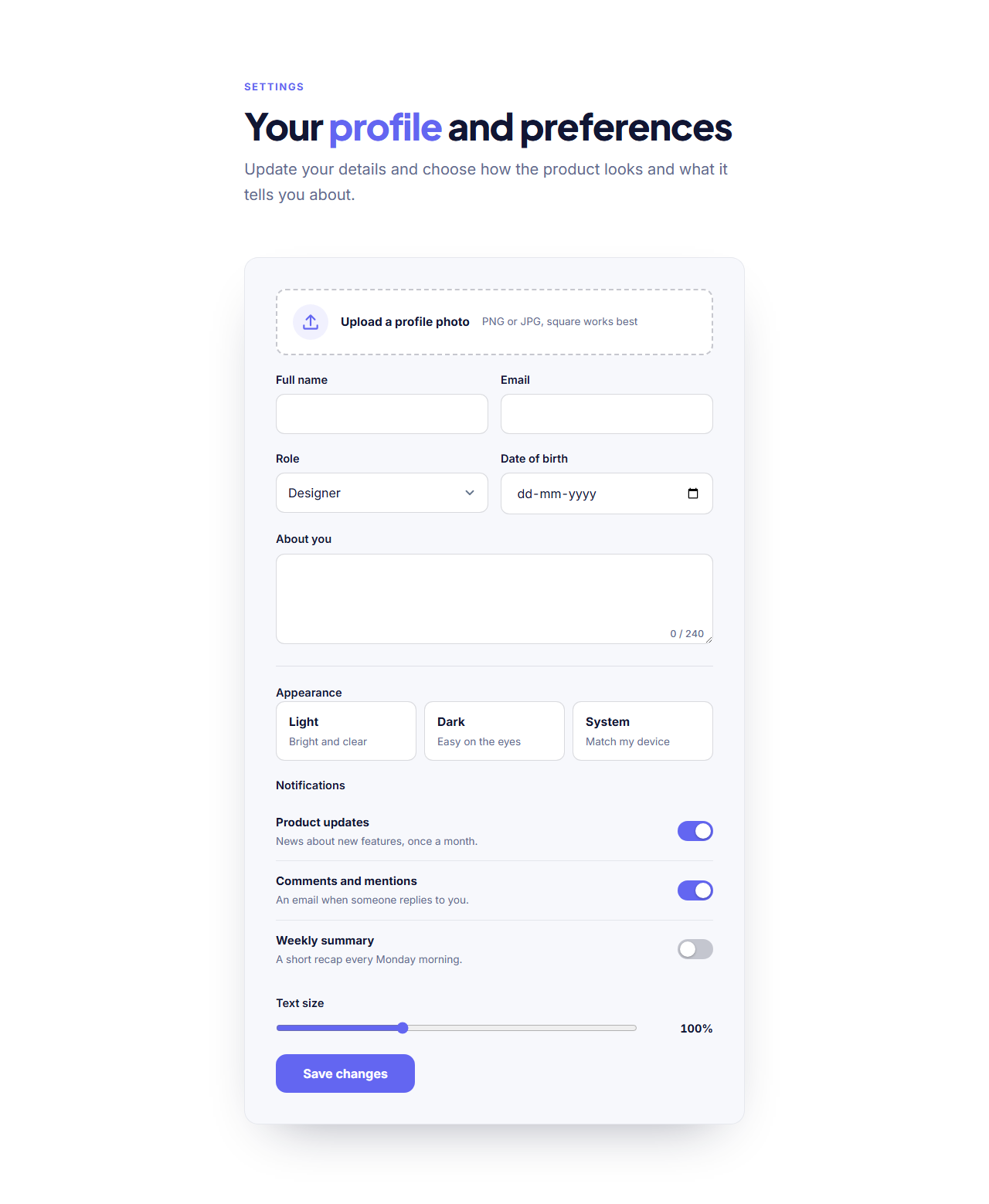
The topic menu sorts messages before you read them (sales, support, press) and the list is yours to edit. The message box has a live character counter, so people see the limit before they hit it. The phone field and the consent box disappear when you empty their labels, which keeps a short form short. Inputs carry the right autocomplete and type values, so phones offer the saved name, email and number, and browsers check the email format for you.
It really sends
Every form posts to the address you paste into "Form URL" (Formspree, Basin, Getform or your own server), shows a success message, shows an error message when something fails and contains a hidden spam-trap field. Without JavaScript it is an ordinary form post. Paste your Formspree address once and the form works. The fields sent are name, email, phone, topic, message and consent. For a version with contact details beside the form see the Contact Form With Details, and for floating labels try the Floating Label Form.
Edit and export
Change every label, the topics, the button, the note under it and the success and error messages in the editor, pick colours, fonts and corner radius, then copy the HTML, download a ZIP, copy a React or Vue component or fork it into My Code.
Why use it
Why Use the Centered Contact Form
How it’s different
How It’s Different From Other Free Section Templates
Step by step
How to Use
- 1Edit the contentFill in the heading, form and topics in the panel. Wrap words in *asterisks* to colour them.
- 2Add your imagesUpload your own images (resized in your browser and kept on your device) or paste a hosted image URL.
- 3Match your brandPick a colour preset or exact colours, choose heading and body fonts from Google Fonts or your own uploaded font, set the corner radius and width, or apply your brand kit.
- 4Animate and previewChoose a GSAP entrance effect and speed, press Play animation, and check the section on desktop, tablet and mobile.
- 5Save and exportSave it to My designs, then export a single HTML file, a ZIP with your images, a React or Vue component, or fork it into My Code.
Real-world uses
Common Use Cases
Got questions?
Frequently Asked Questions
Create a free form at Formspree (or Basin or Getform), copy its address into the "Form URL (action)" field and export. Submissions are emailed to you by that service.
Yes. Empty the phone label or the consent text in the editor and that field is left out of the exported page.
It shows how many characters have been typed out of 600 as the visitor writes. The browser also stops typing at the limit, so long messages are never cut off by the server.
Yes. It is a normal form post to your endpoint. JavaScript adds the smooth success message, the counter and the busy state on the button.
Every field has a visible label, the error message is announced to screen readers, focus rings are visible, and the success message receives focus when it appears.
It saves an editable copy of your Centered Contact Form in My Code, the UI Snippets code editor: the section markup goes in the HTML panel, its CSS (theme variables, base styles and layout) in the CSS panel, and the GSAP library is added as a CDN link, so you can keep refining the code and save your own versions.
Yes. Every section is free for personal and commercial work, with no account, no watermark and no attribution: export it on its own as HTML, React, Vue or Next.js from its page, or use it in a website you build and export in the Website Builder.