Desktop · 1280px · shown at 0% · edit the text, images and colours in the panel
Case Study Showcase — Free Website Section Template
Testimonials · v1.0.0 · Updated 2026-10-24 · Responsive · GSAP animation · HTML, React & Vue
What's included
Features
About this section
Case Study Showcase — Free Results & Metrics Template
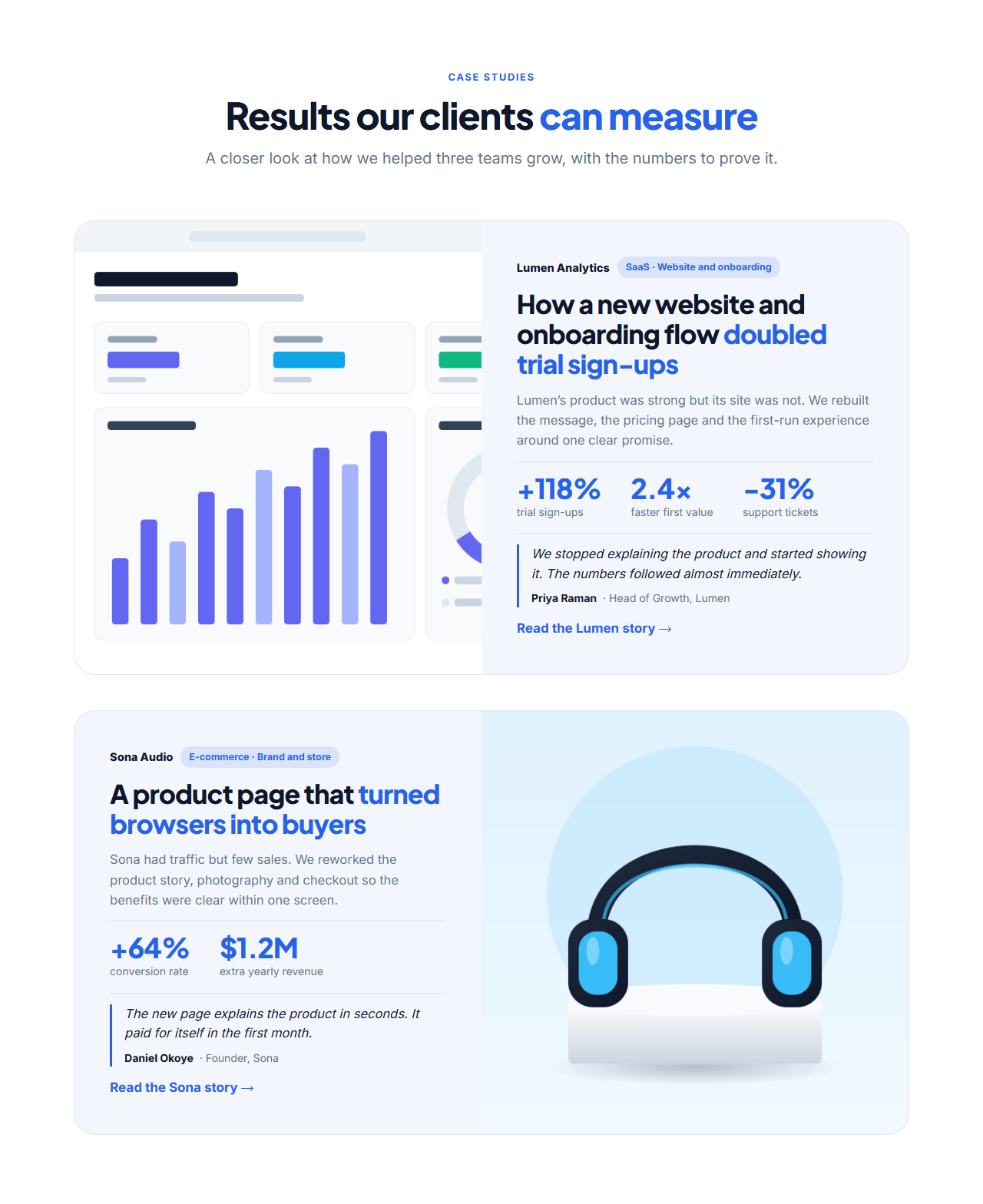
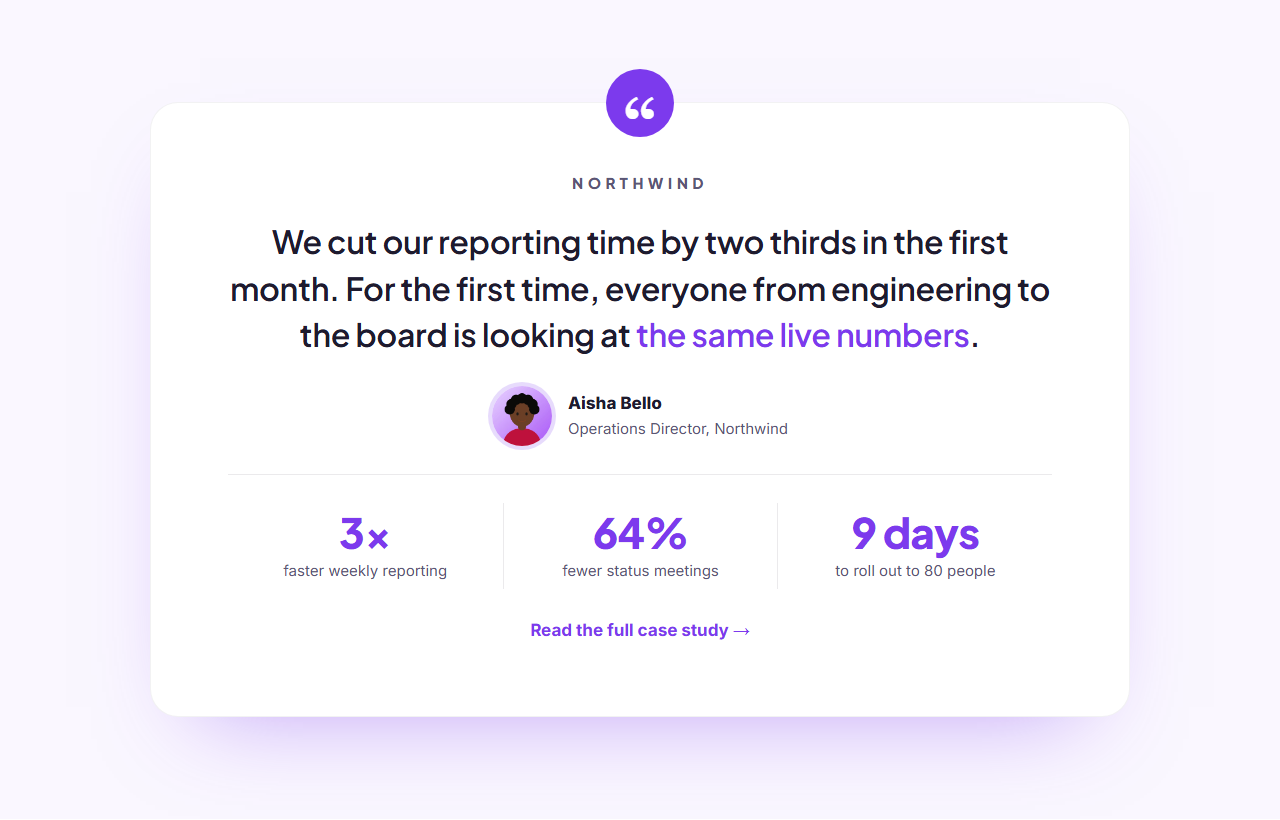
Case Study Showcase is a free section for showing proof rather than claiming it. Each case study is a wide card with a project image beside the client name, an industry tag, a headline that states the result, a short summary, up to three headline numbers, a client quote and a link to the full story.
Lead with the result
The headline field supports a highlight, so "How a new website *doubled trial sign-ups*" colours the outcome with your brand colour. Under it, three large metrics, such as +118% sign-ups or $1.2M extra revenue, give the evidence at a glance. Leave a metric empty and it disappears, so a case study with one strong number looks as intended.
A real voice
The optional quote block shows the client's words, their name and their role in a quiet side-bar style. A quote from a named person at the client carries far more weight than a general testimonial, and it works as social proof for the visitor who only reads the card.
Layout for one or several
Add up to four case studies. The image and text swap sides on every other card, so a longer list feels varied, and on tablets and phones each card stacks with the image on top. Each case study has its own image, alt text and link, which you can point at a full write-up on your site.
Export it
Copy one HTML file, download a ZIP with your images, copy a React or Vue component, or fork into My Code. For short quotes use Testimonials Grid, and add numbers with Animated Stats Counters.
Why use it
Why Use the Case Study Showcase
How it’s different
How It’s Different From Other Free Section Templates
Step by step
How to Use
- 1Edit the contentFill in the heading and case studies in the panel. Switch the heading on or off. Wrap words in *asterisks* to colour them.
- 2Add your imagesUpload your own images (resized in your browser and kept on your device) or paste a hosted image URL.
- 3Match your brandPick a colour preset or exact colours, choose heading and body fonts from Google Fonts or your own uploaded font, set the corner radius and width, or apply your brand kit.
- 4Animate and previewChoose a GSAP entrance effect and speed, press Play animation, and check the section on desktop, tablet and mobile.
- 5Save and exportSave it to My designs, then export a single HTML file, a ZIP with your images, a React or Vue component, or fork it into My Code.
Real-world uses
Common Use Cases
In real websites
Website Templates That Use the Case Study Showcase Section
The Case Study Showcase section is part of 2 complete website templates in the free Website Builder, so you can see it in a full page before you use it on its own: Creative Agency Website, Personal Portfolio Website. Open any of them in the builder to edit the whole page, or keep customising this section by itself.
Got questions?
Frequently Asked Questions
The client, the result in the headline, a two-sentence summary, one to three real numbers and a short quote. Link to the full story for readers who want the detail.
No. Fill in as many as you have, from one to three. Empty metrics are hidden, so the card never shows blank gaps.
Yes, up to four. The image swaps sides on every other card, and you can add, duplicate and reorder them.
No. Leave the quote empty and the quote block disappears. If you add one, include the person's name and role so it reads as genuine.
It saves an editable copy of your Case Study Showcase in My Code, the UI Snippets code editor: the section markup goes in the HTML panel, its CSS (theme variables, base styles and layout) in the CSS panel, and the GSAP library is added as a CDN link, so you can keep refining the code and save your own versions.
Yes. It is free for personal and commercial websites, with no sign-up, no watermark and no attribution required. Everything runs in your browser and your edits are saved locally.