Testimonials Section Templates
4 free, editable testimonials section templates. Customer quotes, review walls and case-study highlights. Change the text, images, colours and fonts in your browser, add a GSAP animation, then export HTML, React or Vue.

Testimonials Section Templates
4 sections · Responsive · GSAP animation · HTML, React & Vue
About these sections
Testimonials Section Templates
Testimonials answer the question every visitor has before they sign up or buy: do people like me actually get value from this? The best layout depends on how many quotes you have and how much attention you want them to get.
With lots of short quotes, the Testimonial Wall shows them all at once in a masonry layout, and the Testimonial Marquee keeps two rows gliding past endlessly. To save space, the Testimonial Carousel lets visitors drag or swipe through cards with momentum. And when one customer story says it all, the Testimonial Spotlight gives it a big animated quote with result stats.
Every section stores testimonials as an editable list with quotes, names, roles, optional photos and star ratings. The interactions are built with GSAP (Draggable, Inertia, ScrollTo and an endless loop) on top of plain scrolling, so they stay accessible and work in HTML, React and Vue exports.
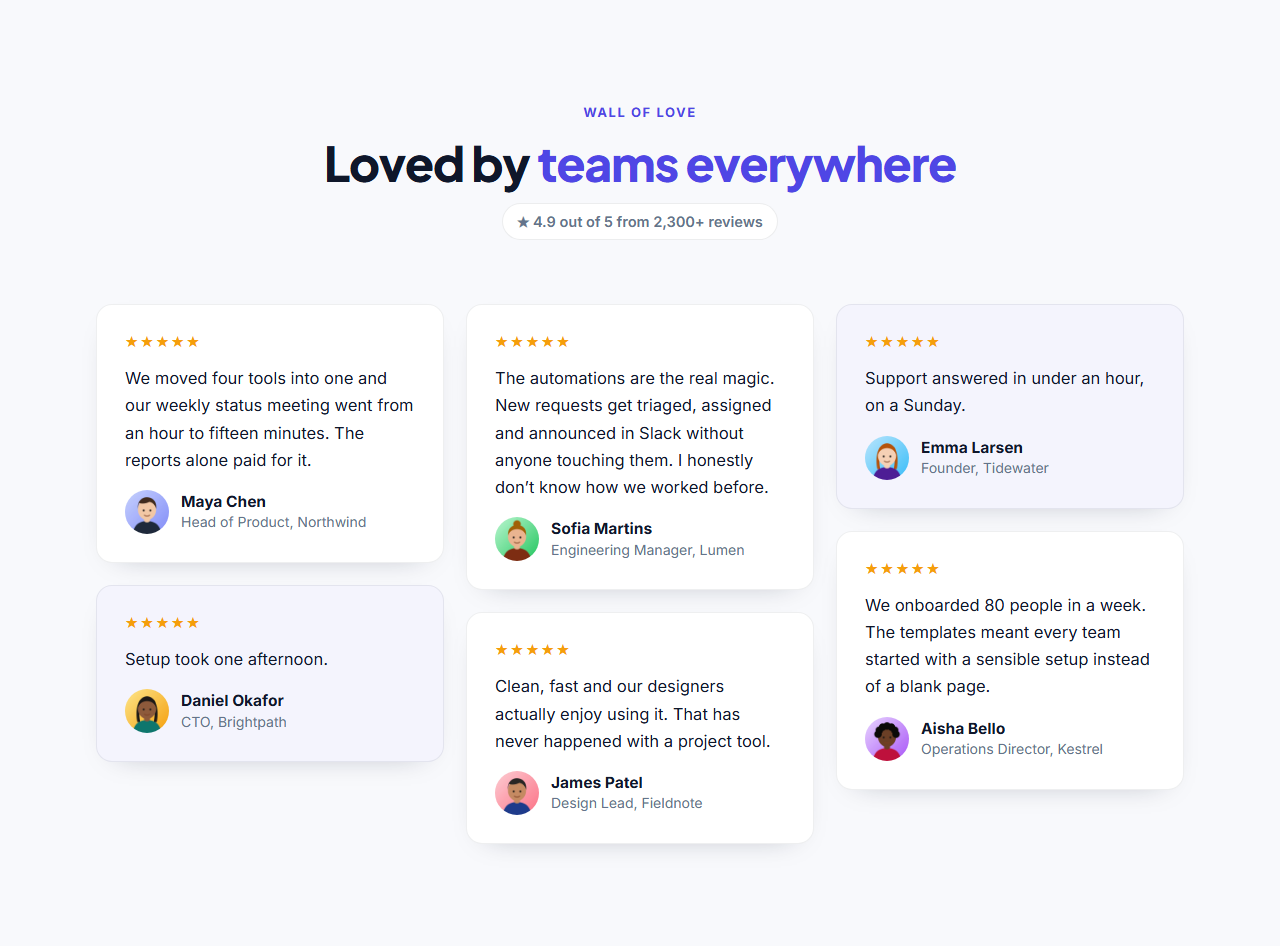
Testimonial Wall: A "wall of love" testimonials section: a heading with an overall rating summary, then customer quotes in a masonry layout where cards of different lengths fit together neatly. Each card has optional stars, the quote, and the person’s photo, name and role.
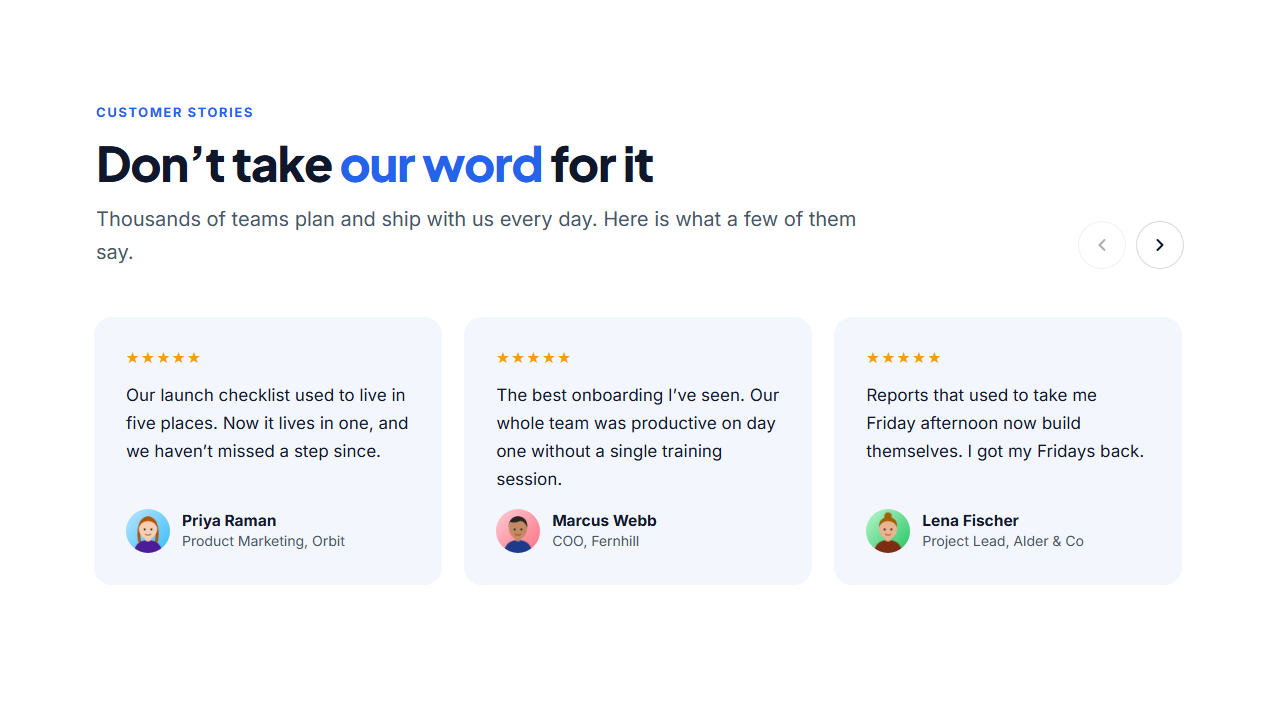
Testimonial Carousel: A testimonial slider with a left-aligned heading and arrow buttons above a row of quote cards. Drag it with the mouse and it glides with momentum and snaps to the nearest card (GSAP Draggable + Inertia); swipe on touch screens, or use the arrows, which ease from card to card.
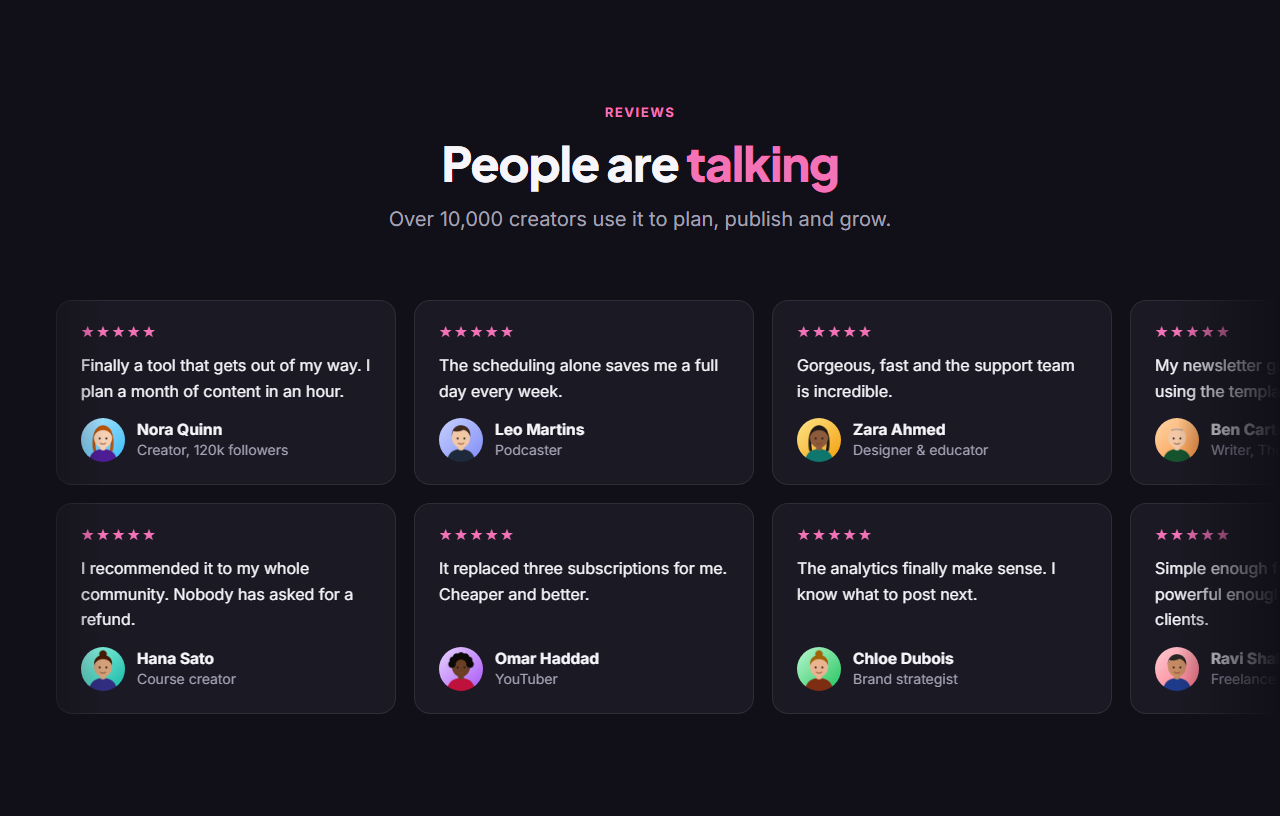
Testimonial Marquee: Two rows of testimonial cards that scroll endlessly in opposite directions under a centred heading, with soft fades at both edges. Hovering a row eases it to a stop so visitors can read; it loops seamlessly with GSAP and becomes a hand-scrollable row for people who prefer reduced motion.
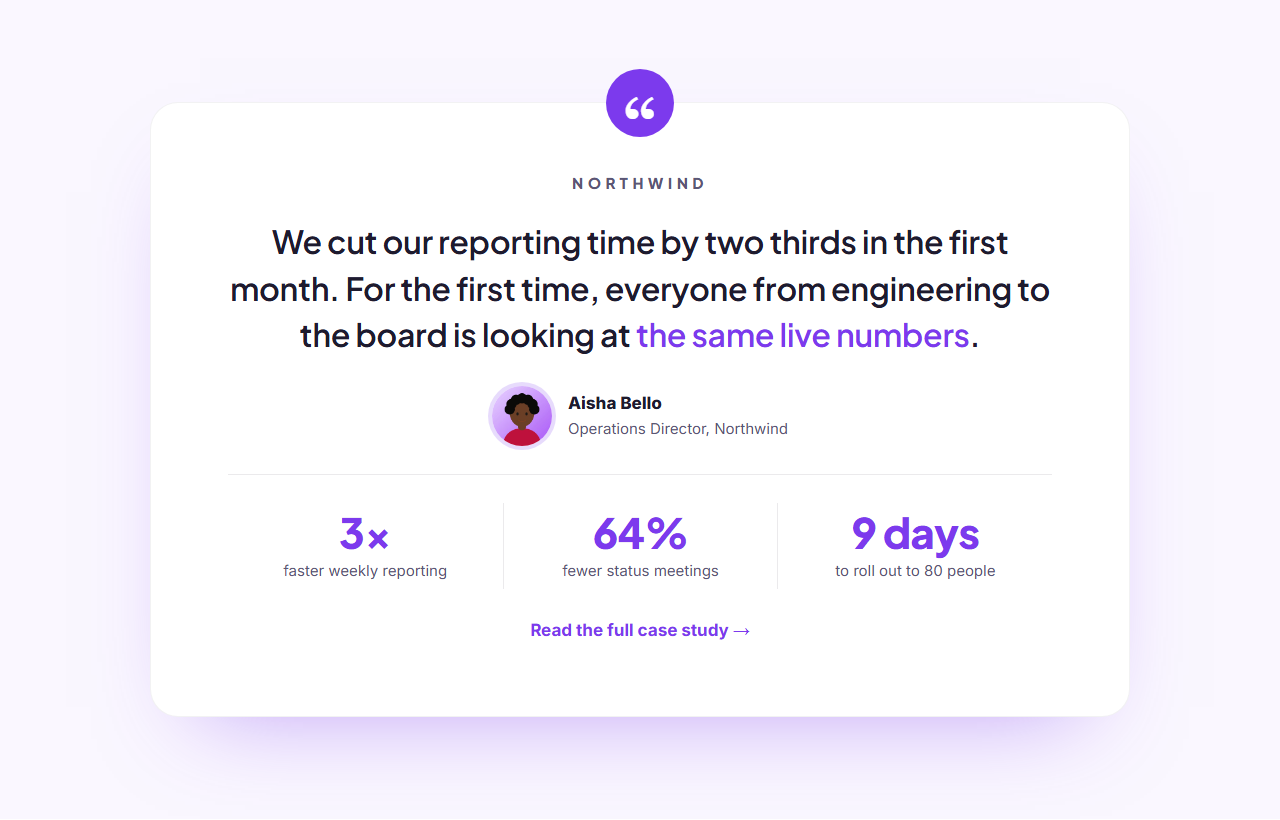
Testimonial Spotlight: One customer story, told big: a large quote that reveals line by line, the customer’s photo with their name, role and company, and a row of result stats (like "3× faster reporting") with a link to the full case study. Ideal when one great quote says more than ten small ones.
Real-world uses
Best Uses for Testimonials Sections
How it’s different
How These Section Templates Are Different
Step by step
How to Use
- 1Pick a sectionOpen one of the testimonials sections above. Your edits autosave in your browser as you go.
- 2Edit the contentChange the text, buttons, links and images in the panel, and switch optional parts on or off.
- 3Add your brandPick colours, fonts, radius and width, or apply your saved brand kit; every section shares the same theme.
- 4Animate and previewChoose a GSAP entrance effect, press Play animation, and check desktop, tablet and mobile.
- 5ExportDownload HTML or a ZIP, copy a React or Vue component, or fork it into My Code.
Got questions?
Frequently Asked Questions
A specific result in the customer’s own words, their full name, role and company, and ideally a photo. "We cut reporting time by two thirds" persuades far more than "Great product!".
Three to six is enough for most landing pages. Use a wall or marquee to show many at once, a carousel when space is tight, or one spotlight quote for a strong case study.
These are. Both are built on normal scrollable rows, label their regions, hide duplicated content from screen readers and stop animating for people who prefer reduced motion.
Testimonial Wall: A "wall of love" testimonials section: a heading with an overall rating summary, then customer quotes in a masonry layout where cards of different lengths fit together neatly. Each card has optional stars, the quote, and the person’s photo, name and role. Testimonial Carousel: A testimonial slider with a left-aligned heading and arrow buttons above a row of quote cards. Drag it with the mouse and it glides with momentum and snaps to the nearest card (GSAP Draggable + Inertia); swipe on touch screens, or use the arrows, which ease from card to card. Testimonial Marquee: Two rows of testimonial cards that scroll endlessly in opposite directions under a centred heading, with soft fades at both edges. Hovering a row eases it to a stop so visitors can read; it loops seamlessly with GSAP and becomes a hand-scrollable row for people who prefer reduced motion. Testimonial Spotlight: One customer story, told big: a large quote that reveals line by line, the customer’s photo with their name, role and company, and a row of result stats (like "3× faster reporting") with a link to the full case study. Ideal when one great quote says more than ten small ones.
Yes. Every section is free for personal and commercial websites, with no account and no watermark. Everything runs in your browser and your edits are saved locally.