Navbar Templates
3 free, editable navbar section templates. Responsive navigation bars with a logo, links and a call-to-action button. Change the text, images, colours and fonts in your browser, add a GSAP animation, then export HTML, React or Vue.

Navbar Templates
3 sections · Responsive · GSAP animation · HTML, React & Vue
About these sections
Navbar Templates
The navbar is on every page, so it has to be clear, fast and work perfectly on phones. These headers handle the hard parts for you: a mobile menu that's accessible, a sticky bar that can get out of the way, and a layout that adapts to any number of links.
The Simple Sticky Navbar is a clean, frosted header with links, log-in and a CTA. The Floating Pill Navbar hovers over the page as a dark glass pill and opens a full-screen menu on phones. The Navbar With Announcement Bar adds a dismissible bar on top for sales, launches and news.
Every mobile menu opens with GSAP, closes on Esc, keeps keyboard focus inside while open, announces its state to screen readers and shows the links even without JavaScript. Switch the sticky header and hide-on-scroll options on or off, upload your logo, and export to HTML, React or Vue.
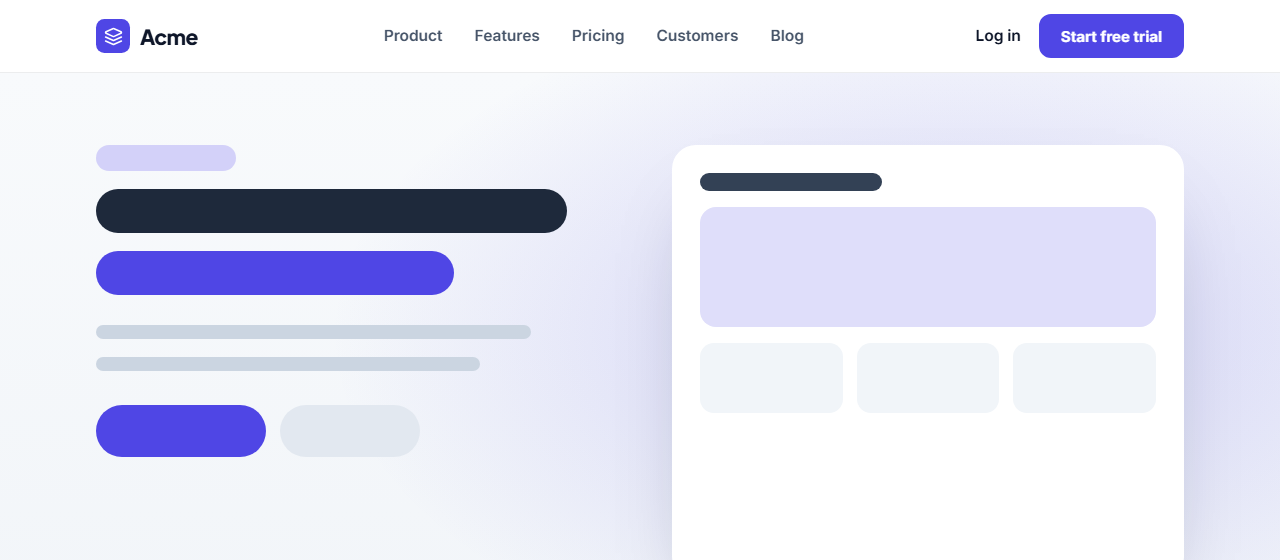
Simple Sticky Navbar: A clean, responsive site header: logo on the left, navigation links, a log-in link and a call-to-action button. It sticks to the top with a frosted blur and a shadow once you scroll, and on small screens the links fold into an accessible hamburger menu that animates open with GSAP.
Floating Pill Navbar: A modern floating header: a dark, frosted-glass pill that hovers a little below the top of the page, with the logo, centred links and a bright CTA. On small screens the hamburger opens a full-screen menu with large links that stagger in, the style made popular by AI and design-tool websites.
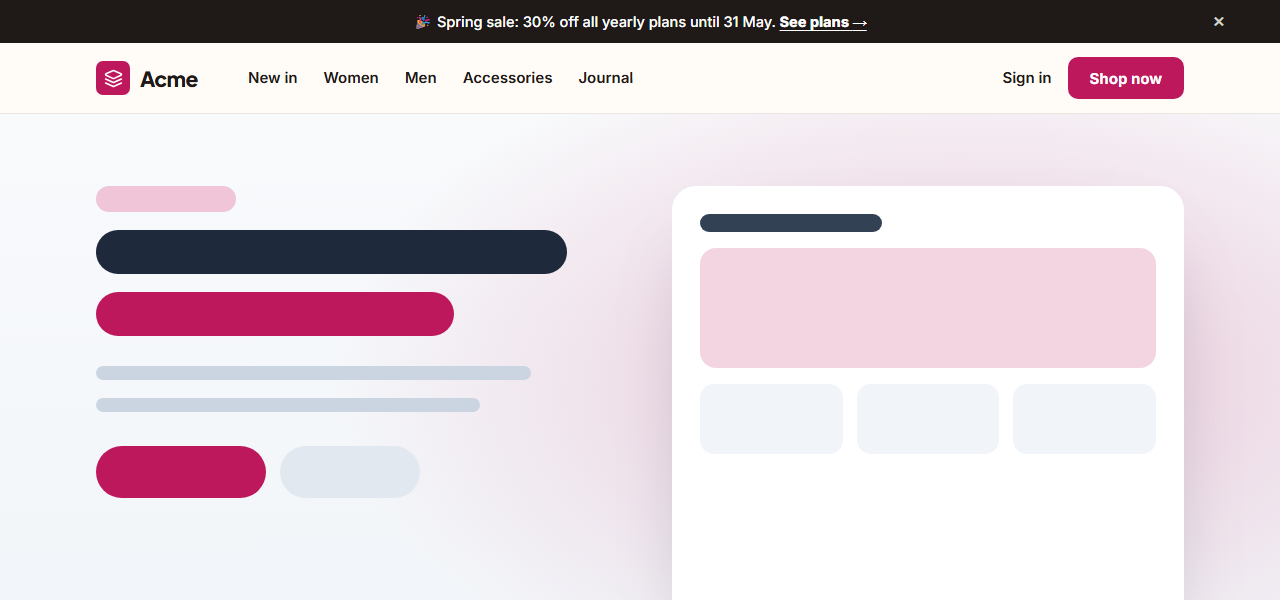
Navbar With Announcement Bar: A two-part site header: a slim announcement bar on top for news, launches or offers, with a link and a close button that collapses it smoothly; underneath, a navbar with the logo and links on the left and sign-in plus a CTA on the right. On phones the links fold into an animated menu.
Real-world uses
Best Uses for Navbar Sections
How it’s different
How These Section Templates Are Different
Step by step
How to Use
- 1Pick a sectionOpen one of the navbar sections above. Your edits autosave in your browser as you go.
- 2Edit the contentChange the text, buttons, links and images in the panel, and switch optional parts on or off.
- 3Add your brandPick colours, fonts, radius and width, or apply your saved brand kit; every section shares the same theme.
- 4Animate and previewChoose a GSAP entrance effect, press Play animation, and check desktop, tablet and mobile.
- 5ExportDownload HTML or a ZIP, copy a React or Vue component, or fork it into My Code.
Got questions?
Frequently Asked Questions
A real button for the mobile menu with aria-expanded and a label, keyboard support (Tab, Enter, Esc), focus moving into the menu when it opens and back to the button when it closes, and links that still work without JavaScript. These navbars do all of that.
For most marketing sites, yes: it keeps navigation and the main button in reach. On long reading pages, the hide-on-scroll option gives readers more space and brings the header back when they scroll up.
Four to six top-level links is ideal. Put secondary pages in the footer, and keep one clear call-to-action button on the right.
Simple Sticky Navbar: A clean, responsive site header: logo on the left, navigation links, a log-in link and a call-to-action button. It sticks to the top with a frosted blur and a shadow once you scroll, and on small screens the links fold into an accessible hamburger menu that animates open with GSAP. Floating Pill Navbar: A modern floating header: a dark, frosted-glass pill that hovers a little below the top of the page, with the logo, centred links and a bright CTA. On small screens the hamburger opens a full-screen menu with large links that stagger in, the style made popular by AI and design-tool websites. Navbar With Announcement Bar: A two-part site header: a slim announcement bar on top for news, launches or offers, with a link and a close button that collapses it smoothly; underneath, a navbar with the logo and links on the left and sign-in plus a CTA on the right. On phones the links fold into an animated menu.
Yes. Every section is free for personal and commercial websites, with no account and no watermark. Everything runs in your browser and your edits are saved locally.