Desktop · 1280px · shown at 0% · edit the text, images and colours in the panel
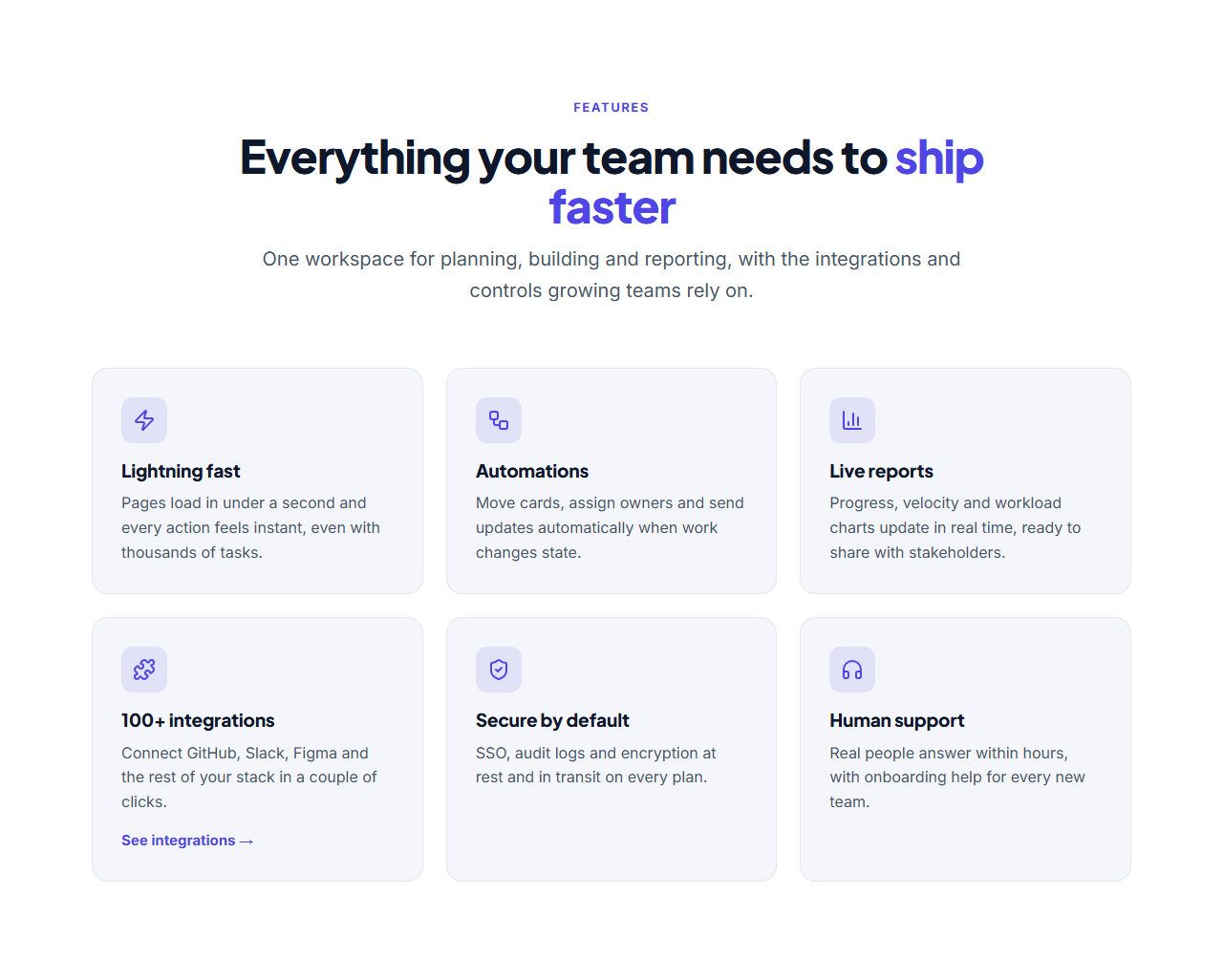
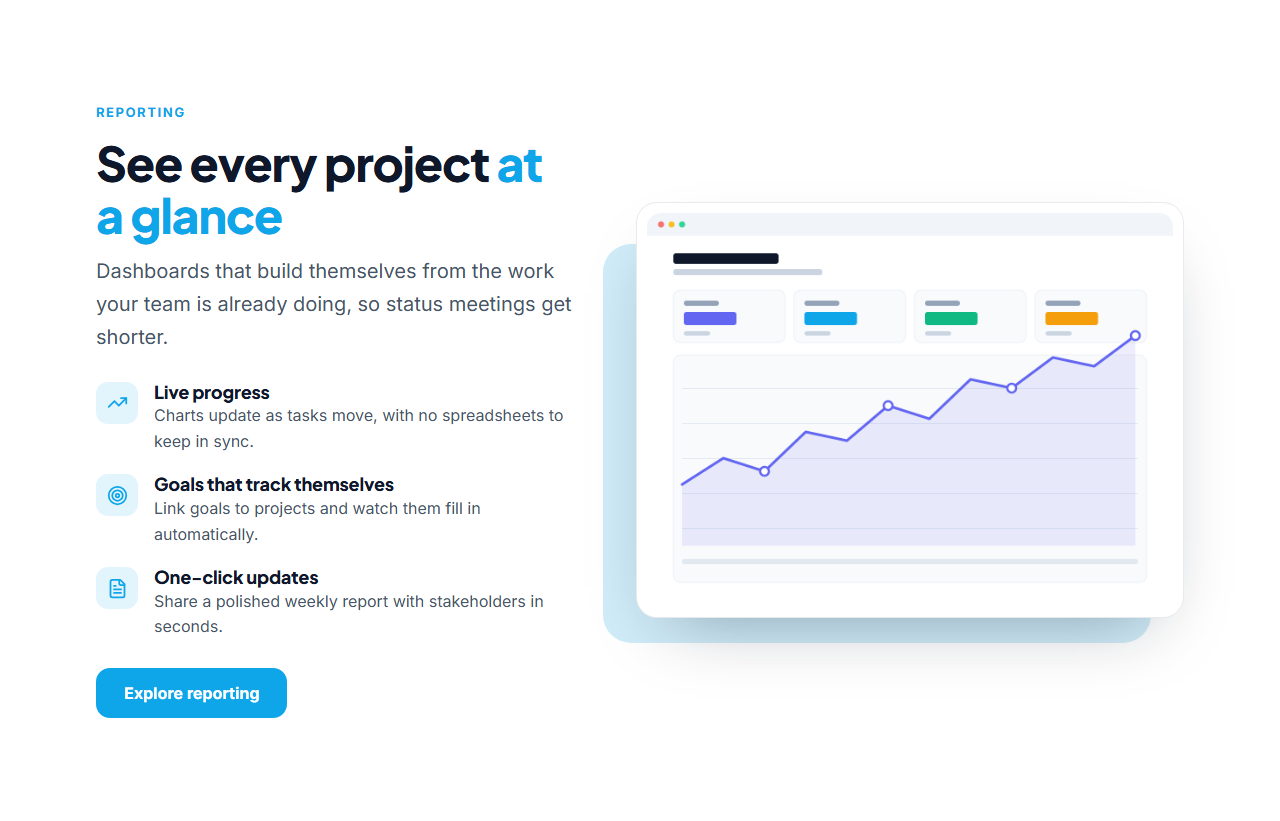
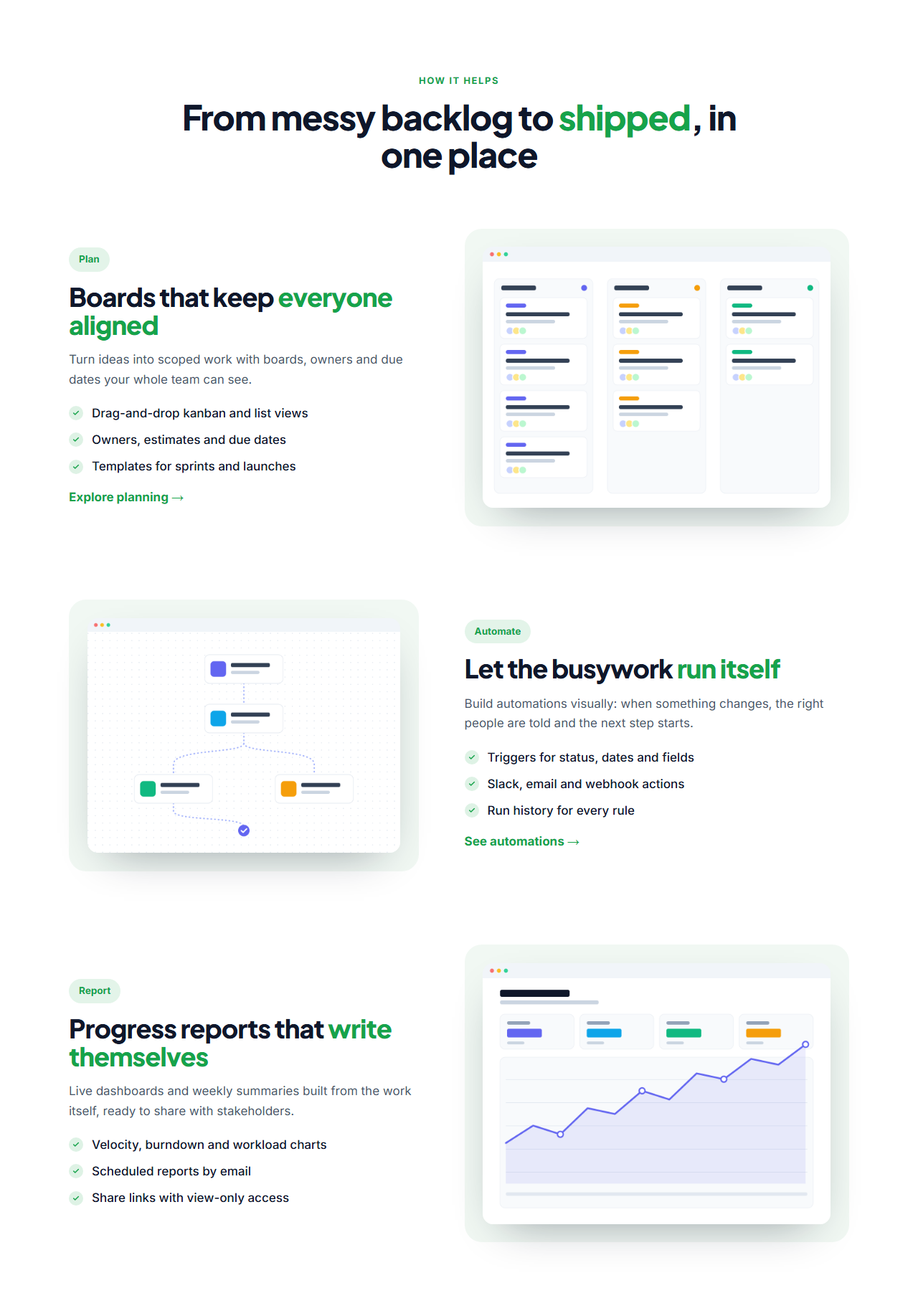
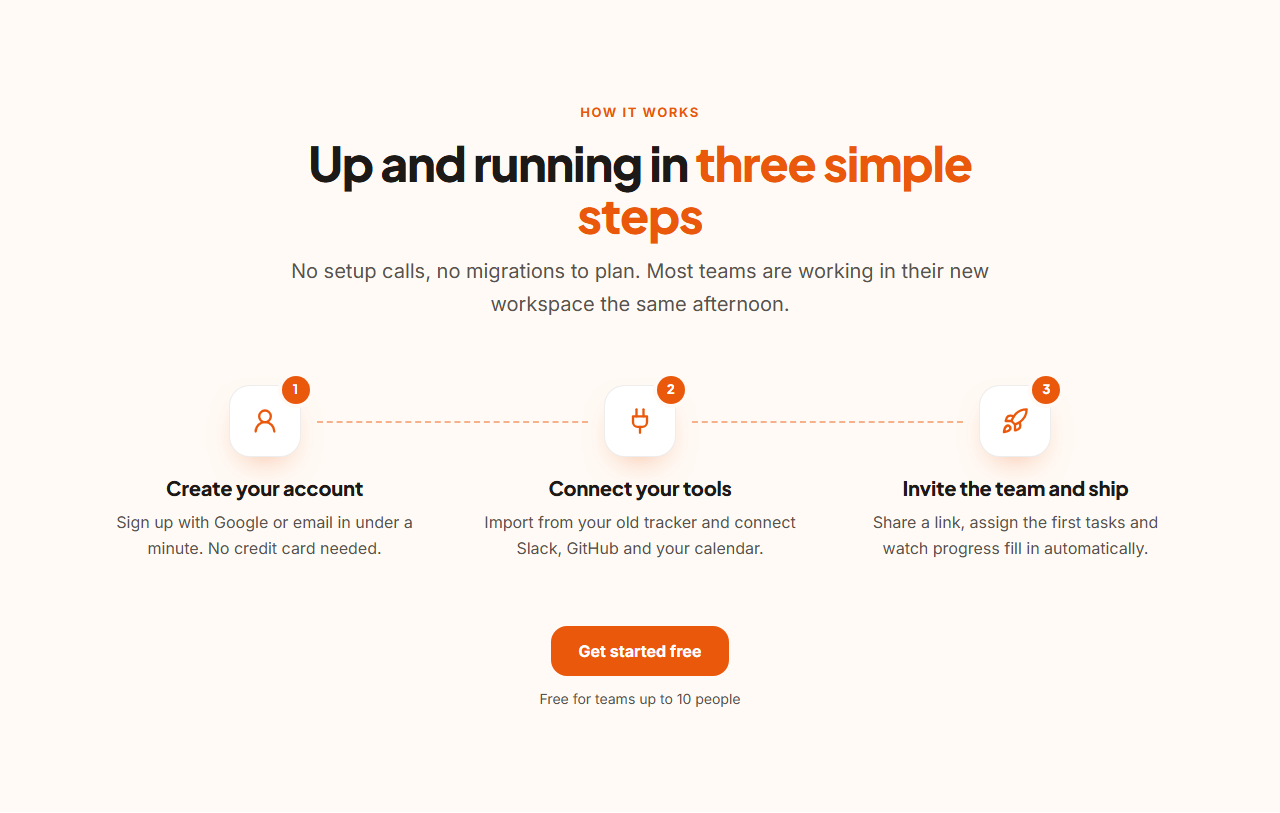
Bento Grid Features — Free Website Section Template
Features · v1.0.0 · Updated 2026-10-20 · Responsive · GSAP animation · HTML, React & Vue
What's included
Features
About this section
Bento Grid Features — Free Bento Box Section Template
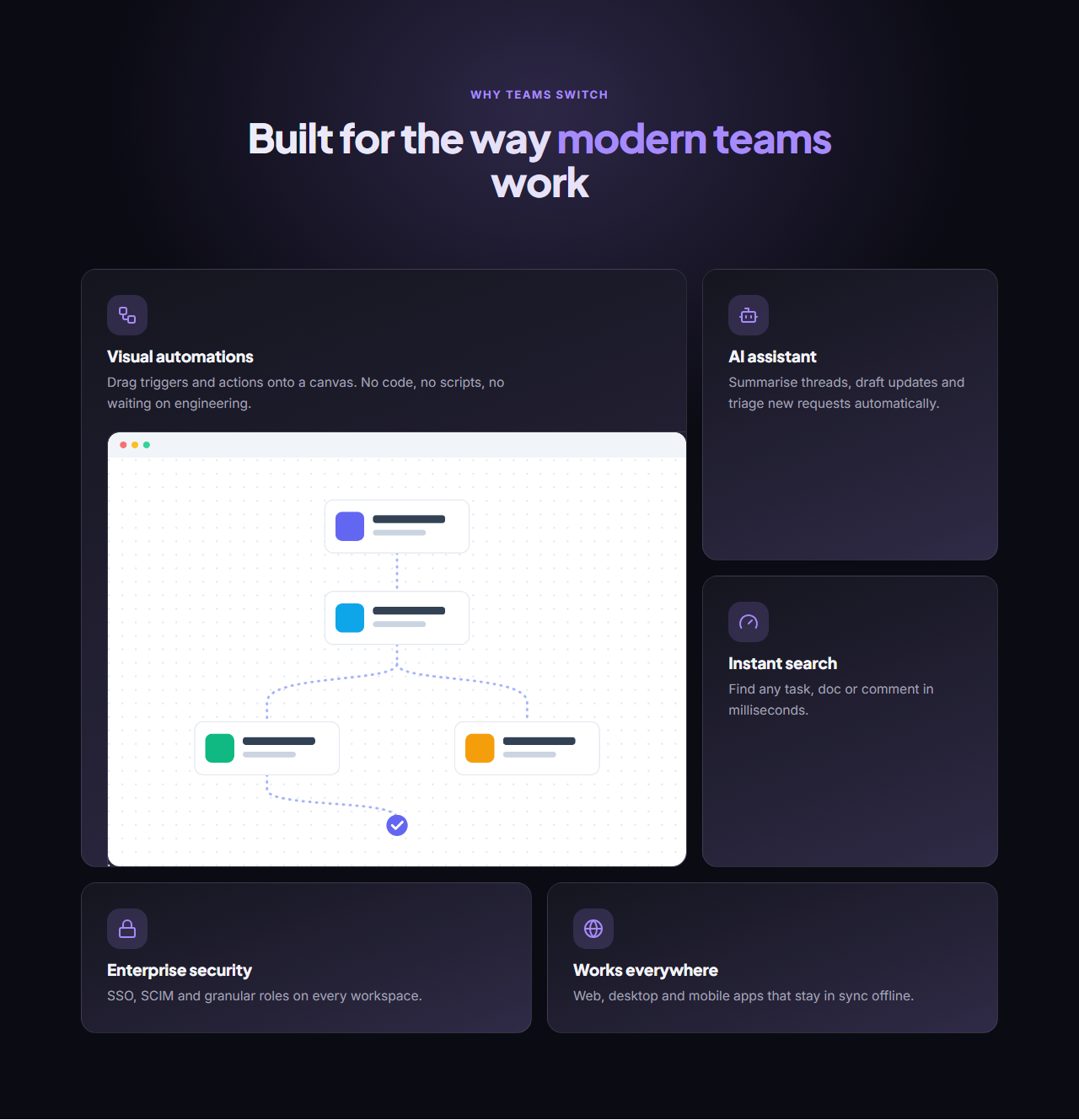
Bento Grid Features brings the bento box layout, made famous by Apple and now everywhere in AI and developer products, to your landing page. Cards of different sizes fit together in a tidy mosaic on a dark background with a soft brand glow: a large card for your headline feature with a screenshot, and smaller cards for the supporting ones.
A grid that arranges itself
You never place cards by hand. The layout follows a five-card pattern (one wide, two small, two medium) that repeats as you add more, and a card with an image stretches taller automatically. Add up to ten cards, give each an icon, title, text and optional image, and reorder them to change which one gets the big tile.
Dark by default, any theme you like
It ships in a deep violet-on-black theme, but every colour is a theme token: switch to a light preset, use your brand kit, or set exact colours. Card backgrounds blend the surface and brand colours, so they always match.
Responsive and animated
On tablets the first card spans the full width and the rest sit two by two; on phones every card stacks. With GSAP, the heading reveals word by word and the cards stagger in once on scroll.
Export it
Download HTML or a ZIP with your images, copy a React or Vue component, or fork it into My Code. For a lighter, uniform layout, see Icon Grid Features.
Why use it
Why Use the Bento Grid Features
How it’s different
How It’s Different From Other Free Section Templates
Step by step
How to Use
- 1Edit the contentFill in the heading and bento cards in the panel. Wrap words in *asterisks* to colour them.
- 2Add your imagesUpload your own images (resized in your browser and kept on your device) or paste a hosted image URL.
- 3Match your brandPick a colour preset or exact colours, choose heading and body fonts from Google Fonts or your own uploaded font, set the corner radius and width, or apply your brand kit.
- 4Animate and previewChoose a GSAP entrance effect and speed, press Play animation, and check the section on desktop, tablet and mobile.
- 5Save and exportSave it to My designs, then export a single HTML file, a ZIP with your images, a React or Vue component, or fork it into My Code.
Real-world uses
Common Use Cases
Got questions?
Frequently Asked Questions
A layout of cards in different sizes that fit together like the compartments of a Japanese bento box. It shows a clear hierarchy (one big feature, several smaller ones) and has become a popular way to present product features.
The first card of every five gets the wide tile, and adding an image to it makes it taller. Move a card to the top with the arrows to give it the big tile.
Yes. Pick a light colour preset in Colours or apply your brand kit. Card backgrounds are mixed from the surface and brand colours, so they adapt to any theme.
Yes. It uses CSS grid with container queries: six columns on desktop, two on tablets with the first card full width, and one column on phones.
It saves an editable copy of your Bento Grid Features in My Code, the UI Snippets code editor: the section markup goes in the HTML panel, its CSS (theme variables, base styles and layout) in the CSS panel, and the GSAP library is added as a CDN link, so you can keep refining the code and save your own versions.
Yes. It is free for personal and commercial websites, with no sign-up, no watermark and no attribution required. Everything runs in your browser and your edits are saved locally.