Desktop · 1280px · shown at 0% · edit the text, images and colours in the panel
Blog Grid with Pagination — Free Website Section Template
Blog · v1.0.0 · Updated 2026-10-25 · Responsive · GSAP animation · HTML, React & Vue
What's included
Features
About this section
Blog Grid with Pagination — Free Blog Index Template
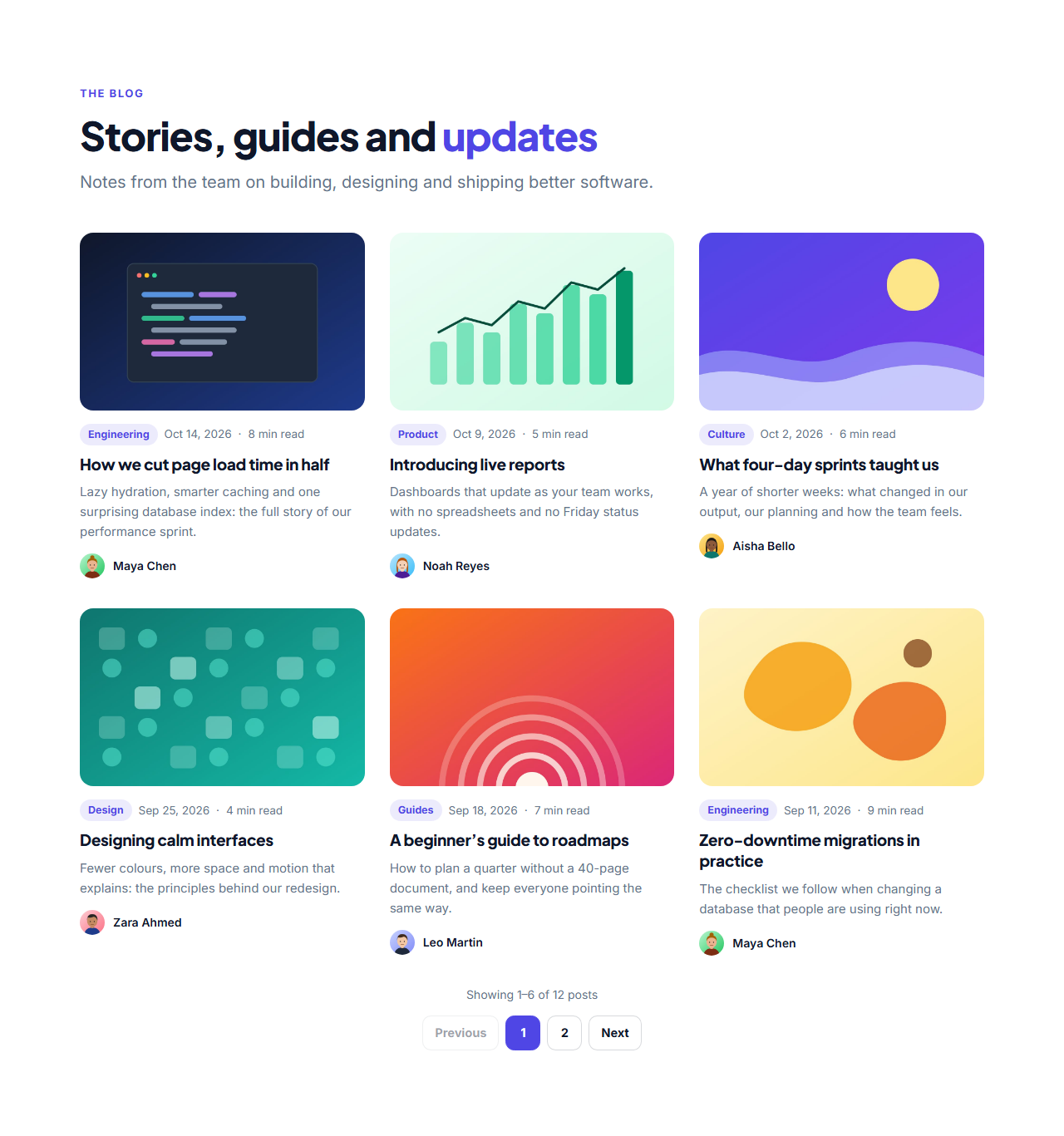
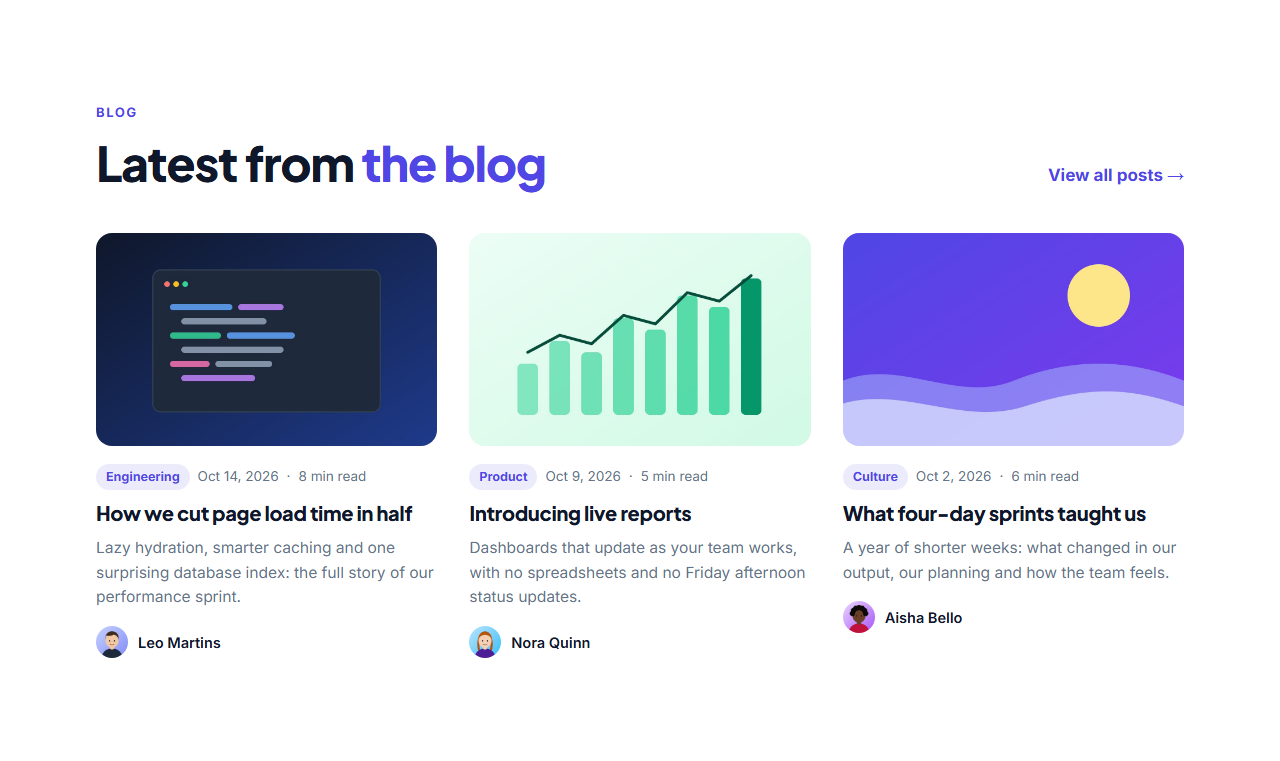
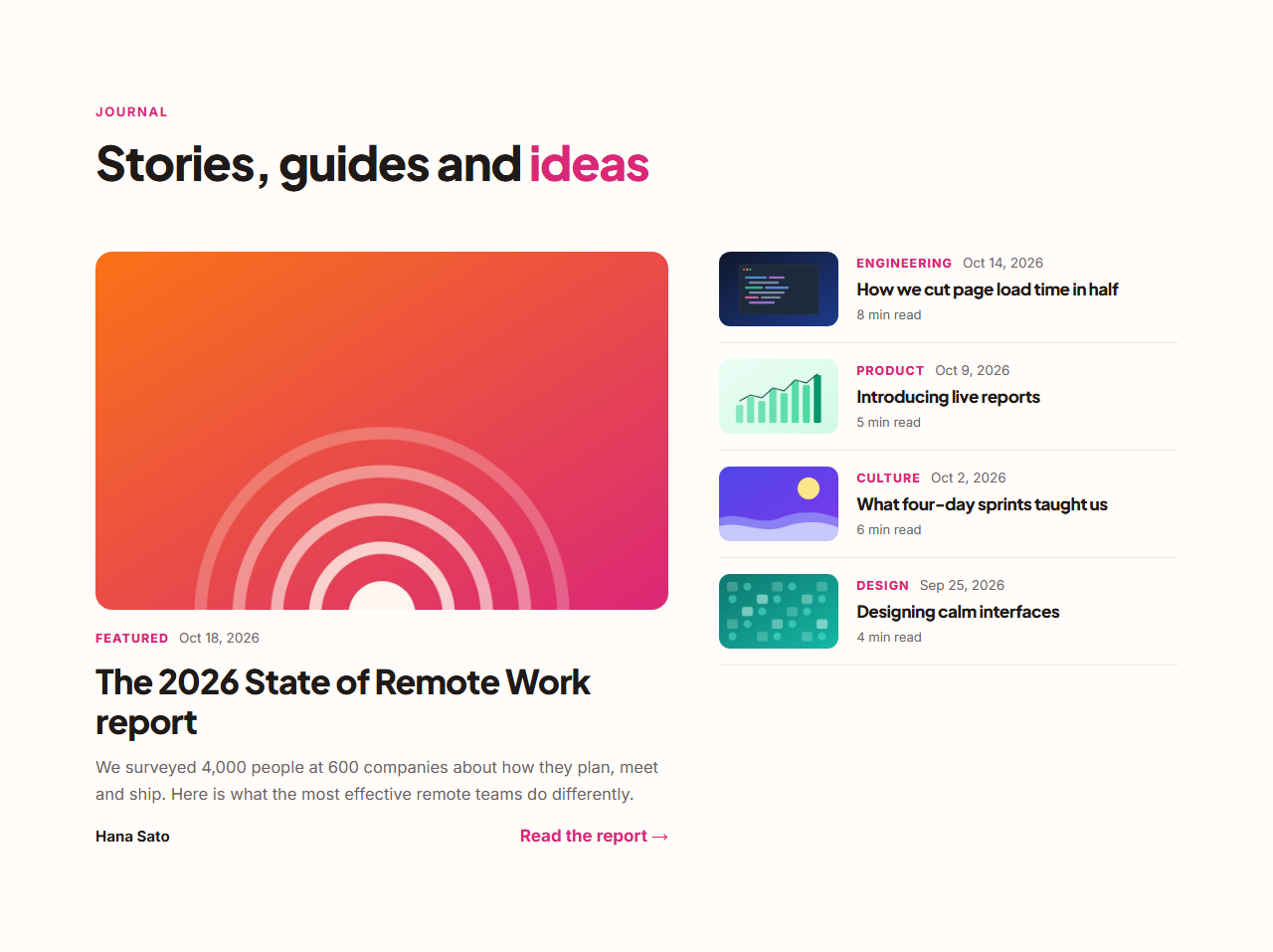
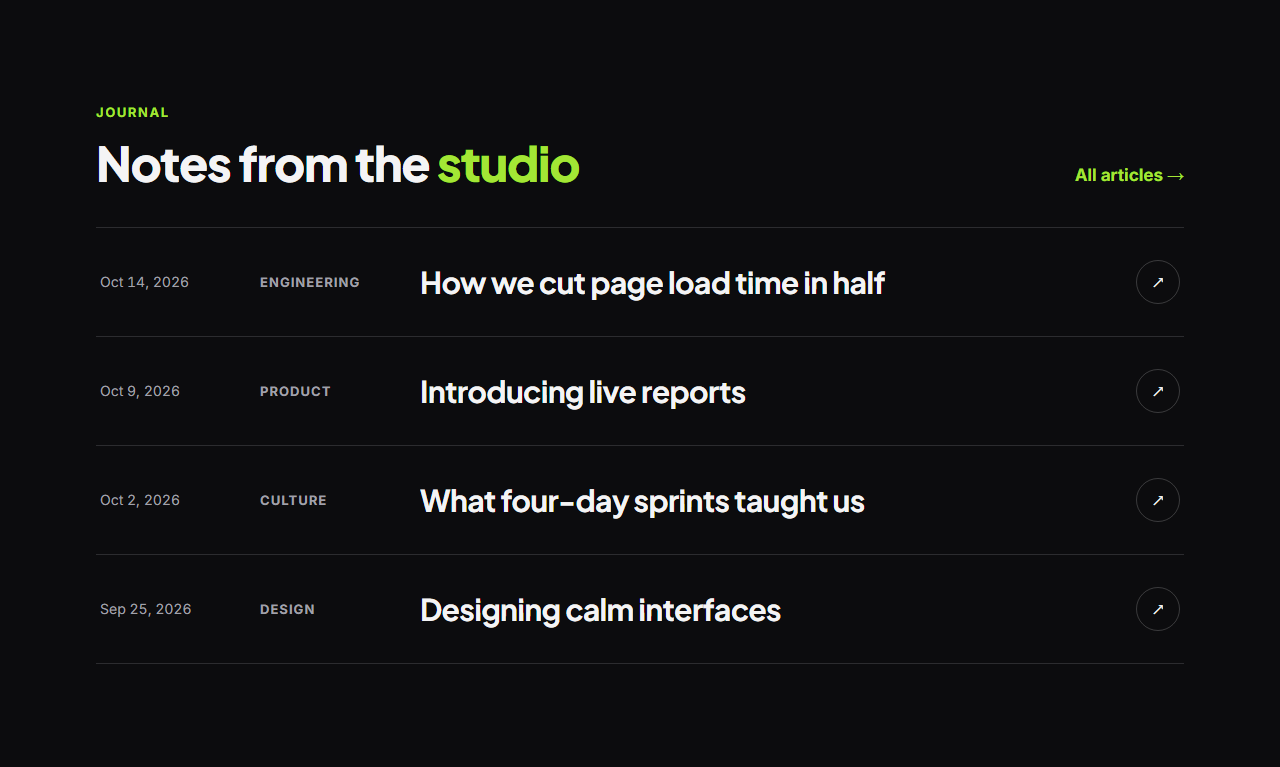
Blog Grid with Pagination is a free template for a blog index or archive page. A heading and intro sit above a grid of post cards, each with a cover image, category, date, read time, title, excerpt and author. When there are more posts than fit on one page, visitors move through them with numbered pagination or a "Show more posts" button. It works for blog indexes, news pages, guide libraries and portfolios, and it keeps a long archive tidy on phones, tablets and desktops without sending visitors to a new page for every click.
Every post stays in the page
All posts are written into the page itself. Search engines and visitors without JavaScript see the full list, and with JavaScript the grid shows one page at a time. A status line, such as "Showing 1–6 of 12 posts", is announced to screen readers when the page changes, and focus stays on the page buttons.
You choose how it pages
Set how many posts appear per page, from 1 to 24, and how many columns the grid has, from two to four, with fewer on tablets and phones. Pick numbered pages with Previous and Next, which collapse long lists with ellipses, or a single load-more button that reveals the next batch and then disappears.
Structured data and speed
The template writes BlogPosting list structured data from your posts, and cover images are lazy-loaded so the first page opens fast. Card titles and covers are real links, so every post can be reached with a keyboard.
Edit and export
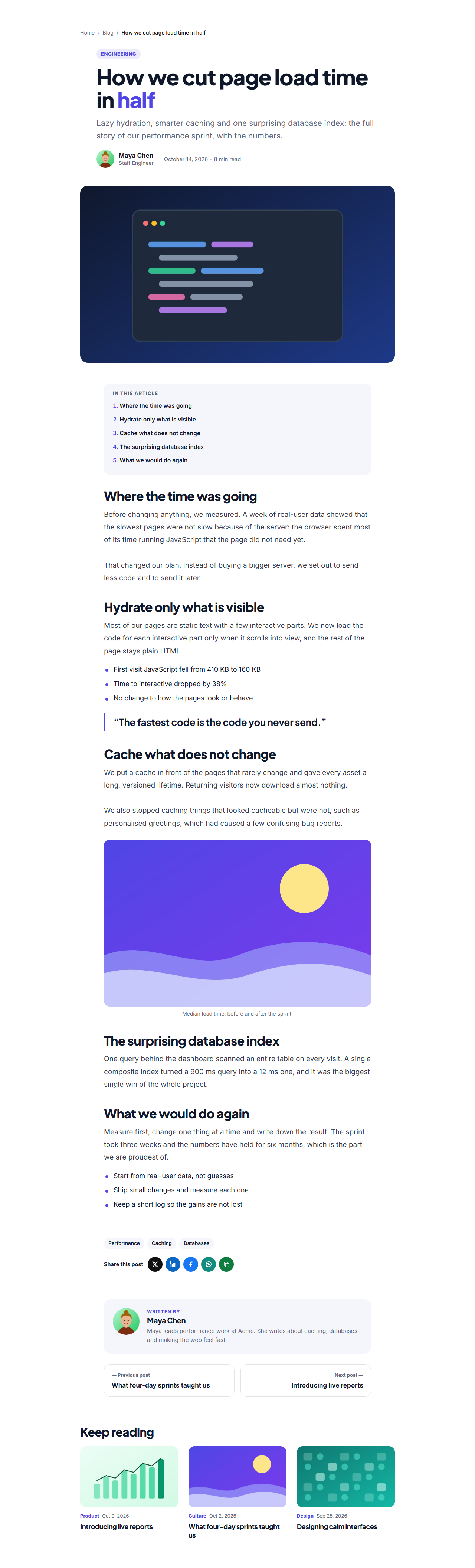
Add, reorder and remove posts in the list, upload covers and author photos, change every label, then export HTML, a ZIP, React or Vue. Pair it with the Blog Post Page for the article view.
Why use it
Why Use the Blog Grid with Pagination
How it’s different
How It’s Different From Other Free Section Templates
Step by step
How to Use
- 1Edit the contentFill in the heading, pagination and posts in the panel. Wrap words in *asterisks* to colour them.
- 2Add your imagesUpload your own images (resized in your browser and kept on your device) or paste a hosted image URL.
- 3Match your brandPick a colour preset or exact colours, choose heading and body fonts from Google Fonts or your own uploaded font, set the corner radius and width, or apply your brand kit.
- 4Animate and previewChoose a GSAP entrance effect and speed, press Play animation, and check the section on desktop, tablet and mobile.
- 5Save and exportSave it to My designs, then export a single HTML file, a ZIP with your images, a React or Vue component, or fork it into My Code.
Real-world uses
Common Use Cases
Got questions?
Frequently Asked Questions
Not here. All posts are in the page itself, so search engines can read every post and link without needing to follow page buttons. The buttons are for visitors.
Numbered pages suit archives people return to, because they can tell where they are. A load-more button suits shorter lists and mobile visitors who like to keep scrolling.
Up to 48 posts in the list, shown from 1 to 24 per page. For a larger archive, link to separate archive pages from the heading.
Yes. Without JavaScript every post is shown and the page buttons are hidden, so nothing is lost, and visitors can still scroll through the whole list.
Yes. The Previous, Next and show-more labels, the status line and the navigation label for screen readers are all fields you can edit.
It saves an editable copy of your Blog Grid with Pagination in My Code, the UI Snippets code editor: the section markup goes in the HTML panel, its CSS (theme variables, base styles and layout) in the CSS panel, and the GSAP library is added as a CDN link, so you can keep refining the code and save your own versions.
Yes. It is free for personal and commercial websites, with no sign-up, no watermark and no attribution required. Everything runs in your browser and your edits are saved locally.