Desktop · 1280px · shown at 0% · edit the text, images and colours in the panel
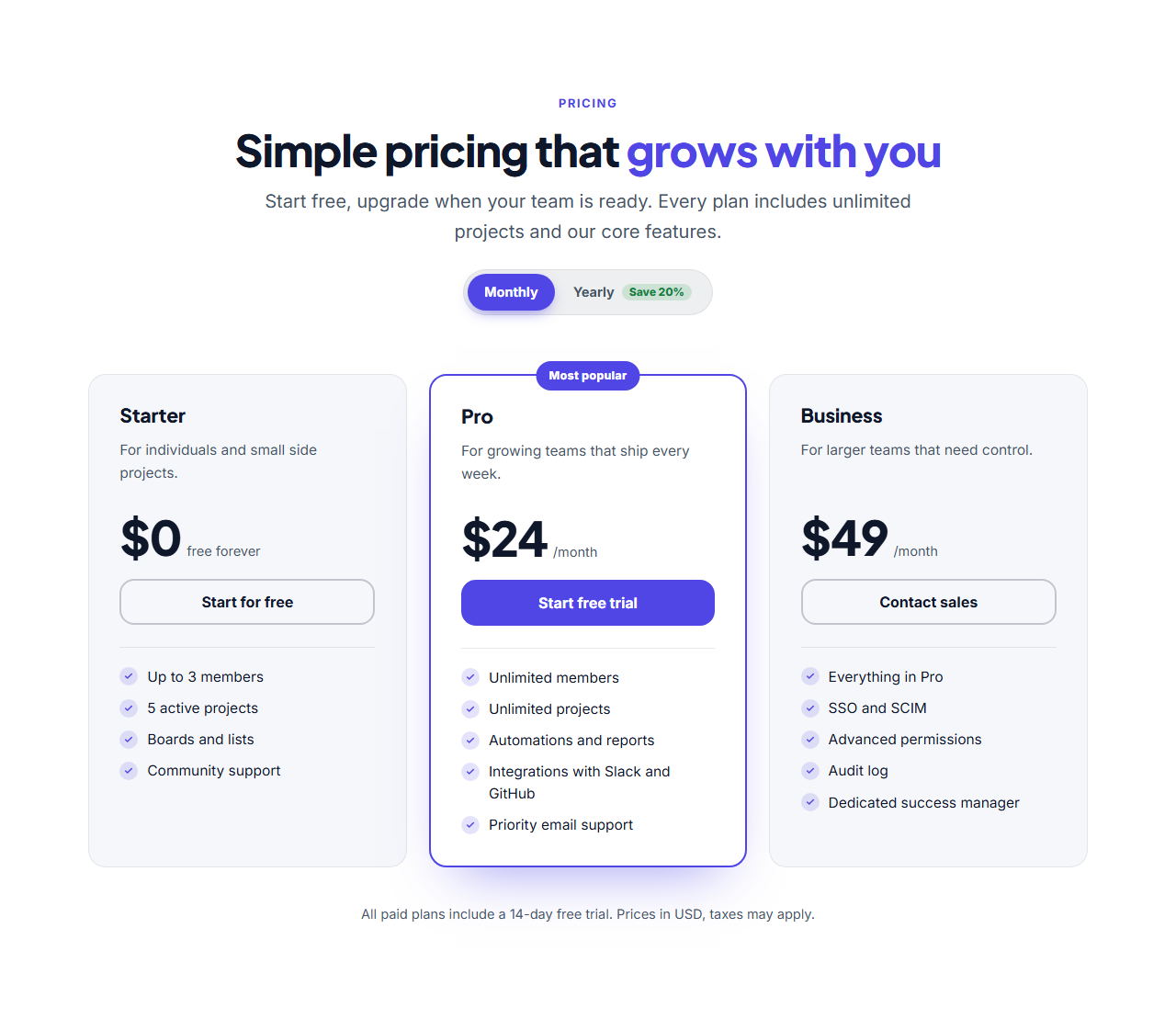
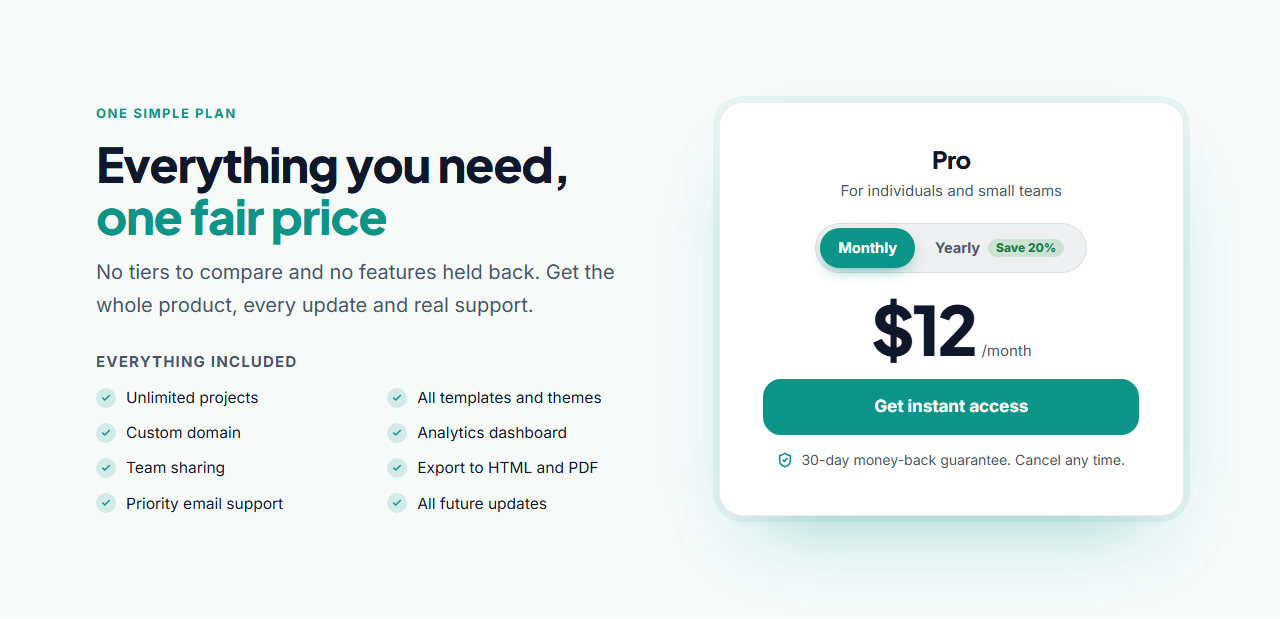
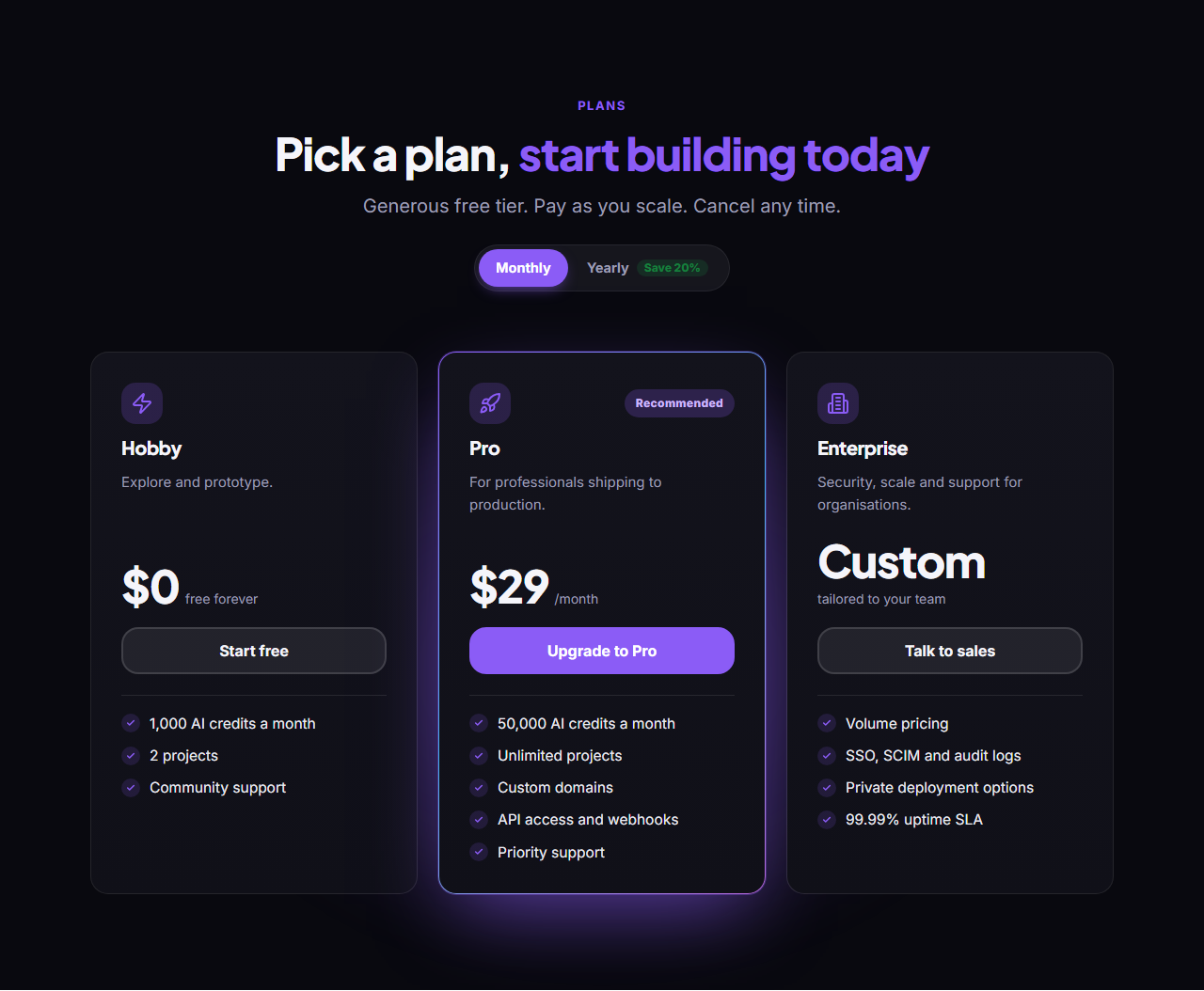
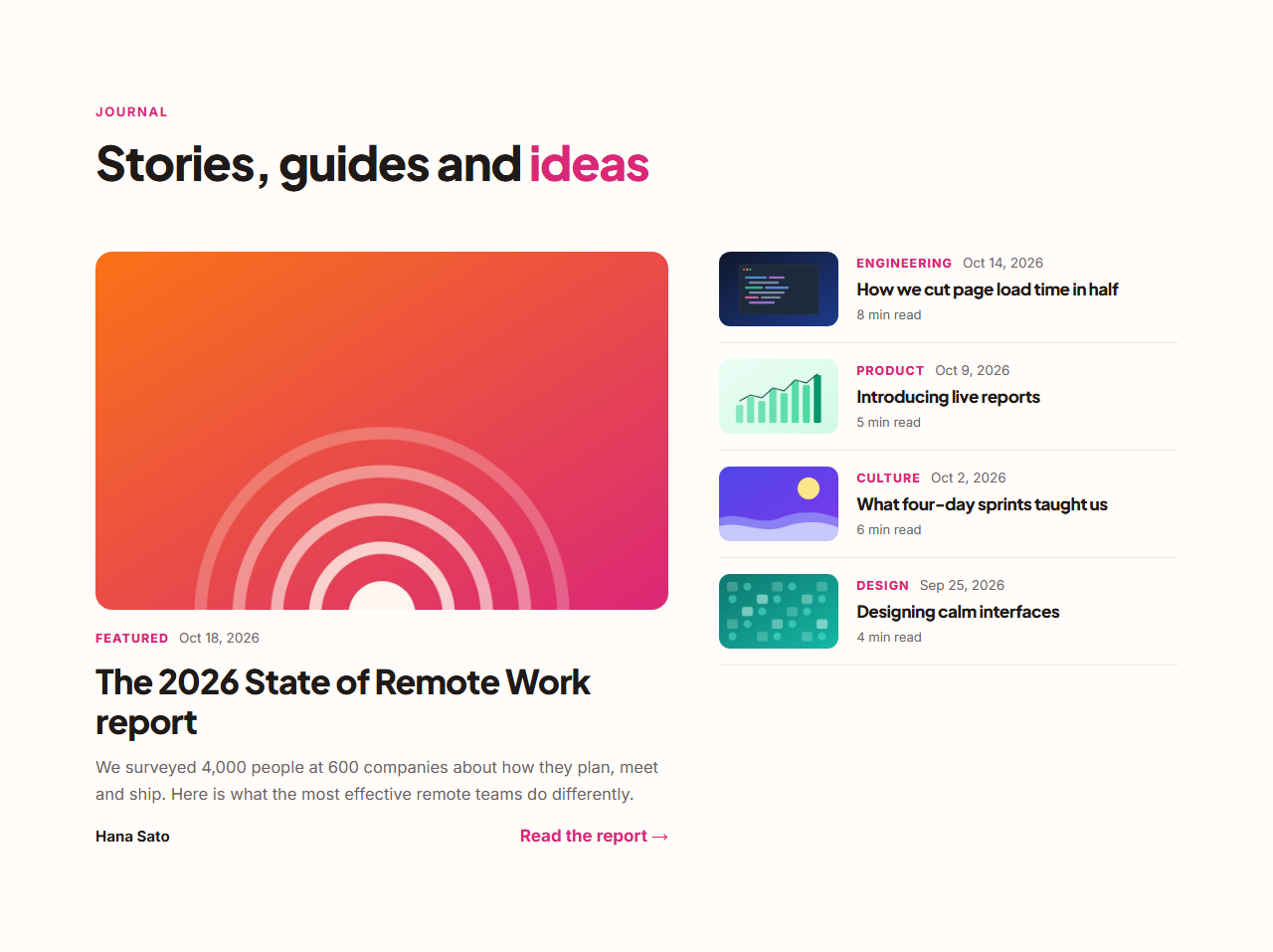
Pricing List Rows — Free Website Section Template
Pricing · v1.0.0 · Updated 2026-10-20 · Responsive · GSAP animation · HTML, React & Vue
What's included
Features
About this section
Pricing List Rows — Free Horizontal Pricing Section Template
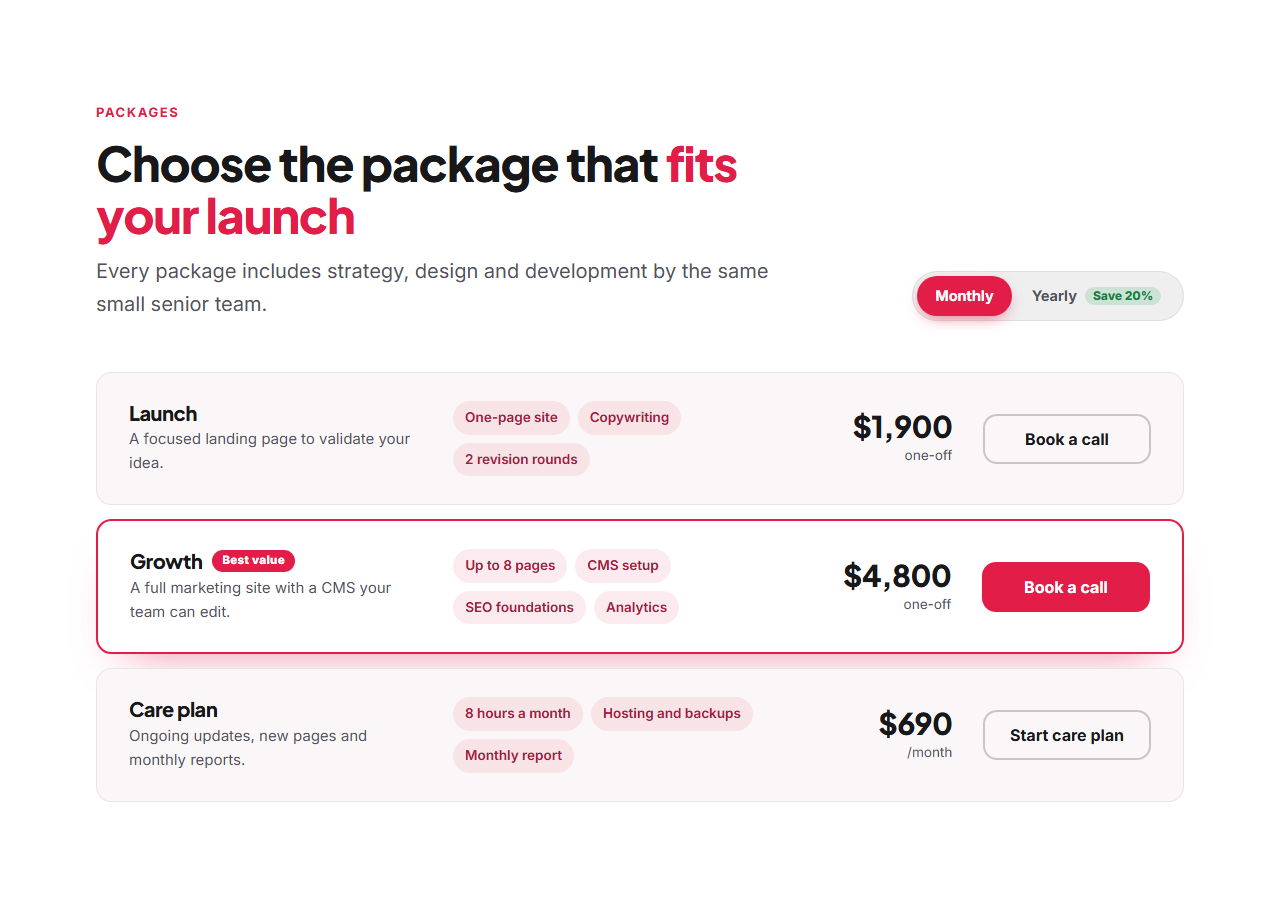
Pricing List Rows lays plans out as horizontal rows instead of side-by-side cards. Each row has the plan name and description, a few highlight chips, the price and a button, so there's room for longer names, bigger prices and more plans than a card grid can hold comfortably. One featured row gets a badge and a brand border.
Made for packages
It suits agencies, freelancers and service businesses particularly well: one-off packages like "Launch" and "Growth" can show "one-off" instead of "/month", while a retainer or care plan uses the monthly/yearly switch. Highlights are typed one per line and appear as chips.
Up to six rows
Add, duplicate, reorder or remove rows. Columns line up from row to row on desktop; on tablets the chips and button move below the name and price, and on phones everything stacks.
Billing switch and motion
The switch sits beside the left-aligned heading and slides with GSAP Flip, rolling in the yearly prices. The heading reveals with SplitText and the rows stagger in on scroll. Switch the toggle off if every price is one-off.
Export it
Download HTML or a ZIP, copy a React or Vue component, or fork into My Code. For product plans as cards, see Three-Tier Pricing.
Why use it
Why Use the Pricing List Rows
How it’s different
How It’s Different From Other Free Section Templates
Step by step
How to Use
- 1Edit the contentFill in the heading, monthly / yearly switch and plan rows in the panel. Switch the monthly / yearly switch on or off. Wrap words in *asterisks* to colour them.
- 2Add your imagesUpload your own images (resized in your browser and kept on your device) or paste a hosted image URL.
- 3Match your brandPick a colour preset or exact colours, choose heading and body fonts from Google Fonts or your own uploaded font, set the corner radius and width, or apply your brand kit.
- 4Animate and previewChoose a GSAP entrance effect and speed, press Play animation, and check the section on desktop, tablet and mobile.
- 5Save and exportSave it to My designs, then export a single HTML file, a ZIP with your images, a React or Vue component, or fork it into My Code.
Real-world uses
Common Use Cases
Got questions?
Frequently Asked Questions
When plans have long names or prices, when you have more than four options, or when you sell packages and services rather than software tiers. Rows also read well on phones.
Yes. Add a price note such as "one-off" or "per project" and it replaces the /month suffix for that row, in both monthly and yearly views.
Type text such as "Best value" in the row’s Highlight badge field; the row gets the badge, a brand border and a filled button.
Each row becomes a card with the name and description, then the price, the highlight chips and a full-width button.
It saves an editable copy of your Pricing List Rows in My Code, the UI Snippets code editor: the section markup goes in the HTML panel, its CSS (theme variables, base styles and layout) in the CSS panel, and the GSAP library is added as a CDN link, so you can keep refining the code and save your own versions.
Yes. It is free for personal and commercial websites, with no sign-up, no watermark and no attribution required. Everything runs in your browser and your edits are saved locally.