Desktop · 1280px · shown at 0% · edit the text, images and colours in the panel
Personal Portfolio Hero — Free Website Section Template
Hero · v1.0.0 · Updated 2026-10-20 · Responsive · GSAP animation · HTML, React & Vue
What's included
Features
About this section
Personal Portfolio Hero — Free Hero Section for Developers & Designers
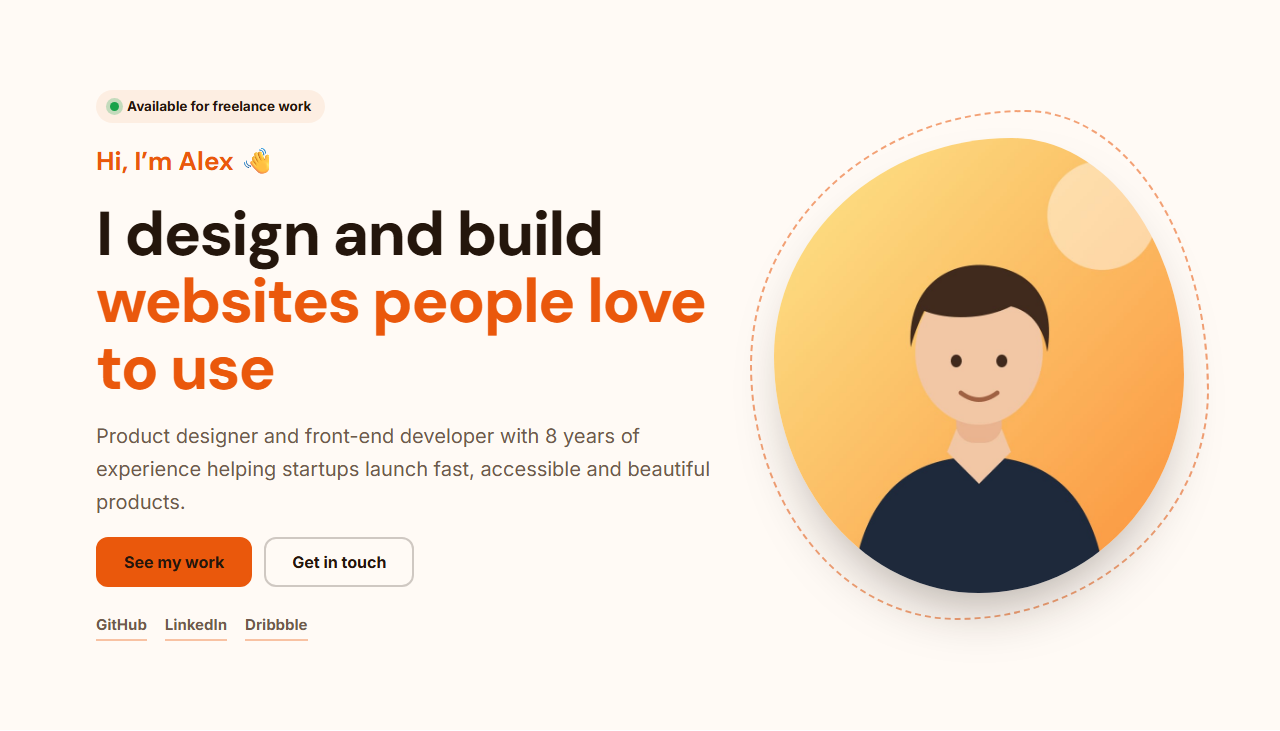
Personal Portfolio Hero is a free hero section for developers, designers, freelancers and creators. It opens with an "available for work" badge and a live green dot, a friendly "Hi, I'm Alex" greeting, a headline about what you do, a short bio, buttons for your work and contact, social links, and your photo in an organic blob frame with a dashed outline.
Made for people, not products
A personal site has to answer three questions quickly: who you are, what you do and how to work with you. The greeting, headline and bio answer the first two; the "See my work" and "Get in touch" buttons and the availability badge answer the third. Switch the badge off when you're fully booked, and link the contact button to an email address, a booking page or a contact form.
Your photo, your links
Upload a portrait (resized in your browser, never uploaded) and it's cropped to the blob shape automatically. Add up to three social links, such as GitHub, LinkedIn and Dribbble, or swap in X, YouTube or Behance; empty links hide themselves.
Theme, motion and exports
Pick a warm preset or your own colours, choose any Google Font or upload your personal brand font, and set the corner radius. On phones the photo moves above the text. The GSAP entrance animation staggers the introduction and fades your photo in once on scroll. Export a single HTML file for a one-page site, a ZIP with your photo, a React or Vue component for your Next.js or Nuxt portfolio, or fork it into My Code.
Why use it
Why Use the Personal Portfolio Hero
How it’s different
How It’s Different From Other Free Section Templates
Step by step
How to Use
- 1Edit the contentFill in the availability badge, intro, buttons, social links and photo in the panel. Switch the availability badge and social links on or off. Wrap words in *asterisks* to colour them.
- 2Add your imagesUpload your own images (resized in your browser and kept on your device) or paste a hosted image URL.
- 3Match your brandPick a colour preset or exact colours, choose heading and body fonts from Google Fonts or your own uploaded font, set the corner radius and width, or apply your brand kit.
- 4Animate and previewChoose a GSAP entrance effect and speed, press Play animation, and check the section on desktop, tablet and mobile.
- 5Save and exportSave it to My designs, then export a single HTML file, a ZIP with your images, a React or Vue component, or fork it into My Code.
Real-world uses
Common Use Cases
Got questions?
Frequently Asked Questions
Edit the greeting, headline, bio, buttons and links, upload your photo and pick your colours and fonts. Then download the .html file for a one-page site, or copy the React or Vue component into your Next.js, Nuxt or Astro portfolio and add more sections below it.
A portrait-oriented photo (around 900 × 1000 px) with your face in the upper middle. It is cropped to the blob shape automatically and resized in your browser.
Yes. Each of the three links has a text and a URL, so you can use GitHub, LinkedIn, X, Dribbble, Behance, YouTube or anything else. Leave a link empty to hide it.
Switch off "Availability badge" in the panel, or change its text to something like "Booked until March".
Yes. Download the ZIP, rename index.html if needed, and upload the folder to GitHub Pages, Netlify, Vercel or any static host. The images folder comes with it.
It saves an editable copy of your Personal Portfolio Hero in My Code, the UI Snippets code editor: the section markup goes in the HTML panel, its CSS (theme variables, base styles and layout) in the CSS panel, and the GSAP library is added as a CDN link, so you can keep refining the code and save your own versions.
Yes. It is free for personal and commercial websites, with no sign-up, no watermark and no attribution required. Everything runs in your browser and your edits are saved locally.