Desktop · 1280px · shown at 0% · edit the text, images and colours in the panel

Navbar With Announcement Bar — Free Website Section Template
Navbar · v1.0.0 · Updated 2026-10-20 · Responsive · GSAP animation · HTML, React & Vue
What's included
Features
About this section
Navbar With Announcement Bar — Free Header Template
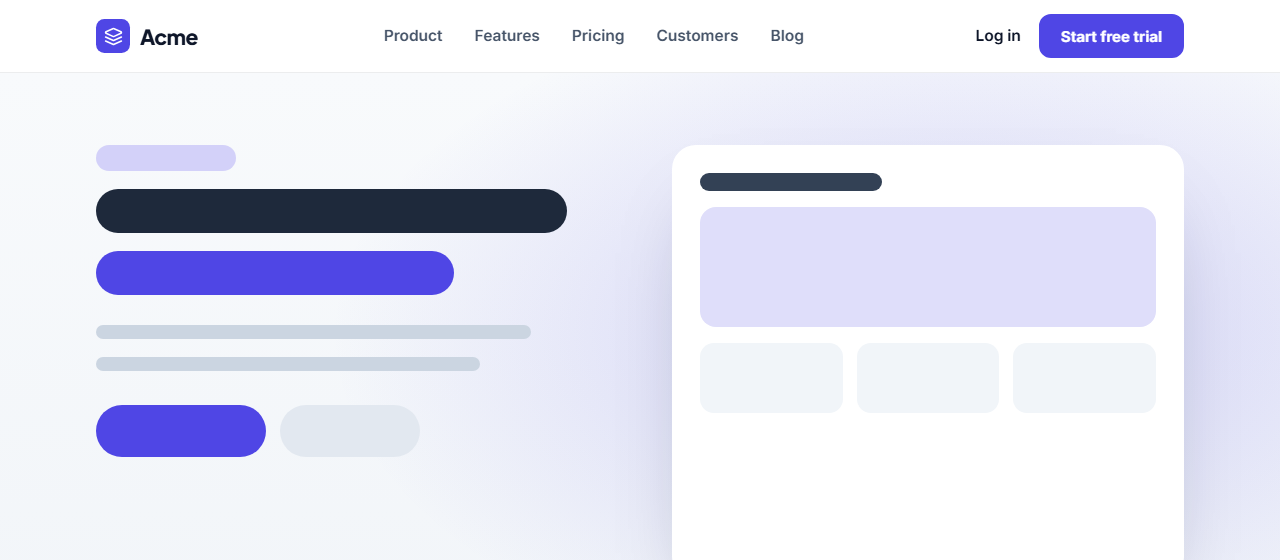
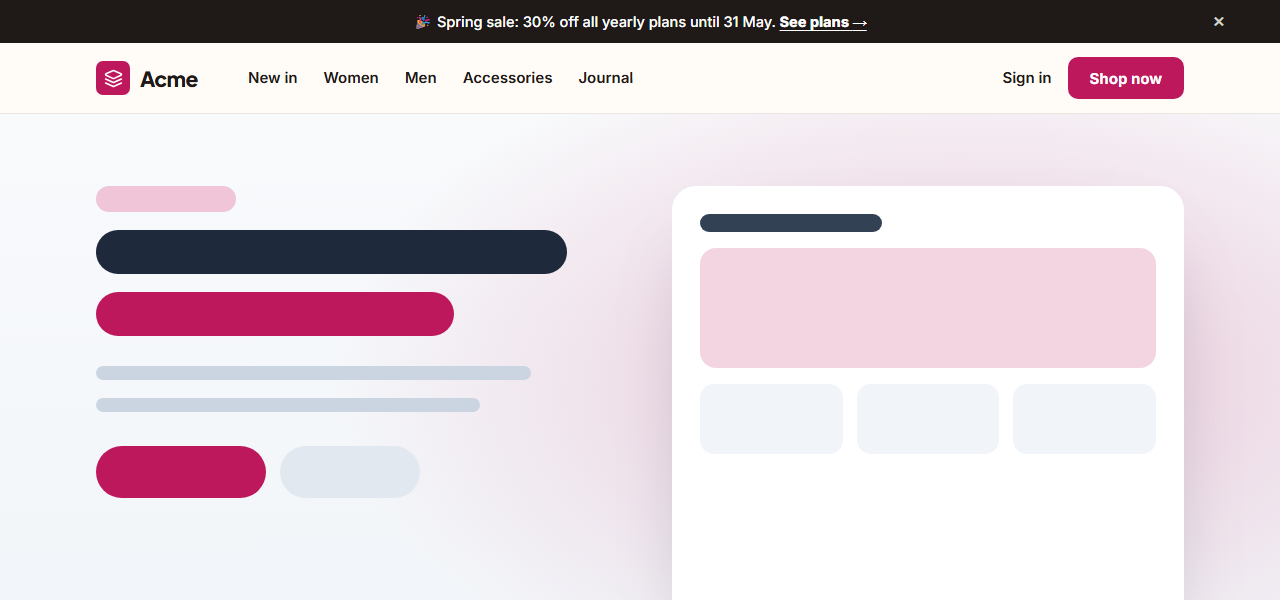
Navbar With Announcement Bar combines the two things most store and SaaS headers need: a slim bar across the top for news, offers and launches, and a full navigation bar underneath. The announcement has its own link and a close button that collapses it smoothly with GSAP, and the navbar has your logo and links on the left with sign-in and a call to action on the right.
Announce anything
Use the bar for a sale ("30% off yearly plans until 31 May"), a launch, a webinar or a changelog update. Emoji work fine. Switch the whole bar off when there's nothing to announce, or let visitors dismiss it themselves.
Navbar that adapts
On desktop, links sit next to the logo for a compact, store-style layout. On phones they fold into an animated hamburger menu with the sign-in link and a full-width button at the bottom, with Esc to close, a focus trap and aria-expanded built in. Without JavaScript the links simply show.
Sticky options
Keep the header stuck to the top, and optionally hide it while scrolling down and show it on the way back up. The warm cream theme with a raspberry accent suits fashion and lifestyle shops; switch presets or apply your brand kit.
Export it
Download HTML, a ZIP, React or Vue with the menu and dismiss scripts included, or fork into My Code. For a simpler header, see the Simple Sticky Navbar.
Why use it
Why Use the Navbar With Announcement Bar
How it’s different
How It’s Different From Other Free Section Templates
Step by step
How to Use
- 1Edit the contentFill in the announcement bar, logo, links and buttons in the panel. Switch the announcement bar on or off. Wrap words in *asterisks* to colour them.
- 2Add your imagesUpload your own images (resized in your browser and kept on your device) or paste a hosted image URL.
- 3Match your brandPick a colour preset or exact colours, choose heading and body fonts from Google Fonts or your own uploaded font, set the corner radius and width, or apply your brand kit.
- 4Animate and previewChoose a GSAP entrance effect and speed, press Play animation, and check the section on desktop, tablet and mobile.
- 5Save and exportSave it to My designs, then export a single HTML file, a ZIP with your images, a React or Vue component, or fork it into My Code.
Real-world uses
Common Use Cases
Got questions?
Frequently Asked Questions
Yes. The × button collapses the bar with a smooth GSAP animation and removes it. It reappears on the next page load; to remember the choice, store it in localStorage in your exported code.
Yes. Switch the Announcement bar group off and only the navbar remains.
Yes. It is a real button with an editable screen-reader label such as "Dismiss announcement".
The announcement text wraps to the left of the close button, and the navbar shows the logo and a hamburger that opens the links, sign-in link and button.
It saves an editable copy of your Navbar With Announcement Bar in My Code, the UI Snippets code editor: the section markup goes in the HTML panel, its CSS (theme variables, base styles and layout) in the CSS panel, and the GSAP library is added as a CDN link, so you can keep refining the code and save your own versions.
Yes. It is free for personal and commercial websites, with no sign-up, no watermark and no attribution required. Everything runs in your browser and your edits are saved locally.