Desktop · 1280px · shown at 0% · edit the text, images and colours in the panel
About Us & Our Story — Free Website Section Template
About us · v1.0.0 · Updated 2026-10-31 · Responsive · GSAP animation · HTML, React & Vue
What's included
Features
About this section
About Us & Our Story — Free About Section Template
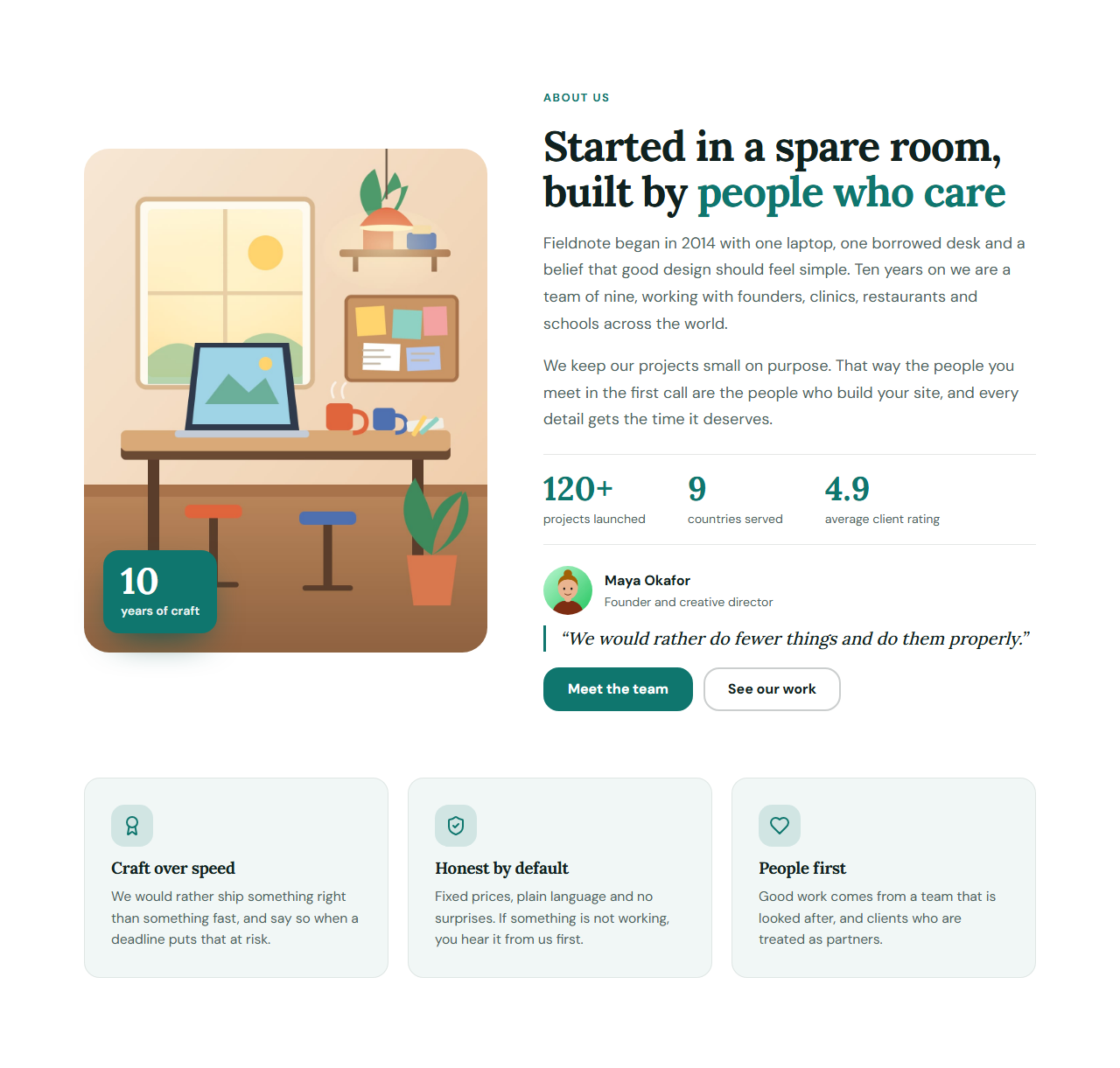
About Us & Our Story is the section most websites need and few templates include. A tall picture with a floating badge such as "10 years of craft" sits beside your heading and story, followed by three headline facts, the person behind the business and a row of values. It tells visitors who you are, what you believe and why they can trust you, which is what the About page is for.
A story in two short paragraphs
The text area is deliberately small: a first paragraph for how it began and a second for how you work. Short paragraphs are read; long ones are skipped. A facts row (projects, countries, rating, years) gives proof at a glance, and an optional quote from the founder adds a human voice.
Every part is optional
Switch off the founder, the facts or the values, drop the badge, or hide the second paragraph. It works for a one-person studio, a clinic, a restaurant or a small company. The picture is yours to upload, and the focus point keeps the important part visible when it is cropped.
Search engines learn who you are
The organization name, founding year and founder are also written into the page as schema.org Organization data. That gives search engines a clear statement of who is behind the site, and it never replaces the visible text.
Export it
Download HTML, a ZIP, React or Vue, or fork into My Code. Pair it with the Team Grid to introduce everyone, the Horizontal Timeline for your history, or Stats Counters for bigger numbers.
Getting the most from it
Write the first paragraph about the people you help, not about yourself. Use real numbers in the facts, and a real photograph of your workplace or team. Choose three values you can prove with a story, and end with a clear next step such as "Meet the team" or "Book a call".
Extend with AI
Take This Section Further With AI
Ask an AI assistant to adapt the About section: write the story from your own notes, add a timeline of milestones, or turn the values into expandable cards.
Prompt to recreate it
Copy this into your AI assistant of choice to build the effect from scratch, or as a jumping-off point for your own variant:
Create an "About us" section in HTML and CSS.

- Two columns on wide screens: a tall rounded picture (4:5) with a floating brand-coloured badge ("10 years of craft") on the left, and on the right an eyebrow, a heading with one highlighted phrase, two short paragraphs, a row of three facts (big number, small label) between thin rules, a founder block (round photo, name, role, an italic quote with a left border) and two buttons.
- Below, a grid of three value cards with an icon tile, a title and a sentence (auto-fit, min 240px).
- Stack into one column on narrow screens. Use CSS custom properties for the theme and add Organization JSON-LD with name, foundingDate and founder.
Want to tighten it up first? Run this prompt through the AI Prompt Studio to score it across 8 quality dimensions, catch anti-patterns, and tune the wording for Claude, ChatGPT, or Gemini before you paste it in.
Why use it
Why Use the About Us & Our Story
How it’s different
How It’s Different From Other Free Section Templates
Step by step
How to Use
- 1Edit the contentFill in the heading and story, picture and badge, founder, key facts, values, buttons and organization (for search engines) in the panel. Switch the founder, key facts and values on or off. Wrap words in *asterisks* to colour them.
- 2Add your imagesUpload your own images (resized in your browser and kept on your device) or paste a hosted image URL.
- 3Match your brandPick a colour preset or exact colours, choose heading and body fonts from Google Fonts or your own uploaded font, set the corner radius and width, or apply your brand kit.
- 4Animate and previewChoose a GSAP entrance effect and speed, press Play animation, and check the section on desktop, tablet and mobile.
- 5Save and exportSave it to My designs, then export a single HTML file, a ZIP with your images, a React or Vue component, or fork it into My Code.
Real-world uses
Common Use Cases
In real websites
Website Templates That Use the About Us & Our Story Section
The About Us & Our Story section is part of 3 complete website templates in the free Website Builder, so you can see it in a full page before you use it on its own: Real Estate Agency Website, Gym & Fitness Website, Nonprofit & Charity Website. Open any of them in the builder to edit the whole page, or keep customising this section by itself.
Got questions?
Frequently Asked Questions
Who you are, why you started, who you help, a few proof points and a next step. Add a real photograph and the name of a real person; it is what visitors look for first.
Yes. Each of the founder, facts and values blocks has its own switch, and the badge and second paragraph disappear when left empty.
A portrait picture around 1200 by 1500 pixels, shown at a 4 to 5 ratio on wide screens and 5 to 4 on phones. Use the focus point to keep faces or products in view when it is cropped.
Yes. When you fill in the organization name it writes schema.org Organization data with the founding year and founder. It describes your text; it does not replace it.
It saves an editable copy of your About Us & Our Story in My Code, the UI Snippets code editor: the section markup goes in the HTML panel, its CSS (theme variables, base styles and layout) in the CSS panel, and the GSAP library is added as a CDN link, so you can keep refining the code and save your own versions.
Yes. It is free for personal and commercial websites, with no sign-up, no watermark and no attribution required. Everything runs in your browser and your edits are saved locally.