About Us Section Templates
1 free, editable about us section template. About us and our story sections: a picture, the story, the founder, key facts and company values. Change the text, images, colours and fonts in your browser, add a GSAP animation, then export HTML, React or Vue.
About Us Section Templates
1 section · Responsive · GSAP animation · HTML, React & Vue
About these sections
About Us Section Templates
The About page is one of the most visited pages on any website, and one of the most often skipped when building one. Visitors use it to decide whether they trust you, so it needs a real story, a real face and a few facts they can check.
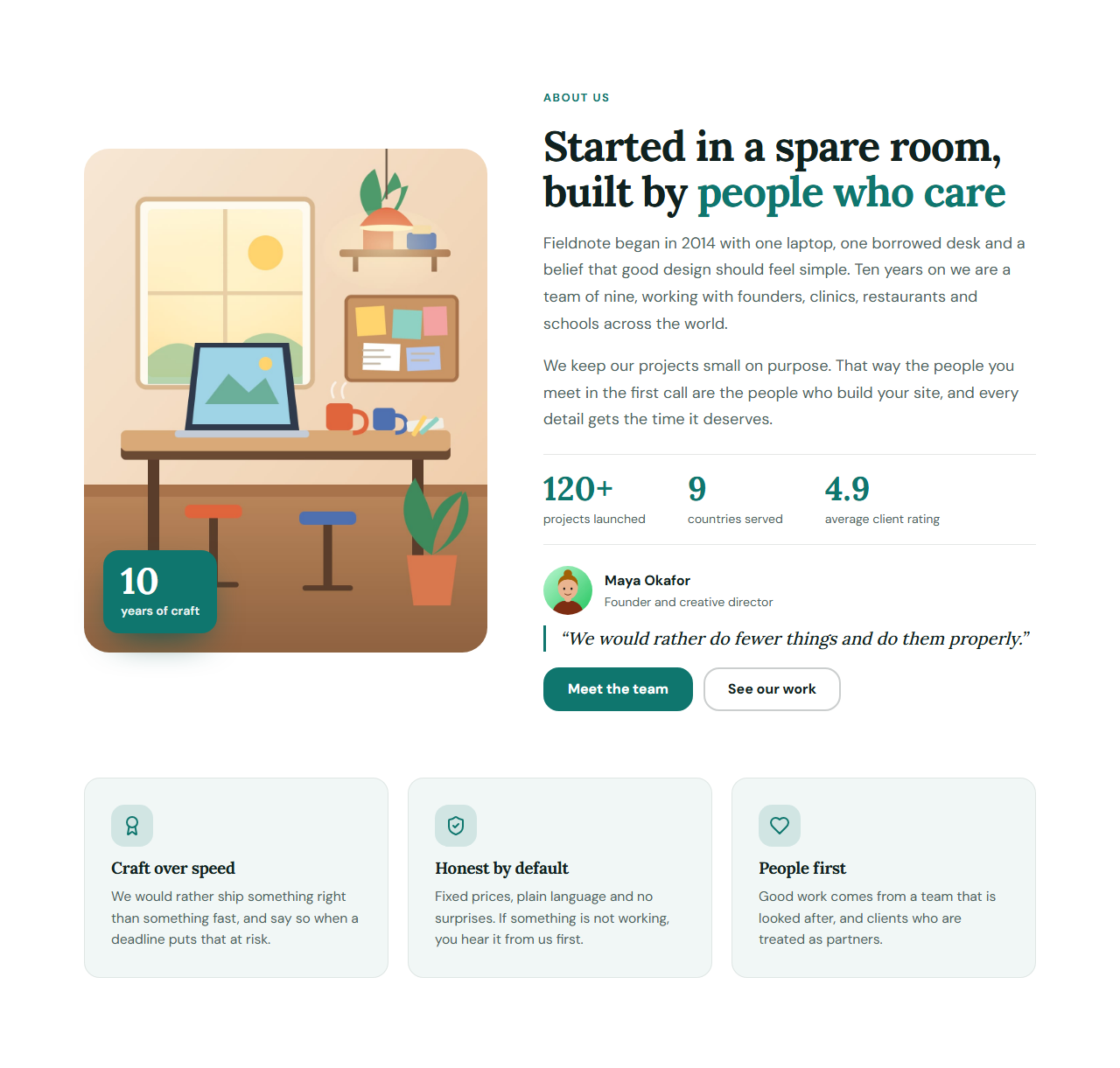
The About Us & Our Story section puts a large picture with a floating badge such as "10 years of craft" beside your heading and a two-paragraph story. Below the story are headline facts, the founder with a photo, role and quote, and a grid of values with icons. Every part can be switched off, so it fits a one-person studio as well as a company.
It pairs well with the Team Grid to introduce everyone, the Horizontal Timeline for your history and Stats Counters for bigger numbers. The organization name, founding year and founder are also written as schema.org Organization data. Everything is editable in your browser and exports to HTML, React or Vue.
About Us & Our Story: The About page section most websites are missing: a large picture with a floating badge such as “Since 2014”, a heading and your story in two short paragraphs, the founder with a photo and role, three headline facts, and a grid of values with icons. Every part is optional, so it works for a one-person studio or a company. The name, founding year and founder are also written as schema.org Organization data so search engines understand who is behind the site.
Real-world uses
Best Uses for About us Sections
How it’s different
How These Section Templates Are Different
Step by step
How to Use
- 1Pick a sectionOpen one of the about us sections above. Your edits autosave in your browser as you go.
- 2Edit the contentChange the text, buttons, links and images in the panel, and switch optional parts on or off.
- 3Add your brandPick colours, fonts, radius and width, or apply your saved brand kit; every section shares the same theme.
- 4Animate and previewChoose a GSAP entrance effect, press Play animation, and check desktop, tablet and mobile.
- 5ExportDownload HTML or a ZIP, copy a React or Vue component, or fork it into My Code.
Got questions?
Frequently Asked Questions
Who you are, why you started, who you help, a few proof points and a clear next step. Add a real photograph and the name of a real person, because visitors look for those first.
Short. Two paragraphs, three facts and three values are enough for the section; link to a longer page for the full history if you have one.
It gives search engines clear text about who is behind the site, and this template adds schema.org Organization data. It supports trust signals, but it does not by itself change your ranking.
About Us & Our Story: The About page section most websites are missing: a large picture with a floating badge such as “Since 2014”, a heading and your story in two short paragraphs, the founder with a photo and role, three headline facts, and a grid of values with icons. Every part is optional, so it works for a one-person studio or a company. The name, founding year and founder are also written as schema.org Organization data so search engines understand who is behind the site.
Yes. Every section is free for personal and commercial websites, with no account and no watermark. Everything runs in your browser and your edits are saved locally.