
Desktop · 1280px · shown at 0% · edit the text, images and colours in the panel
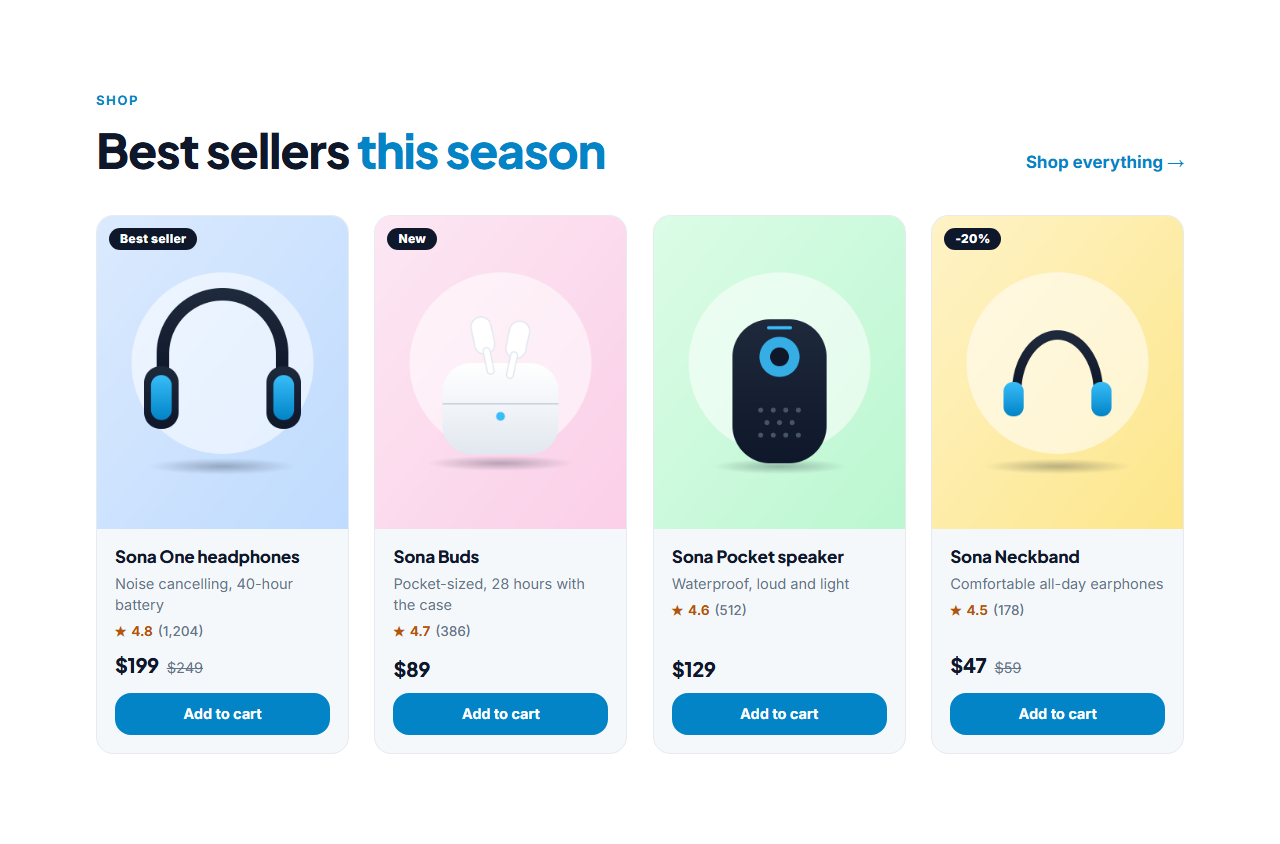
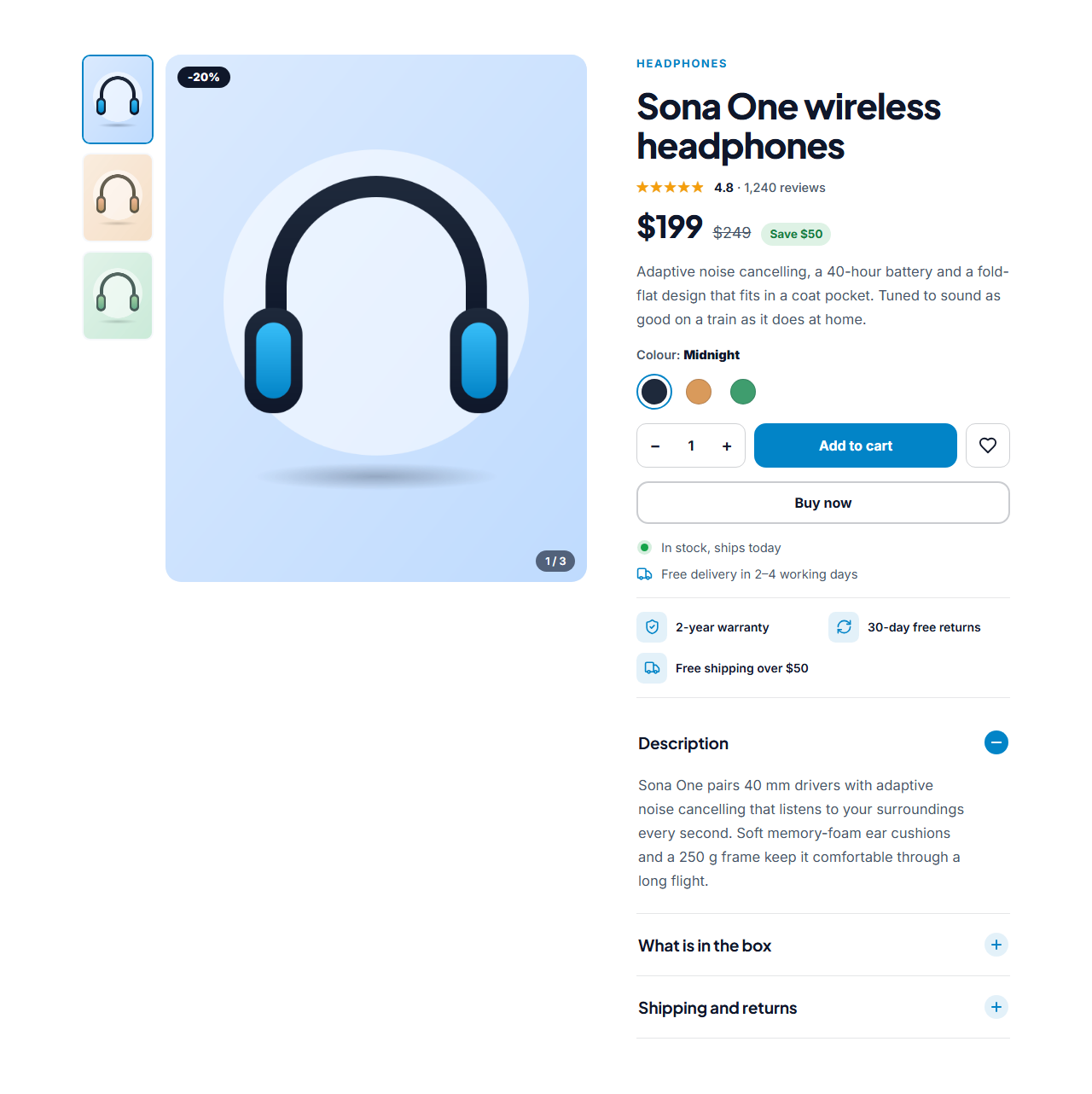
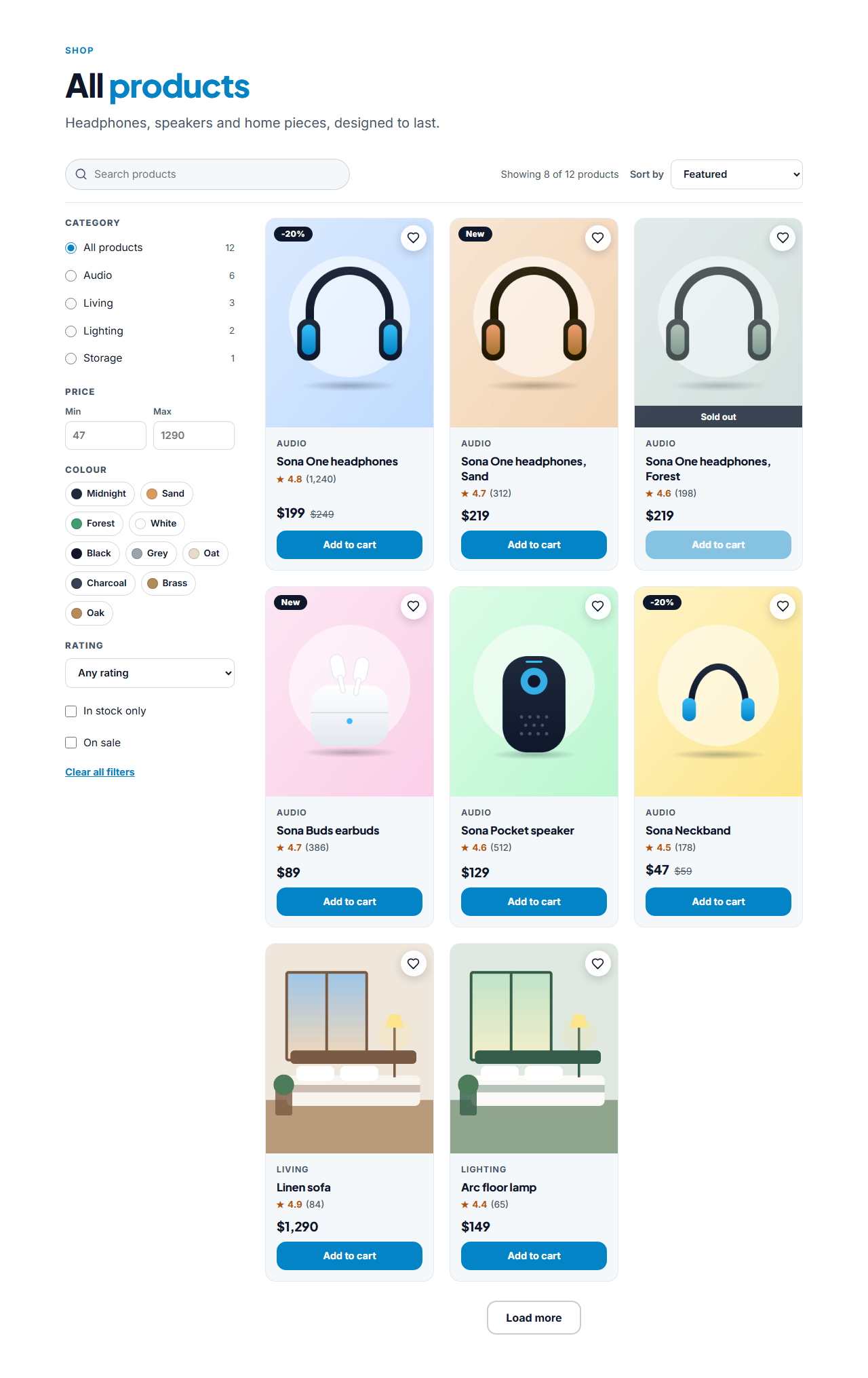

You Might Also Like (Product Strip) — Free Website Section Template
Menus & listings · v1.0.0 · Updated 2026-11-14 · Responsive · GSAP animation · HTML, React & Vue
Extend with AI
Take This Section Further With AI
Ask an AI assistant to adapt the strip: add auto-scroll on hover, dots for position, or a loader that fills it from a recommendations API.
Prompt to recreate it
Copy this into your AI assistant of choice to build the effect from scratch, or as a jumping-off point for your own variant:
Create a "You might also like" product strip in plain HTML, CSS and JavaScript.

- A heading row with an eyebrow, a heading, a "Shop all" link and previous / next circular buttons.
- A horizontally scrolling row (CSS grid with grid-auto-flow: column, overflow-x: auto, scroll-snap-type: x mandatory, hidden scrollbar) of product cards: a 4:5 image with an optional badge, a heart button, the name, a star rating, the price with an optional crossed-out old price and an Add to cart button. Four cards per view on desktop, three on tablets, about two and a quarter on phones.
- The buttons scroll by 85% of the row width (smooth unless prefers-reduced-motion), are disabled at the ends and hidden when all cards fit. The row is focusable and Left / Right scroll it.
- Add to cart calls a small cart object and shows a toast; the heart toggles aria-pressed.
Want to tighten it up first? Run this prompt through the AI Prompt Studio to score it across 8 quality dimensions, catch anti-patterns, and tune the wording for Claude, ChatGPT, or Gemini before you paste it in.
What's included
Features
About this section
You Might Also Like — Free Related Products Strip
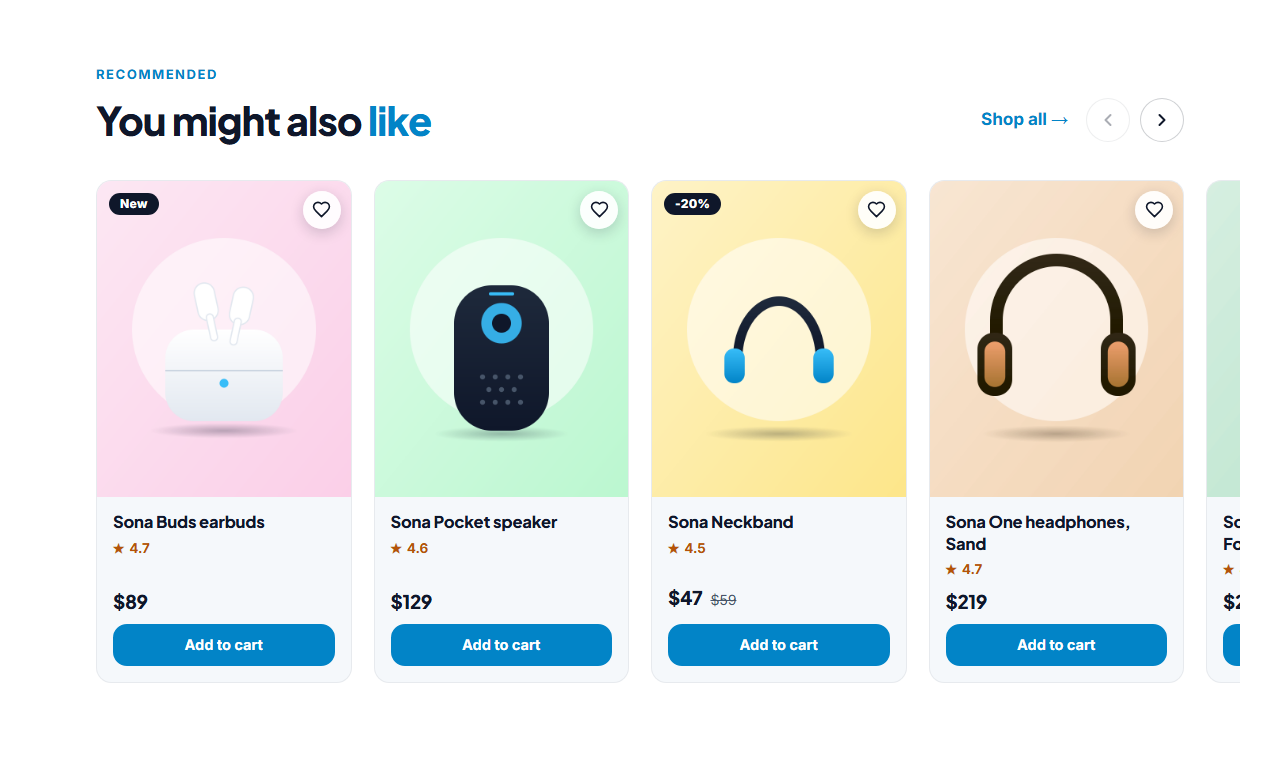
You Might Also Like is a free, swipeable strip of recommended products for the bottom of a product page, the cart or an order confirmation. Change the heading and it becomes "Customers also bought", "Complete the look" or "Recently viewed". Cards show a photo, name, price with a crossed-out old price, a star rating and an Add to cart button, with an optional wishlist heart.
A row that scrolls the way people expect
The strip is native scroll-snap, so touch swipe and trackpad scrolling feel natural, and the previous and next buttons scroll by about one screen of cards and switch off at the ends. The row itself can take keyboard focus and scrolls with the Left and Right arrow keys, and the buttons hide when every card already fits.
More sales from the same visit
Recommendation rows are the easiest way to raise the order value: a shopper who just added headphones sees earbuds and a stand. Put one under the Product Detail Page, another on the cart page and a third on the order confirmation.
Connected to the cart
With the built-in cart on, Add to cart puts the product in the browser cart and opens the Cart Drawer, and the heart saves it to the wishlist. Turn the cart off and the buttons link to each product page instead.
Edit and export
Add up to 16 products with photos, badges, prices and links, rename the heading and labels, and export HTML, a ZIP with images, React or Vue.
Why use it
Why Use the You Might Also Like (Product Strip)
How it’s different
How It’s Different From Other Free Section Templates
Step by step
How to Use
- 1Edit the contentFill in the heading, products and labels (screen readers) in the panel. Wrap words in *asterisks* to colour them.
- 2Add your imagesUpload your own images (resized in your browser and kept on your device) or paste a hosted image URL.
- 3Match your brandPick a colour preset or exact colours, choose heading and body fonts from Google Fonts or your own uploaded font, set the corner radius and width, or apply your brand kit.
- 4Animate and previewChoose a GSAP entrance effect and speed, press Play animation, and check the section on desktop, tablet and mobile.
- 5Save and exportSave it to My designs, then export a single HTML file, a ZIP with your images, a React or Vue component, or fork it into My Code.
Real-world uses
Common Use Cases
In real websites
Website Templates That Use the You Might Also Like (Product Strip) Section
The You Might Also Like (Product Strip) section is part of 3 complete website templates in the free Website Builder, so you can see it in a full page before you use it on its own: Online Store Website (Full Shop), Cafe & Coffee Shop Website (Order Online), Fashion Boutique Website (Online Store). Open any of them in the builder to edit the whole page, or keep customising this section by itself.
Got questions?
Frequently Asked Questions
Edit the heading text. The strip does not care what the products are called, so the same section works for you might also like, customers also bought, complete the look and recently viewed.
Not in the plain version. You choose the products for each strip. For automatic recommendations, generate the product list from your shop platform and paste it into the strip.
Yes. With the built-in cart switched on, Add to cart adds the product and opens the cart drawer, and the heart saves it to the wishlist page.
Between 2 and 16. Four fit across a desktop row, with the rest reached by scrolling or the arrow buttons.
It saves an editable copy of your You Might Also Like (Product Strip) in My Code, the UI Snippets code editor: the section markup goes in the HTML panel, its CSS (theme variables, base styles and layout) in the CSS panel, and the GSAP library is added as a CDN link, so you can keep refining the code and save your own versions.
Yes. Every section is free for personal and commercial work, with no account, no watermark and no attribution: export it on its own as HTML, React, Vue or Next.js from its page, or use it in a website you build and export in the Website Builder.