
Desktop · 1280px · shown at 0% · edit the text, images and colours in the panel
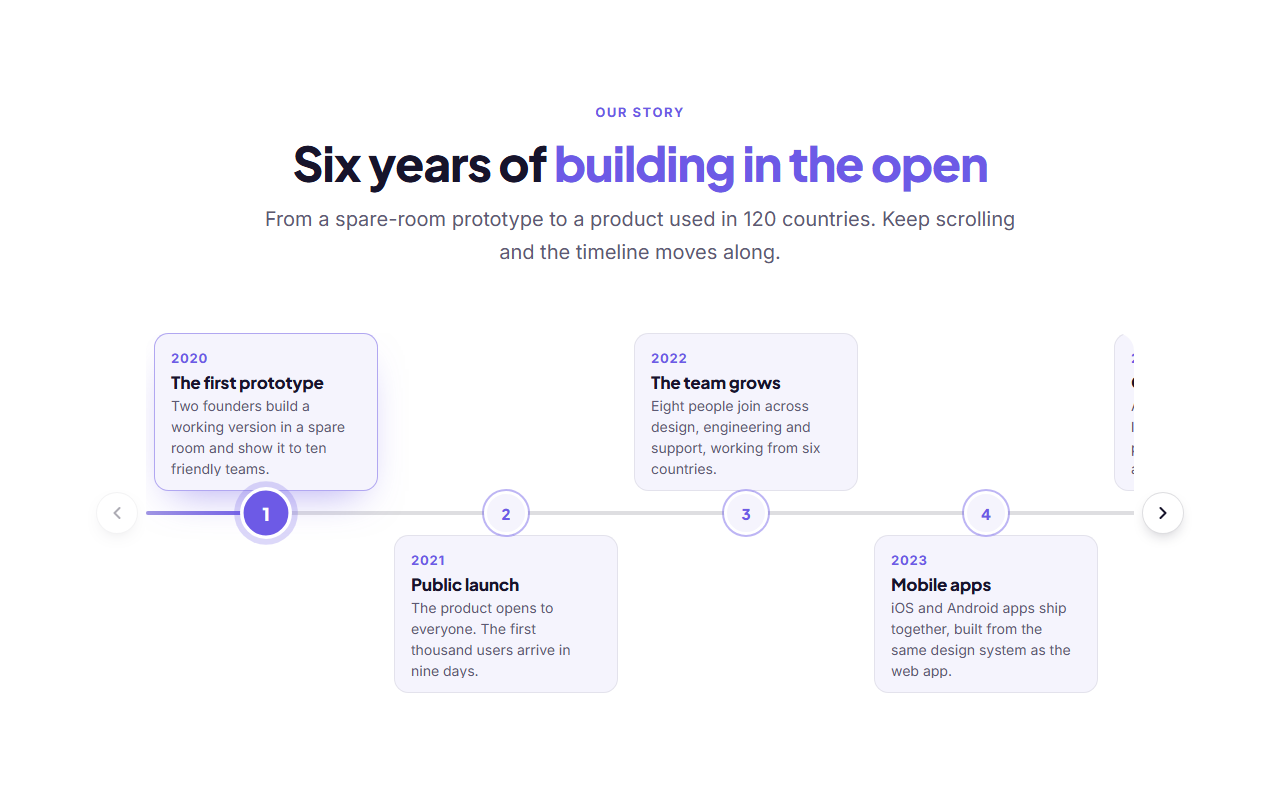
Vertical Timeline — Free Website Section Template
Timelines · v1.0.0 · Updated 2026-11-15 · Responsive · GSAP animation · HTML, React & Vue
Extend with AI
Take This Section Further With AI
For a CV that updates itself, an AI assistant can load the entries from a JSON Resume file, reveal each one as it scrolls into view, or add an expandable "more detail" panel to each role.
Prompt to recreate it
Copy this into your AI assistant of choice to build the effect from scratch, or as a jumping-off point for your own variant:
Create a vertical experience timeline in HTML and CSS for a dark developer portfolio.

- A heading and intro, then an ordered list with a 2px vertical line on the left that fades from the accent colour to transparent.
- Each entry has a round dot on the line (accent border and a soft glow), a period in small monospace accent text, a title with the company beside it in muted text, a short description and a row of small monospace tag chips.
- Entries are separated by generous spacing, the list is capped at about 780px wide and centred, and everything wraps cleanly on a phone.
Want to tighten it up first? Run this prompt through the AI Prompt Studio to score it across 8 quality dimensions, catch anti-patterns, and tune the wording for Claude, ChatGPT, or Gemini before you paste it in.
What's included
Features
About this section
Vertical Timeline — Free Experience & CV Section
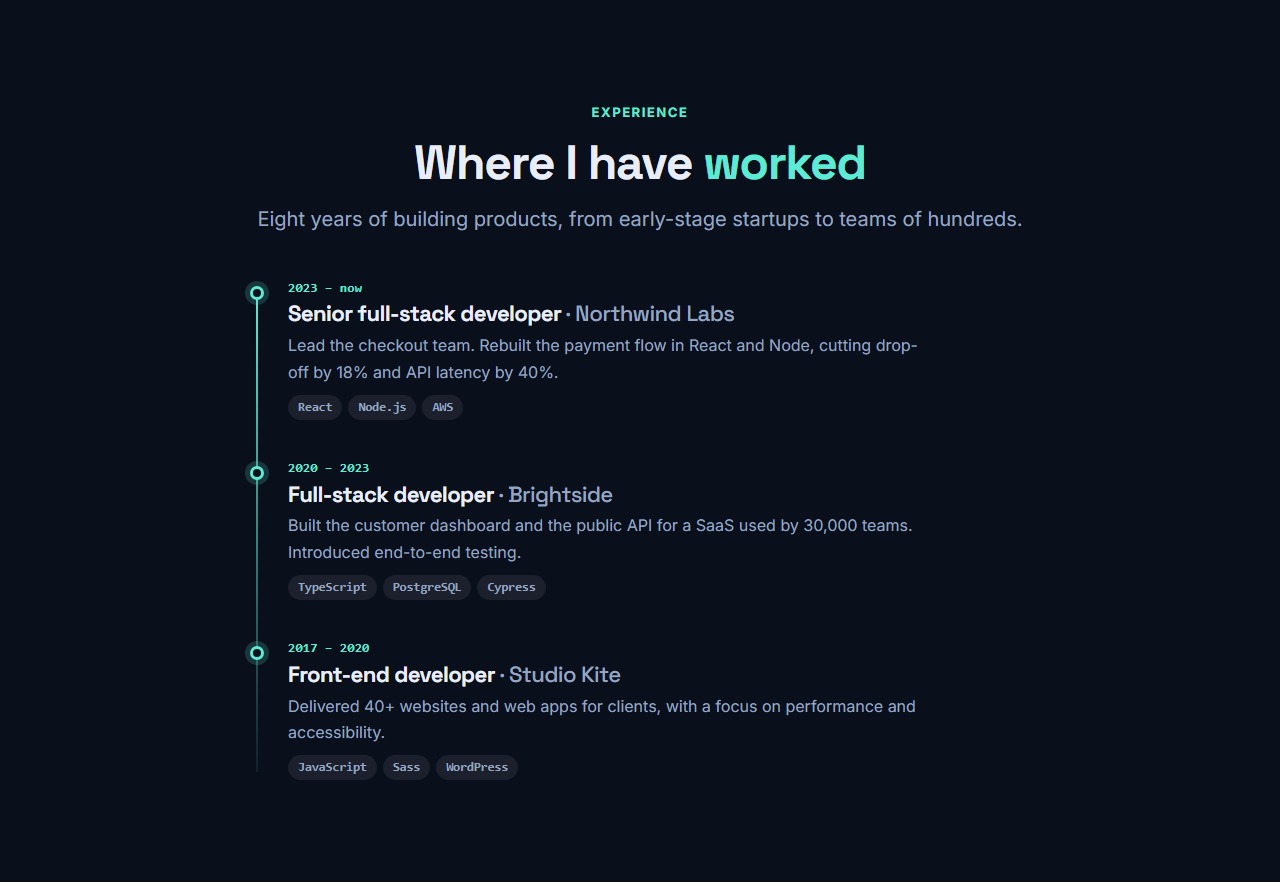
Vertical Timeline reads from top to bottom, so it suits a CV, a company history or the steps of a project as well on a phone as on a desktop. A thin line runs down the left with a glowing dot for each entry, and every entry carries a period, a title, an organisation, a short description and optional tags such as the technologies used.
Built for the experience section
Each entry has a period in monospace type ("2023 – now"), a title with the company beside it, a description and tags typed one per line. Add up to twelve entries and put the newest first, the way recruiters read a CV. Everything is optional except the title, so an education entry or a milestone can be as short as one line.
Easy on small screens
A horizontal timeline needs width; this one needs none. The line and dots stay on the left and the text wraps naturally, so a long list reads comfortably on a phone, and nothing is hidden in a scrolling strip.
Quiet by design
The line fades from the accent colour to nothing, the dots glow softly, and the section uses the same heading and text styles as the rest of the library, so it fits any theme. There is no animation to switch off.
Where it fits on a page
The timeline is plain HTML and CSS, so it prints cleanly and doubles as a one-page CV. Place it under Project Cards on a portfolio, or after an About us section to tell a company’s history.
Writing entries recruiters read
Describe results, not duties: what changed because you were there. Keep each description to two sentences, show the last ten years in detail and compress anything older into a single entry.
Why use it
Why Use the Vertical Timeline
How it’s different
How It’s Different From Other Free Section Templates
Step by step
How to Use
- 1Edit the contentFill in the heading and entries in the panel. Wrap words in *asterisks* to colour them.
- 2Add your imagesUpload your own images (resized in your browser and kept on your device) or paste a hosted image URL.
- 3Match your brandPick a colour preset or exact colours, choose heading and body fonts from Google Fonts or your own uploaded font, set the corner radius and width, or apply your brand kit.
- 4Animate and previewChoose a GSAP entrance effect and speed, press Play animation, and check the section on desktop, tablet and mobile.
- 5Save and exportSave it to My designs, then export a single HTML file, a ZIP with your images, a React or Vue component, or fork it into My Code.
Real-world uses
Common Use Cases
In real websites
Website Templates That Use the Vertical Timeline Section
The Vertical Timeline section is part of 1 complete website template in the free Website Builder, so you can see it in a full page before you use it on its own: Developer Portfolio Website (Dark). Open any of them in the builder to edit the whole page, or keep customising this section by itself.
Got questions?
Frequently Asked Questions
Newest first is usual for a CV, and oldest first suits a company history. The section shows the entries in the order you type them.
No. Tags are optional and typed one per line. Leave the field empty for an entry such as a degree, and no tag row is shown.
Up to twelve. For a long career, show the last ten years in detail and merge older roles into a single entry, so the list stays easy to read.
Yes. The line, dots and tags use the theme colours, so the timeline looks right on light and dark pages alike.
It saves an editable copy of your Vertical Timeline in My Code, the UI Snippets code editor: the section markup goes in the HTML panel, its CSS (theme variables, base styles and layout) in the CSS panel, and the GSAP library is added as a CDN link, so you can keep refining the code and save your own versions.
Yes. Every section is free for personal and commercial work, with no account, no watermark and no attribution: export it on its own as HTML, React, Vue or Next.js from its page, or use it in a website you build and export in the Website Builder.