Desktop · 1280px · shown at 0% · scroll inside the preview to see the effect
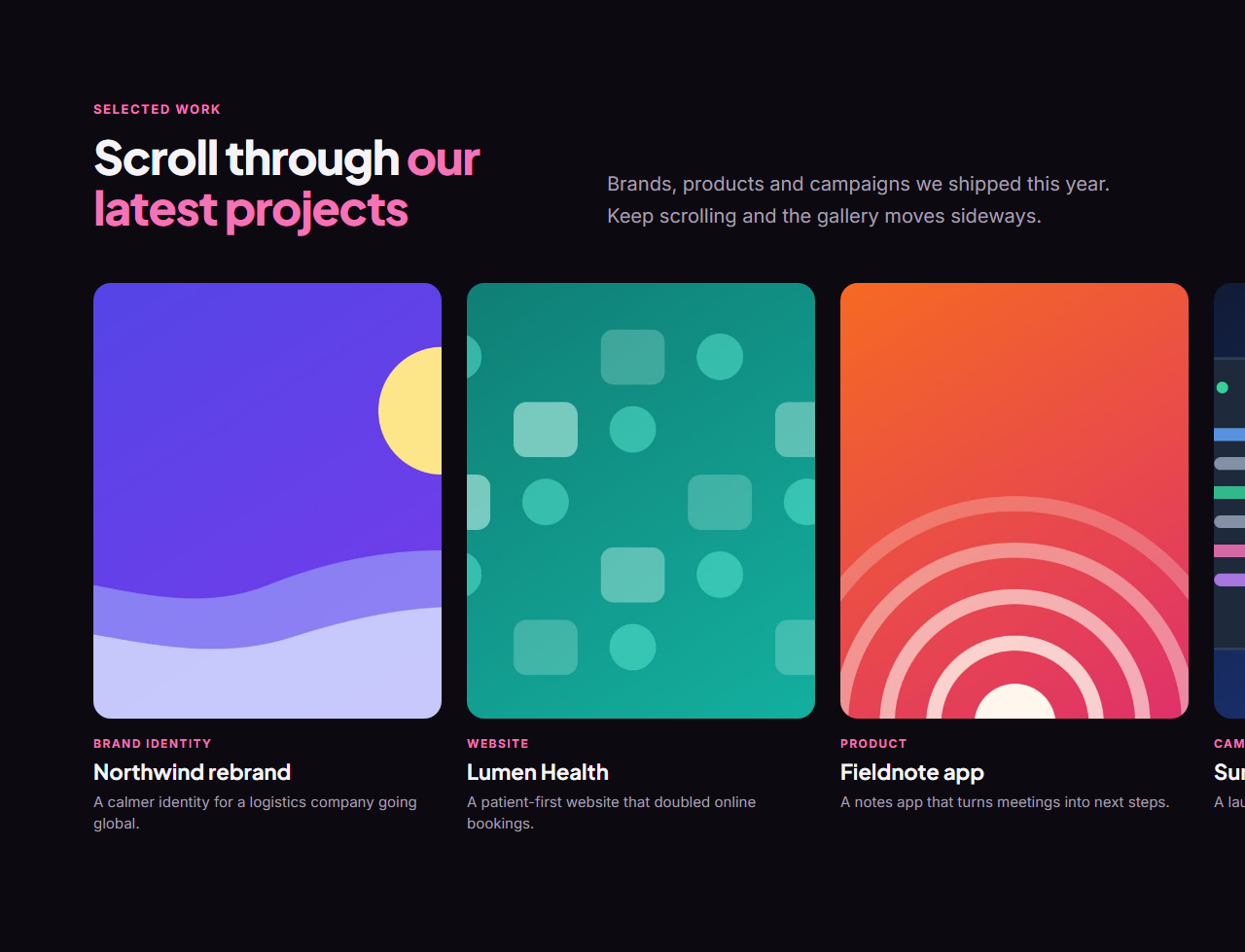
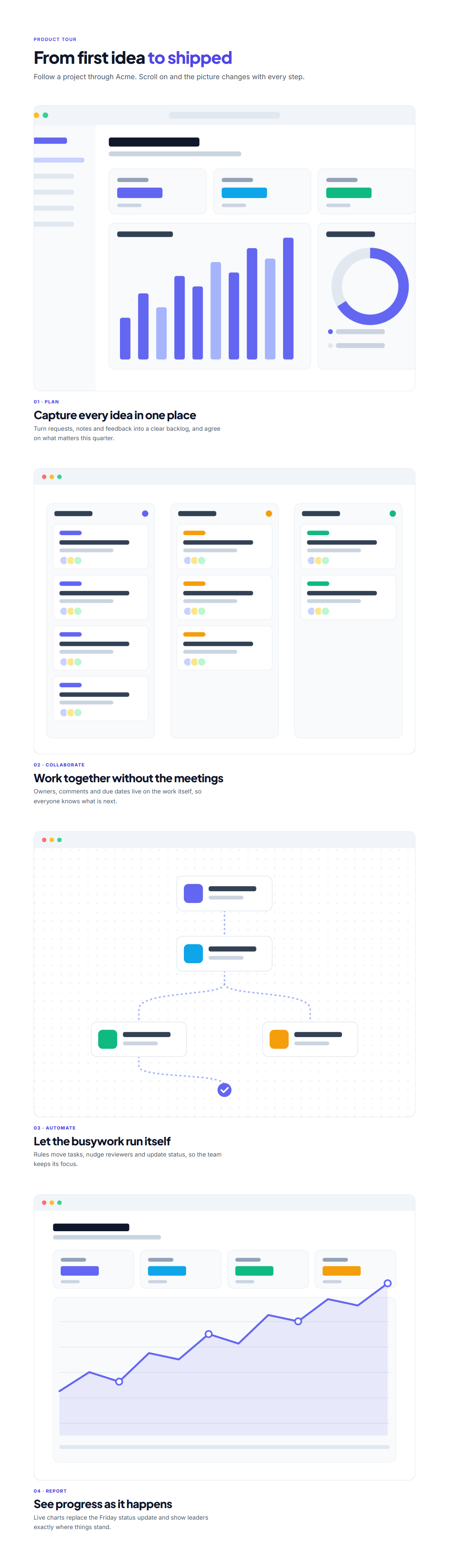
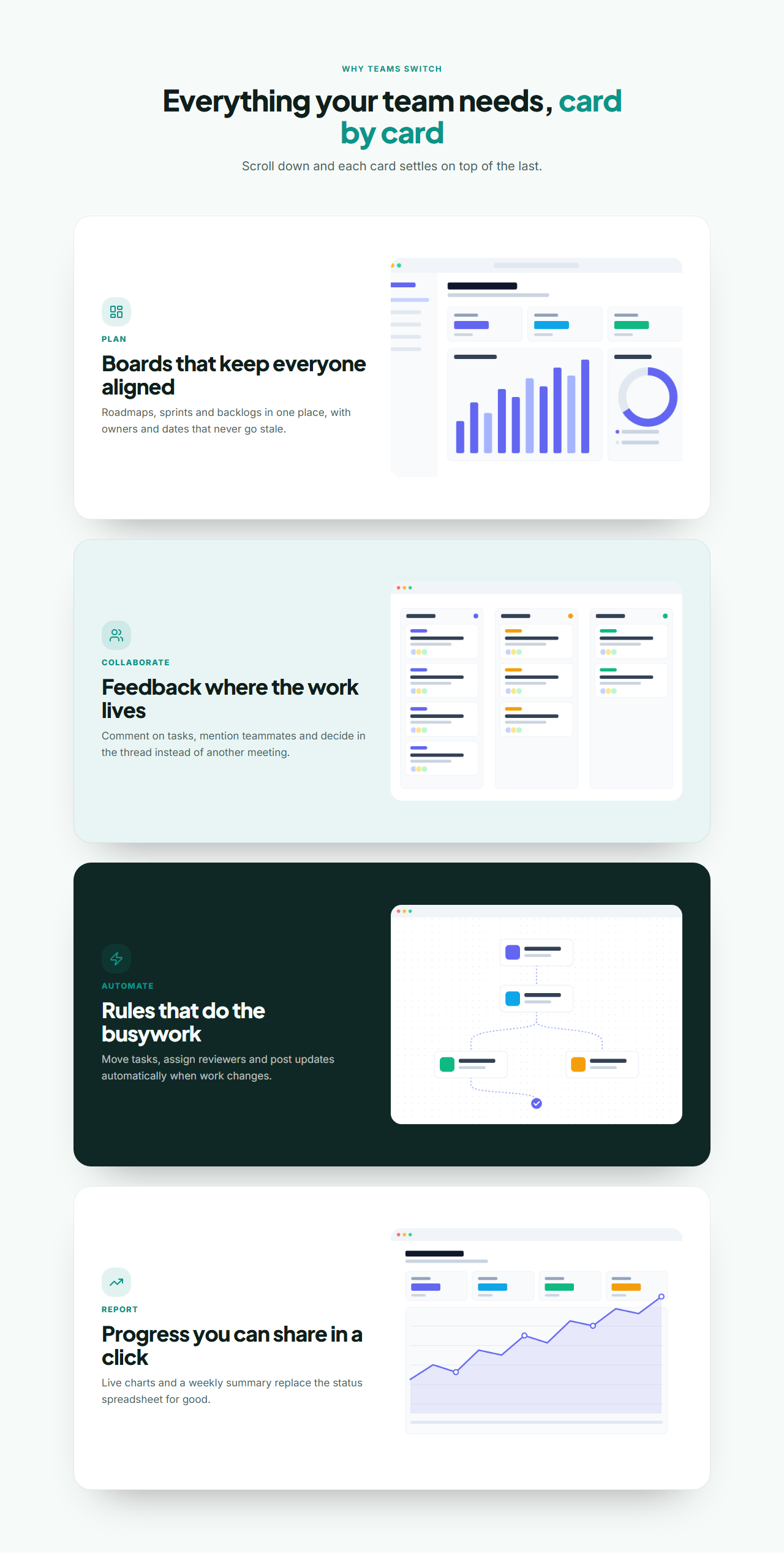
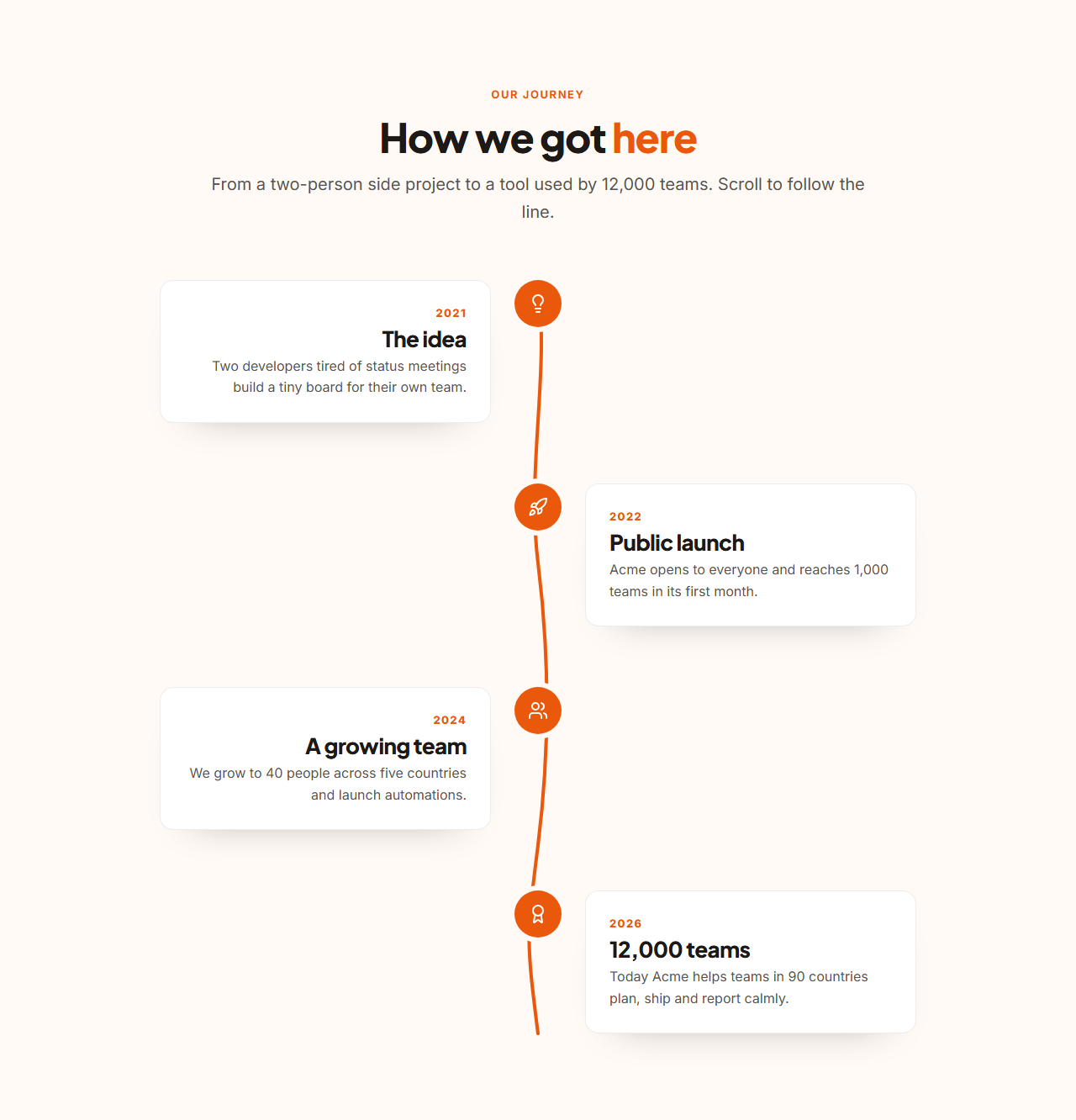
3D Scroll Carousel — Free Website Section Template
Scroll effects · v1.2.0 · Updated 2026-10-27 · Responsive · GSAP animation · HTML, React & Vue
What's included
Features
About this section
3D Scroll Carousel — Free GSAP Coverflow Section
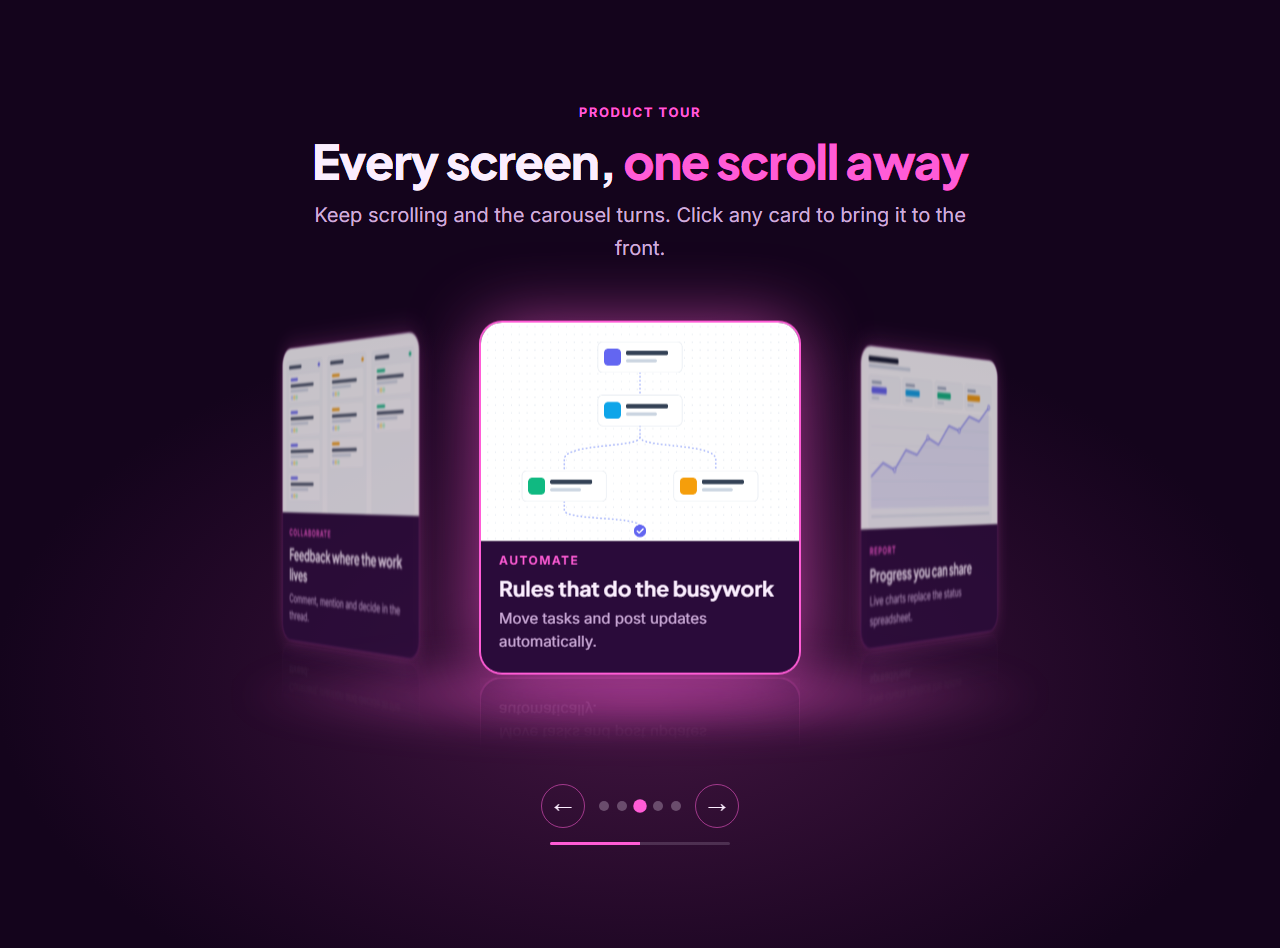
3D Scroll Carousel is a scroll-driven 3D carousel, also known as a coverflow or cylinder carousel, with four styles to choose from. Cards sit in perspective: the centre card faces forward with a glowing border while the others curve away, dim and blur. As visitors scroll, the carousel turns and the next card swings to the front.
Four styles in one section
Pick Cylinder ring (cards on a circle, as on Spline-style sites), Coverflow (a flat row with angled sides, like the classic iTunes look), Tilted stack (cards behind each other that peel away to the left) or Arc (a shallow curve with the cards fanned out). Switching style is one setting; your cards and links stay the same.
Drag and swipe on every device
On phones and tablets there is no pinning: the carousel stays in the page and visitors drag or swipe it with a finger, and it follows the touch and settles on a card. On desktop you can also drag it with the mouse, one card per swipe, as well as scroll. Vertical page scrolling still works normally on touch screens.
Depth you can feel
On devices with a mouse, the front card tilts toward the pointer and its image shifts slightly the other way, so the card feels like a physical object. Cards can also have a soft reflection underneath and a glowing floor in your brand colour. Touch screens and visitors who prefer reduced motion skip the tilt automatically.
Details on the cards or in a caption
Show each card's tag, title and text on the card, or switch to image-only cards with a caption below the carousel that changes as the front card changes, with a button linking to that card's page. You set the button text, and a thin progress bar shows how far through the cards the visitor is. The caption is announced politely to screen readers as it changes.
How the scrolling works
The section pins to the screen and GSAP ScrollTrigger ties the carousel's position to scroll progress. Each card is placed with real CSS 3D transforms (translate, rotateY and perspective), and the scroll snaps so a card always lands in the centre.
More than scrolling
Arrows, dots, a click on any side card, and keyboard focus all bring a card to the front, so the carousel works for people who do not like scroll-jacking too. The front card is marked as active and links to its own page.
A real layout without JavaScript
On phones, without JavaScript, with reduced motion and while you edit it, the section is a swipeable row of the same cards with scroll snapping, so nothing is ever hidden and every link is in the HTML.
Every setting and option
Heading group: an optional eyebrow, a heading where words wrapped in asterisks are coloured with your brand colour, and an optional intro text.
Style: Cylinder ring, Coverflow, Tilted stack or Arc, chosen from a list. The cards, links and settings stay the same when you switch.
Card details: On the cards, or Below the carousel (image-only cards with a caption and a button). Caption button text: the wording of the button, such as View details or Read the story.
Mouse tilt and depth: On or Off. On mouse devices the front card tilts up to about 9 degrees toward the pointer and its image shifts the other way. Touch screens and reduced motion skip it.
Reflection and glowing floor: On or Off. A soft reflection under each card (Chrome, Edge and Safari; Firefox shows the glowing floor only) and a brand-coloured glow under the carousel.
Cards: 3 to 8 cards, each with an image (uploaded or linked), image alt text, a tag, a title, a text line and a link. Add, remove, duplicate and reorder them, or change their order with the arrows in the panel.
Colours, fonts and shape: every colour comes from the theme (brand, background, card surface, text, muted text), so the glow, the active border and the dots follow your brand colour. Choose any theme preset or brand kit, a heading and body font pair, the corner radius, the content width and the overall text size, spacing and gap scale.
Motion in the Website Builder: the heading can use entrance animations and headline effects such as words rising or a line reveal, and scroll animations can be added on top. The carousel itself always runs its own scroll rotation.
Ways to move it: scrolling (one card per step, with snapping), dragging or swiping, the previous and next arrows, the dots, a progress bar that shows where you are, a click on any side card, and keyboard focus on a card. The scroll length is about half a screen per card, measured from the window, so it stays right after a resize, and the section sits just below a sticky header when there is one.
Where it runs: on screens 900 pixels and wider the section pins and scrolling turns the carousel. On phones and tablets the same 3D carousel stays in the page and is dragged or swiped. Without JavaScript or with reduced motion it is a swipeable row of the same cards with scroll snapping. In the editor the carousel shows a middle card in front, and you can drag it or use the arrows and dots.
Accessibility and SEO: the carousel is marked as a labelled region, arrows and dots are real buttons with labels, the dot for the front card is marked as current, and every card is a normal link in the HTML, so search engines, AI assistants and screen readers read all of it.
Edit and export
Edit everything in the browser, then export HTML, a ZIP, React, Vue or a Next.js site, or fork it into My Code. It is already placed in the SaaS, Mobile App, Creative Agency and Personal Portfolio website templates, and you can add it to any page in the Website Builder. Pair it with the Horizontal Scroll Gallery or Stacking Cards for a page of scroll moments.
Getting the most from it
Use images with the same aspect ratio, ideally screenshots or product shots with clear subjects, because side cards are partly turned away. Five or six cards suit the ring best; Coverflow and Arc work well with five to seven. Give every card a descriptive title and its own link, since the text stays in the HTML for search engines and AI assistants to read, and keep the first card strong because it is the first thing visitors see.
Why use it
Why Use the 3D Scroll Carousel
How it’s different
How It’s Different From Other Free Section Templates
Step by step
How to Use
- 1Edit the contentFill in the heading, style & effects and cards in the panel. Wrap words in *asterisks* to colour them.
- 2Add your imagesUpload your own images (resized in your browser and kept on your device) or paste a hosted image URL.
- 3Match your brandPick a colour preset or exact colours, choose heading and body fonts from Google Fonts or your own uploaded font, set the corner radius and width, or apply your brand kit.
- 4Animate and previewChoose a GSAP entrance effect and speed, press Play animation, and check the section on desktop, tablet and mobile.
- 5Save and exportSave it to My designs, then export a single HTML file, a ZIP with your images, a React or Vue component, or fork it into My Code.
Real-world uses
Common Use Cases
In real websites
Website Templates That Use the 3D Scroll Carousel Section
The 3D Scroll Carousel section is part of 4 complete website templates in the free Website Builder, so you can see it in a full page before you use it on its own: SaaS Landing Page, Mobile App Landing Page, Creative Agency Website, Personal Portfolio Website. Open any of them in the builder to edit the whole page, or keep customising this section by itself.
Got questions?
Frequently Asked Questions
It is a carousel whose items sit in 3D space and move in perspective, with the centre item facing forward. Here the movement is tied to the scroll position, so scrolling turns it. It is also called a coverflow or cylinder carousel.
Four: a cylinder ring with the cards on a circle, a coverflow row with angled sides, a tilted stack where cards peel away, and a shallow arc. Choose one in the Style & effects settings; the cards stay the same.
GSAP ScrollTrigger pins the section and scrubs a progress value from the first card to the last. Each card is placed from that value with translate, rotateY and perspective, and the scroll snaps so one card always sits in front.
Yes. Below 900px the same 3D carousel is dragged or swiped with a finger without pinning the page, and without JavaScript or with reduced motion it is a swipeable row with scroll snapping. The mouse tilt only runs on mouse devices. Cards are real links, focusing one brings it to the front, and arrows and dots are buttons.
It saves an editable copy of your 3D Scroll Carousel in My Code, the UI Snippets code editor: the section markup goes in the HTML panel, its CSS (theme variables, base styles and layout) in the CSS panel, and the GSAP library is added as a CDN link, so you can keep refining the code and save your own versions.
Yes. It is free for personal and commercial websites, with no sign-up, no watermark and no attribution required. Everything runs in your browser and your edits are saved locally.