Desktop · 1280px · shown at 0% · edit the text, images and colours in the panel
Register Form (Sign Up Page) — Free Website Section Template
Login & Sign up · v1.0.0 · Updated 2026-10-25 · Responsive · GSAP animation · HTML, React & Vue
What's included
Features
About this section
Register Form — Free Sign Up Page Template
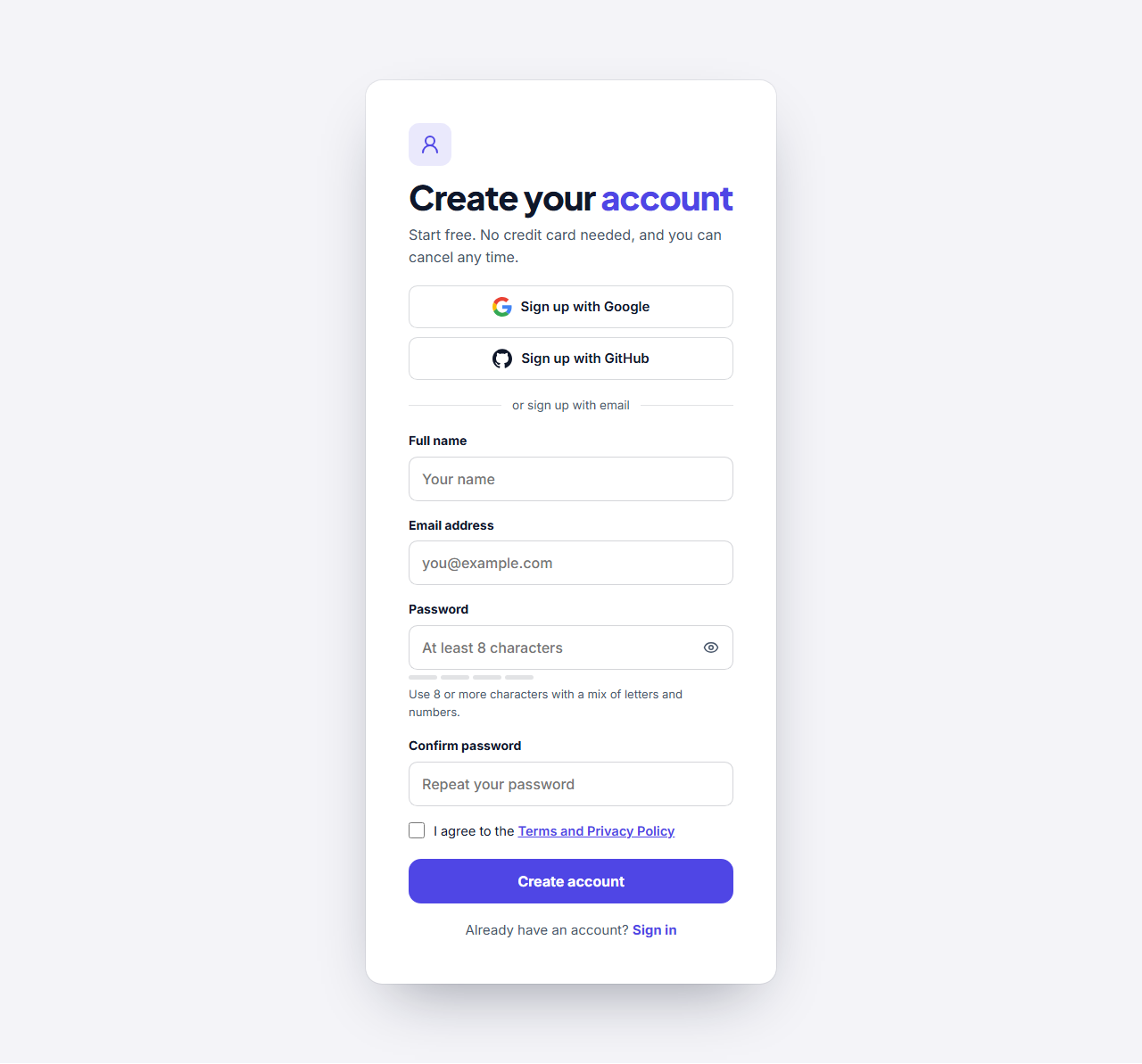
Register Form is a free sign-up page template for trials, free plans, memberships and communities. It asks for a name, an email address and a password, shows how strong the password is as it is typed, checks that the two passwords match and asks the visitor to agree to your terms. Choose a centred card or a split layout with a photo and a customer quote. It fits free trials, memberships, course sign-ups and shop accounts, and the split version gives your sign-up page a friendly, branded look.
Fewer mistakes, more finished sign-ups
A live strength meter with four steps and plain words, from Weak to Strong, helps people choose a good password. The confirm field tells them straight away if the two entries differ, and a show-password button lets them check what they typed. Each of these can be switched off to keep the form short.
Social sign-up and clear terms
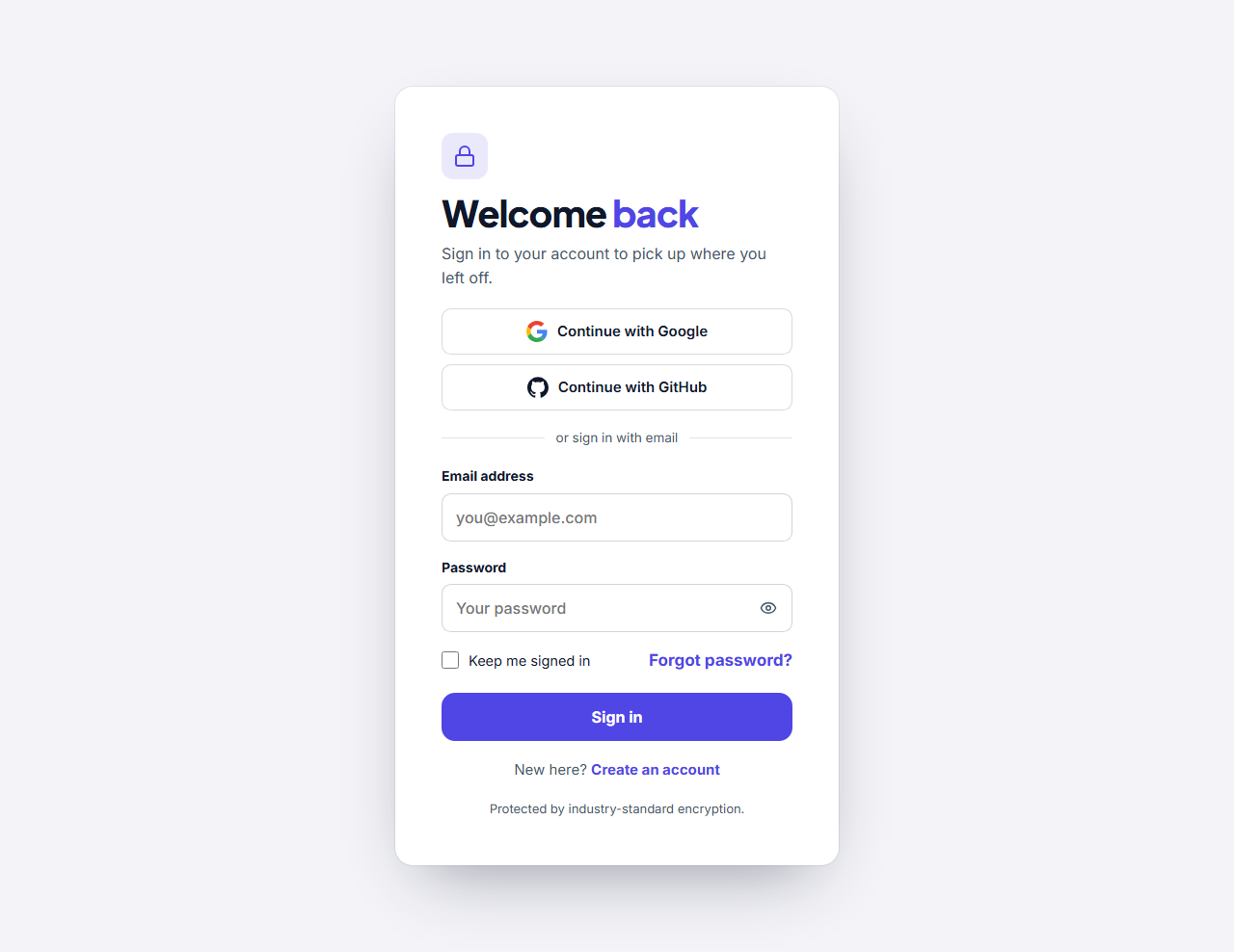
Add buttons for Google, GitHub, Apple, Microsoft or Facebook above the form. A terms checkbox with a link to your terms and privacy pages keeps you covered. A link to your Login Form is ready for people who already have an account.
Works with your own backend
The form posts to the address you enter, with the field names you choose, so it fits your own server, Firebase, Supabase, Auth0 or a newsletter service. This is the front end only: creating the account and sending a confirmation email must happen on your server.
Your brand, your words
Edit every label, placeholder and message by clicking it in the preview, set your colours, fonts and corners once, then export HTML, a ZIP, React or Vue, or add it to a page in the Website Builder.
Why use it
Why Use the Register Form (Sign Up Page)
How it’s different
How It’s Different From Other Free Section Templates
Step by step
How to Use
- 1Edit the contentFill in the heading, form, social sign-in and image panel (split layout) in the panel. Switch the social sign-in and image panel (split layout) on or off. Wrap words in *asterisks* to colour them.
- 2Add your imagesUpload your own images (resized in your browser and kept on your device) or paste a hosted image URL.
- 3Match your brandPick a colour preset or exact colours, choose heading and body fonts from Google Fonts or your own uploaded font, set the corner radius and width, or apply your brand kit.
- 4Animate and previewChoose a GSAP entrance effect and speed, press Play animation, and check the section on desktop, tablet and mobile.
- 5Save and exportSave it to My designs, then export a single HTML file, a ZIP with your images, a React or Vue component, or fork it into My Code.
Real-world uses
Common Use Cases
Got questions?
Frequently Asked Questions
Enter the address your sign-up endpoint expects in the Form URL field and set the name, email, password and confirmation field names. The form then posts to it like any HTML form.
No. It is the front end. Creating the account, storing the password safely and sending a confirmation email must be handled by your server or an authentication service.
It scores the password as it is typed, using its length and a mix of letters, numbers and symbols, and shows four steps with words you can rename.
Yes. Switch off the name field, the confirm-password field, the strength meter, the terms checkbox or the social buttons to leave only the fields you need.
Leave the terms checkbox on. It is required, so the form cannot be sent until it is ticked, and the link text and address are yours to set.
It saves an editable copy of your Register Form (Sign Up Page) in My Code, the UI Snippets code editor: the section markup goes in the HTML panel, its CSS (theme variables, base styles and layout) in the CSS panel, and the GSAP library is added as a CDN link, so you can keep refining the code and save your own versions.
Yes. It is free for personal and commercial websites, with no sign-up, no watermark and no attribution required. Everything runs in your browser and your edits are saved locally.