
Desktop · 1280px · shown at 0% · edit the text, images and colours in the panel
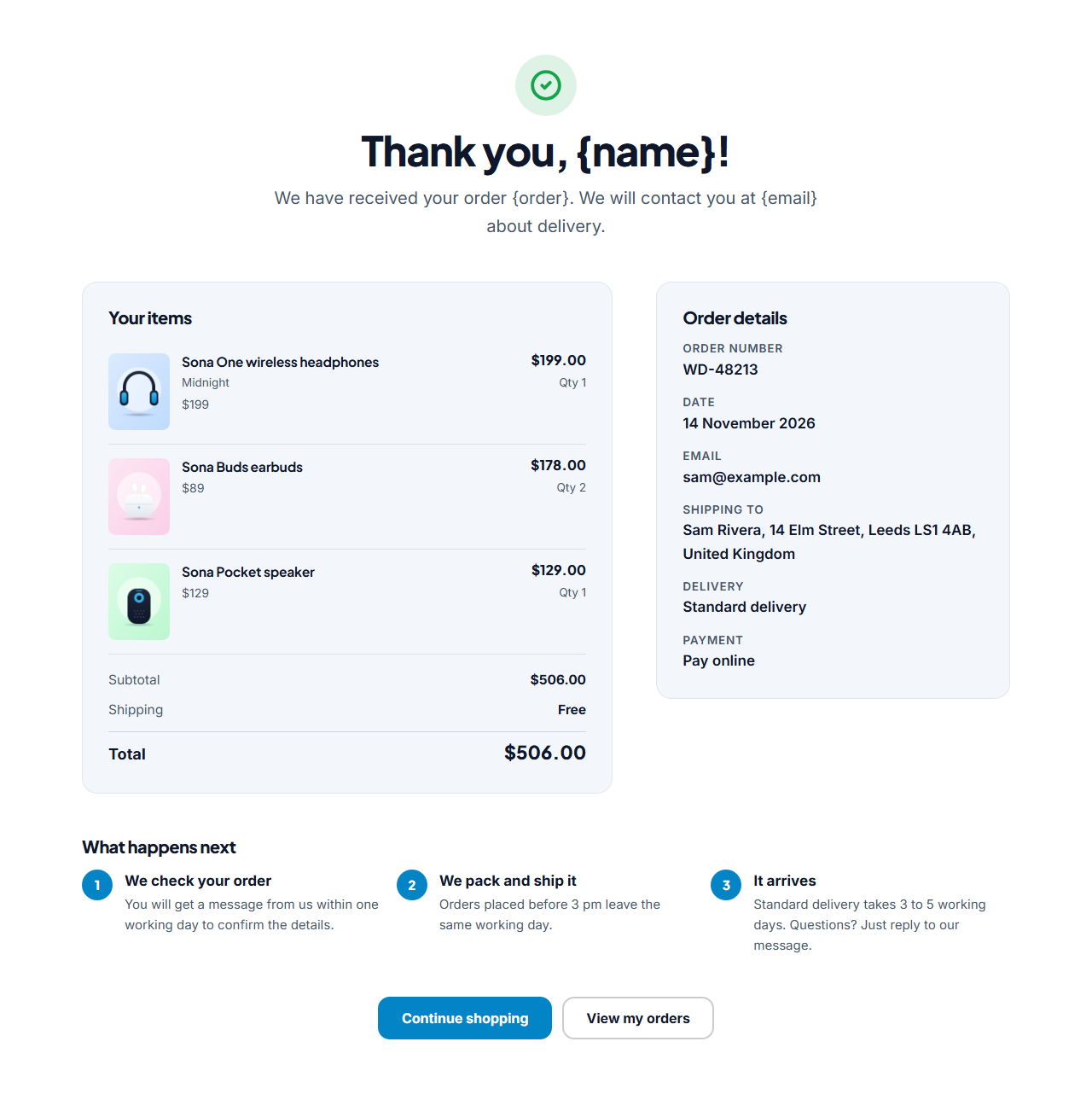
Order Confirmation (Thank You)
Responsive · Animated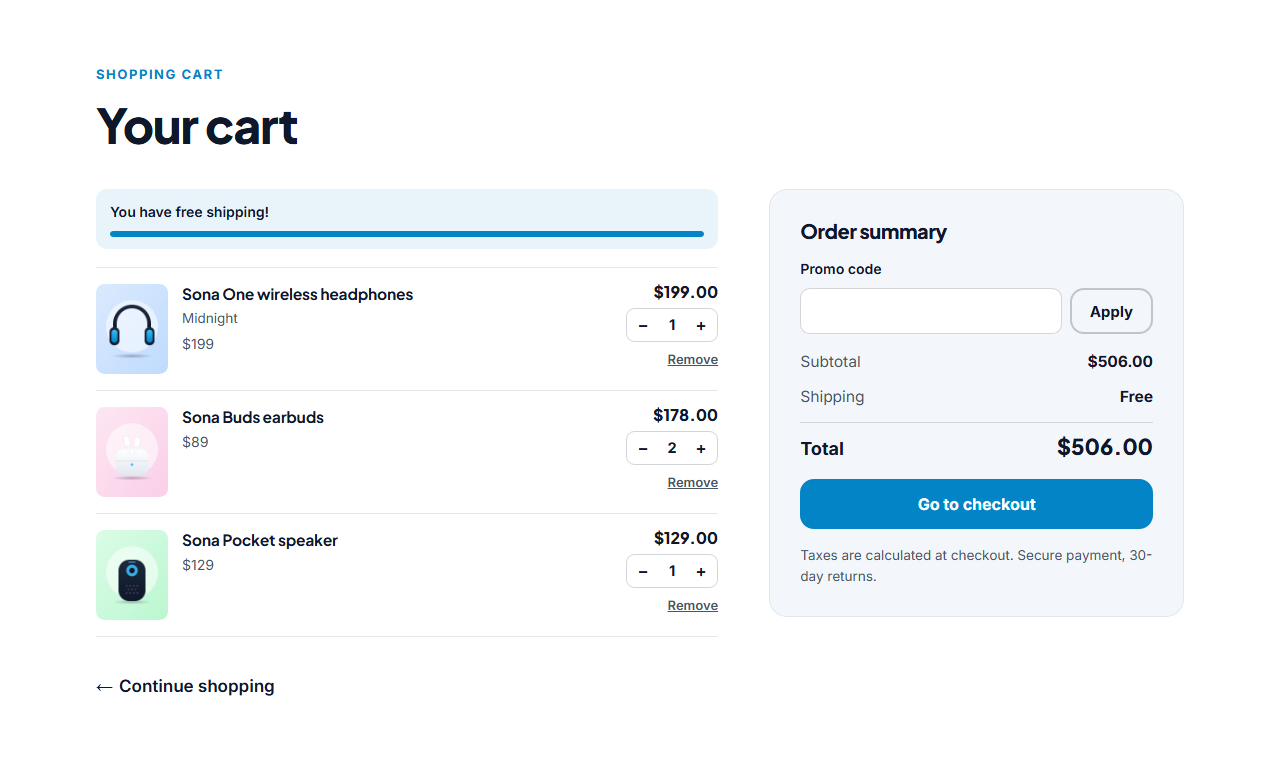
Cart Page
Responsive · Animated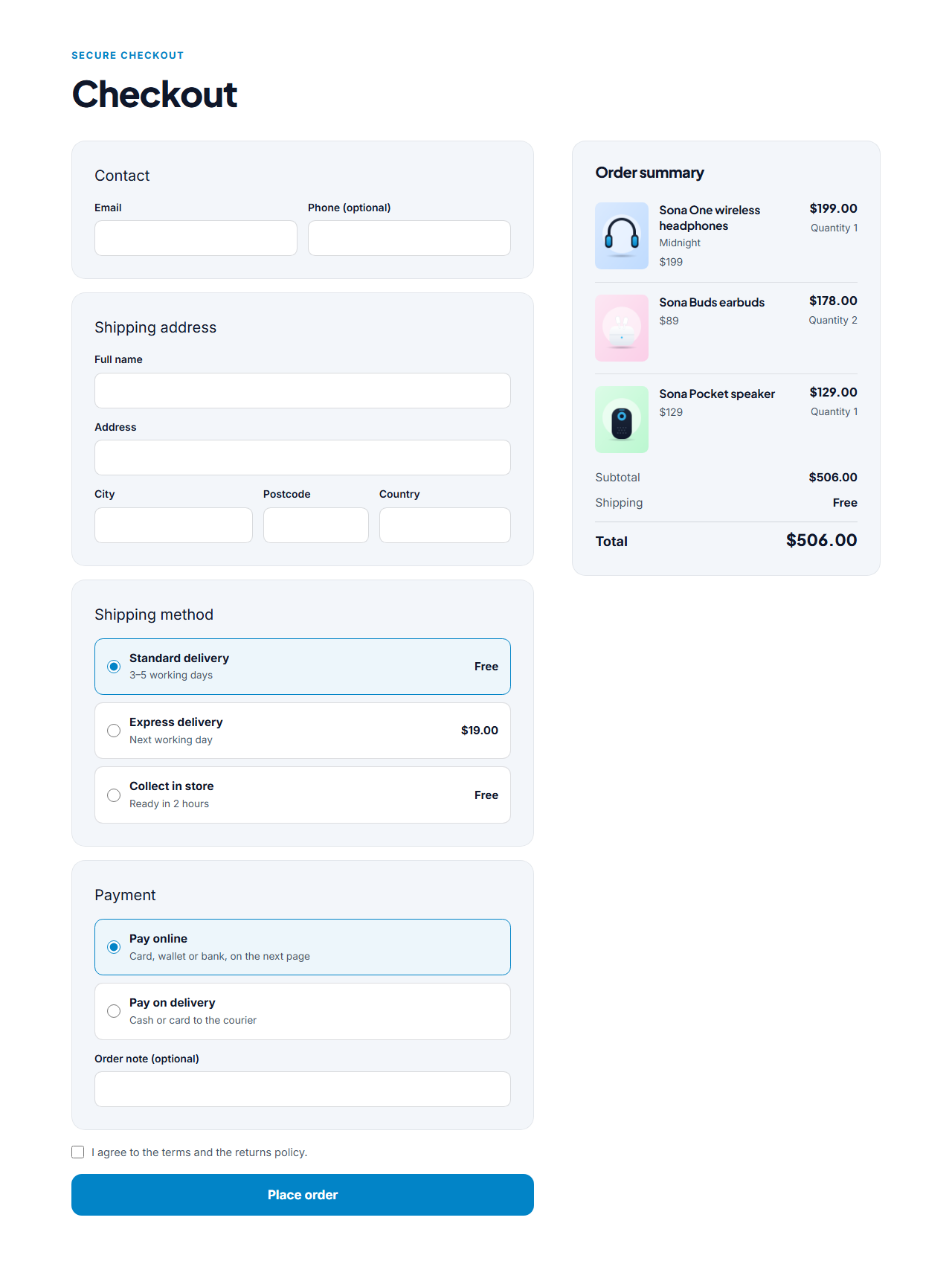
Checkout Page
Responsive · Animated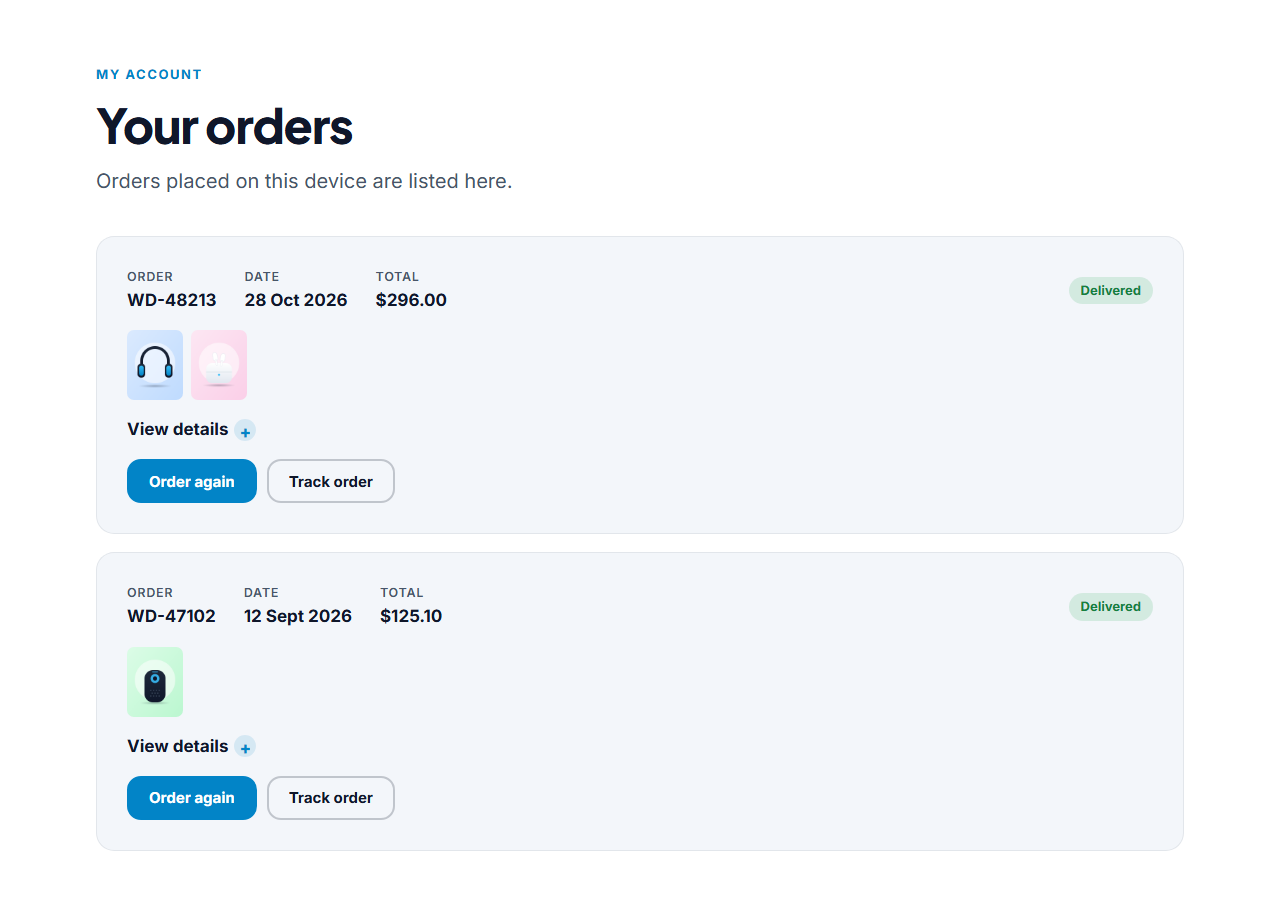
Order History (My Orders)
Responsive · Animated
Wishlist Page
Responsive · AnimatedOrder Confirmation (Thank You) — Free Website Section Template
Cart, checkout & orders · v1.0.0 · Updated 2026-11-14 · Responsive · GSAP animation · HTML, React & Vue
Extend with AI
Take This Section Further With AI
Ask an AI assistant to adapt the page: add a print receipt button, a delivery tracker, a referral offer or an upsell block.
Prompt to recreate it
Copy this into your AI assistant of choice to build the effect from scratch, or as a jumping-off point for your own variant:
Create an order confirmation (thank you) page in plain HTML, CSS and JavaScript that reads the last order from localStorage.

- A centred hero with a green check icon, "Thank you, {name}!" and a message with the order number and email. Replace the tokens from the saved order.
- Two columns: a card with the order items (photo, name, options, quantity, line total) and subtotal, discount, shipping and total; and a details card (order number, date, email, shipping address, delivery method, payment).
- A "What happens next" row of three numbered steps and two buttons (Continue shopping, View my orders).
- If there is no saved order show a polite message and a button to the shop.
Want to tighten it up first? Run this prompt through the AI Prompt Studio to score it across 8 quality dimensions, catch anti-patterns, and tune the wording for Claude, ChatGPT, or Gemini before you paste it in.
What's included
Features
About this section
Order Confirmation — Free Thank You Page Template
Order Confirmation is a free thank-you page for the moment after checkout. A big check mark and a message greet the shopper by name, then the page shows the order number, the items they bought with photos, the totals, the shipping address, delivery method and payment choice, and a "what happens next" list with up to five steps. Buttons lead back to the shop and to the order history.
Reads the order from checkout
The Checkout Page saves each order in the browser, and this page shows the latest one, so every shopper sees their own order. The title and message accept tokens: {name} becomes the first name, {order} the order number and {email} the address.
Cuts "did it work?" emails
Shoppers who see an order number, their items and a clear next step stop worrying and stop emailing you. Use the steps to say when you will confirm, ship and deliver, and add a link to your help page.
Safe when there is no order
If someone opens the page with no saved order, it shows a polite "no recent order found" message with a button to the shop instead of an empty summary. In the editors it shows a demo order so you can style it.
Edit and export
Edit every label, the steps and the buttons, and export HTML, a ZIP, React or Vue. Add a recommendation strip below for one more chance to sell.
Why use it
Why Use the Order Confirmation (Thank You)
How it’s different
How It’s Different From Other Free Section Templates
Step by step
How to Use
- 1Edit the contentFill in the thank-you message, order details, what happens next, buttons, when there is no order and labels (screen readers) in the panel. Switch the what happens next on or off. Wrap words in *asterisks* to colour them.
- 2Add your imagesUpload your own images (resized in your browser and kept on your device) or paste a hosted image URL.
- 3Match your brandPick a colour preset or exact colours, choose heading and body fonts from Google Fonts or your own uploaded font, set the corner radius and width, or apply your brand kit.
- 4Animate and previewChoose a GSAP entrance effect and speed, press Play animation, and check the section on desktop, tablet and mobile.
- 5Save and exportSave it to My designs, then export a single HTML file, a ZIP with your images, a React or Vue component, or fork it into My Code.
Real-world uses
Common Use Cases
Got questions?
Frequently Asked Questions
From the browser. The Checkout Page saves the order when it is placed, and this page reads the latest one. If the shopper opens the page on another device there will be no saved order.
They are replaced on the live page with the shopper's first name, the order number and their email. In the editors the tokens stay visible so you can edit the text.
Yes. Set your payment link's success page to this page. The order was saved before the shopper left, so it appears when they return.
No. It is a page. Send emails from your form service or shop platform; the Email Templates library has order confirmation designs you can adapt.
It saves an editable copy of your Order Confirmation (Thank You) in My Code, the UI Snippets code editor: the section markup goes in the HTML panel, its CSS (theme variables, base styles and layout) in the CSS panel, and the GSAP library is added as a CDN link, so you can keep refining the code and save your own versions.
Yes. Every section is free for personal and commercial work, with no account, no watermark and no attribution: export it on its own as HTML, React, Vue or Next.js from its page, or use it in a website you build and export in the Website Builder.