Cursor Effect & Back to Top Button Templates
2 free, editable cursor & page effects section templates. Page-wide effects that take no space in the layout: cursor followers that invert what is under them and floating back-to-top buttons. Change the text, images, colours and fonts in your browser, add a GSAP animation, then export HTML, React or Vue.
Cursor Effect & Back to Top Button Templates
2 sections · Responsive · GSAP animation · HTML, React & Vue
About these sections
Cursor Effect & Back to Top Button Templates
Some of the best details on a website do not live in a section at all: they float above the page and react to the visitor. These templates take no space in your layout and work across the whole page.
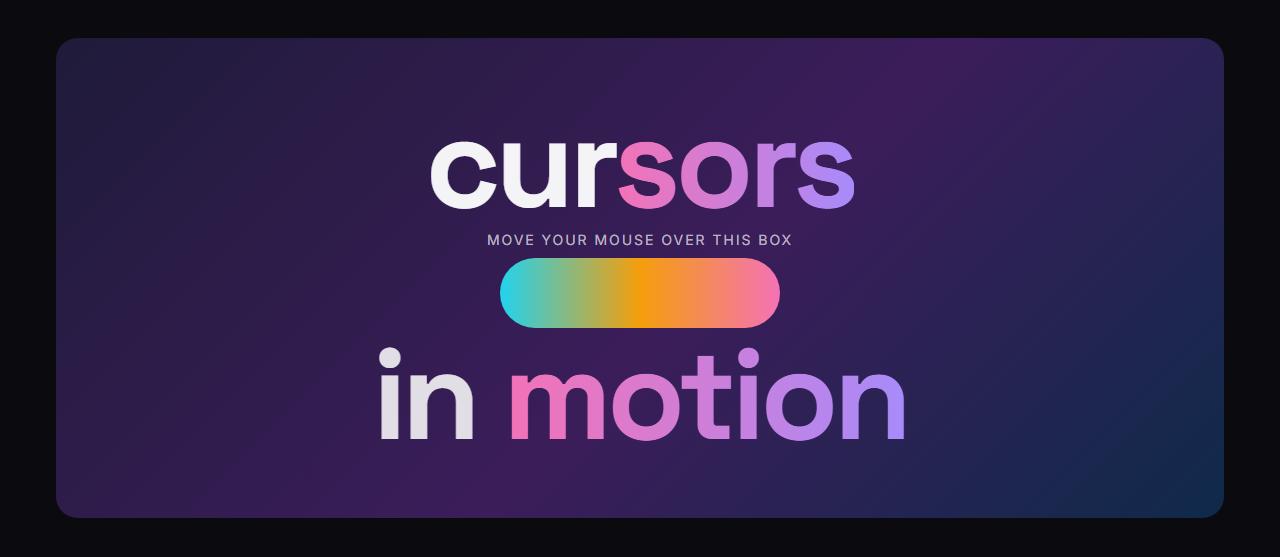
The Cursor Follower puts a circle on the page that trails the mouse and uses a CSS blend mode such as difference or exclusion to invert the text and images beneath it. Set its size, colour, border, blend mode and smoothness, and it grows over links and switches itself off on touch screens.
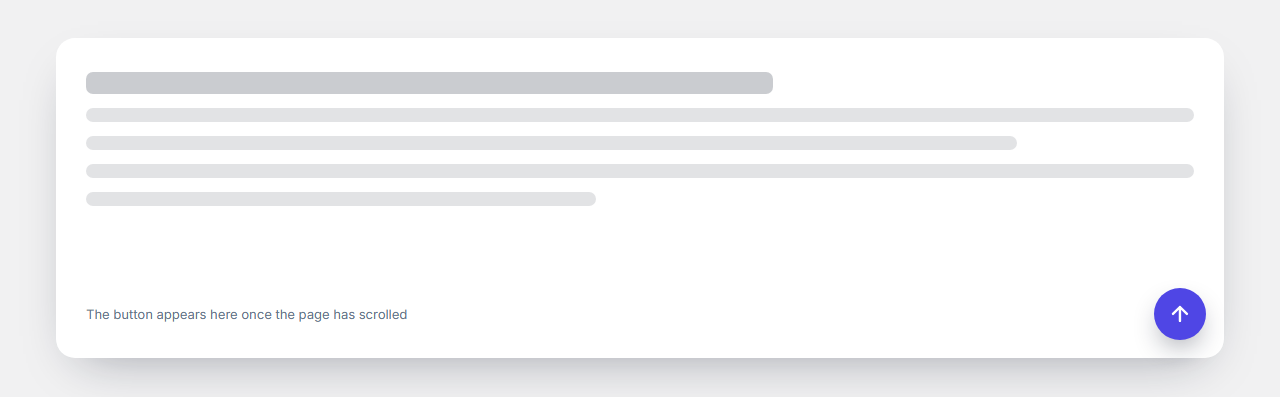
The Back to Top Button appears after a scroll distance you choose and glides back to the top. Pick its icon, corner, size, colours, shape, animation and speed, and hide it on phones if you prefer.
Both are plain HTML, CSS and a short script, work with a keyboard where it matters, respect reduced motion and export to HTML, a ZIP, React or Vue. Pair them with the scroll effect sections for a polished, modern feel.
Cursor Follower (Blend Mode Circle): A circle that follows the mouse across the whole page and inverts or recolours the text and images under it with a CSS blend mode. Choose its size (about 50 to 100 pixels or any size you like), colour, blend mode (difference, exclusion, multiply and more), how smoothly it follows, and an optional border thickness and style. It can grow over links and buttons, switches off on touch screens and uses transforms only, so it stays smooth.
Back to Top Button: A floating scroll-to-top button that appears after the visitor has scrolled down a distance you choose and glides back to the top of the page when clicked. Choose the trigger distance, the arrow icon, the corner (bottom right or left), the size, colours, shape (circle, square, rounded or a custom corner radius), how it appears (fade, slide or zoom), how fast it scrolls, and whether it shows on mobile. It takes no space in your layout and works with a keyboard.
Real-world uses
Best Uses for Cursor & page effects Sections
How it’s different
How These Section Templates Are Different
Step by step
How to Use
- 1Pick a sectionOpen one of the cursor & page effects sections above. Your edits autosave in your browser as you go.
- 2Edit the contentChange the text, buttons, links and images in the panel, and switch optional parts on or off.
- 3Add your brandPick colours, fonts, radius and width, or apply your saved brand kit; every section shares the same theme.
- 4Animate and previewChoose a GSAP entrance effect, press Play animation, and check desktop, tablet and mobile.
- 5ExportDownload HTML or a ZIP, copy a React or Vue component, or fork it into My Code.
Got questions?
Frequently Asked Questions
It adds a circle that trails the mouse across the page. With a blend mode like difference, the circle inverts the colours of the text and images under it, which gives the page a bold, interactive feel.
No. The cursor circle animates transforms only and stops its loop when idle, and the back to top button uses one throttled scroll listener. Neither loads a library or an extra file.
The back to top button does, and you can hide it on small screens. The cursor follower is not created on touch screens, because there is no pointer to follow.
Yes. Each template has an on or off switch in the editor, so you can keep the section in your page and turn the effect off whenever you like.
Cursor Follower (Blend Mode Circle): A circle that follows the mouse across the whole page and inverts or recolours the text and images under it with a CSS blend mode. Choose its size (about 50 to 100 pixels or any size you like), colour, blend mode (difference, exclusion, multiply and more), how smoothly it follows, and an optional border thickness and style. It can grow over links and buttons, switches off on touch screens and uses transforms only, so it stays smooth. Back to Top Button: A floating scroll-to-top button that appears after the visitor has scrolled down a distance you choose and glides back to the top of the page when clicked. Choose the trigger distance, the arrow icon, the corner (bottom right or left), the size, colours, shape (circle, square, rounded or a custom corner radius), how it appears (fade, slide or zoom), how fast it scrolls, and whether it shows on mobile. It takes no space in your layout and works with a keyboard.
Yes. Every section is free for personal and commercial websites, with no account and no watermark. Everything runs in your browser and your edits are saved locally.