Instagram & LinkedIn Carousel Templates
3 free carousel slides templates for Instagram, Facebook and X. Cover, step and final slides for swipeable carousel posts. Edit in your browser, download every post size or copy the HTML.

Instagram & LinkedIn Carousel Templates
3 templates · Instagram, Facebook & X · PNG, JPEG & HTML
About this category
Instagram & LinkedIn Carousel Templates
Carousels tend to earn some of the most saves and the longest viewing time on Instagram and LinkedIn, but only if every slide looks like part of the same post. This set gives you three matching slide types: Carousel Cover Slide with a big hook, slide counter and "Swipe →" prompt, Carousel Step Slide with an outlined step number and progress indicator for each point, and Carousel Final Slide that asks readers to like, comment, save, share and follow.
They share the same fonts and palette, start at the 1080×1350 (4:5) size that takes the most feed space, and remember your edits, so building a 7-slide carousel is a few minutes of typing and downloading.
A carousel earns attention by keeping people swiping, so the first slide has to promise something and the last has to ask for something. Use the cover slide for a clear title, the step slides for one idea each, and the closing save slide to remind people to bookmark and follow. Keep each slide short, use the same layout throughout and number the steps. On LinkedIn, export the slides as a single PDF, which posts as a swipeable document; on Instagram, download the images.
Carousel Cover Slide: The first slide of a carousel: a bold hook headline on a vivid gradient, a slide counter, your handle and a "Swipe" arrow that invites the next tap.
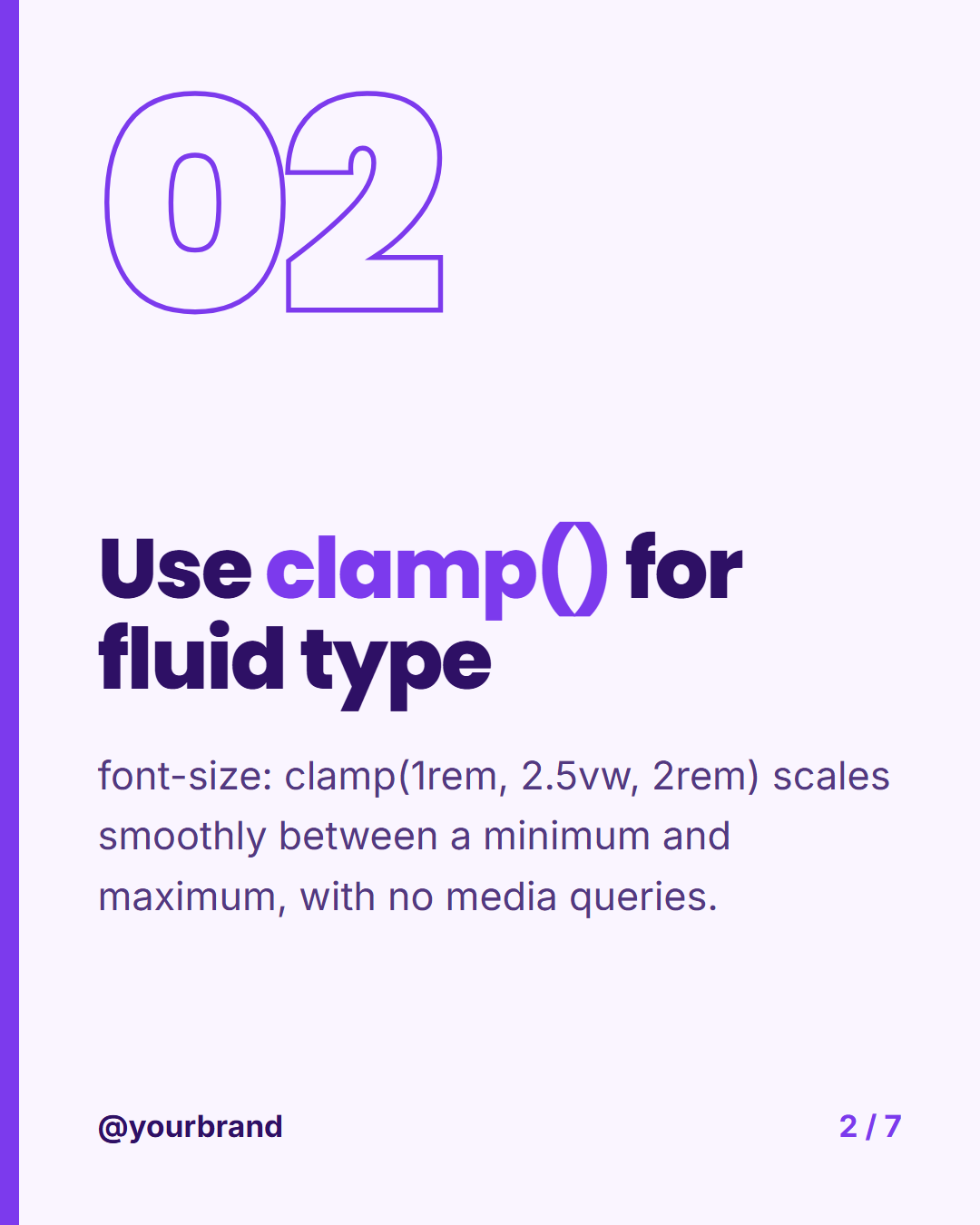
Carousel Step Slide: A middle carousel slide with a large outlined step number, the step title, a short explanation and progress dots, so every slide in a series matches.
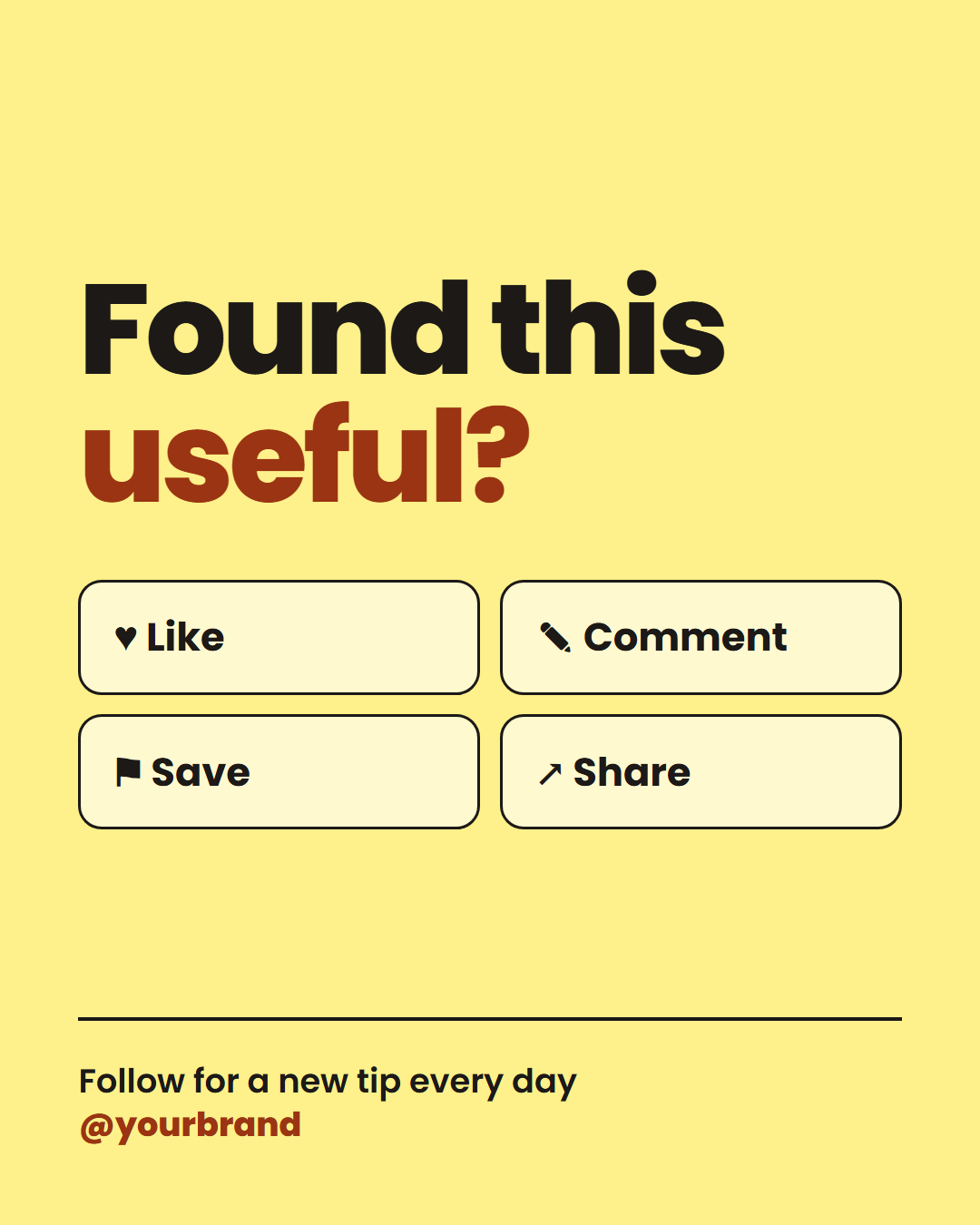
Carousel Final Slide: The closing slide of a carousel: "Found this useful?", four action chips (like, comment, save, share), a follow line, your handle and logo.
Templates in this category
Best Uses for Carousel Slides Templates
How it’s different
Why These Templates Instead of Canva-Style Ones
Got questions?
Frequently Asked Questions
Make one cover, one step slide per point and a final slide, all at 1080×1350. Download each and upload them together as one post, in order. Every slide must use the same aspect ratio.
Yes. Choose Export, then "Carousel as PDF", and upload the file as a LinkedIn document post. The 4:5 portrait and square sizes both work well.
Between five and ten slides works for most topics: a cover, a handful of content slides and a closing call to action. Each slide should make one point, so people want to swipe to the next.
In the Export menu choose the carousel PDF option, which puts every slide on its own page in one file. Upload it to LinkedIn as a document and it appears as a swipeable post.
Yes. The cover, step and save templates share the same theme options, so pick a palette and fonts once, save your brand kit and reuse it. Save each slide to My designs to come back later.
Carousel Cover Slide: The first slide of a carousel: a bold hook headline on a vivid gradient, a slide counter, your handle and a "Swipe" arrow that invites the next tap. Carousel Step Slide: A middle carousel slide with a large outlined step number, the step title, a short explanation and progress dots, so every slide in a series matches. Carousel Final Slide: The closing slide of a carousel: "Found this useful?", four action chips (like, comment, save, share), a follow line, your handle and logo.
Portrait post 1080×1350 (4:5), Square post 1080×1080 (1:1), Story / Reel 1080×1920 (9:16), Landscape post 1600×900 (16:9), LinkedIn image 1200×627 (1.91:1), Pinterest pin 1000×1500 (2:3). Every template adapts to each size, and "All sizes (ZIP)" downloads them together.