Click any text to edit it · drag a photo to reposition it, scroll to zoom, click to replace
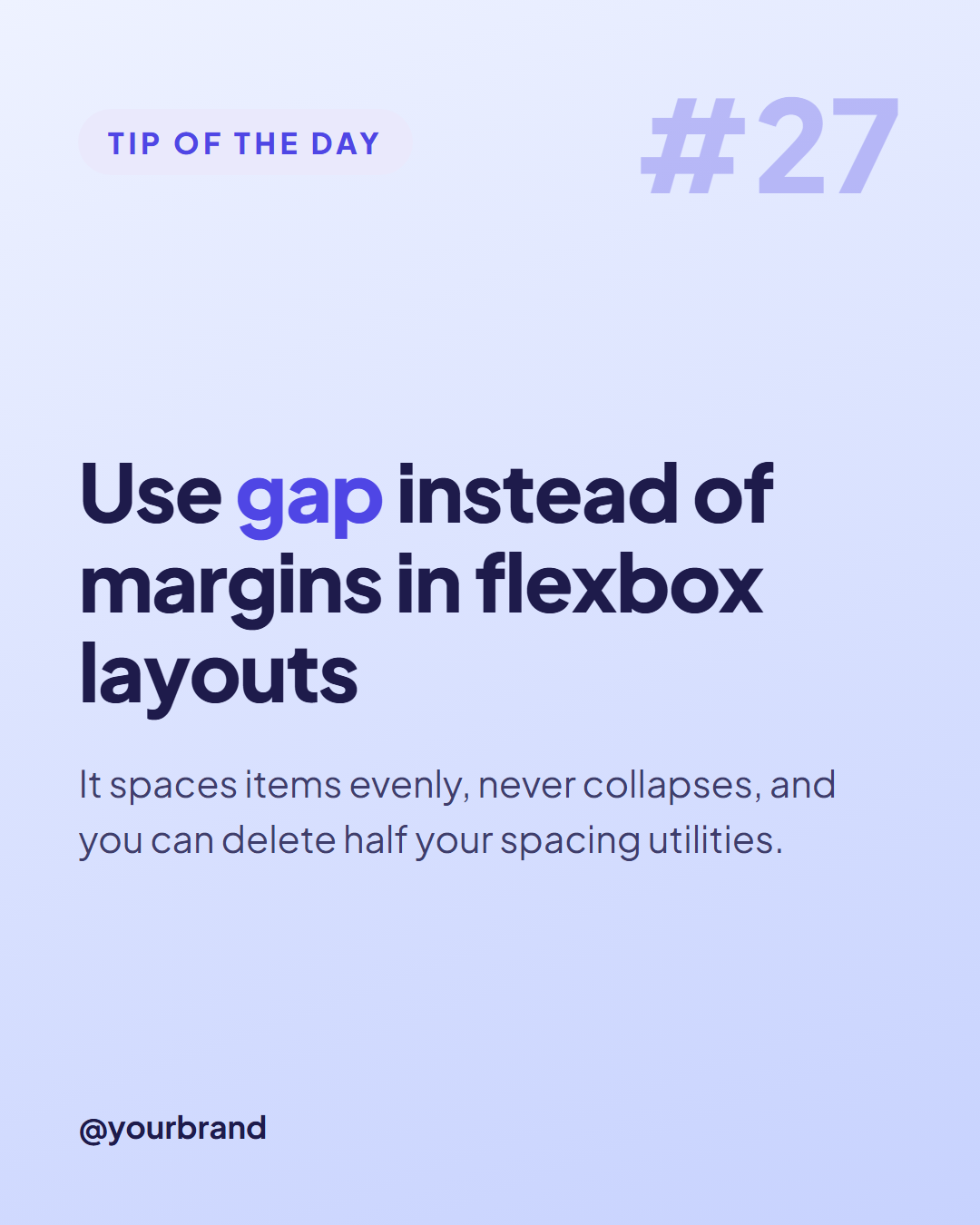
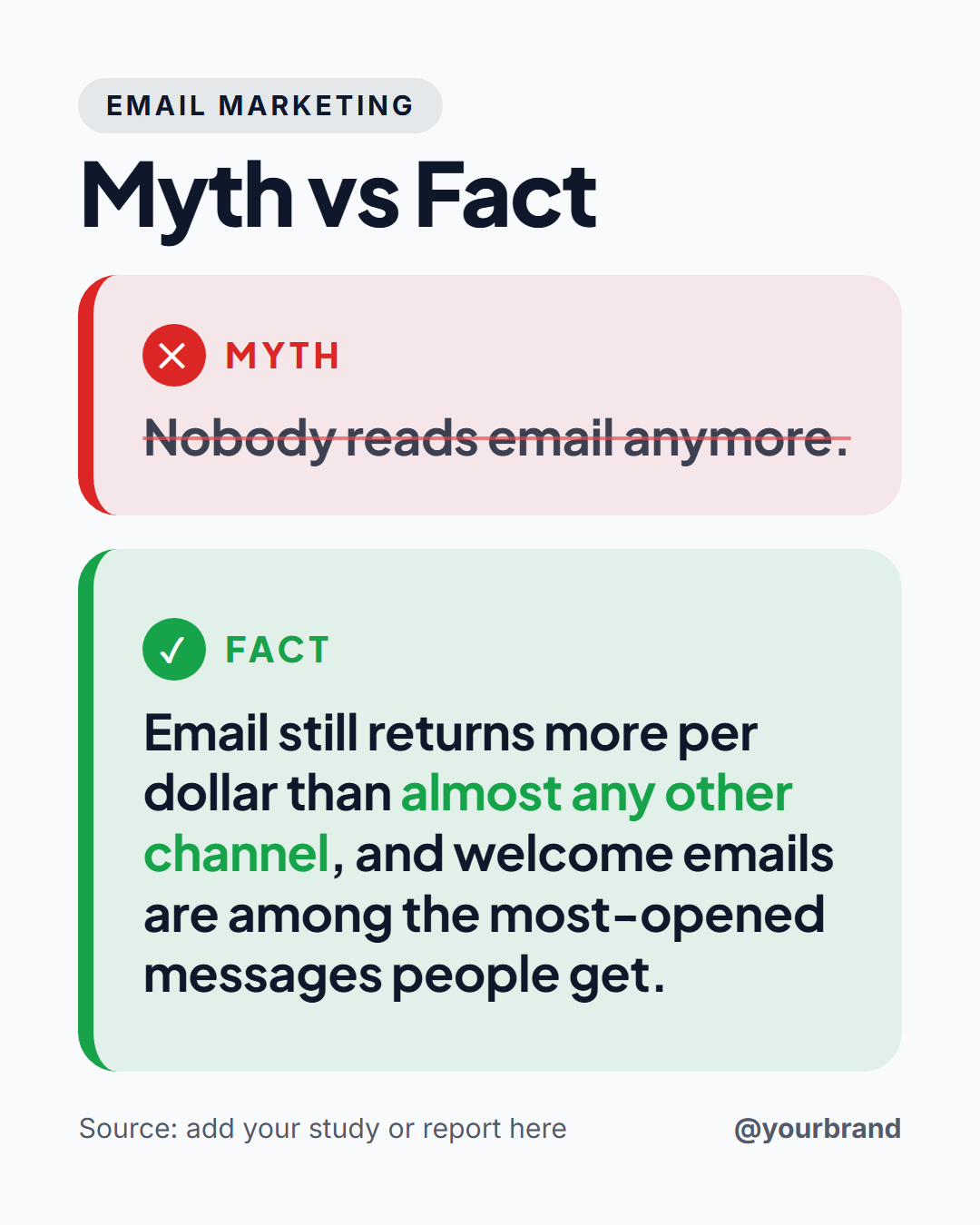
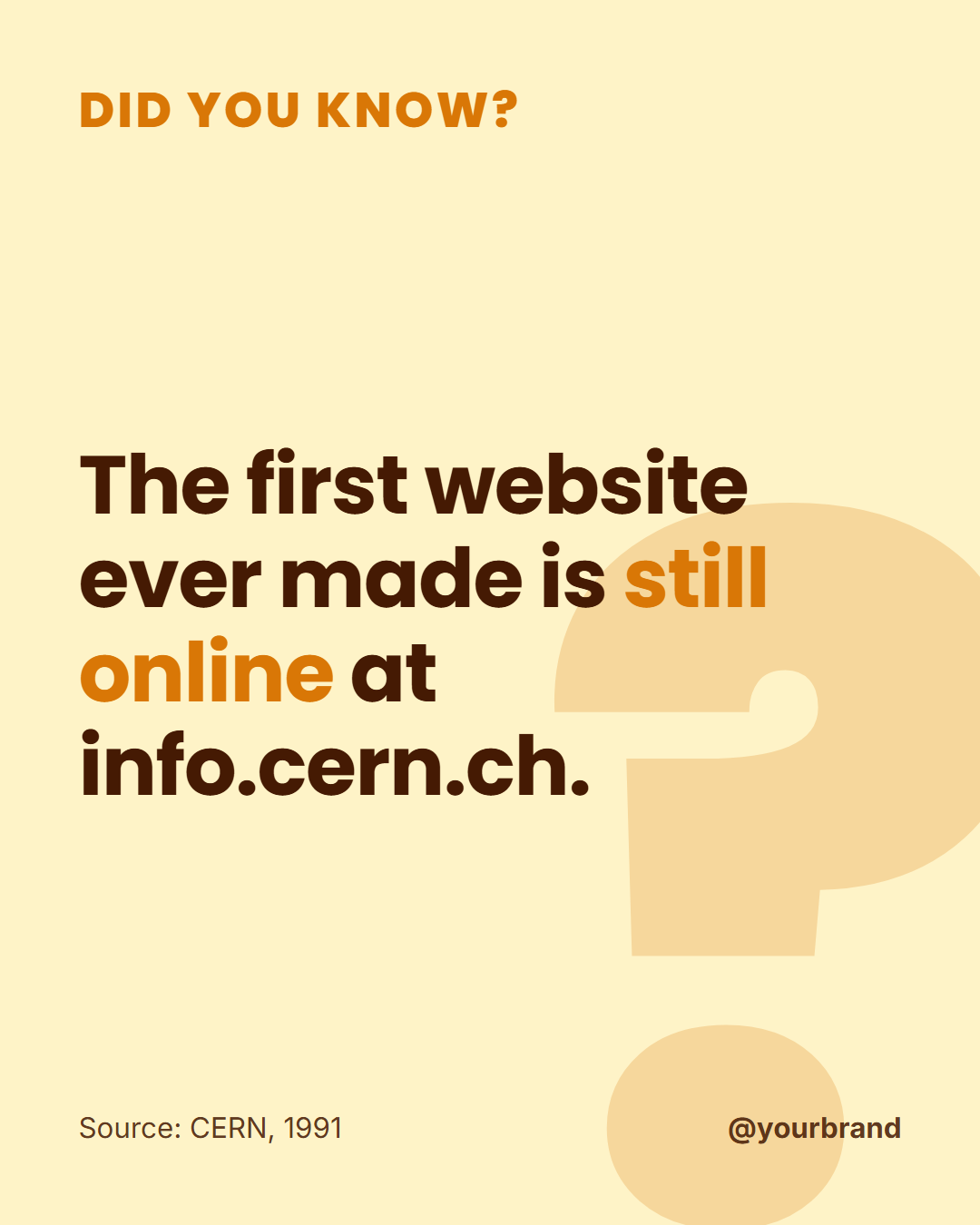
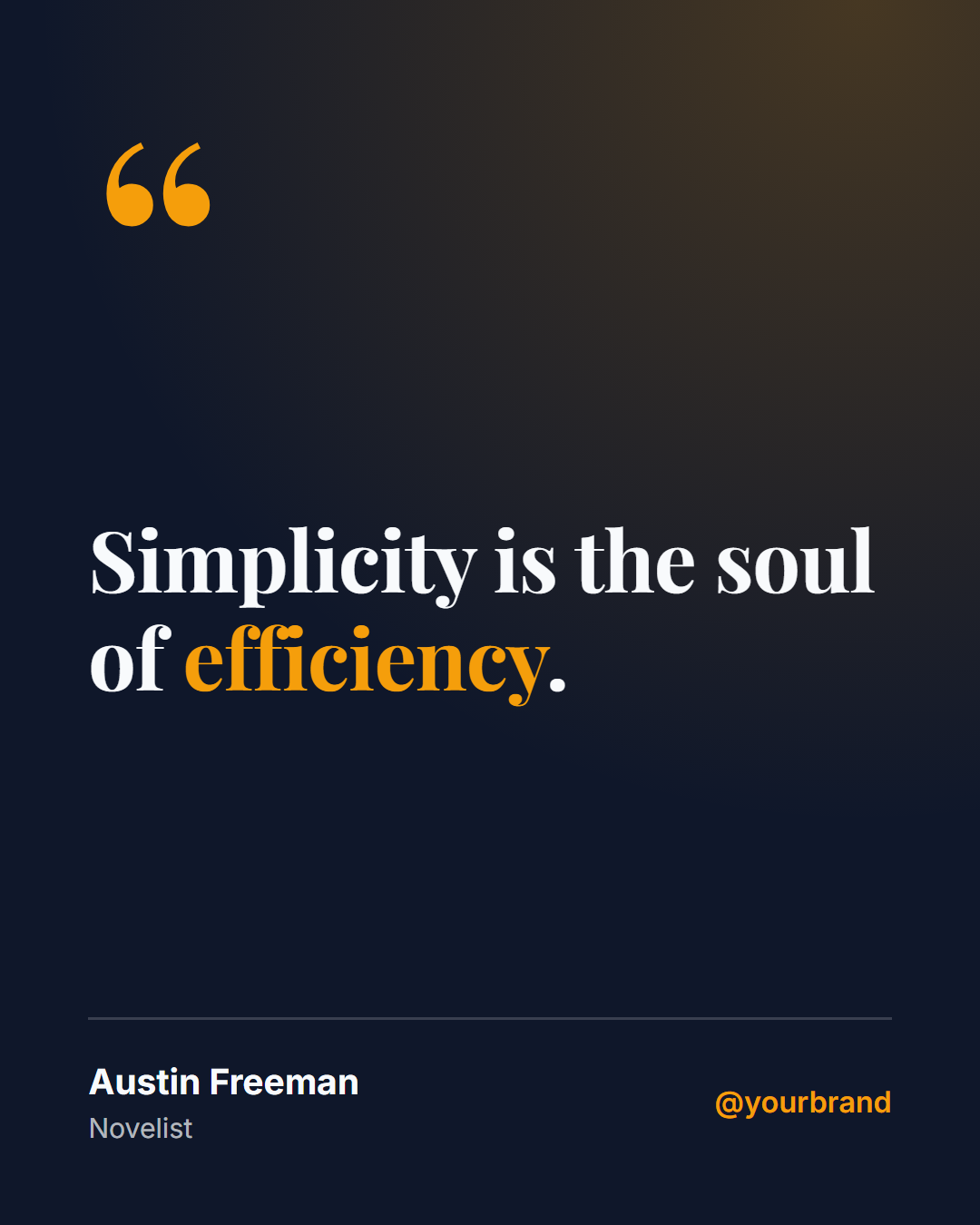
Numbered List Post — Free Quotes & Tips Social Post Template
Quotes & Tips · v1.0.0 · Updated 2026-10-20 · Instagram, Facebook & X · HTML + CSS
What's included
Features
About this template
Numbered List Post — Free "5 Tips" Listicle Template for Instagram & LinkedIn
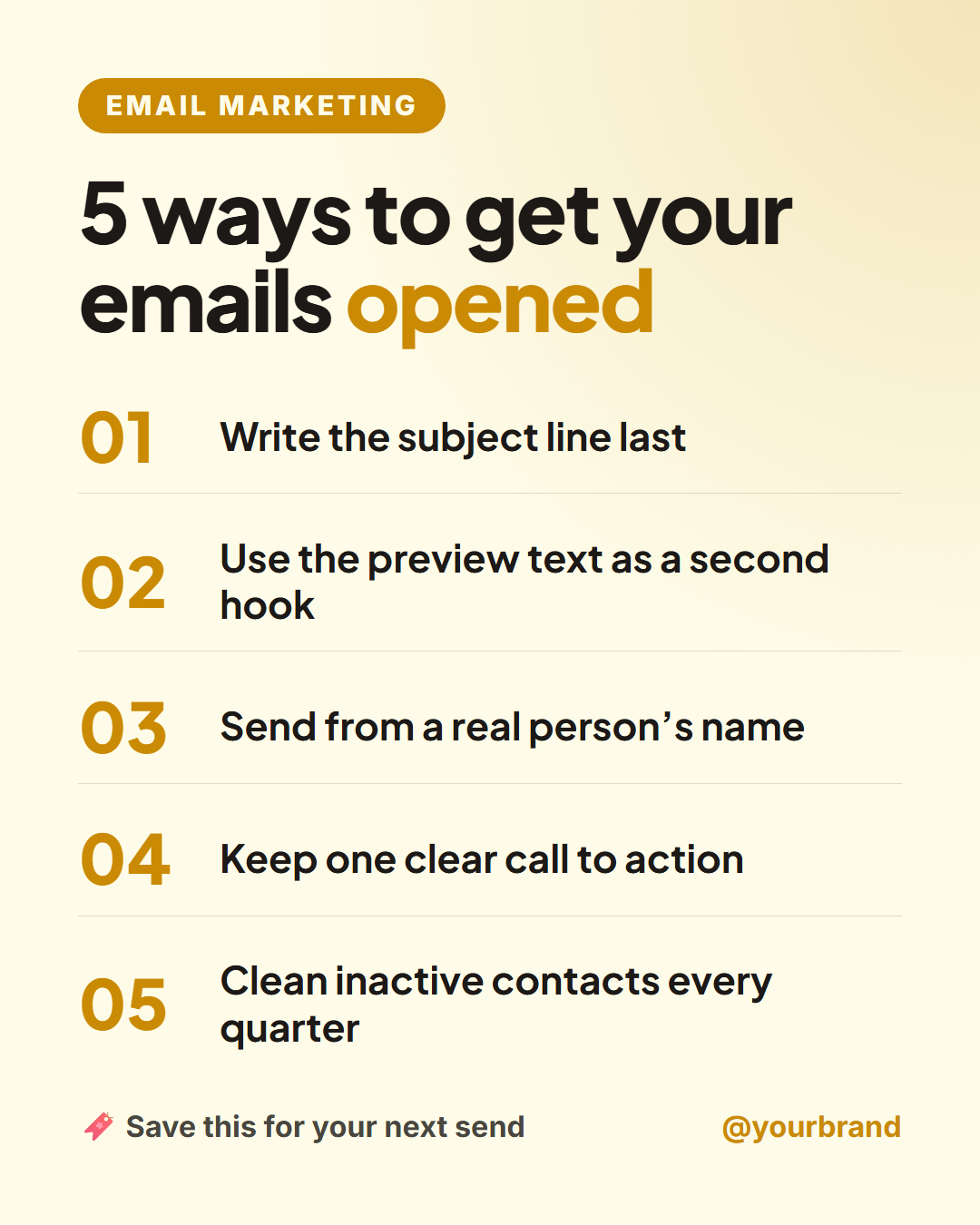
Numbered List Post is a free listicle template for the posts people save most: "5 ways to…", "3 mistakes to avoid", "7 tools I use". A small topic label and a bold headline sit above up to five numbered points with large accent numerals, a "save this" prompt and your handle.
Why list posts work
Lists promise a specific, skimmable payoff before anyone reads a word, which is why "X tips" posts are among the most saved and shared formats on Instagram and LinkedIn. Numbered points also make it easy for people to reference them in comments ("number 3 changed everything"), and a clear save prompt nudges the save, which platforms treat as a strong signal.
Flexible length, consistent design
Write three, four or five points: any empty point hides itself and the rest spread to fill the space, so a "3 mistakes" post looks just as finished as a "5 tips" post. Long points shrink step by step until they fit. Wrap a word in the headline in *asterisks* to colour it, such as "opened" in "5 ways to get your emails opened".
Every size from one design
On the 4:5 feed size the list sits under the headline. On 16:9 for X and LinkedIn the headline moves into a left column and the list fills the right. The Story size gives each point more room. For longer lists, turn each point into its own slide with the Carousel Step Slide, or pair the post with Tip of the Day for a daily series.
Why use it
Why Use the Numbered List Post Template
How it’s different
How It’s Different From Canva-Style Templates
Step by step
How to Use
- 1Pick the sizeChoose Portrait 4:5 (the Instagram feed default), Square, Story / Reel, Landscape 16:9 for X, a 1200×627 LinkedIn image or a 1000×1500 Pinterest pin. Numbered List Post opens at 1080×1350.
- 2Edit the textClick any text in the preview, or use the fields on the left (small label, headline, point 1, point 2 and more). Wrap words in *asterisks* to colour them.
- 3Match your brandApply your saved brand kit or one of 12 palettes, set exact colours, and choose heading and body fonts from any Google Font or your own uploaded font.
- 4Preview it in the feedSwitch the preview to Instagram, Story, X or LinkedIn to see the post with your name, handle and caption, and fix anything the quality checks flag.
- 5Download, save or bulk createDownload PNG, JPG or PDF, every size as a ZIP, or copy the HTML. Save it to My designs to reuse later, or turn a CSV into dozens of posts with Bulk create.
Real-world uses
Common Use Cases
Got questions?
Frequently Asked Questions
Open the Numbered List Post template, write a headline such as "5 ways to…", fill in up to five points and add your handle. Keep the 1080×1350 portrait size for the feed and download the PNG.
Yes. Leave points four and five empty and they disappear; the remaining points spread out to fill the space.
Three to five is the sweet spot for a single image: enough to feel valuable, short enough to read on a phone. For longer lists, use a carousel with one point per slide.
Yes. Use the 1080×1350 portrait size in the LinkedIn feed, or the 1200×627 LinkedIn image size, where the headline and list sit side by side.
Portrait post 1080×1350 (4:5): Instagram feed (recommended), Facebook and LinkedIn feeds, X portrait. Square post 1080×1080 (1:1): Instagram, Facebook, LinkedIn and X feeds. Story / Reel 1080×1920 (9:16): Instagram and Facebook Stories, Reel covers. Landscape post 1600×900 (16:9): X feed image, Facebook landscape. LinkedIn image 1200×627 (1.91:1): LinkedIn shared image and link posts, Facebook link images. Pinterest pin 1000×1500 (2:3): Pinterest standard pin (the recommended 2:3 ratio). Switch sizes in the editor and the layout adapts, or click "All sizes (ZIP)" to download every size at once.
Yes. Choose Export, then "Bulk create from CSV", and paste rows from a spreadsheet or upload a CSV whose column names match the Numbered List Post fields. Every row becomes one post, and you download them all as a ZIP.
Yes. The preview switches between the plain design and mock-ups of an Instagram feed post, an Instagram Story, an X post and a LinkedIn post, using the name, handle and logo from your brand kit and the caption you type.
Yes. "Copy HTML" and "Download .html" give you one self-contained file: the markup, all the CSS and links to the Google Fonts it uses. "Fork to My Code" saves an editable copy in the UI Snippets editor. The file records the template name and version (v1.0.0).
Yes. It is free for personal and commercial posts, with no sign-up and no watermark. Everything runs in your browser and nothing you type or upload is sent to a server.